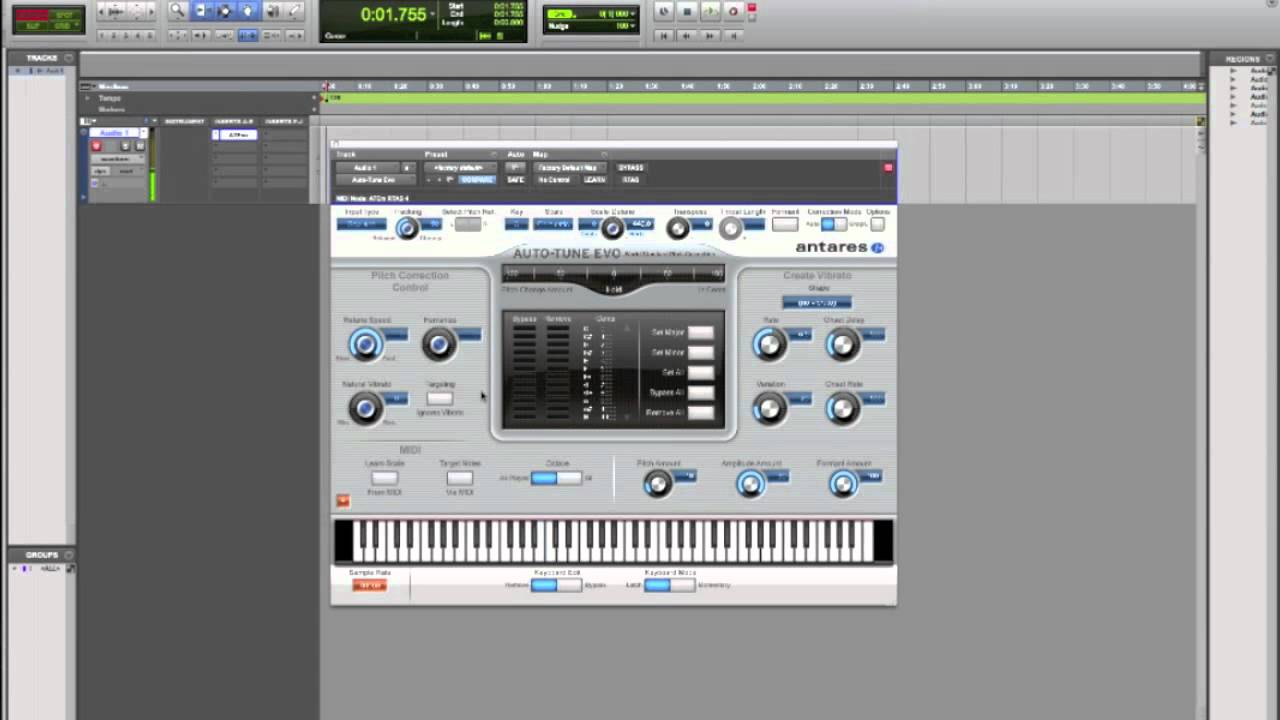
How To Use Antares Autotune In Pro Tools

Get ready to take your music production skills to the next level with Antares Autotune in Pro Tools! This powerful plugin has been a game-changer in the music industry, allowing artists and producers to create flawless vocal performances with ease. Whether you're a seasoned pro or just starting out, Autotune is an essential tool to have in your arsenal.
What is Antares Autotune?
Antares Autotune is a pitch correction plugin that uses advanced algorithms to detect and adjust the pitch of vocal performances in real-time. This means that you can create perfectly tuned vocals, even if the original performance was slightly off-key. With Autotune, you can achieve professional-sounding results without the need for costly and time-consuming vocal re-recording sessions.
The Autotune plugin is incredibly versatile, allowing you to use it on a wide range of vocal styles, from subtle corrections to extreme,
" Cher-esque"effects. You can also use Autotune to create unique vocal effects, such as robotic or vocoder-style sounds. With its intuitive interface and advanced features, Antares Autotune is the perfect tool for anyone looking to take their music production to the next level.
Must Read
Benefits of Using Antares Autotune in Pro Tools
One of the major benefits of using Antares Autotune in Pro Tools is its seamless integration with the DAW. This means that you can access Autotune directly from within Pro Tools, making it easy to use and navigate. With Autotune, you can also save a significant amount of time and effort in the recording and editing process, as it allows you to make quick and easy corrections to vocal performances.
In addition to its time-saving benefits, Antares Autotune also offers a range of creative possibilities. With its advanced features and intuitive interface, you can use Autotune to create unique and interesting vocal effects that will set your music apart from the rest. Whether you're looking to create subtle corrections or extreme, experimental sounds, Autotune has the tools and features you need to achieve your creative vision.
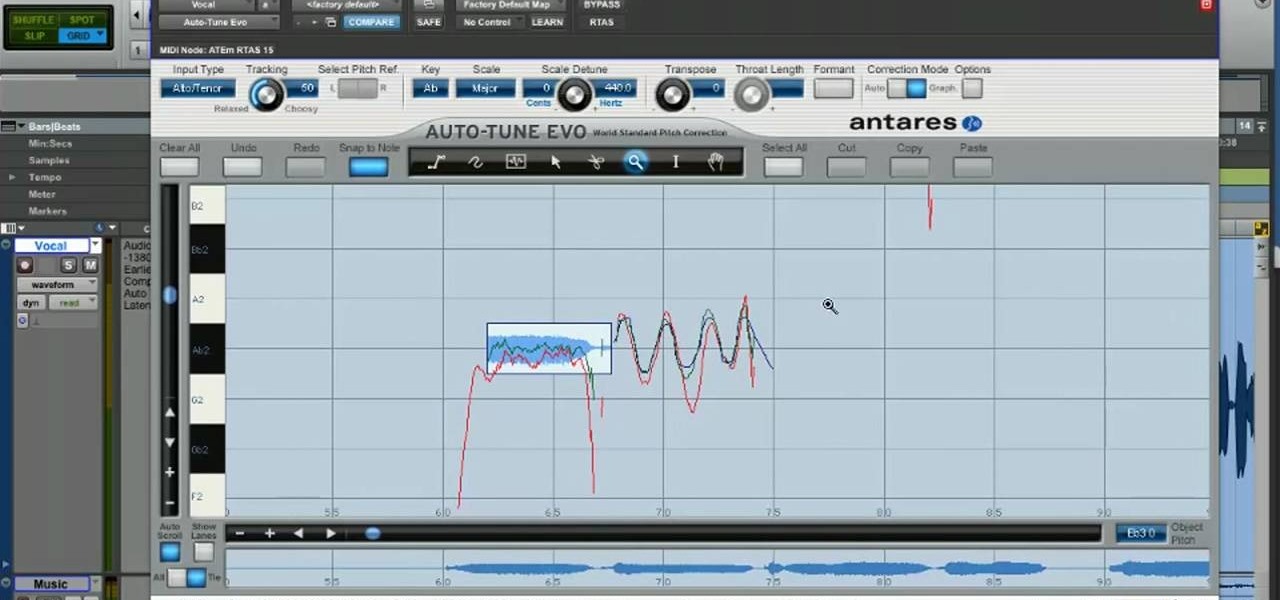
How to Use Antares Autotune in Pro Tools
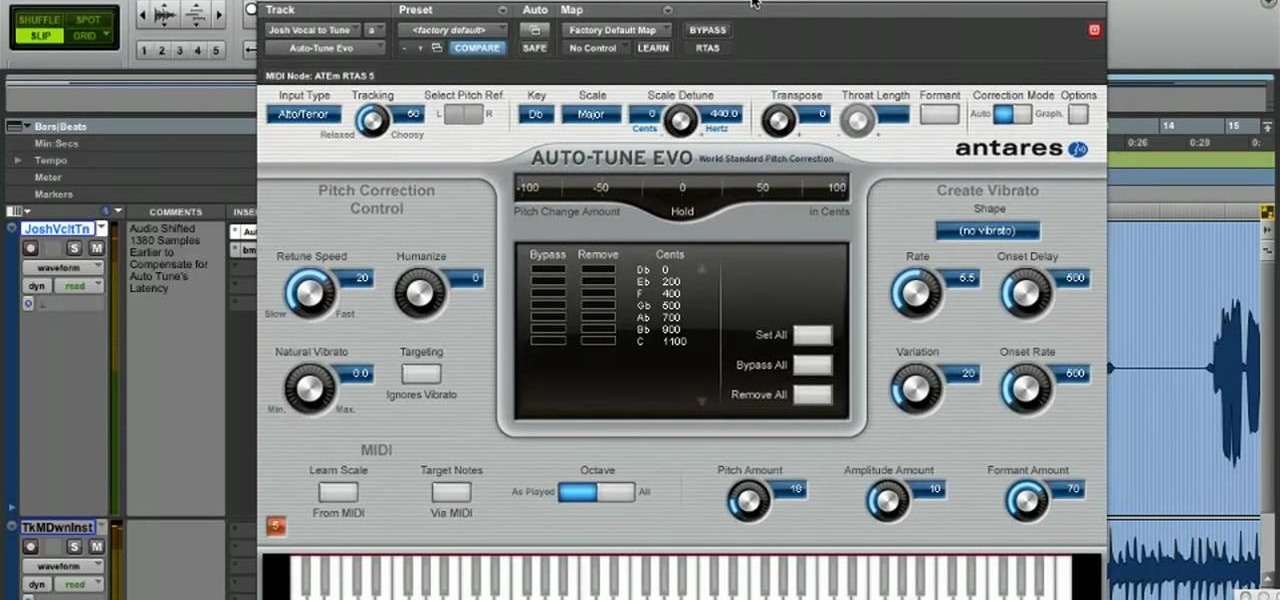
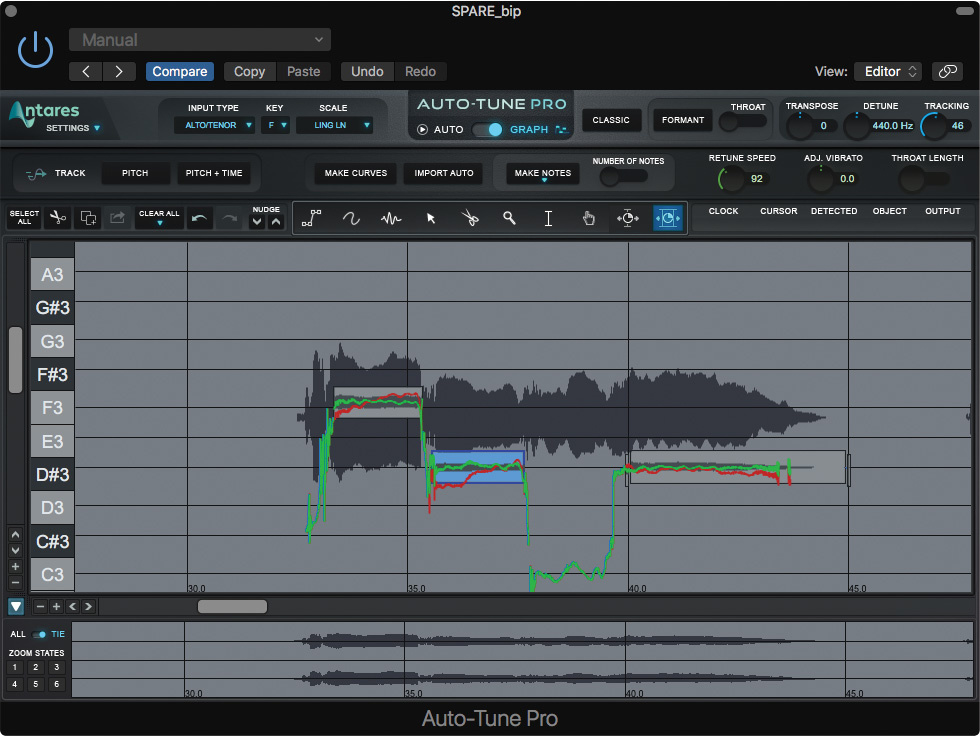
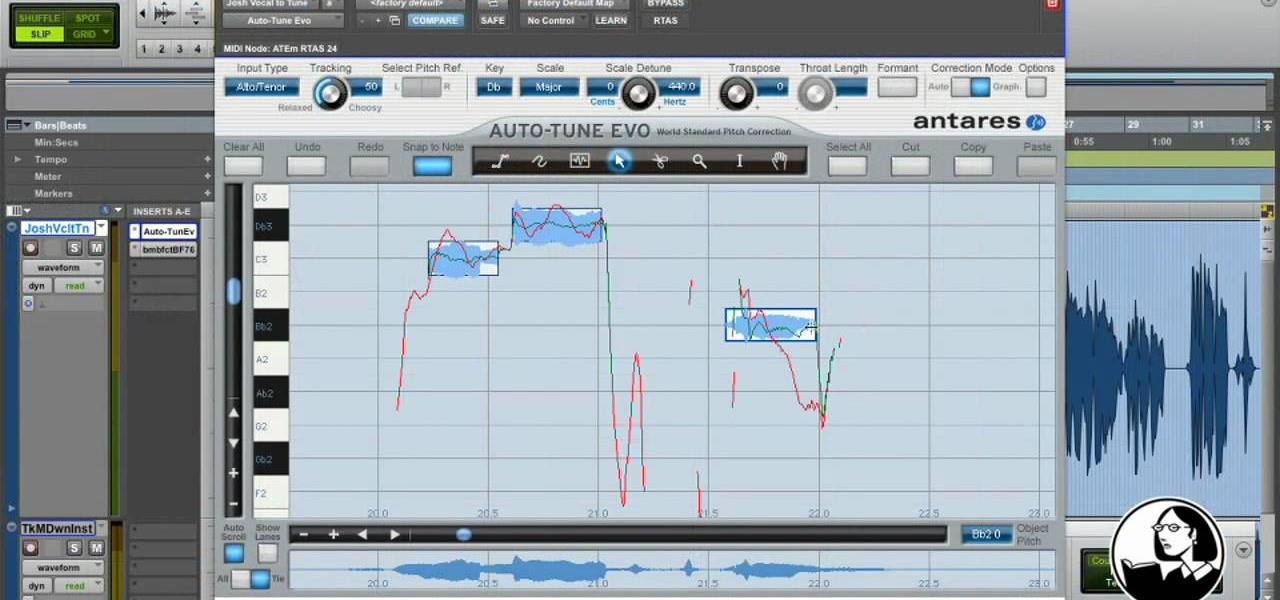
To get started with Antares Autotune in Pro Tools, simply insert the plugin on a vocal track and adjust the settings to suit your needs. You can choose from a range of presets and modes, including Automatic and Graphical modes, each offering a different level of control and flexibility. With Autotune, you can also make detailed adjustments to the pitch correction, including the scale, key, and range of the correction.
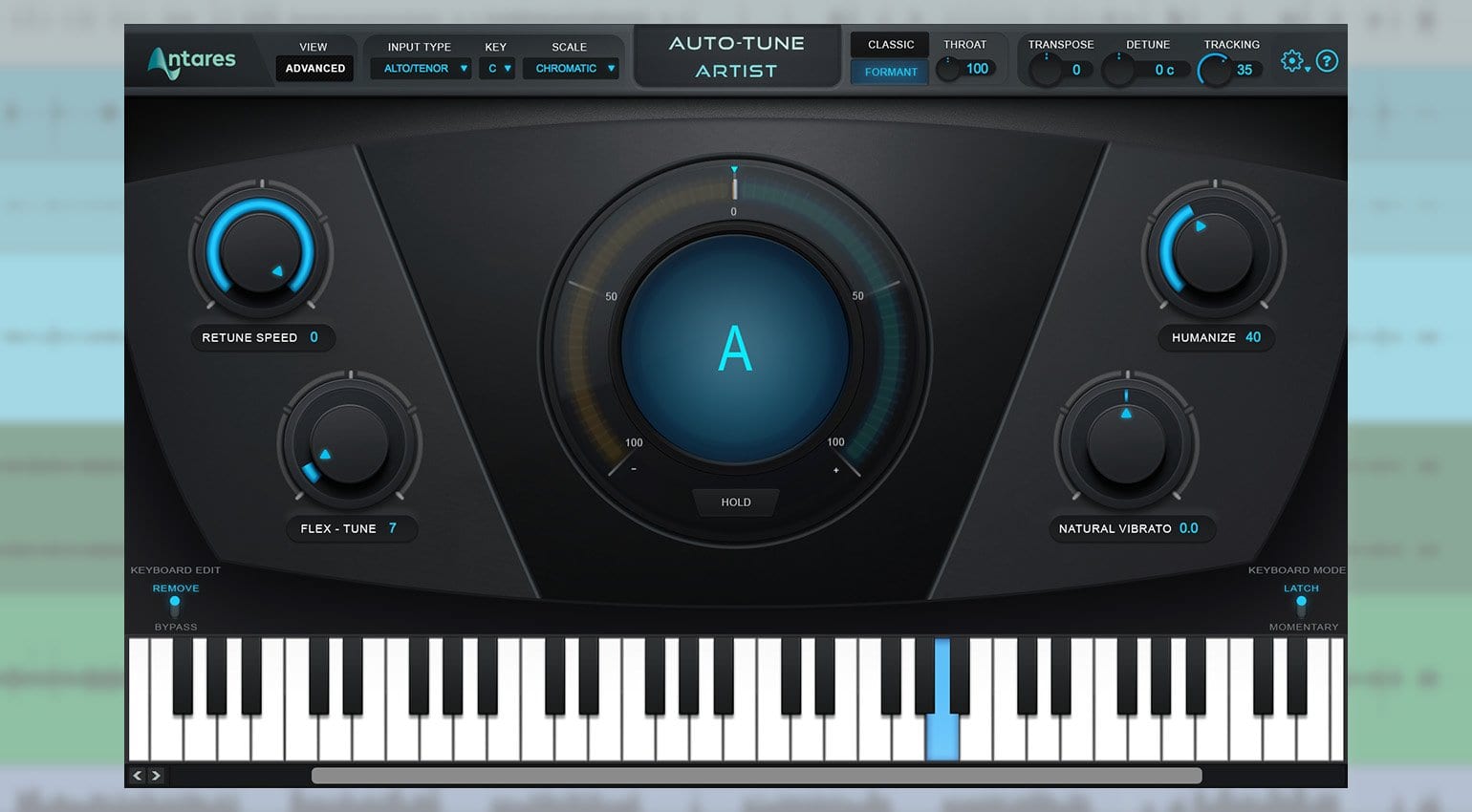
Once you've set up Autotune on your vocal track, you can start to experiment with the different features and settings. You can use the Autotune plugin to create subtle corrections, such as fixing slight pitch errors or adjusting the tone of a vocal performance. You can also use Autotune to create more extreme effects, such as robotic or vocoder-style sounds, by experimenting with the retune speed and humanize settings.

As you become more comfortable with Antares Autotune in Pro Tools, you'll start to discover the full range of creative possibilities it offers. With its advanced features and intuitive interface, Autotune is the perfect tool for anyone looking to take their music production to the next level. So why not give it a try and see what you can create with Antares Autotune in Pro Tools?
In conclusion, Antares Autotune is a powerful plugin that offers a range of benefits and creative possibilities for music producers and artists. With its seamless integration with Pro Tools and advanced features, Autotune is the perfect tool for anyone looking to create flawless vocal performances and unique vocal effects. So why not give Antares Autotune a try and discover the limitless possibilities it has to offer?
By following these simple steps and experimenting with the different features and settings, you can unlock the full potential of Antares Autotune in Pro Tools and take your music production to new heights. Whether you're looking to create subtle corrections or extreme, experimental sounds, Autotune has the tools and features you need to achieve your creative vision. So don't wait – start using Antares Autotune in Pro Tools today and discover a world of endless creative possibilities!