How Do I See Who's Connected To My Wifi
Hey there, friend! Let's talk about something that's been on your mind lately - wifi security. You're probably wondering, who's been sneaking onto my network and stealing all my bandwidth (and possibly my Netflix password too)?
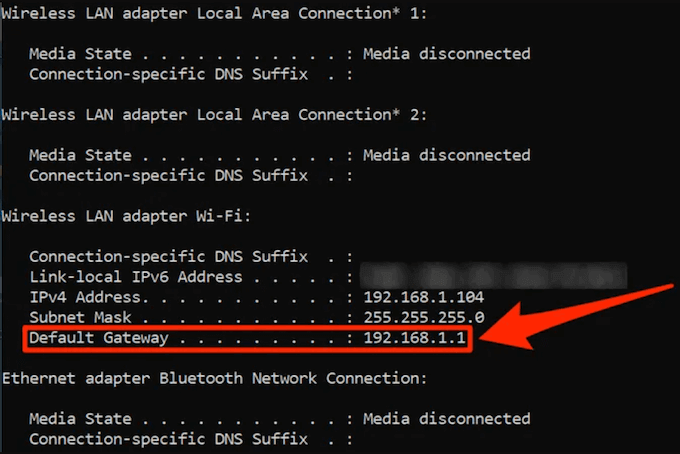
First things first, you need to log into your router. This is usually done by typing the router's IP address into your web browser (it's like a secret code, but not really). You can find the IP address in your router's manual or do a quick Google search to figure it out.
Getting to Know Your Router
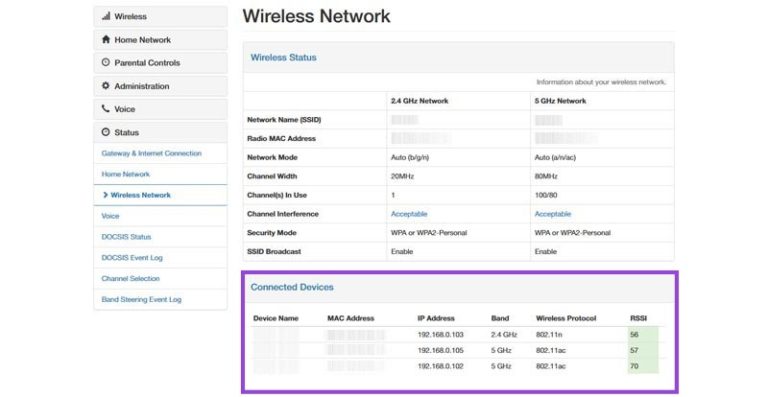
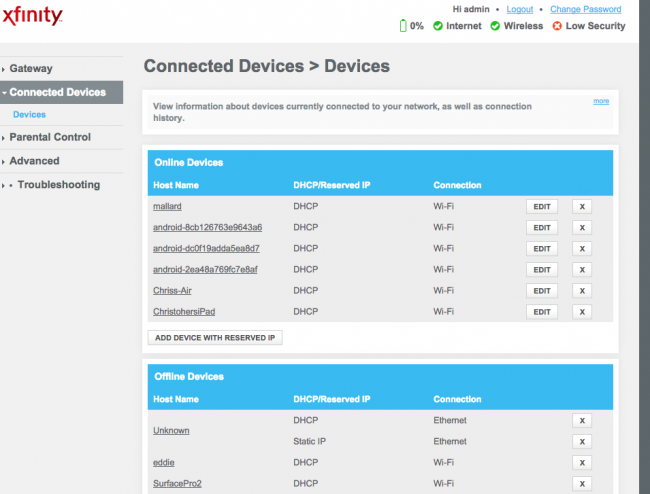
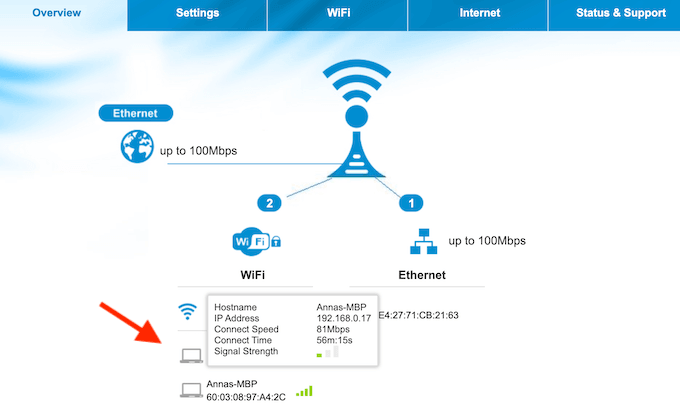
Once you're logged in, you'll see a bunch of technical terms that might look like gibberish. Don't worry, you don't need to be a tech genius to figure this out. Just look for the section that says connected devices or wifi devices - it's like a list of all your wifi BFFs.
Must Read
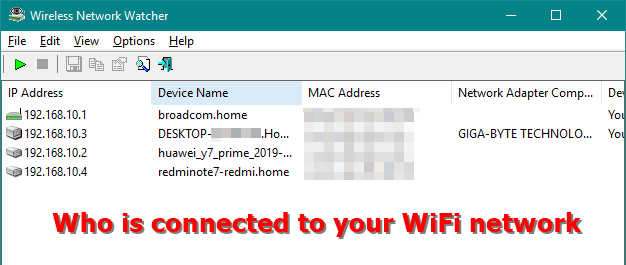
In this section, you'll see a list of all the devices that are currently connected to your wifi. This includes your laptop, phone, smart TV, and maybe even your neighbor's laptop (if they're sneaky). You'll see the device's name, IP address, and sometimes even the manufacturer - it's like a little wifi community.
Identifying Unknown Devices
Now, let's say you see a device on the list that you don't recognize. Like, what's this "Unknown Device" doing on my wifi? Don't panic! It might just be a guest device that you forgot about, or maybe it's just a smart device that you haven't named yet.
If you're still unsure, you can try changing your wifi password to kick all the devices off your network. Then, you can reconnect each device one by one, making sure to only give access to the devices you trust. It's like a wifi detox - out with the old, in with the new!
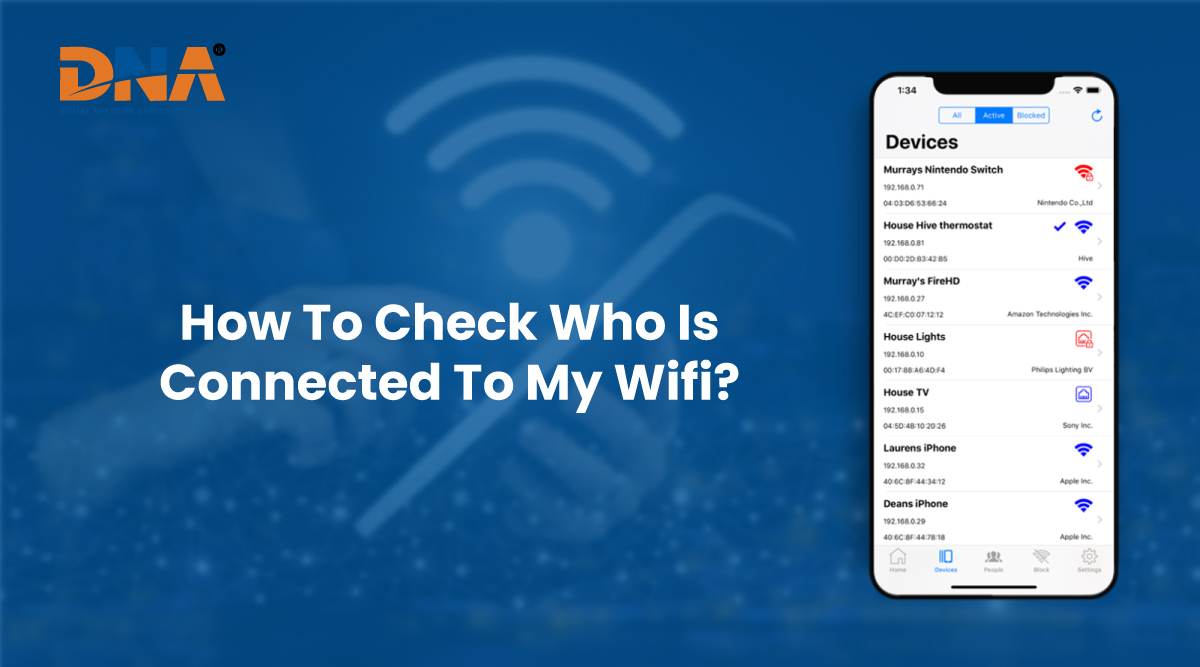
Another way to see who's connected to your wifi is by using a wifi analyzer app. These apps can scan your network and show you all the devices that are connected, even if they're not showing up on your router's list. It's like having a wifi superhero on your side, fighting against wifi villains.
Why You Should Care About Wifi Security
So, why is it so important to know who's connected to your wifi? Well, for starters, wifi security is crucial for protecting your personal data. If someone is snooping on your network, they could be stealing your sensitive info or even using your network for nefarious activities. Not cool, right?
Moreover, having a secure wifi network can also help you avoid slow internet speeds. When too many devices are connected to your network, it can get congested and slow down your internet. It's like trying to have a Wifi Party with too many guests - it's just not fun.

Tips for a Secure Wifi Network
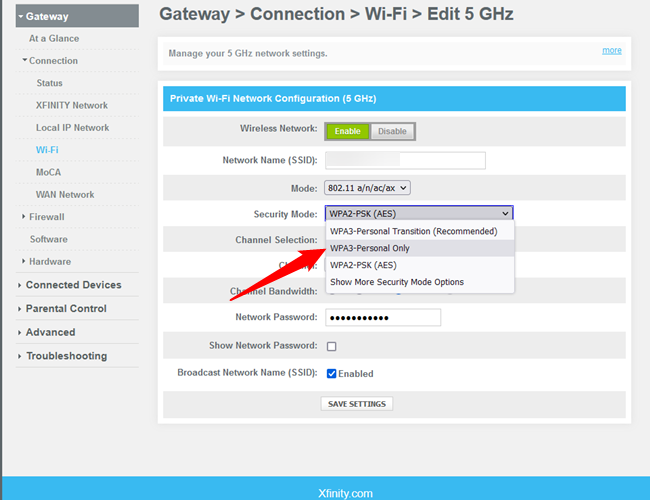
So, what can you do to keep your wifi network secure and happy? First, make sure to change your wifi password regularly. You can also enable WPA2 encryption to add an extra layer of security. And, of course, keep your router's software up to date - it's like giving your router a little health check.
In conclusion, keeping an eye on who's connected to your wifi is easy and important. By following these simple steps, you can secure your network and keep your personal data safe. So, go ahead and take control of your wifi - your online security will thank you. And remember, a secure wifi network is a happy wifi network - spread the word and keep on surfing!