How To Remove Background And Make It Transparent
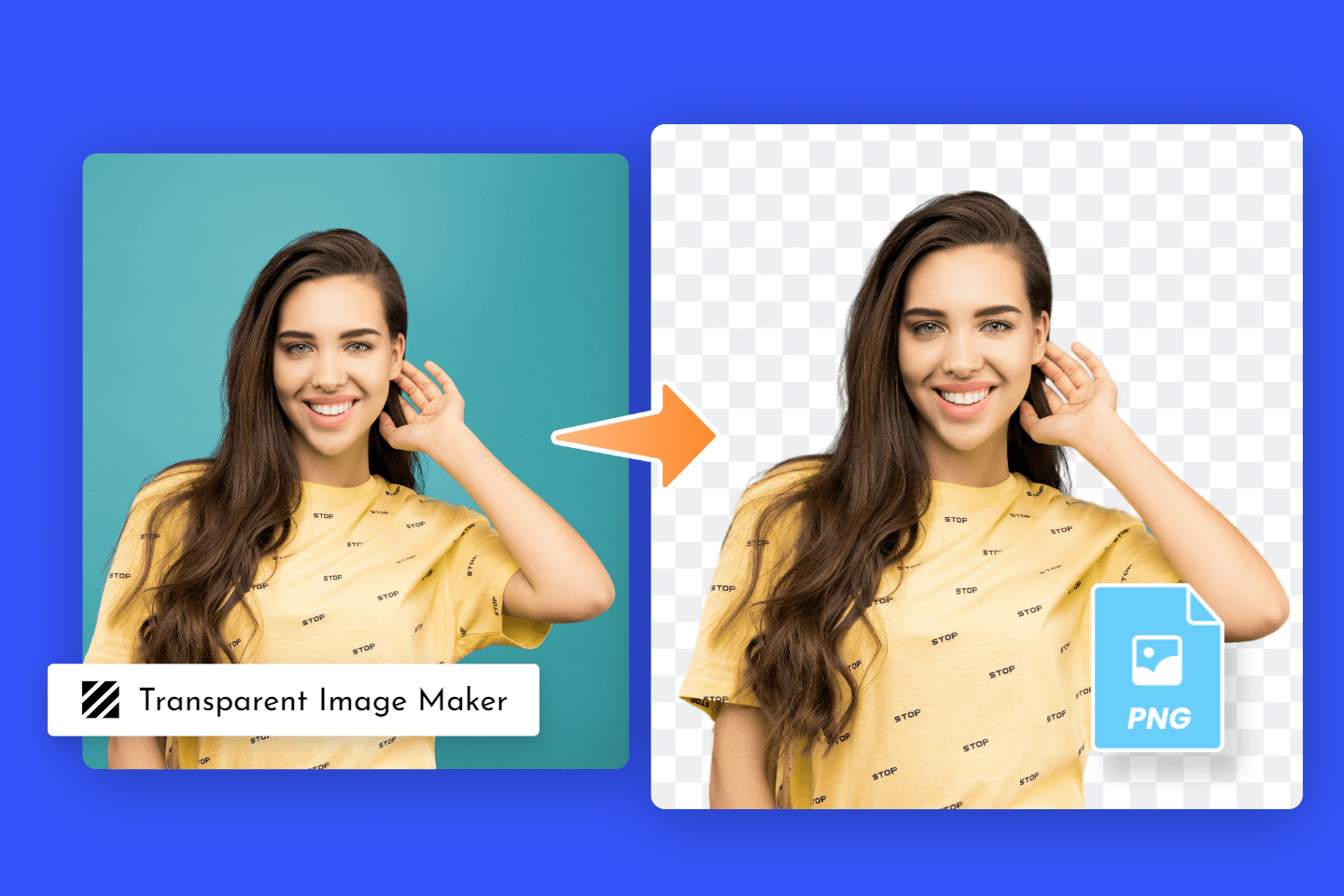
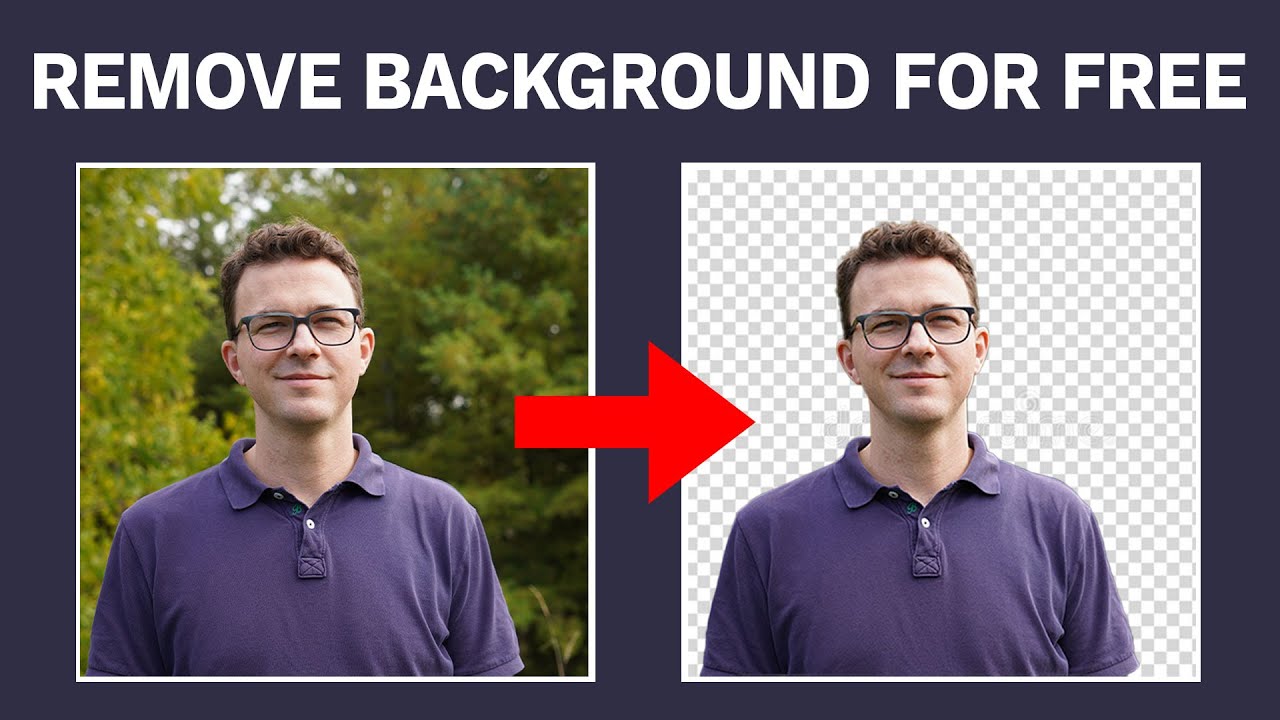
Imagine having a beautiful photo of your favorite celebrity, but it's stuck with a boring background that just doesn't do them justice. You want to make that background disappear and make it transparent, so you can place your celebrity on a magical landscape or a stunning cityscape. With the right tools and a little bit of magic, you can do just that!
First, you'll need to choose a photo editing software that's up to the task, such as Adobe Photoshop or GIMP. These powerful tools will allow you to select and delete the background of your photo, making it transparent in no time. Just be careful not to accidentally delete your celebrity, or you'll have to start all over again!
The Magic of Selection
Now that you have your software ready, it's time to select the background of your photo. You can use the magic wand tool to automatically select the background, or the lasso tool to manually select it. Either way, be careful to feather the edges, so your celebrity doesn't look like they're stuck in a bad FotoShop job!
Must Read
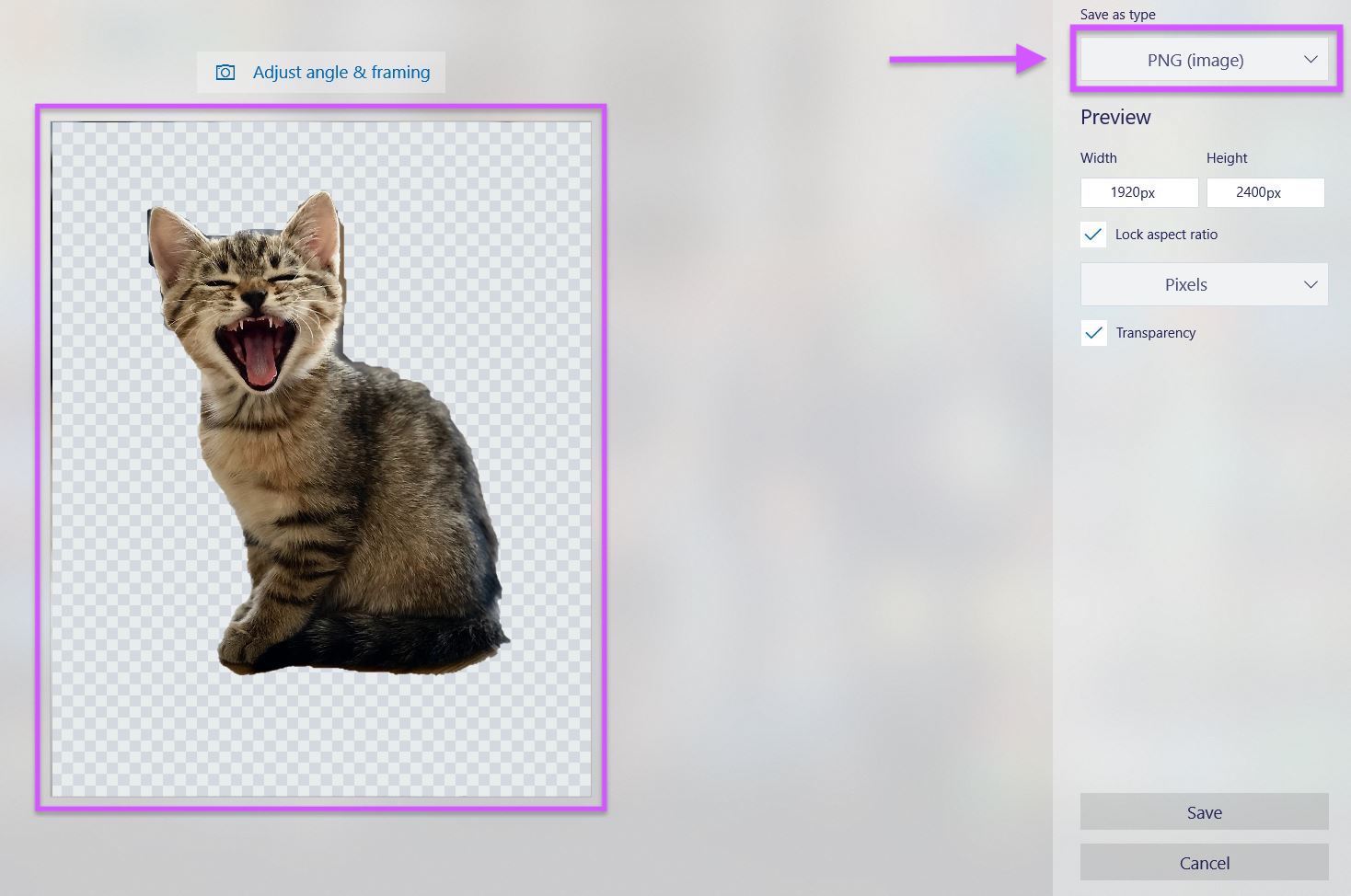
Once you've selected the background, you can delete it and make it transparent. You'll be amazed at how easy it is to make your celebrity look like they're standing on a cloud or floating in mid-air. Just remember to save your work as a PNG file, so you can preserve that transparent background.
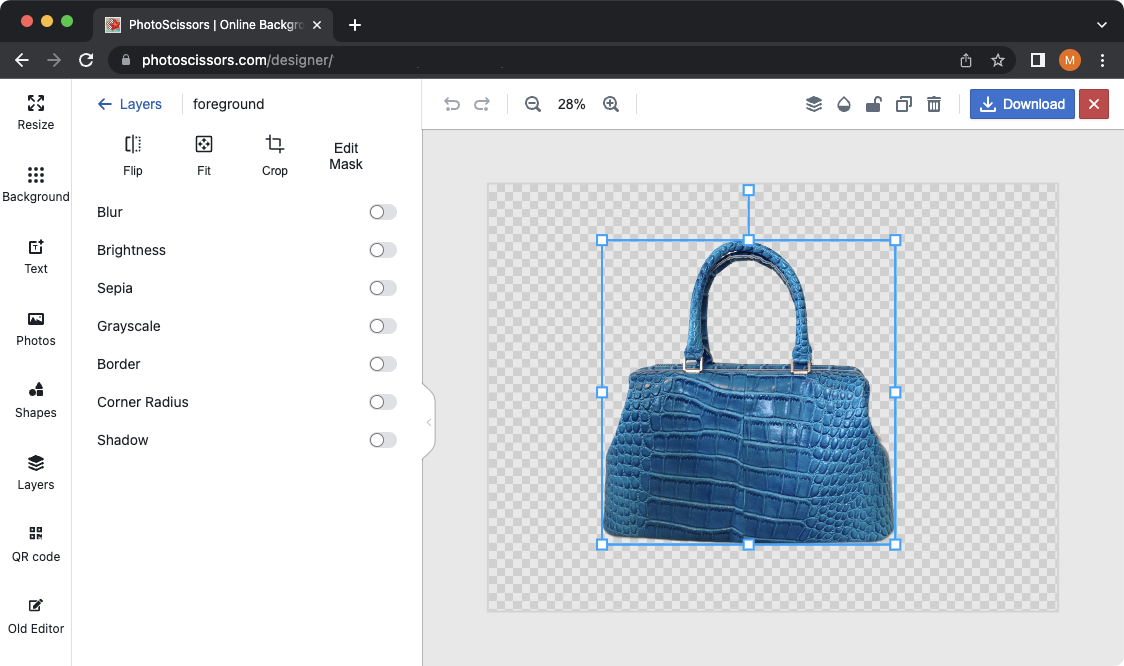
But wait, there's more! You can also use online tools to remove backgrounds and make them transparent. These tools are super easy to use, even if you're not a tech whiz. Just upload your photo, select the background, and voila! Your celebrity will be standing in front of a stunning landscape in no time.
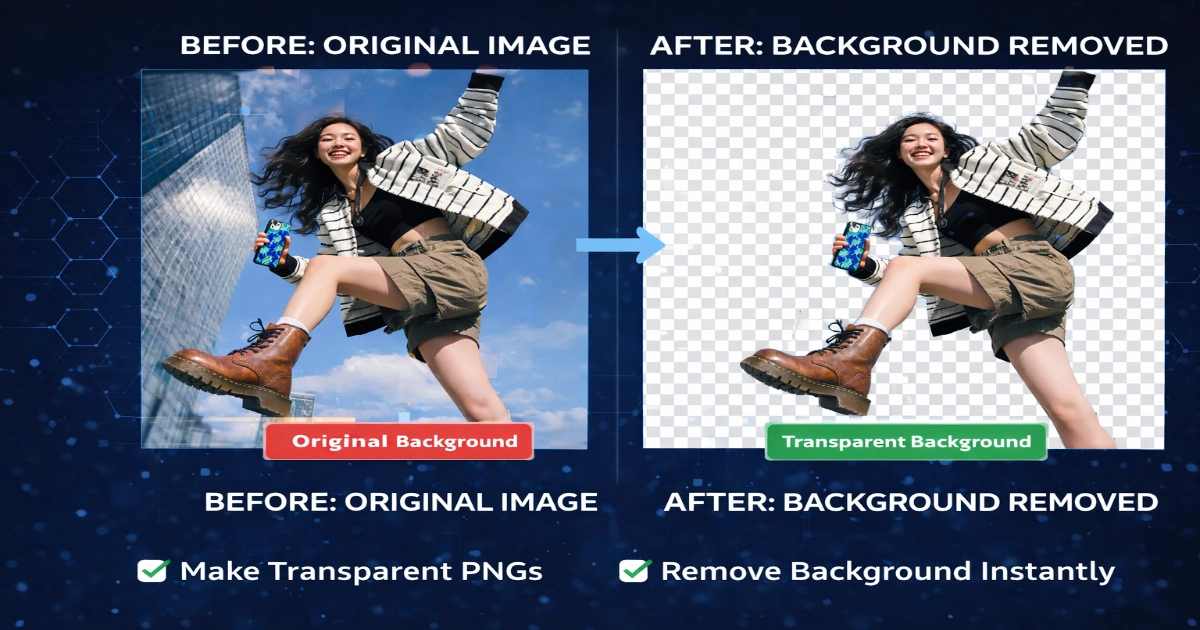
As you can see, removing backgrounds and making them transparent is child's play. With the right tools and a little bit of practice, you can create amazing photos that will make your friends green with envy. So go ahead, give it a try, and watch your photos come to life in a whole new way!
Tips and Tricks
To get the best results, make sure your photo has a clear contrast between the subject and the background. You can also use the refine edge tool to fine-tune the edges of your selection. And if you're feeling adventurous, you can even try using multiple layers to create a 3D effect.
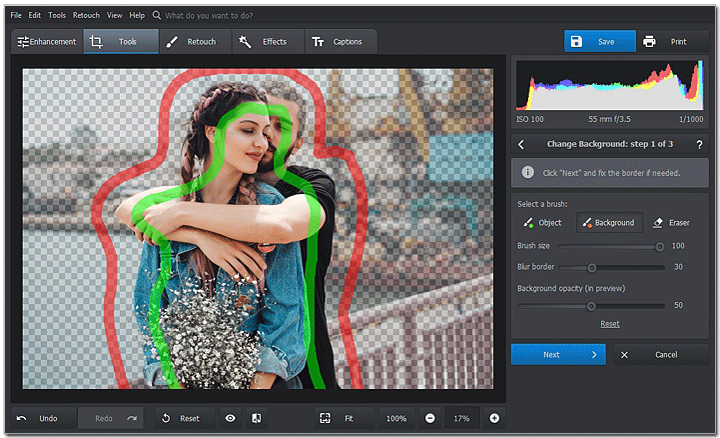
Another helpful tip is to use the color range tool to select the background. This tool allows you to select a specific color range in your photo, making it easy to delete the background. Just be careful not to select too much of the subject, or you'll end up with a hole in your celebrity's body!
As you get more comfortable with removing backgrounds and making them transparent, you can start to experiment with different effects and techniques. You can try using gradients or textures to add some depth to your photos, or even use animation to bring your celebrity to life. The possibilities are endless, and it's up to you to imagine and create!
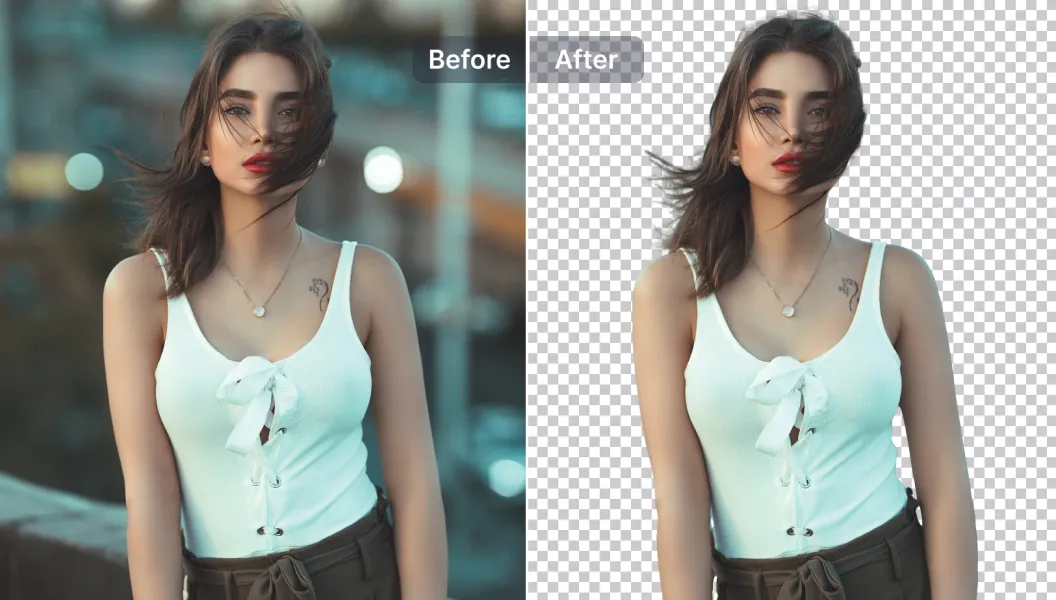
So there you have it, a step-by-step guide to removing backgrounds and making them transparent. With these simple tips and tricks, you'll be creating amazing photos in no time. Just remember to have fun and be creative, and don't be afraid to experiment and try new things!
In conclusion, removing backgrounds and making them transparent is a fun and easy process that can add a whole new dimension to your photos. With the right tools and a little bit of practice, you can create stunning images that will make your friends and family green with envy. So go ahead, give it a try, and watch your photos come to life in a whole new way!
Remember, the key to removing backgrounds and making them transparent is to have fun and be creative. Don't be afraid to experiment and try new things, and always keep practicing to get the best results.
And finally, don't forget to share your creations with the world. You can upload your photos to social media or photo sharing sites, or even create a portfolio to showcase your work. Whatever you choose, just remember to have fun and enjoy the process of creating amazing photos with transparent backgrounds.