How To Print Something At Ups Store
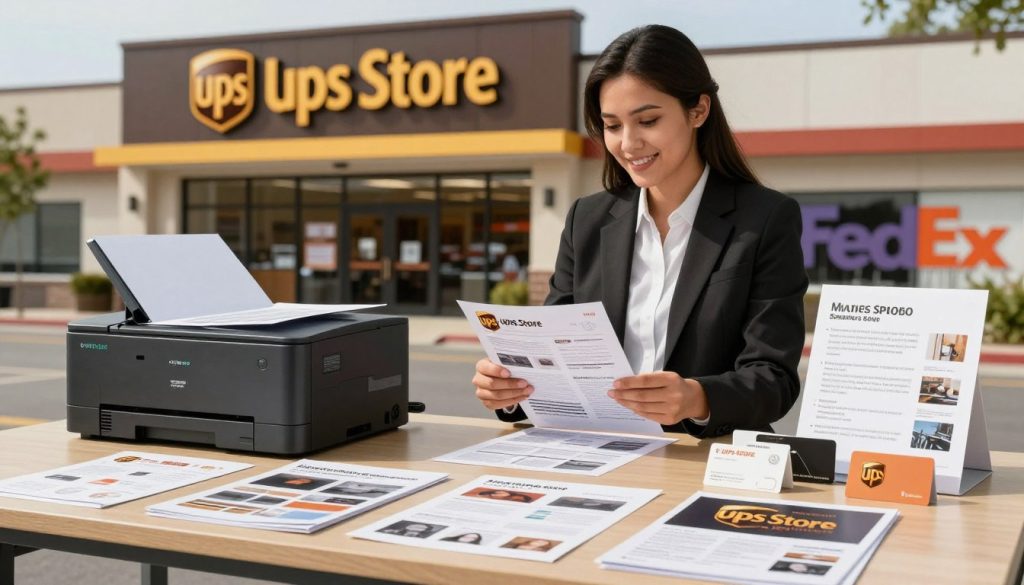
Okay, let’s be real for a second. You’ve got a PDF, a deadline, or maybe just a sudden craving for a physical copy of that meme you made—and your home printer is either out of ink or plotting against you. Sound familiar? That’s where The UPS Store rides in like a tech-savvy knight in shining armor.
Printing there isn’t some mysterious, corporate ritual. It’s actually ridiculously easy, and honestly, kind of fun once you know the ropes. So, grab your USB drive or your phone, and let’s demystify the whole process together.
Step One: Don’t Overthink It—Just Walk In
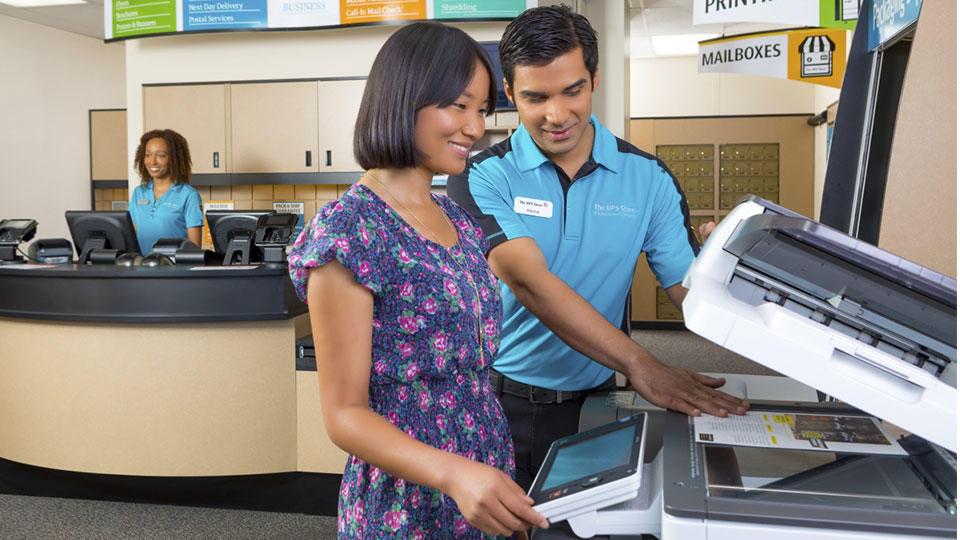
You don’t need an appointment, a secret handshake, or a degree in document management. You can literally walk into any UPS Store, and the friendly folks behind the counter are there to help, not to judge your font choices. Think of them as printing wizards with a very practical wand—that wand happens to be a computer and a slick commercial printer.
Must Read
Bring your file in a few ways, just in case. A USB stick is the classic, safe bet, but you can also email the document to them from your phone right there. Or, use their self-service kiosks if you want total control—it’s like a giant, more reliable version of your home printer, but with way better vibes.
Step Two: The Files Are Cool, But the Options Are Cooler
Here’s the fun part—you’re not just hitting “print.” You get choices, and choices are powerful. Do you want it in black and white, or full, glossy, makeup-advert-ready color? Single-sided feels so last decade, but double-sided saves trees and money. It’s like choosing between a sedan and a sports car, except both get you to the same place.

Now, smarts: if you’re printing a resume, use a high-quality paper stock that feels expensive to the touch. Printing a novel draft? Go for standard 20-lb paper to save a few bucks. And here’s a pro tip—if your file is a PDF, it’s bulletproof. Word docs can shift formatting, like grease on a hot skillet. Always, always convert to PDF if you can.
Why It’s Actually a Genius Move
Home printers are tiny, temperamental gremlins that eat ink cartridges like candy. The UPS Store’s printers are industrial beasts—fast, sharp, and shockingly consistent. You’ll get prints that look like they came from a professional shop because they basically did. Ever tried printing a 300-page manual at home? That’s a nap in the waiting room, but here, it’s a five-minute errand.

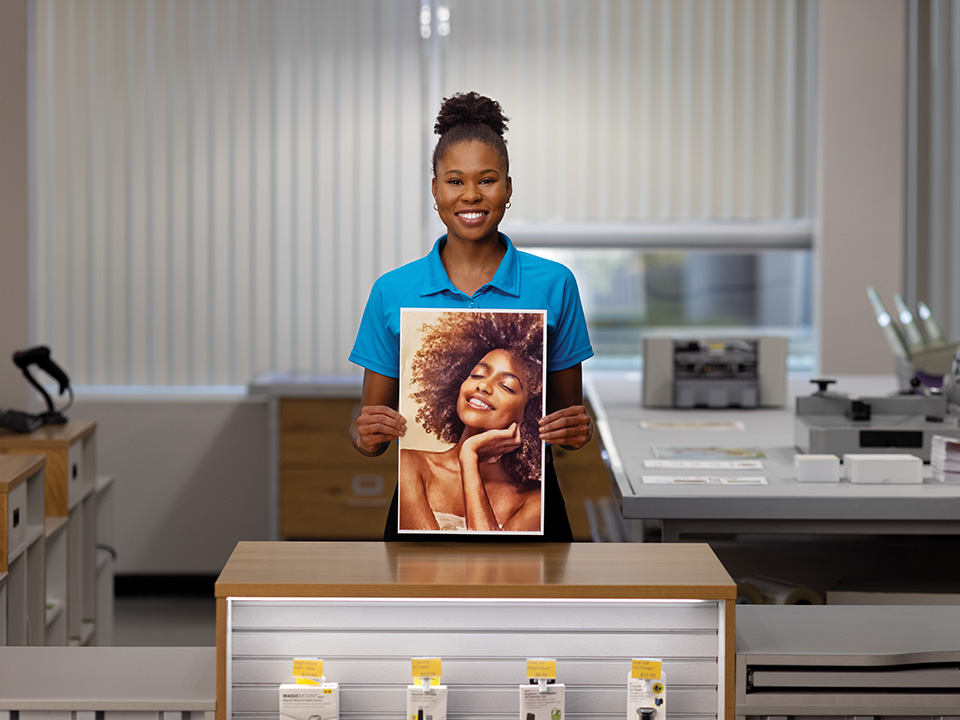
Plus, they can do the weird, wonderful stuff. Posters, blueprints, even binding your own comic book zine. It’s like a one-stop shop for turning digital dreams into tactile reality. That’s the cool part—you’re not just printing; you’re manufacturing your own physical world.
Step Three: Pay, Smile, and Roll Out
The staff will quote you a price, which is usually per page and shockingly reasonable. Color costs more than black and white—obviously—but it’s still less than the cost of a therapy session for your ink-jet panic. You can pay with a card, cash, or even via their app if you’re feeling fancy.
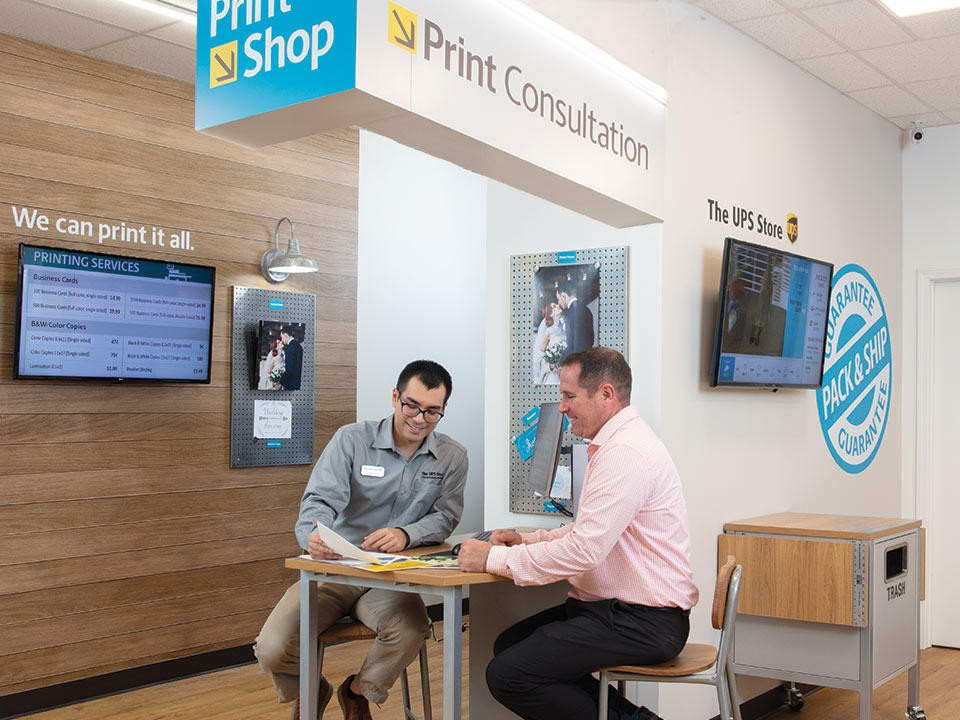
Finally, check your prints before you leave. Flip through them, make sure the margins didn’t eat your text, and grab that crisp stack. It feels good, right? That weight in your hands, the smell of toner—it’s instant gratification in a digital world. And honestly, isn’t that a tiny bit thrilling?
So next time you’re stuck, skip the office printer drama. Just walk into The UPS Store, hand over your file, and let the printing magic happen. You’ll walk out feeling unnecessarily accomplished, and maybe, just maybe, you’ll find a new reason to love paper again.