Disney Plus Not Recognizing Email
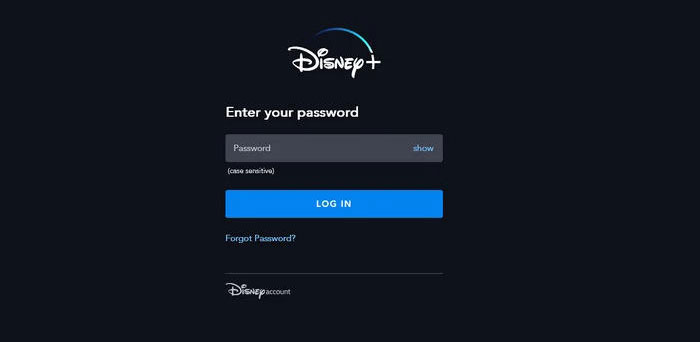
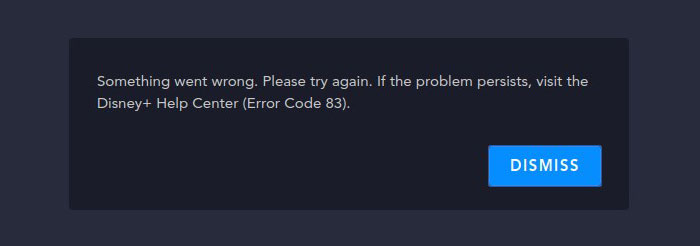
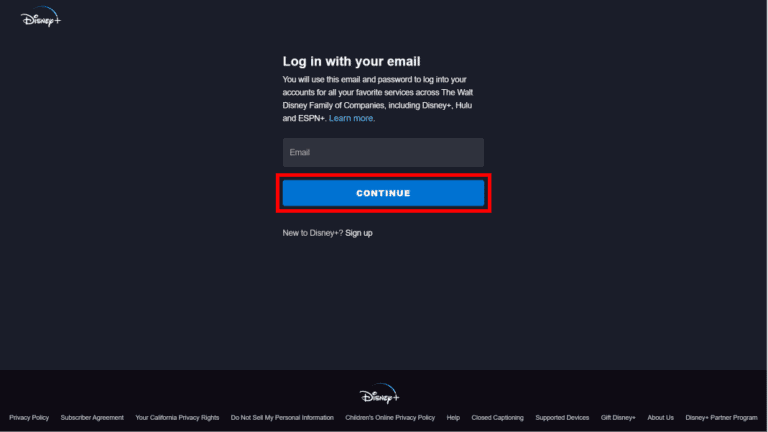
Picture this: movie night is finally here, popcorn is popped, and the kids are bouncing off the walls. You grab the remote, open Disney Plus, and type in your email—only to get a dreaded red error message that says “Email not found.” Your heart sinks faster than Jack’s dive into the sea. Don’t worry, because this little tech gremlin is incredibly common, and fixing it is often faster than finding a lost mouse in a castle.
Why This Happens (And Why It’s Not You)
Most of the time, the problem is a tiny typo, like leaving out a dot or a letter in your own address. Other times, you might have created your account with a different email than the one you’re typing now—maybe an old work address or a spam-heavy inbox. Secretly, your account might be logged in under a social login like “Sign in with Apple,” which doesn’t match a plain email entry.
The good news? Your account hasn’t vanished into the Enchanted Forest. Disney’s system is just being picky, like a butler checking your invitation at a royal ball.
Must Read
The Quick Fixes to Try First
Start with the obvious: check your keyboard caps lock and auto-correct. Try typing your email slowly into a notes app first, then copy-paste it into the login box—this kills 50% of all login gremlins instantly.
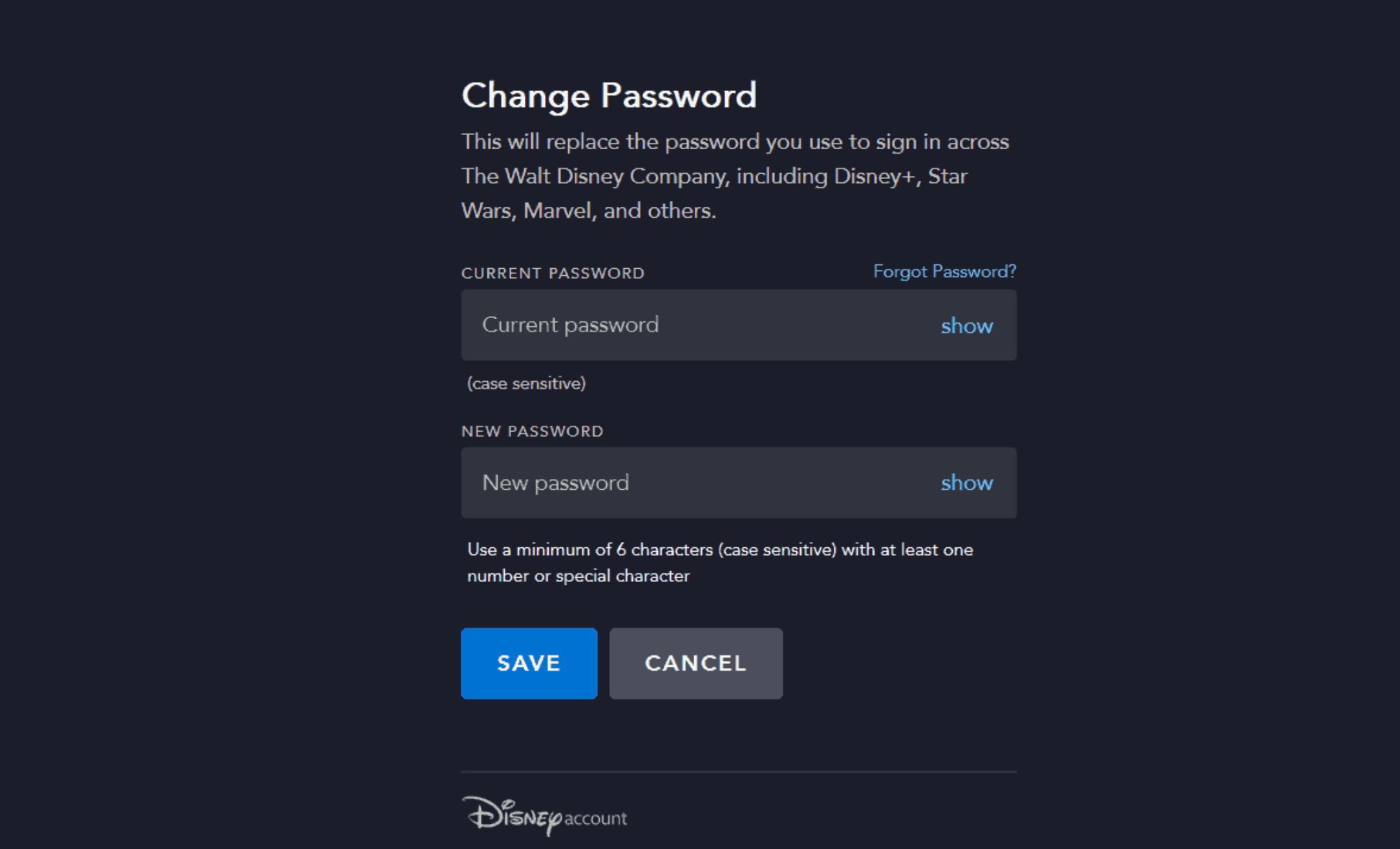
If that fails, click “Forgot Password?” and enter your best guess for the email. If Disney sends a reset link, you’re golden—even if the email looks weird, that’s your ticket back in.

Still stuck? Don’t punch the screen yet. Head to the “Support” page, but skip the bot and request a callback or live chat—they’ll verify your account by asking for your payment method’s last four digits or your device ID.
The Sneaky Multiple-Account Trap
Here’s a secret that trips up thousands of fans: you probably have two accounts, not one. Maybe you signed up with the free trial on your iPhone, then later “upgraded” on a laptop with a different Apple ID. Now you’re typing the email from the laptop, but the password belongs to your iPhone account—chaos.
To check, try logging in with every email address you own, even that old AOL one from 2005. For each one, click “Forgot Password” and see if you get an email back. Wrap this in a lunch break, and you’ll likely find your long-lost profile.
Also, check if you’re actually using a Disney Bundle (like with Hulu or ESPN). In that case, your login is often not your direct Disney email but the one you used for the bundle purchase. That’s a major “aha” moment for many users.
When All Else Fails: The Nuclear Option
If you’ve tried every email and password reset for 20 minutes, you can call Disney’s phone support directly (yes, humans still pick up). They’ll ask, “Can you confirm the email associated with the most recent billing receipt?”—so check your bank statements on the web. With that, they can merge accounts or manually reset your login.
Don’t create a new account right away, even if you feel tempted. If you subscribe again with your same credit card, Disney might flag you as duplicate, and you could end up paying twice for one movie night. Instead, use the “Recover Account” option on their help page, which lets you submit a request with your device MAC address—a string of numbers found in your TV’s network settings.

“The best fix is prevention. Write your login credentials on a sticky note—yes, you, the person who forgot them in 30 seconds.”
One last pro tip: update your browser or the Disney Plus app itself. An outdated version can cause a false “email not recognized” error, even when your login is perfect. Restart your router too—it sounds silly, but it fixes half of all streaming ghost problems.
Once you’re back in, take a minute to check your “Profile” settings and add your phone number as a secondary recovery option. Future you—sitting on a couch with a bowl of snacks—will be extremely grateful.
So breathe out. Your magical kingdom isn’t lost. Whether you’re saving your account from the Vault or just fixing a silly typo, you’re now armed with all the spells you need. Now go enjoy your movie, and may your only error be “Are you still watching?”