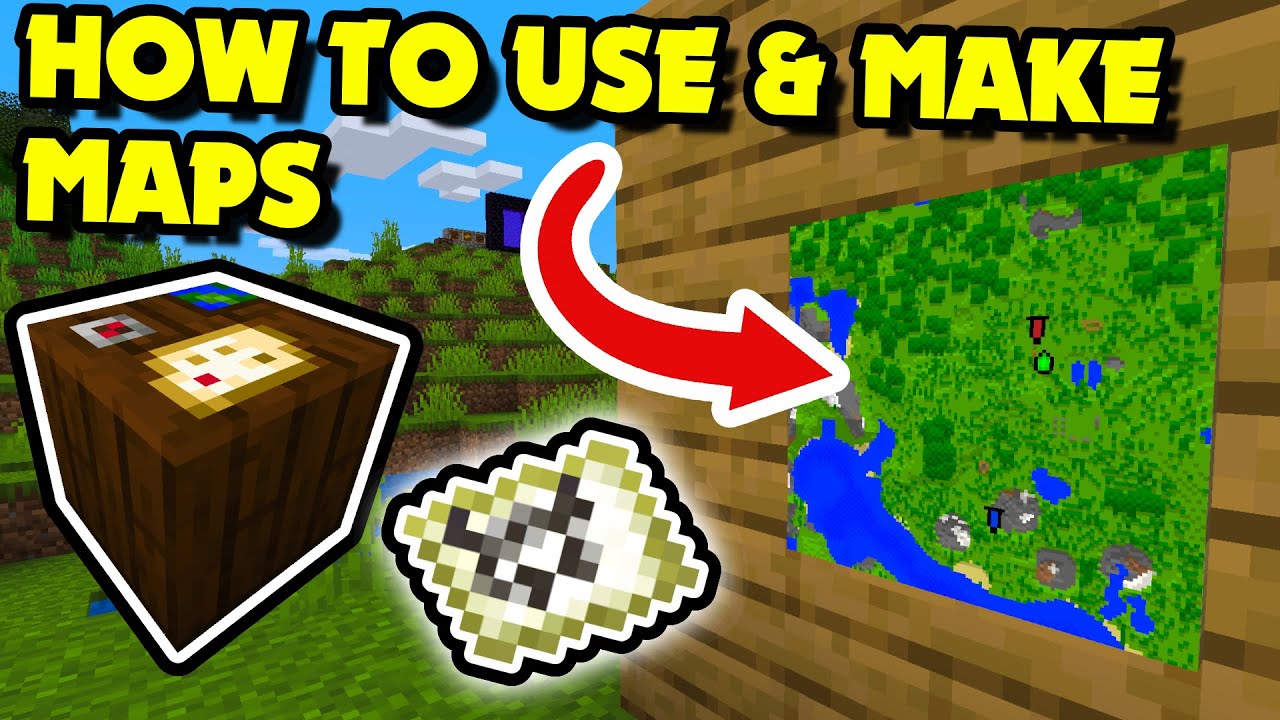
How To Make A Map Image In Minecraft

Let’s be real for a second: if your For You Page hasn’t been flooded with pixelated cartography, are you even online? The latest flex in the digital creator economy isn’t a new skin or a redstone contraption—it’s the humble map item, transformed into a massive, wall-mounted masterpiece. We’re not talking about your grandma’s treasure map leading to a dirt shack; we’re talking about hyper-detailed 4K renders of Frank Ocean albums, floor-to-ceiling propaganda posters of your favorite Twitch streamer, and intricate portraits of your dog that look like they belong in a Renaissance museum (if the Renaissance had a texture pack).
The trend has exploded across TikTok and X (formerly Twitter) with the hashtag #MinecraftMapArt pulling in millions of views. It’s the perfect collision of lowbrow gaming and highbrow digital artistry, sparking a gold rush where players are ditching survival farms to become virtual cartographers. It’s the new aesthetic currency, a way to say, “I have more patience than you,” without ever uttering a word. But how do you get in on the action without losing your entire weekend to a spreadsheet of wool colors?
The answer isn't just about placing blocks; it's about understanding the weird alchemy of pixels, zoom levels, and the sheer audacity to think you can recreate a JPEG using only 128x128 pixels of color. So, grab your compass, clear your schedule, and let’s dive into the chaotic, beautiful, and slightly obsessive world of Minecraft map art. This isn't a tutorial; it's a lifestyle intervention.
Must Read
The Cartographic Subculture: Where Patience Meets Pixel Perfection
There’s a specific kind of madness that drives a person to spend 14 hours staring at a grid of colored wool. It’s a subset of the Minecraft community that operates like a secret society. These aren't just players; they are pixel sorcerers who have memorized the hexadecimal values of every block in the game. They debate the subtle hue difference between Bone Meal and White Wool with the same fervor that fashion critics debate the difference between ivory and ecru. On Discord, these artisans share "palette maps"—complex charts that decode which blocks look best from a distance to trick your eye into seeing smooth gradients. It’s a mix of technical engineering and impressionist painting.
But like any niche, it has its toxic underbelly. The gatekeeping is real. If you dare to use a "noob" block like Terracotta in a high-detail area, you will be eviscerated in the comments. There’s also the drama of plagiarism—people stealing pixel art schematics and claiming them as their own, leading to Twitter call-outs that are more brutal than any rap battle. And let’s not forget the existential crisis: once you’ve hung your masterpiece, what do you do with your life? The dopamine hit is fleeting, driving you to seek bigger, bolder projects—a never-ending arms race of visual virality.

Your Sanity-Saving Survival Guide To Map Making
First things first: Abandon all hope of doing this by hand. In 2025, if you aren't using a tool like Mapcrafter or PixelOver, you are essentially trying to churn your own butter in the age of grocery stores. It’s romantic, sure, but it’s also a waste of time. You need to convert your chosen image into a format Minecraft understands. You’ll want to use a specific texture pack (like Bare Bones) to see the block colors accurately. The algorithm will do the heavy lifting, but you must choose your source image carefully. High contrast is your friend. A blurry photo of your cat will look like a blurry blob of sadness; a vector-style logo will look magnificent.
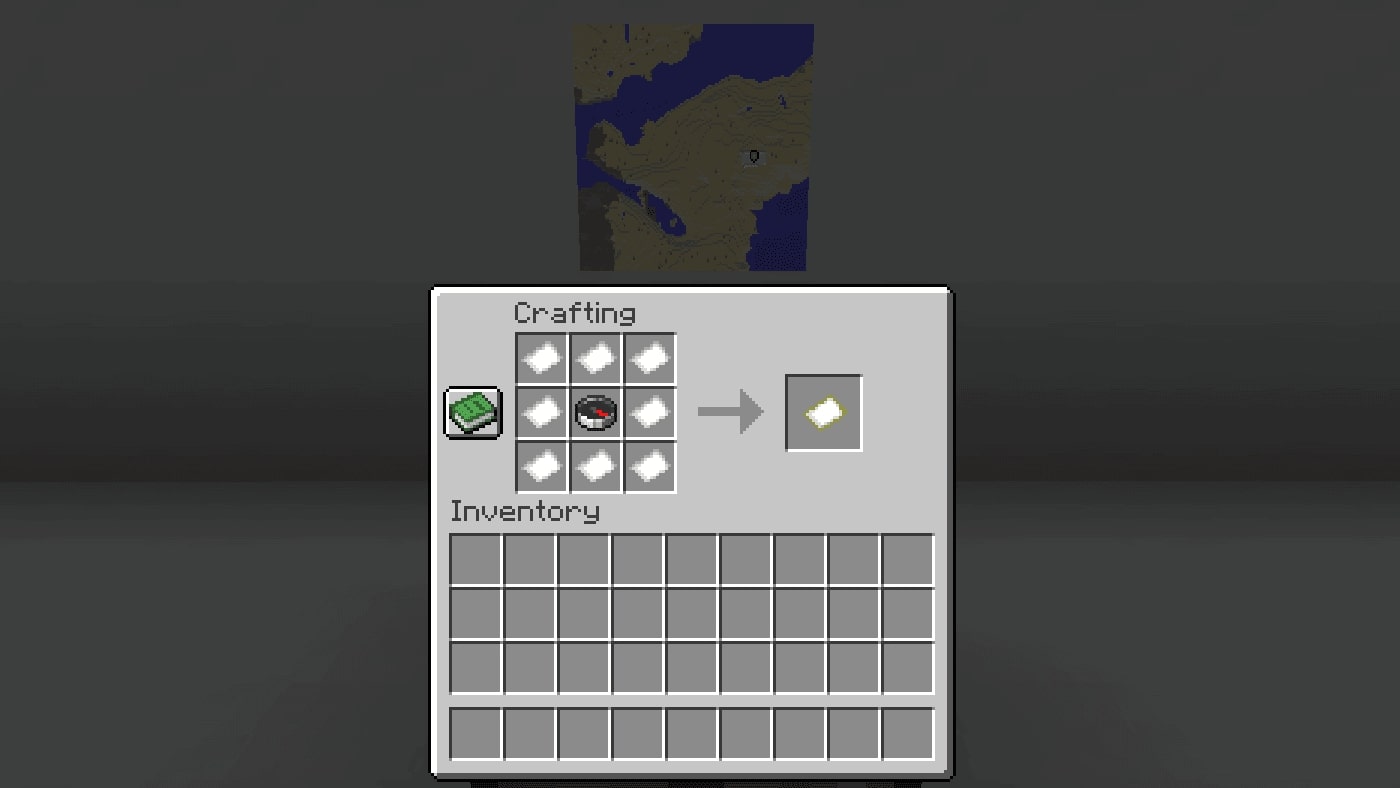
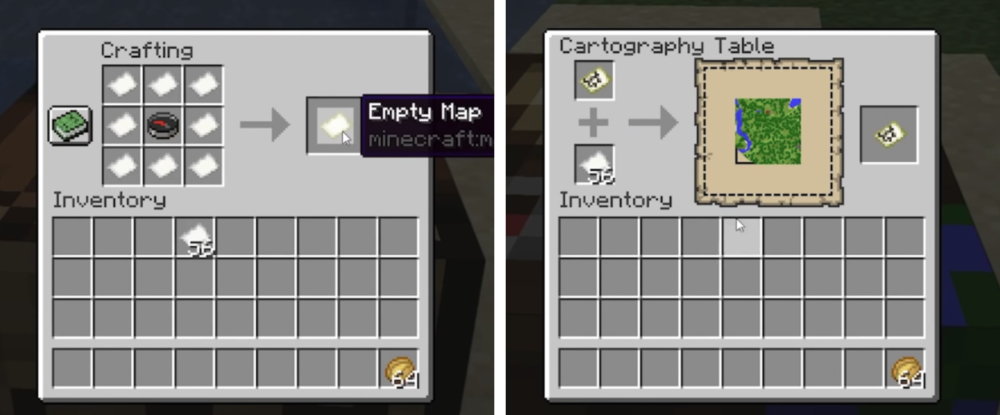
Next, embrace the 4x zoom confusion. You need to understand that a standard map is 128x128 pixels. To get the stunning 512x512 detail seen on YouTube shows, you need four maps placed together, and you have to build the artwork scaled up so each in-game block represents one map pixel. This is where most people quit. They build 50% of the project and realize they built the image mirrored, or they zoomed out too early. My advice? Place the maps on the wall first, face them, and build from the map's perspective. It sounds backward, but it saves you from a migraine later.
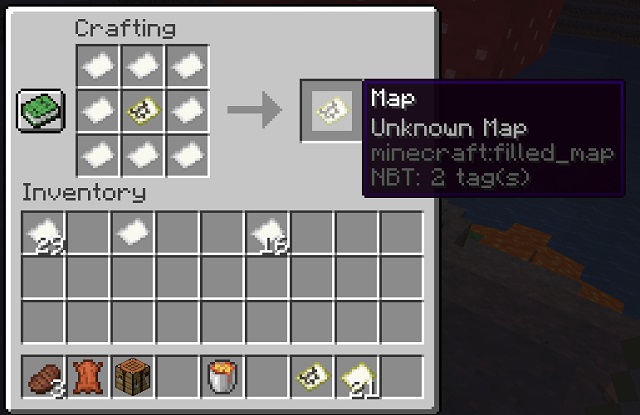
Let’s talk about resource accumulation. You think you have enough wool? You don’t. You need thousands. This is where the meta-game begins. You either A) spend hours killing sheep (boring) or B) use a world-editor plugin like Litematica to paste in a schematic, bypassing the grind entirely. There is absolutely no shame in this. The purists will say you’re cheating. Ignore them. Your time is more valuable than their praise. If you are on a Survival Multiplayer (SMP) server, this is where the real social commentary comes in—you become a resource tycoon, trading diamonds for stacks of lime dye, reshaping the server’s economy in your image. Capitalism, baby.
Finally, manage your perspective. A map captures the world when you view it. This means you cannot have trees or buildings in the way. You must build your pixel mural in a flat void or high in the sky. The most sophisticated creators build in the End, floating in the dark void, ensuring zero ambient light interference. The last tip: Zoom in, but don't obsess. You will make mistakes. A single wrong block can ruin a gradient. But remember, from where anyone will actually view the map, a distance of 2 blocks, a single pixel is invisible. Step back. Breathe. Is it perfect? No. Is it good enough to post? Absolutely. Post it, farm the likes, and move on to the next dopamine hit.
The FAQs: Debating the Digital Canvas
Can I use any image, or are there copyright issues?
Here’s the tea: the internet is a lawless wasteland, but YouTube is a copyright minefield. Using a Disney character for your personal wall is fine. Using it in a YouTube video thumbnail or a downloadable map file? You are inviting a Digital Millennium Copyright Act (DMCA) strike faster than you can say "takedown request." The community is currently split—half of them are dedicated to reproducing mona lisa in wool as "transformative art," and the other half is just trying to make a giant picture of LeBron James' face for their basketball arena. Legally, transformative is the buzzword. If you're turning a copyrighted image into a blocky map, you’re technically creating a derivative work. In practice, the mods on most Minecraft subreddits will ban you for reposting others' work, but the corporations rarely come after a personal blocky portrait. It’s a gamble. The culture says "do it anyway," but the law says "you're on your own." My advice: stick to original art, memes from the public domain, or your own face. Your self-portrait is more viral anyway.
Is there a difference between Java and Bedrock for map art?
Oh, you beautiful fool. This is the holy war of our generation. Java Edition is the PC master race of map art. It has mod support, Litematica schematics, and the ability to use "multimaps" easily. Bedrock is the console/mobile cousin, and it is a nightmare. The map resolution is the same, but the color palette rendering is slightly different, and the mechanics of placing frames on walls are clunky. Most viral tutorials are Java-only. On Bedrock, you often have to use structure blocks and manual labor, which makes the process about 20 times slower. The social commentary here is about accessibility. Bedrock players are the working class; they struggle, they suffer, but they produce surprisingly good work out of sheer stubbornness. Java players have the luxury of tools. Neither is "better," but one is definitely easier. That ease creates jealousy, and that jealousy is what fuels the comment section arguments.
Why does my map look washed out when I place it on the wall?
This is the classic rookie mistake that causes rage quits. You build your colorful master piece, fill in the map, and then the moment you put it in an item frame, it looks like someone turned the saturation down to 10%. This is due to a mechanic called shading. Item frames have a slight dark tint to them, and more importantly, the map doesn't reflect dynamic lighting. You’re viewing a flat texture, but the environment around it casts a shadow. The pros use Glow Item Frames (a newer addition that keeps the map fully lit), or they specifically build their canvas with block colors that are slightly brighter than the intended output to counteract the darkening effect. This is why you see people using bright yellow instead of white for highlights. It’s a punishing feedback loop that forces you to rebuild, which is why the community respects veterans who have learned to "eye" the contrast.
Is this pixelated cartography a fad? Partially, yes. The specific trend of making giant portraits for TikTok clout will fade as the algorithm shifts. But the core activity—using the finite constraints of a video game to create lasting visual art—is as old as gaming itself. It’s the modern equivalent of graffiti or cave painting. It fulfills a primal need to leave a mark. Even if the current obsession with 4x zoom celebrity faces dies down, there will always be a niche of players who want to build a giant map of their survival world to hang in their virtual castle's war room. That utility, the practical artistry of navigation and storytelling, is a permanent feature of our digital landscape.
So, go forth. Embrace the absurdity. Spend six hours gathering lime dye. Curse the name of whoever invented the Orange Terracotta palette. But when you finally stand back and see your pixelated vision come to life—whether it's a masterpiece or a majestic disaster—remember: you did it. You turned a video game into a canvas. And that’s a flex no algorithm can take away from you. Now, if you’ll excuse me, I have a 10,000-block project of a rendering of a banana that I need to finish.