How To Use A Apple Watch Series 3
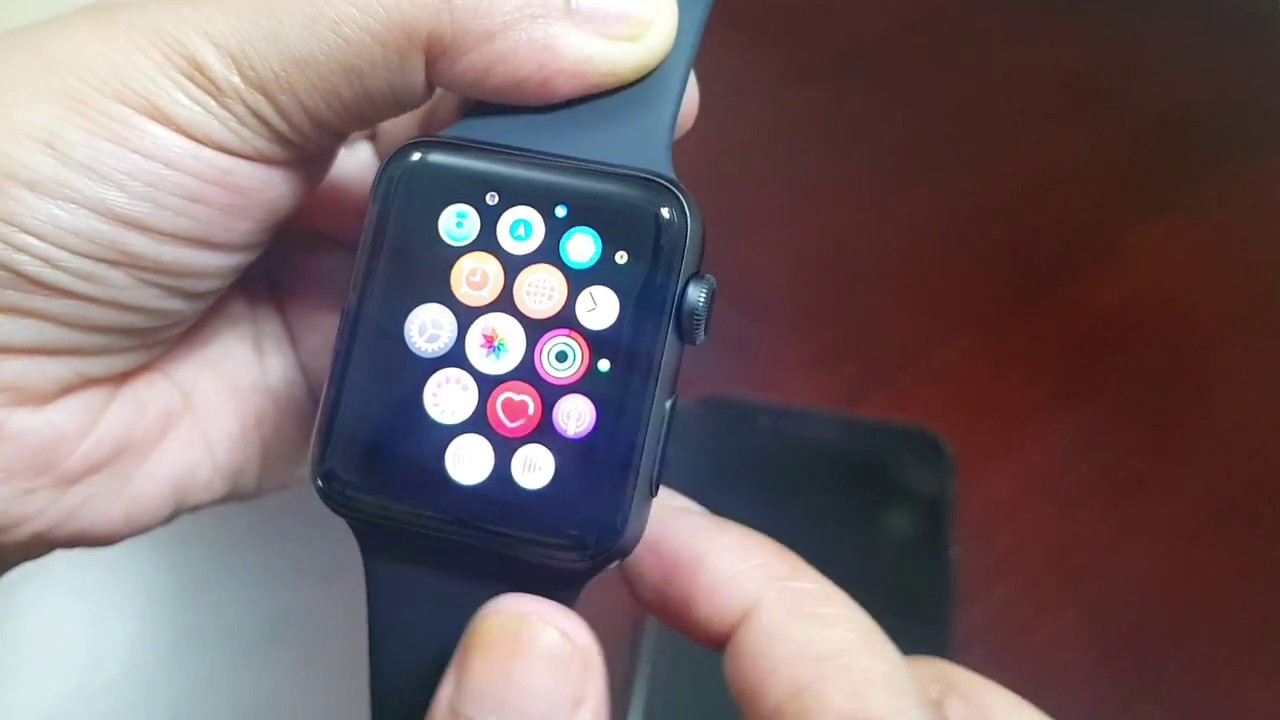
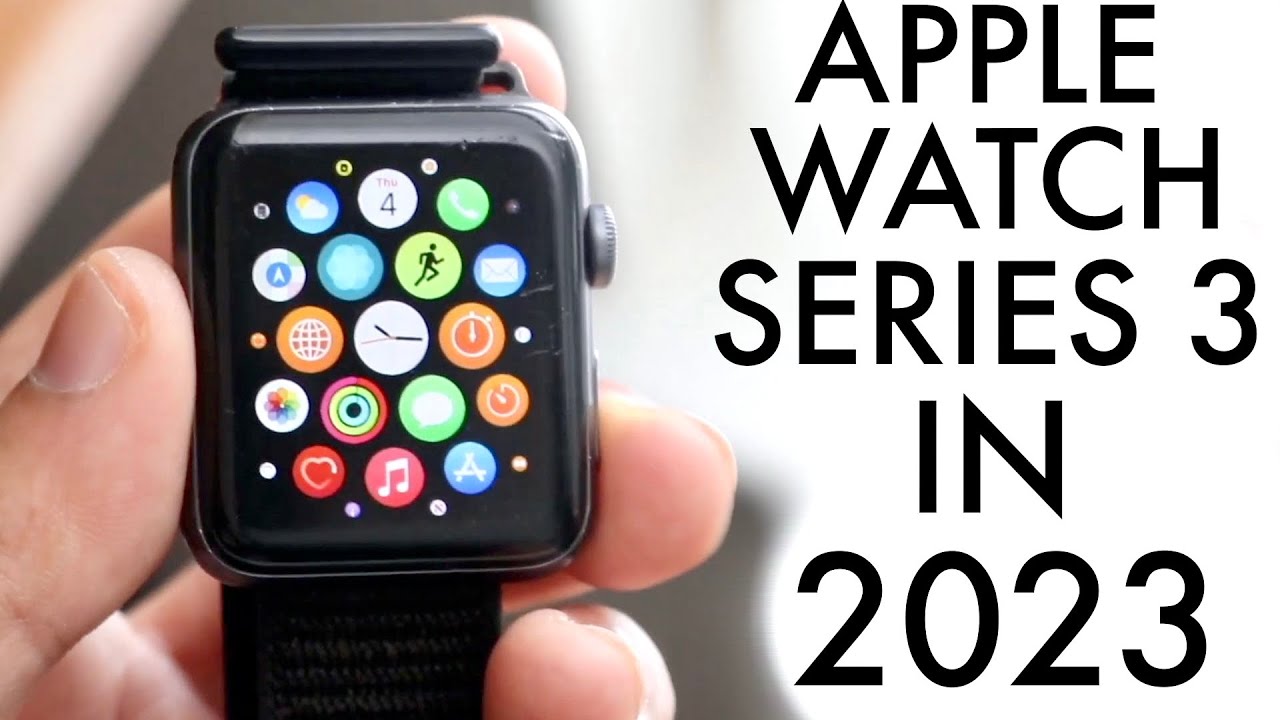
So, you’ve got an Apple Watch Series 3—maybe it was a gift, or you snagged a great deal on a classic. While it’s not the newest model on the block, it’s still a fantastic little companion for your daily life. Think of it as a tiny, smart sidekick on your wrist that can handle notifications, workouts, and even a quick phone call without digging out your iPhone.
This watch is incredibly popular because it does the essential things really well without overwhelming you. For beginners, it’s the perfect way to learn the smartwatch basics. For families, it’s a great way to keep older kids or teens connected with simple texts and safety features, while hobbyists will love tracking their runs or swims with built-in GPS and waterproofing.
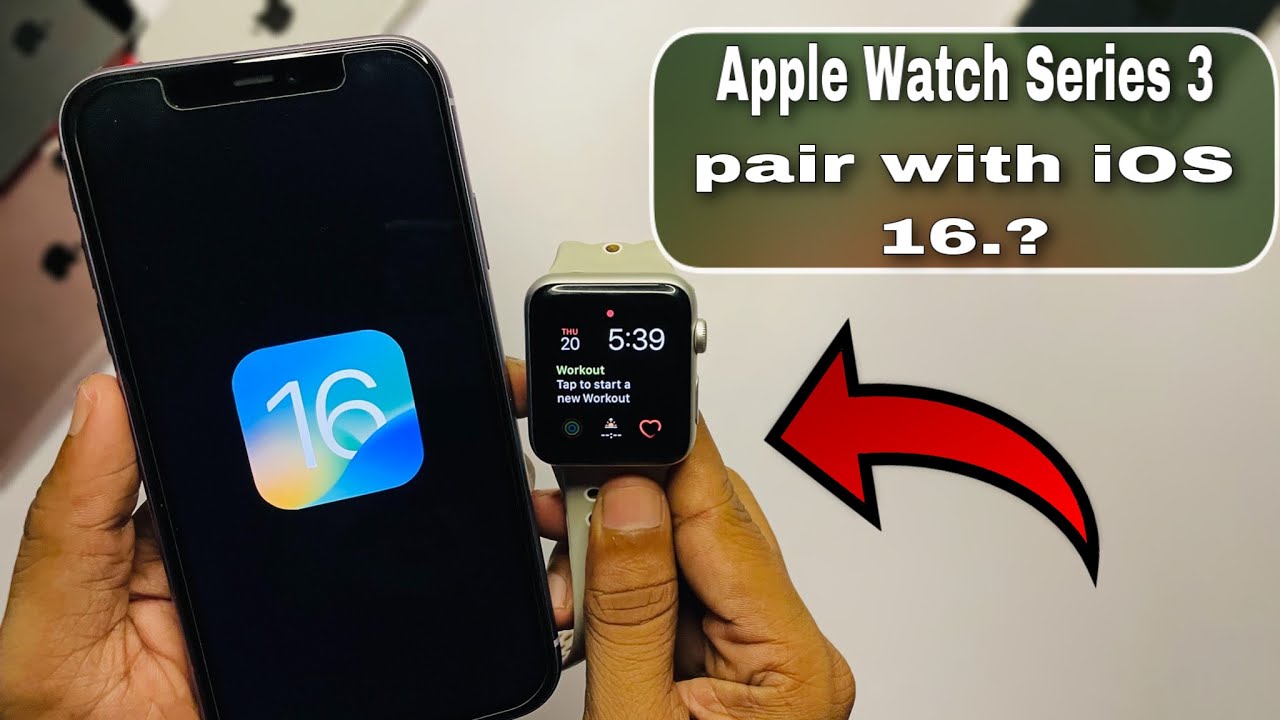
Let’s talk about getting started. The very first thing you need to do is charge it up using the magnetic puck that comes in the box. Once it’s on, bring your iPhone close, and a pop-up should appear asking if you want to pair them—just follow the steps on your phone.
Must Read
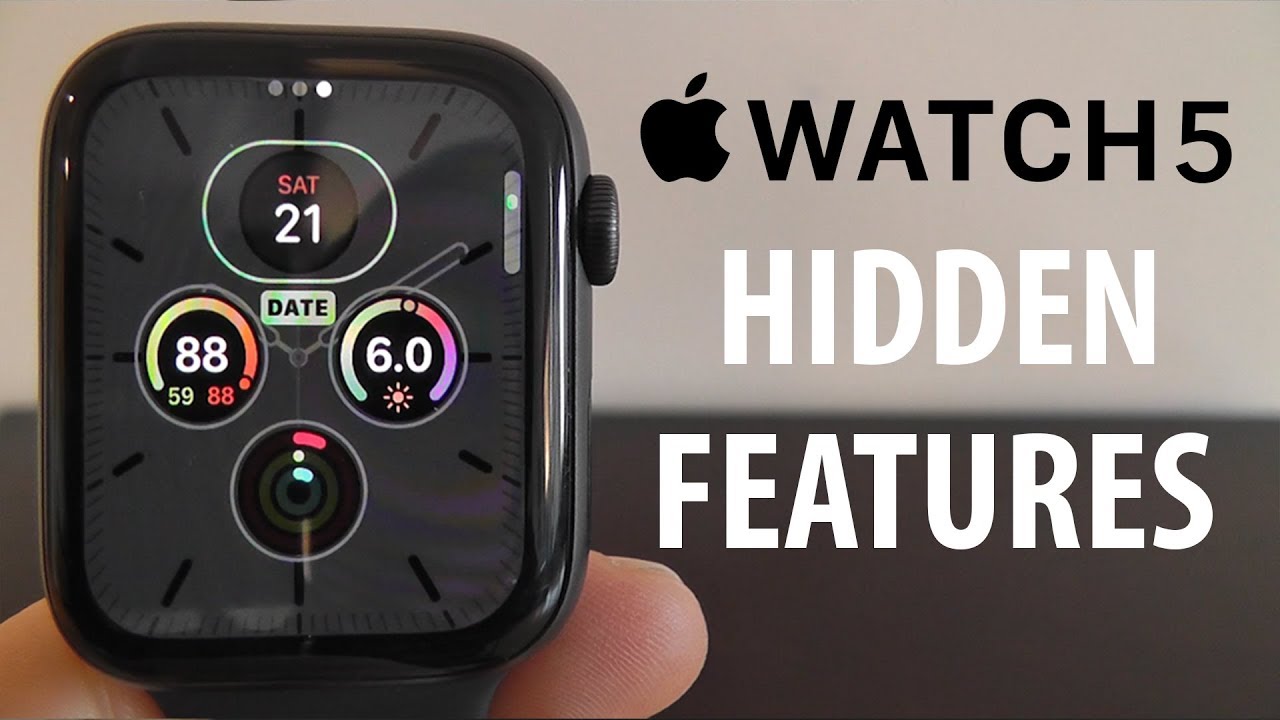
After pairing, you’ll want to customize your watch face. Press down firmly on the screen and swipe left or right to browse different faces. You can pick a simple digital clock, a classic analog look, or even one with your favorite photo; just tap “Edit” to add complications like weather or your activity rings.
One of the biggest joys is answering calls and texts right from your wrist. When a notification comes in, just lift your wrist to see it. To reply to a text, you can use quick replies, dictate with Siri, or even draw an emoji—it’s surprisingly fun to send a little heart or thumbs up.
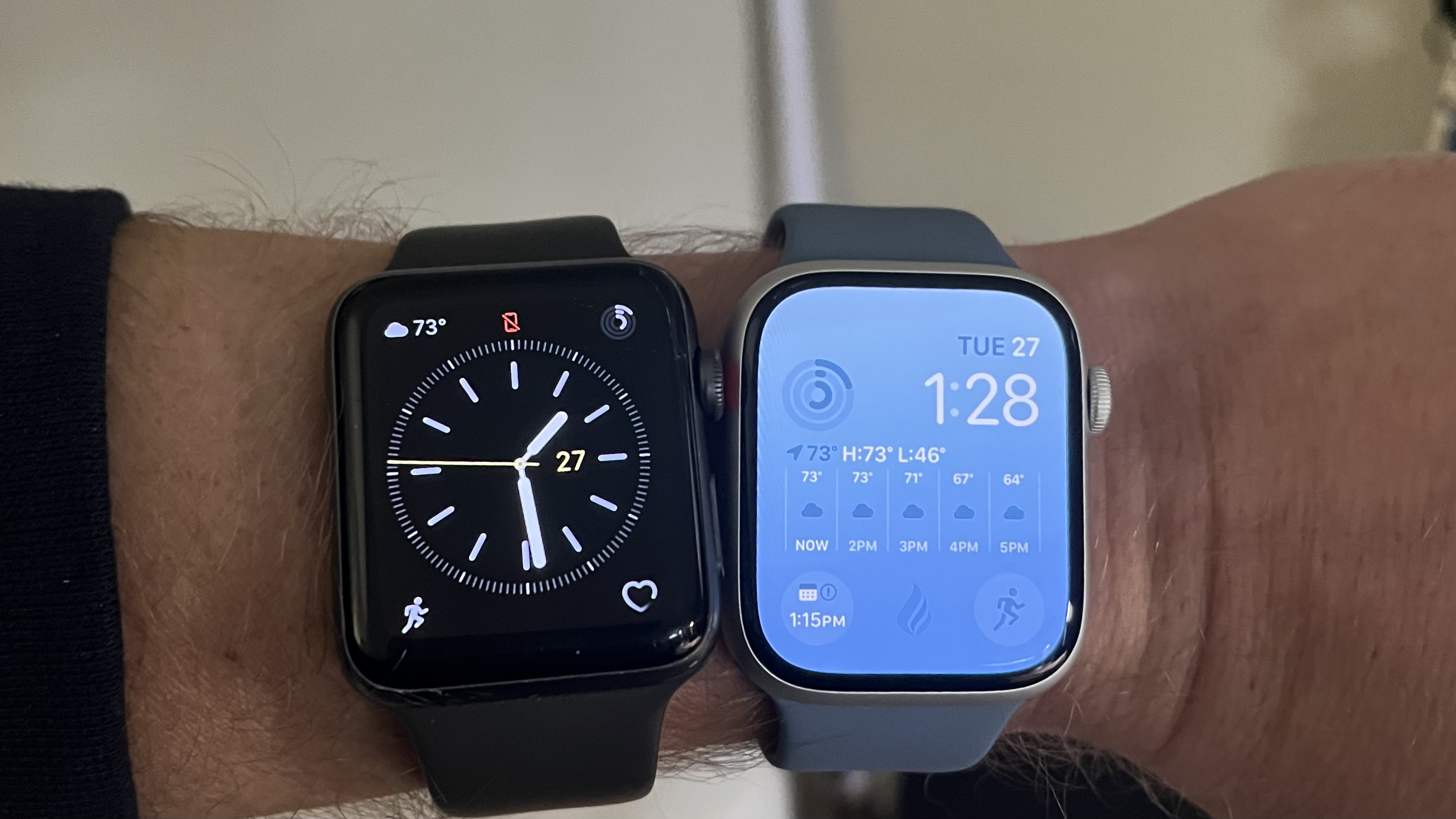
For your health, the Activity rings are the heart of this watch. The red ring is for moving, the green for exercise, and the blue for standing. Your goal is to close all three rings by the end of the day, which turns into a little celebration—it’s oddly addictive and a great motivator for the whole family.
If you’re a runner or walker, open the Workout app and choose “Outdoor Run.” The built-in GPS means you can leave your phone at home, and it will track your distance and pace accurately. After your workout, check the heart rate data to see how hard you worked—it’s perfect for hobbyists who love numbers.
Another hidden gem is the Breathe app. When you feel stressed, it guides you through a one-minute deep-breathing session. It’s a simple, practical tip for anyone, and it makes the watch feel like a calming personal trainer for your mind, not just your body.
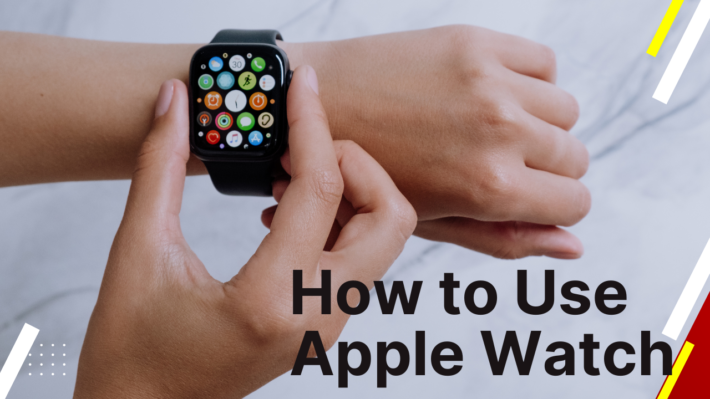
Don’t forget to play with the side button and the digital crown. Pressing the side button shows your recent apps, which makes switching to your favorite apps quick. The crown is your home button and scroll wheel—it also brings you back to the watch face if you twist it up.
For families, you can set up Family Setup if you have a newer iPhone, allowing your kid’s watch to work without them needing their own phone. This is great for simple check-ins and location sharing. Just remember that the Series 3 is a bit older, so some features might be limited, but the basics work beautifully.

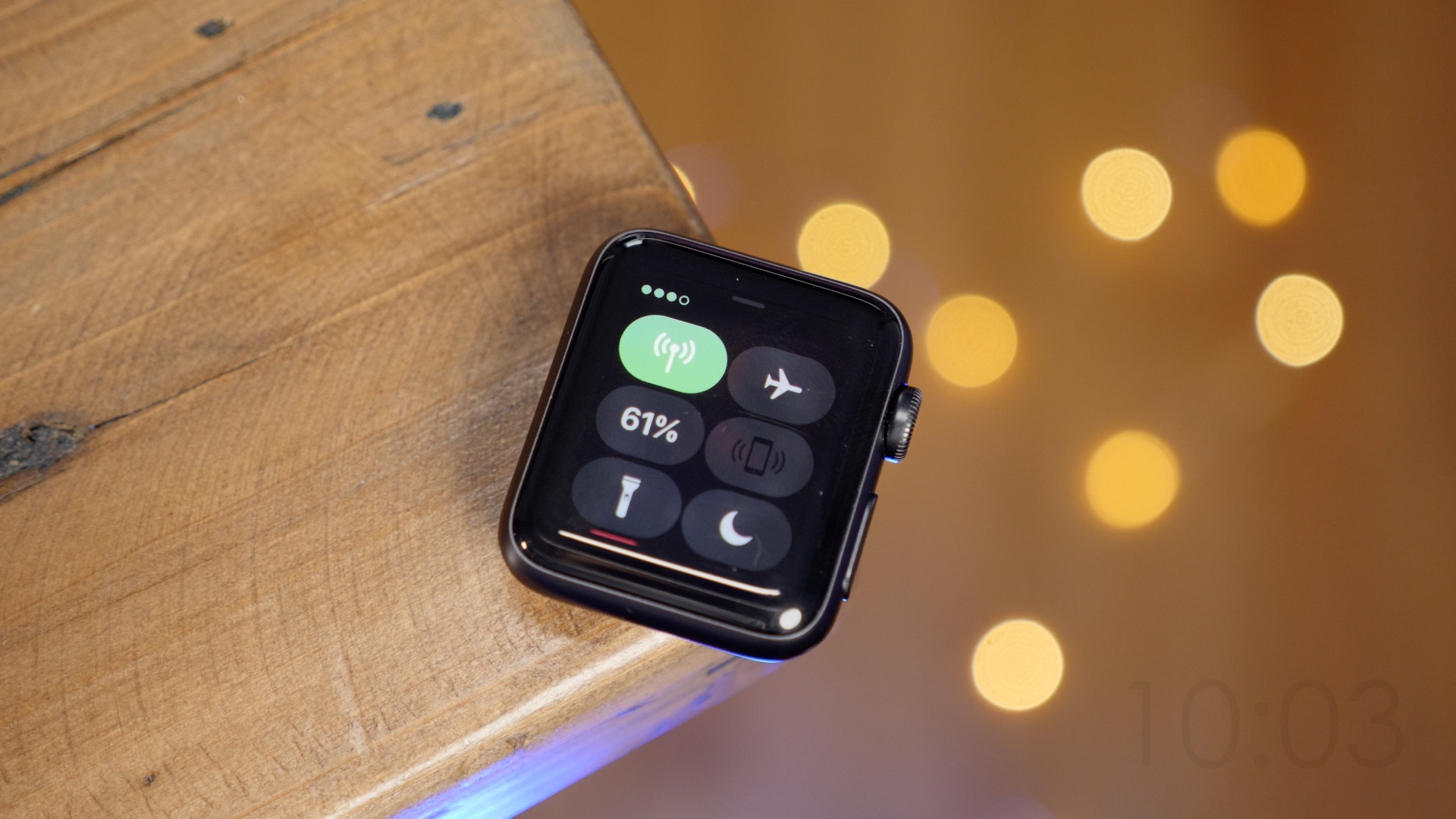
Here’s a quick tip for battery life: switch on Power Saving Mode during workouts to stretch the battery, and avoid using animated watch faces. Also, keep the screen brightness at a medium level, and you’ll easily make it through a full day plus a night of sleep tracking if you so desire.
You can also control music on your phone, set timers, and check the weather with just a flick of your wrist. These small tricks make everyday cooking, driving, or gardening easier because you are not constantly reaching for your phone. It turns any boring chore into a connected, efficient experience.
The Apple Watch Series 3 might be a few years old, but it still feels fresh and exciting to use. It’s a reliable, affordable entry point into the watch world that offers genuine value for beginners, families, and active folks alike. So charge it up, play with the settings, and have fun making it your own—you’ll wonder how you ever lived without that little tap on your wrist.