How To Import A Product From Aliexpress To Shopify
Hey there, friend! So you wanna know the secret to importing products from Aliexpress to Shopify, huh? Well, buckle up, because I'm about to spill the beans - it's actually pretty straightforward, if you know what you're doing!
First things first, you'll need to create a Shopify store - I mean, it's kinda obvious, but I gotta say it, right? Then, head on over to Aliexpress and find that perfect product you wanna sell - think about what's trending, what's hot, and what's gonna make you rich (just kidding, or am I?).
Step 1: Find Your Product
Now, let's talk about product research - this is the fun part! Browse through Aliexpress, and use those filters to narrow down your search - price, shipping, reviews, you name it! You can even use tools like Google Trends to see what's popular.
Must Read
When you find a product that makes your heart skip a beat (or at least, makes you go "oh, yeah, I can sell this!"), check the reviews - you want to make sure it's a high-quality product, or at least, that it's not a total dud. And trust me, you don't wanna be that person who sells a bunch of junk, right?
What to Look For
So, what makes a product great? Well, for starters, check the seller's ratings - you want someone with a high rating, obviously! Then, look at the product description - is it detailed? Are there high-quality images? These are all good signs, my friend!
And don't even get me started on shipping times - you don't want your customers to be waiting around for, like, forever, right? So, make sure the seller offers fast shipping, or at least, reasonable shipping times.
Step 2: Add the Product to Shopify
Okay, so you've found your product - now it's time to add it to Shopify! This is the easy part, I promise! Just go to your Shopify dashboard, click on "Products", and then "Add product" - simple, right?
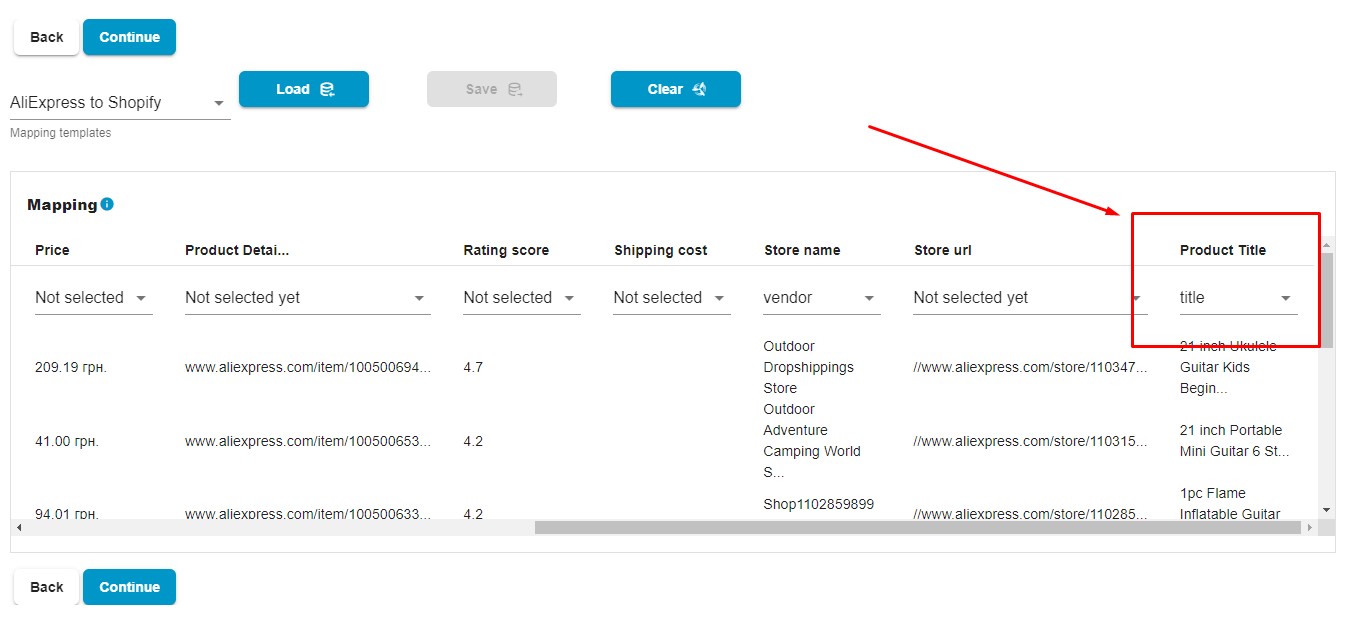
Now, you'll need to fill in all the details - product title, description, price, images... you get the idea. Make sure you optimize your product title and description for SEO - you want people to be able to find your product, after all!
Product Variants and Options
If your product has variants (like different sizes or colors), you'll need to set those up in Shopify. And if you have options (like gift wrapping, or something), you'll need to set those up too - it's all pretty straightforward, though!

Just remember to save your changes as you go - you don't want to lose all your hard work, right? And if you need help, just check out the Shopify documentation - it's like, super detailed and helpful!
Step 3: Set Up Shipping and Payment
Now that your product is all set up, you'll need to set up shipping - this can be a bit of a pain, but just stick with me, okay? You'll need to set up shipping rates, and choose a shipping carrier - Shopify makes this pretty easy, though!

And then, of course, there's payment - you'll need to set up a payment gateway, like PayPal or Stripe. This is all pretty standard stuff, but just make sure you follow the instructions - you don't want any issues with payments, trust me!
Final Check
So, you've done it - you've imported your product from Aliexpress to Shopify! Now, just do a final check to make sure everything is good to go - check your product page, make sure the price is right, and that the images are all showing up correctly.
Congrats, you're now a bonafide Shopify seller! Just remember to keep an eye on your store, and customer service is key - respond to those emails, and messages, and you'll be golden! And if you need any more help, just let me know - I'm always here to chat!
![How to Import Products From Aliexpress to Shopify [Quick Guide] - YouTube](https://i.ytimg.com/vi/IaDQrRNhCms/maxresdefault.jpg)