How To Get A Call Log From Metro Pcs
Ever wondered who called you at 2 a.m. after you fell asleep on the couch? Or maybe you need a quick record of your calls for a work expense report, a family plan dispute, or just to settle a “who called whom” argument with your best friend. Your phone’s call log is a tiny goldmine of info, and getting a full, official copy from Metro PCS is easier than you might think—no detective skills required.
This isn’t just about snooping; it’s about empowerment. You can track down a lost number, verify billing charges, or even help law enforcement with a legitimate request. The best part? You don’t need to visit a store and wait in line for an hour. You have a few simple, fast options right from your pocket or computer.
Why You’d Want Your Metro PCS Call Log
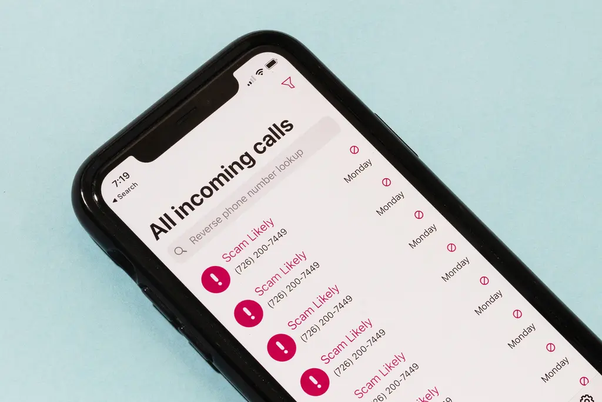
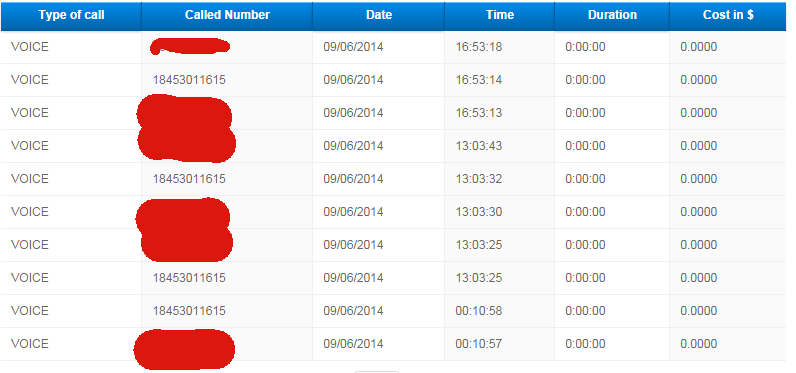
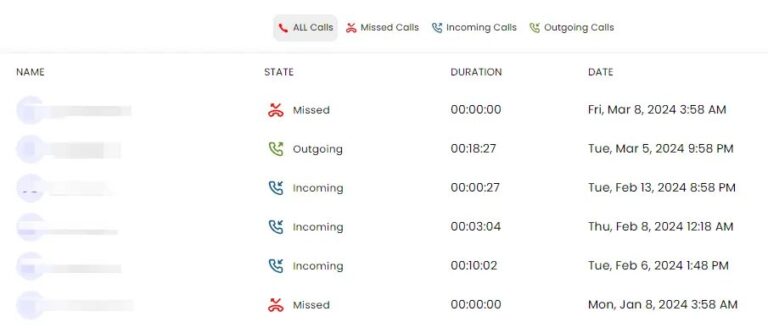
Think of your call log as your personal communication diary. It shows you the date, time, duration, and phone number of every incoming, outgoing, and missed call. This is perfect for spotting a spam caller pattern, confirming you made a call to your doctor’s office, or proving you didn’t accidentally call your ex three times last week.
Must Read
Plus, if you suspect unauthorized activity on your account, a detailed log is your first line of evidence. You can spot strange numbers you never dialed and report them to Metro’s fraud team immediately. It’s like having a security camera for your phone’s front door.
Method 1: The Fastest Route – Your Metro App
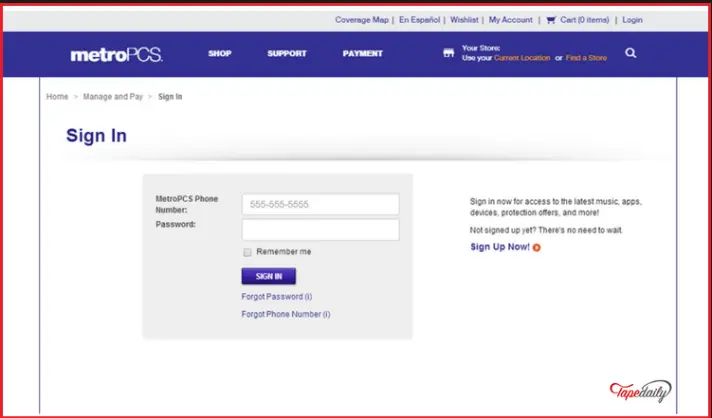
Your smartphone is the key to the kingdom, literally. Download or open the My Metro app (available for both Android and iOS). Log in with your Metro PCS number and password, and you’ll find a section called Usage or Call History.
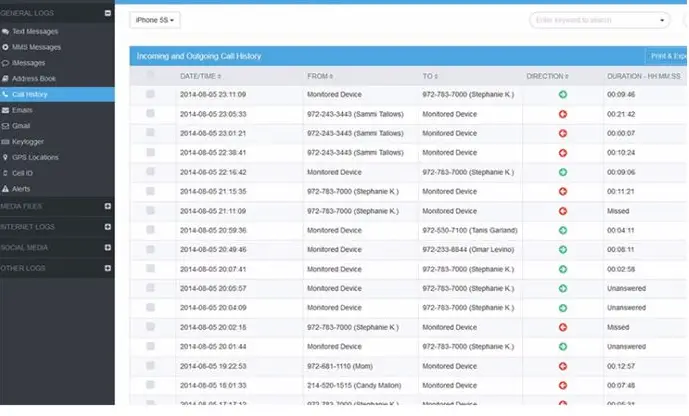
This gives you a current, rolling log of your recent calls, usually for the last 30 to 90 days. You can scroll through, note down numbers, and even export the data as a text file for your records. It’s instant, free, and you don’t have to talk to a single person.
Pro tip: The app is the only way to get a real-time view without waiting. This is your go-to for quick checks.
Method 2: Dial Up the Old-School Way
Don’t love apps? No problem. You can also call Metro PCS customer service directly by dialing 611 from your Metro phone, or 1-888-8-METRO8 from any other phone. Ask the automated system or a live agent for your detailed call history.
They can verbally confirm recent calls, but for a written log, they’ll often send you a text message or email with a link to download it. Just keep your account PIN ready—they’ll ask for it to verify you’re the account owner.
Method 3: The Official Request (For Paper Trails)
What if you need an official, certified record for legal or billing disputes? That’s when you go straight to the source. You can submit a formal request via Metro PCS’s online Customer Care > Request Call Detail page, or you can write a letter to their corporate office.
This isn’t a quick “grab and go.” It’s a formal process where you’ll need to provide your account number, phone number, the date range you want (usually up to 12 months back), and a reason for the request. They’ll mail or email you a PDF within a few business days. This is your most reliable option for a permanent, legally-usable document.
What About Deleted Calls?
Here’s the honest truth: once a call is deleted from your phone’s screen, it’s gone from the device itself. But Metro PCS keeps a server-side record of all calls for billing purposes, typically for up to 18 months. That means deleted calls can still appear in your official call log—so don’t panic.
Just be aware that the My Metro app only shows recent activity. For older, deleted items, you must use the formal request method above. Patience is your friend here.
Final Thought: Keep It Legal
This entire process is perfectly legal for the account owner. However, don’t try to pull someone else’s call log—that’s a serious privacy violation. Stick to your own lines, and you’re golden.
So next time you’re in a “did I really call them?” panic, skip the frantic phone-scrolling. Grab your app, dial 611, or send a formal request, and your answer will be there in minutes or a few days. You’ve got the tools, the tricks, and the know-how. Now go put that call log to good use!