How To Add A Company To Crunchbase
Ever wondered how your favorite startup or local coffee shop ends up on Crunchbase, that giant database of companies? It’s not magic—it’s usually just a quick, painless process that anyone can do. Adding your own business or a friend’s project is a fun way to put it on the map and attract attention from investors, journalists, or even future customers.
For beginners, this is a great way to learn the ropes of online business profiles without any technical stress. For families running a small side hustle, it’s a free digital business card that adds credibility. And for hobbyists who love tracking industry trends, adding a niche project gives you a backstage pass to how data gets organized.
The main payoff? Your company becomes visible to a global audience that actively searches for new products, funding rounds, and innovative teams. It’s like putting a sign on your virtual door that says, “We’re open for business.” Plus, you can use the profile to update news, add your website, and even tag your location—all in under ten minutes.
Must Read
Let’s look at a quick example: imagine you bake custom cookies and sell them online. You’d add “CookieWins LLC” with your website, a short description, and your city. Then, when someone searches for “artisan cookies,” your name can pop up—not just on Google, but on a platform where angels and VCs scout daily.
Another variation? You might be adding a nonprofit or a local band. Crunchbase doesn’t just host tech giants; it welcomes all types of organizations. So, whether you’re a solo freelancer or the head of a small team, the steps are exactly the same.
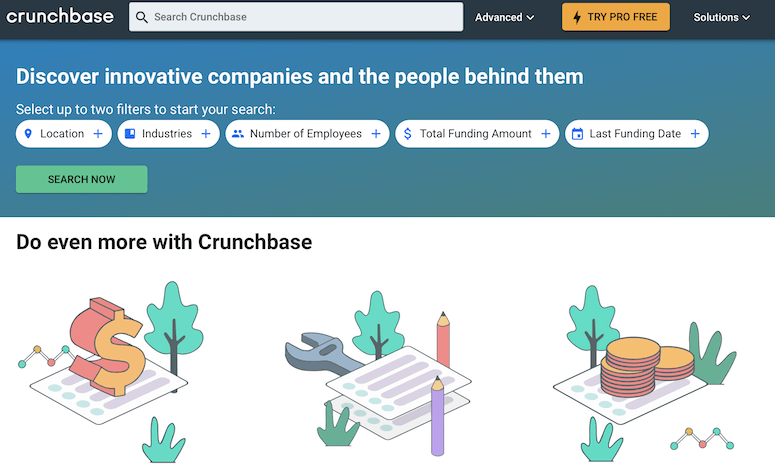
Ready to dive in? First, go to crunchbase.com and click “Sign In” to create a free account—you can use Google or just your email. Next, find the green “Add” button (usually on the top right) and select “New Company.”
Now, fill in the basics: name, website, short description (make it catchy but clear), and the founding date if you know it. Don’t stress about perfection—you can edit anytime. Add your logo if you have one, but it’s not required to save the profile.
Here’s a pro tip: use simple, keyword-rich sentences in your description. For example, “We make eco-friendly dog toys from recycled materials” works better than “We do stuff.” This helps people find you when they search for those terms.
After you hit “Save,” you’ll be asked to verify your email (if you haven’t already). Then, you can add founders, funding info, or news—but don’t feel rushed. Just having the basic profile live is a solid first step.
One more tip: keep your profile up to date. If you move locations or launch a new product, log back in and refresh the info. A stale profile looks less trustworthy than a blank one.
That’s all there is to it! The whole process is free and usually takes under five minutes. You’ll get a little sense of accomplishment, and you’ll know you’ve made your business slightly more discoverable to the world.
So why not grab a coffee, pull up your browser, and give it a shot? You might just spark a connection that leads to a partnership, a press mention, or your very first big client. Happy listing—it’s honestly a small step that feels like a big win.