How Much To Add An Ipad To Verizon
Ever found yourself staring at your shiny new iPad, desperately hunting for a Wi-Fi signal that just won’t cooperate? You’re not alone. That’s exactly why adding your iPad to your existing Verizon plan is a total game-changer, turning your tablet from a fancy paperweight into a true on-the-go powerhouse.
The best part? You don’t need a separate bill, a new account, or a second login to manage. By simply tacking on the tablet to your current Verizon plan, you get instant cellular data, seamless billing, and the freedom to stream, navigate, and work anywhere. It’s like giving your iPad its own personal set of wings, and the process is easier than you think.
So, What’s the Damage to Your Wallet?
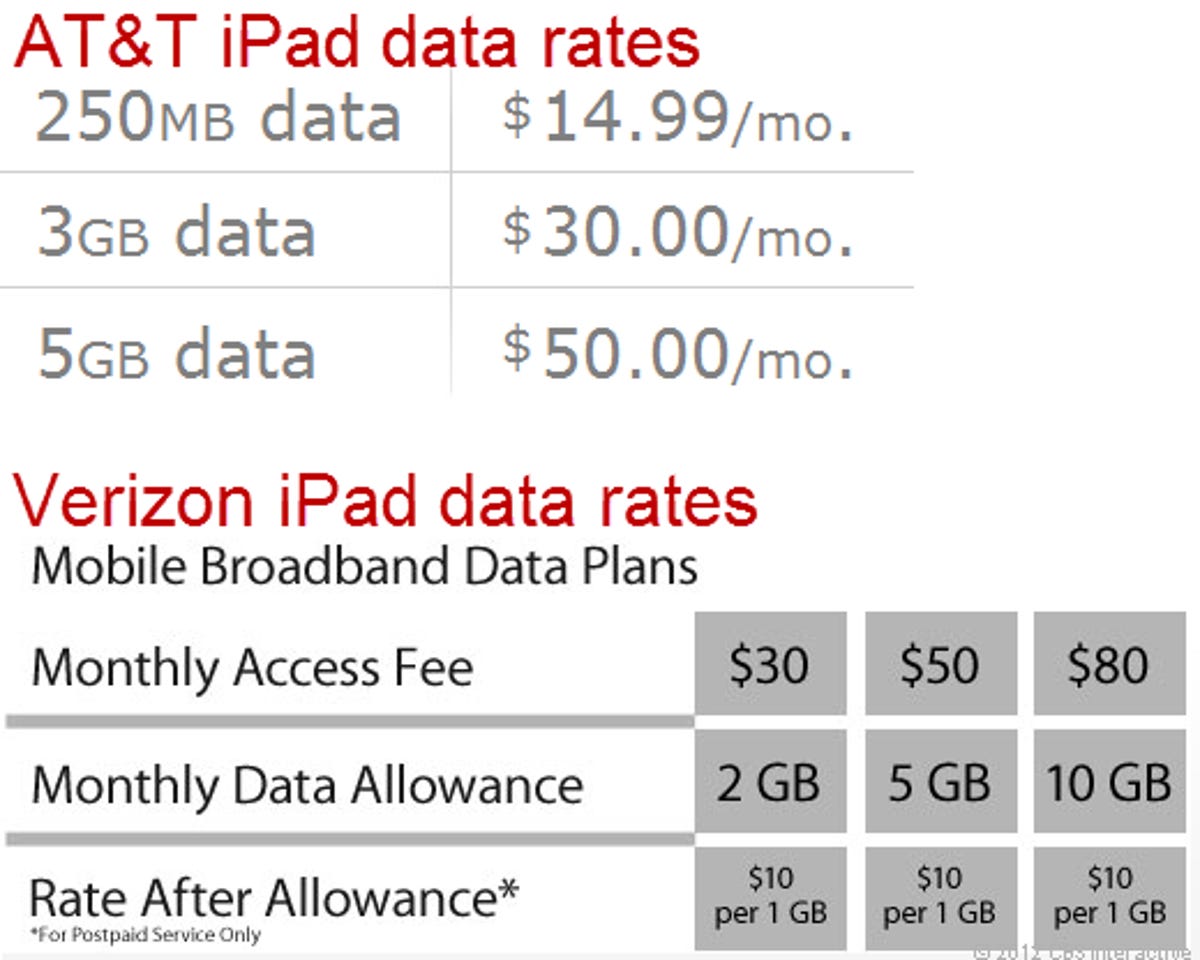
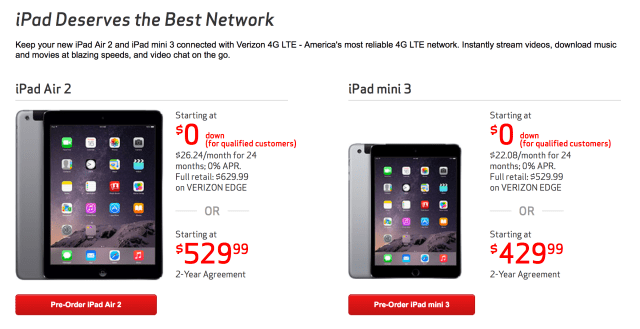
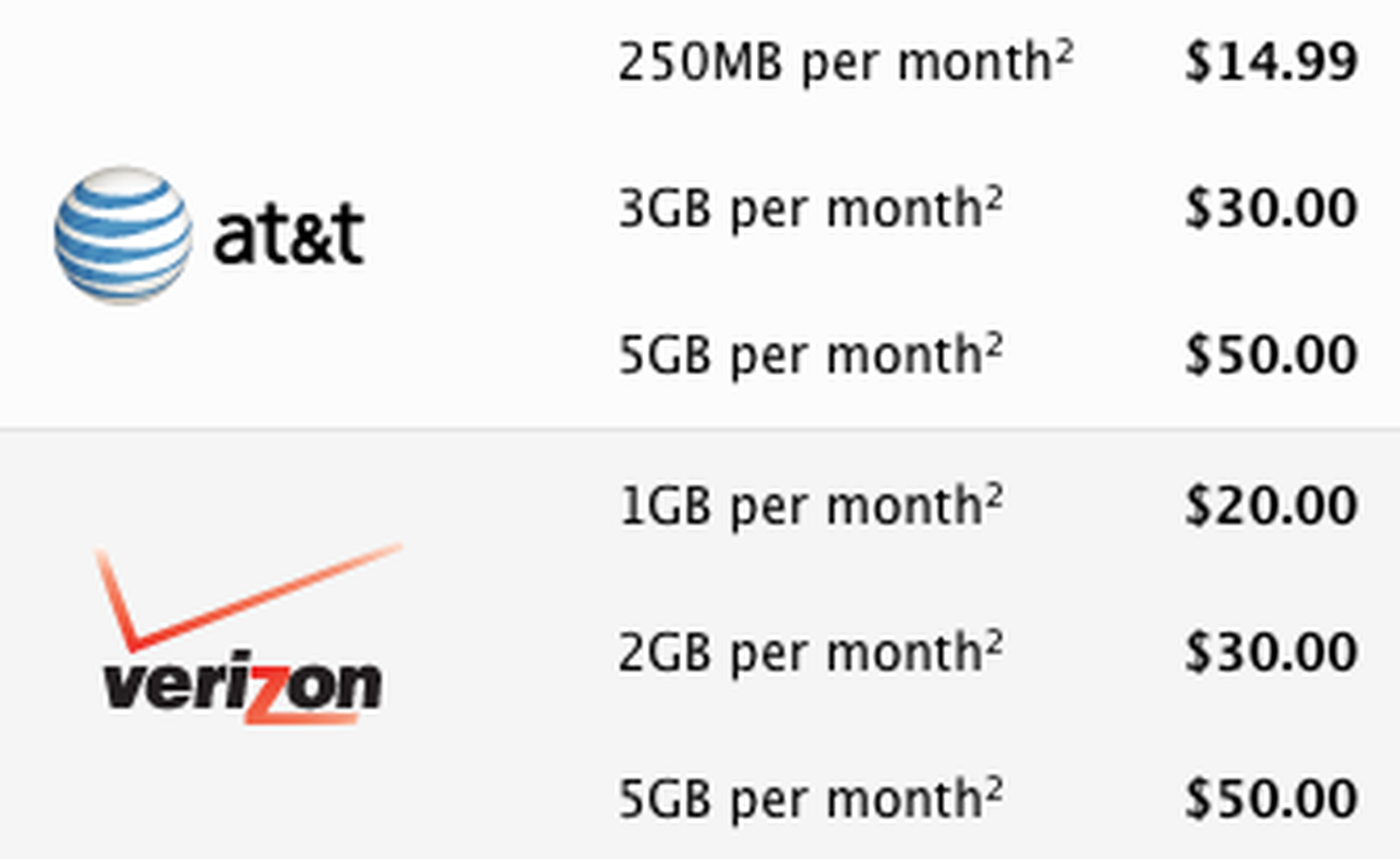
Here’s the good news: the magic number usually sits between $10 and $20 per month—but the exact cost depends on which plan you already have. If you’re on a premium unlimited plan, you might snag a tablet line for just $10/month with taxes and fees included. Older or basic unlimited plans often charge around $20/month, while shared data plans can be even cheaper if you have spare gigabytes.
Must Read
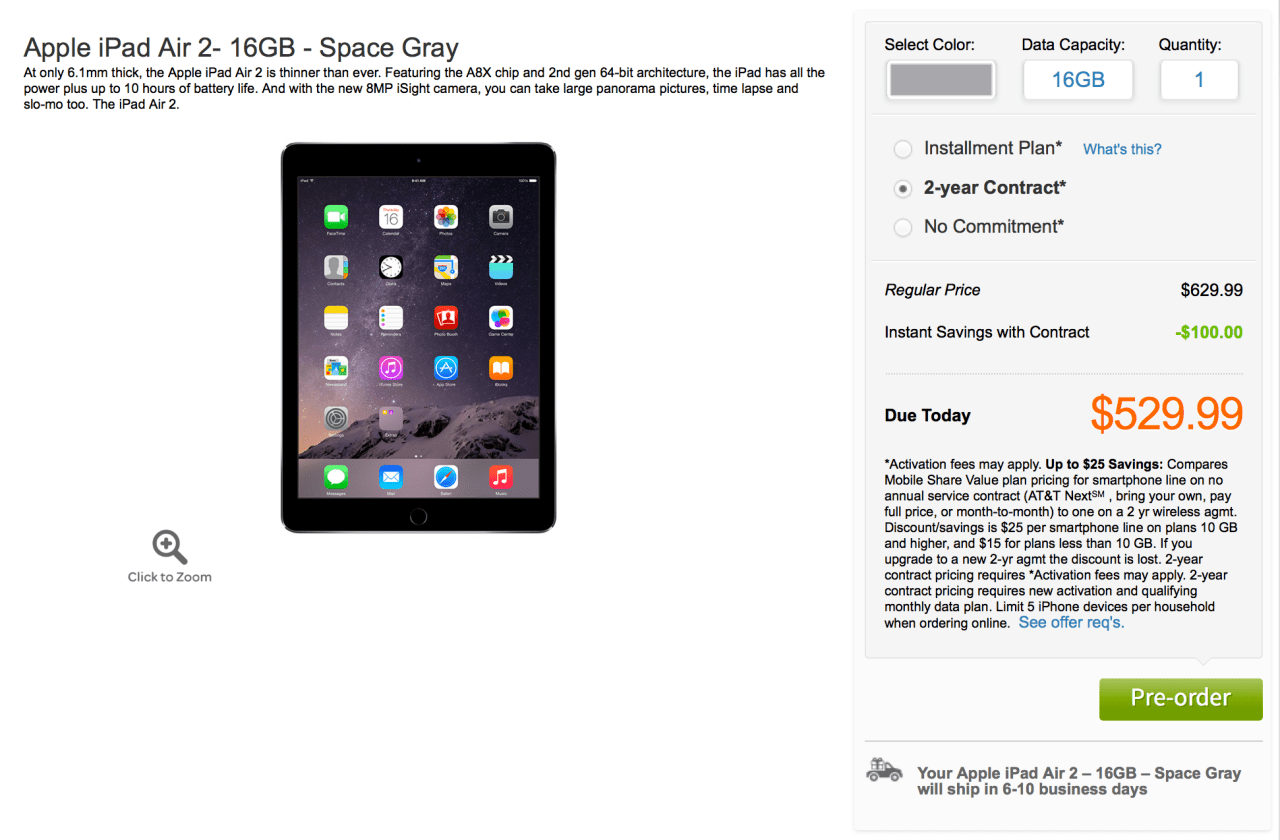
Don’t forget the one-time $35 activation fee for new lines, though Verizon often waives it during promotions. Also, if you’re bringing your own iPad (not buying one from Verizon), there’s usually zero upfront cost for the device itself. That’s right—no new hardware price tag, just the monthly service.
Quick tip: Log into your Verizon account online or use the My Verizon app, then click “Add a Line.” You’ll see the exact monthly price before you commit.
Why Bother? The Real‑World Payoffs
Imagine being on a road trip, with kids in the backseat watching YouTube, while your phone alone handles the GPS and your spouse’s texts. Without Wi‑Fi, you’d either burn through your phone’s hotspot data or risk a meltdown. Adding the iPad gives it dedicated, independent data, so your phone stays unclogged and fast.
It’s also a lifesaver for remote work and college lectures. Waiting at a doctor’s office? Fire off emails from your iPad without hunting for a café’s password. On a train? Download huge files and stream webinars with zero lag. The iPad acts like your phone’s smarter, bigger cousin, always connected.
Plus, with Verizon’s 5G Ultra Wideband, the iPad can hit insane speeds that make most home Wi‑Fi look sluggish. You’ll have the same coverage map as your phone, so if you get bars on your smartphone, you get bars on your tablet. That’s peace of mind, pure and simple.
But Watch Out for the Sneaky Fine Print
Before you click “confirm,” double-check your plan’s data deprioritization rules. On some unlimited plans, your iPad might get slower speeds after you pass 50 GB in a month—even if your phone was fine. It’s rare, but it happens, so know your limits.
![How Much To Add Ipad To Verizon Plan [Clarified] - Digitalhow](https://digitalhow.co.uk/wp-content/uploads/2024/05/how-much-to-add-ipad-to-verizon-plan-clarified_4047.jpg)
Another gotcha: if you cancel your phone line later, the iPad line often gets canceled too, because tablet lines are tied to your primary voice line. So don’t cancel your phone thinking you’ll keep the tablet data running solo—that’s a quick way to lose the connection.
Is It Worth It? Absolutely, If You Use It.
If you’re the type who uses your iPad daily for streaming, gaming, or work, then $10–$20 a month is a steal. Compare that to buying separate hotspots or relying on public Wi‑Fi, which is slow, insecure, and frustrating. You’re paying for convenience, and Verizon makes it painless to set up.
You can even pause the line temporarily when you don’t need it—say, for a month of vacation—and only pay for the months you actually use. That’s a flexibility that plans from years ago never offered, and it makes the cost feel even lighter.
But if your iPad rarely leaves your living room couch, skip the add‑on. Wi‑Fi already does the job for free. The real question is: do you want your tablet to be a lifeline or a luxury? For most people, the answer is a clear, enthusiastic yes to adding the line, and now you know exactly what to expect on the bill.
So go ahead, check your Verizon app, and see that surprisingly small number. Your iPad will thank you with endless, wireless freedom—no coffee shop password required.