How Do You Know If Your Wifi Is Working
I still remember the day I moved into my new apartment and spent hours trying to set up my wifi. I was so excited to finally have a place to call my own, but my enthusiasm was quickly dampened by the frustrating process of getting my internet up and running. As I sat on the floor, surrounded by router manuals and ethernet cables, I couldn't help but wonder: how do you know if your wifi is working, anyway?
It's a question that may seem obvious, but trust me, it's not always as straightforward as it seems. I mean, think about it: we're so used to having wifi at our fingertips that we often take it for granted, until it's not working, that is. Then, we're left scratching our heads, trying to figure out what's going on and how to fix it.
So, How Do You Know If Your Wifi Is Working?
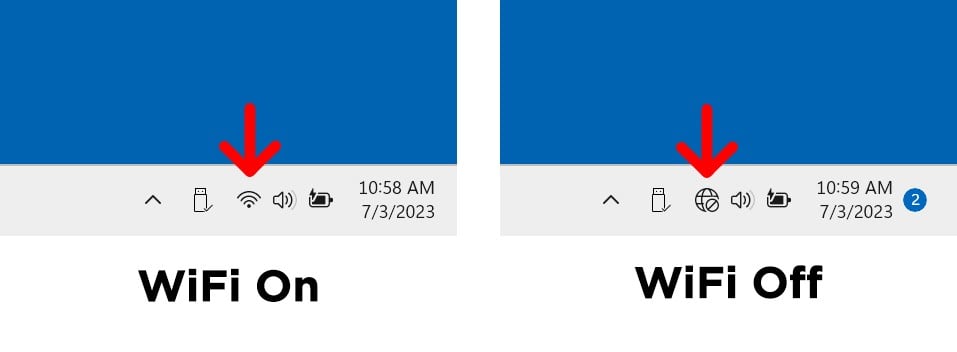
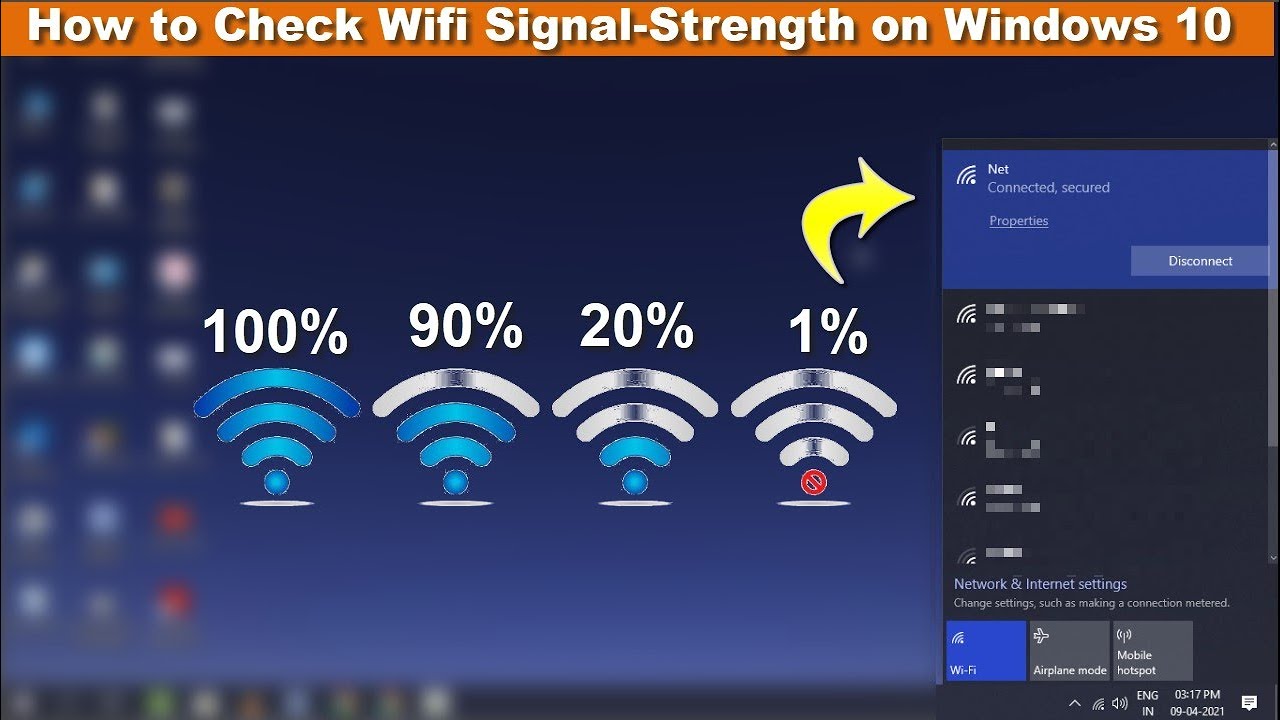
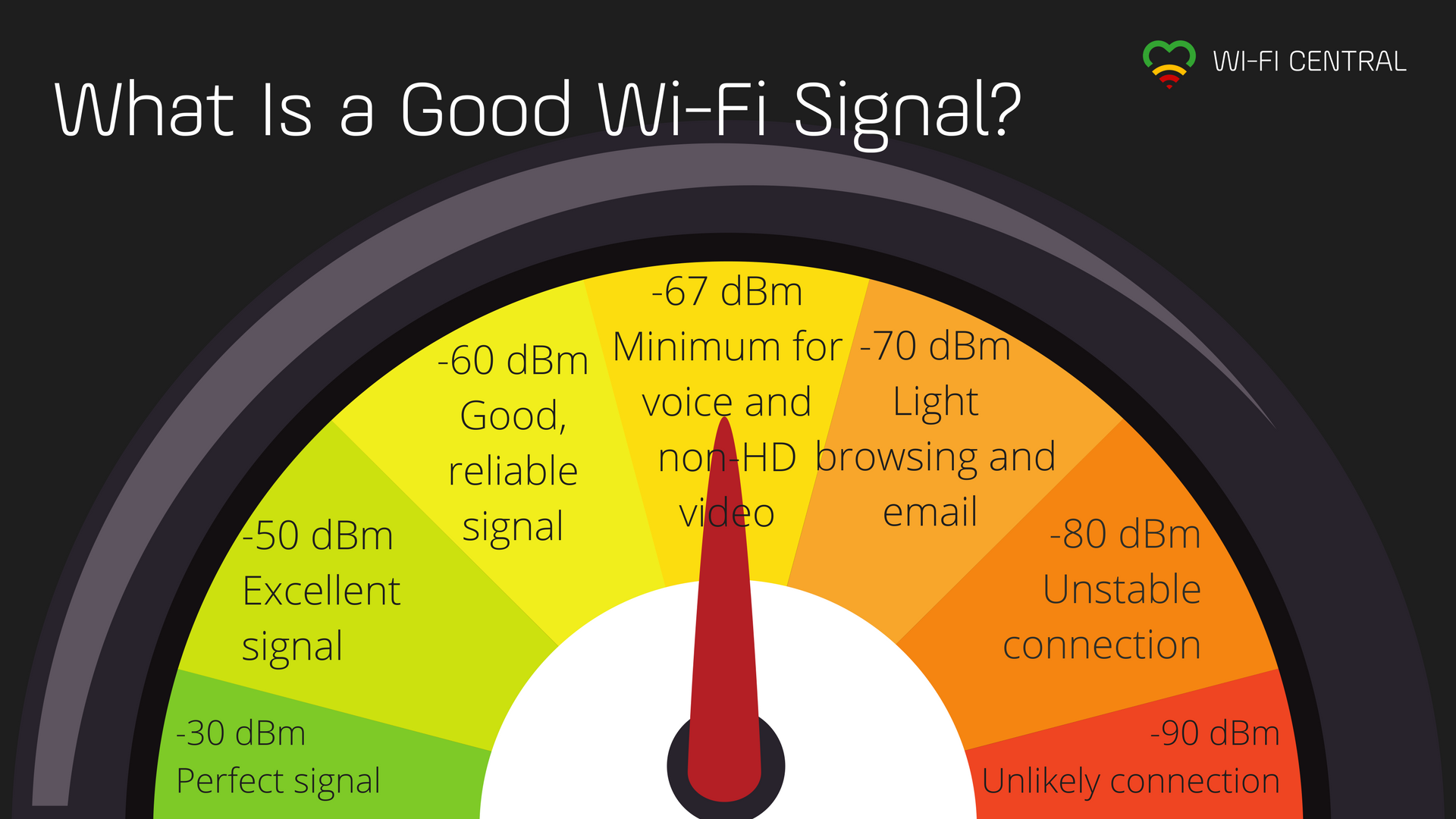
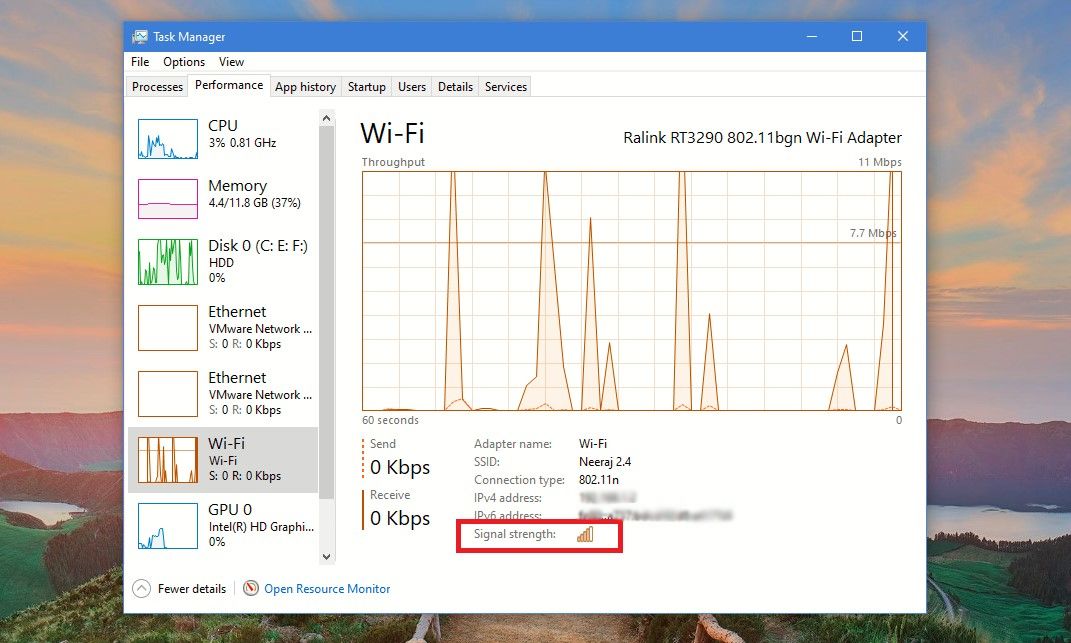
The first sign that your wifi is working is usually the wifi symbol on your device, which indicates that you're connected to a network. But, let's be real, we've all been there: you see the symbol, but your internet is still slow or not working at all. It's like, hello, I'm connected, but what's the point if I can't even load a website?
Must Read
Another way to check if your wifi is working is to try loading a webpage or streaming a video. If it loads quickly and without any issues, then your wifi is likely working just fine. But, if it's slow or keeps buffering, then you know you've got a problem on your hands.
Common Issues That Can Affect Your Wifi
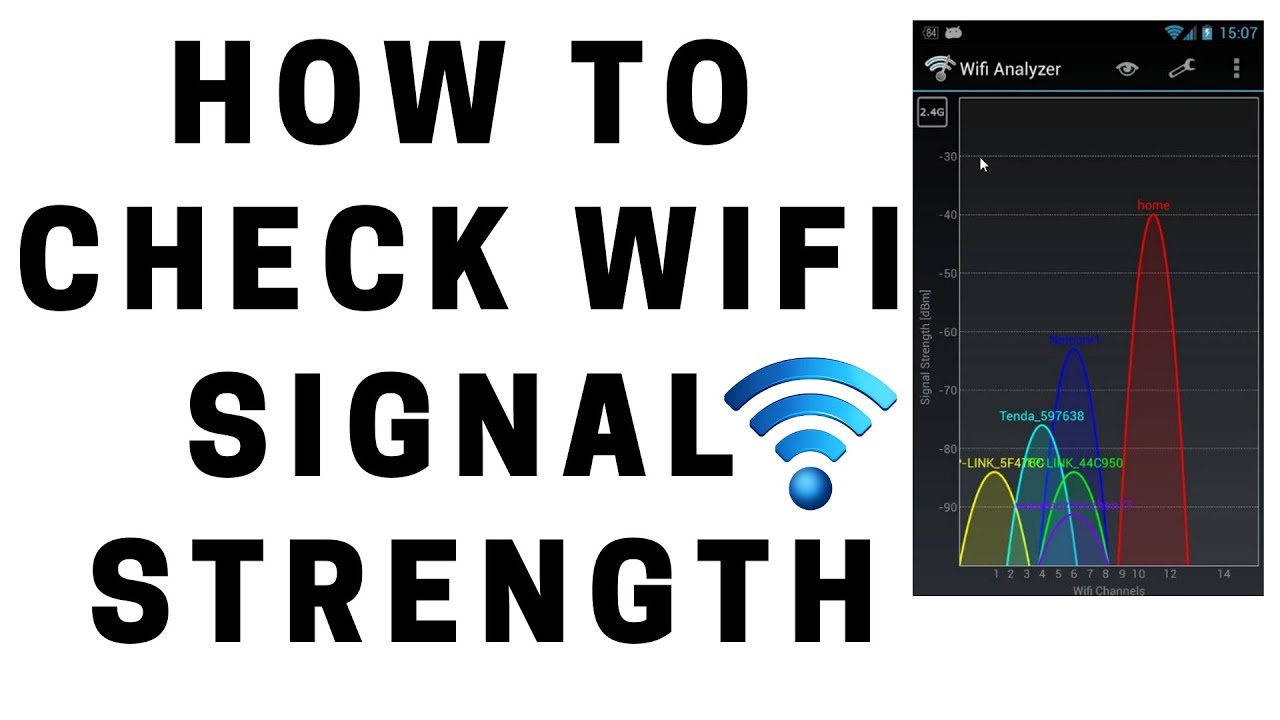
One of the most common issues that can affect your wifi is interference from other devices. You see, wifi signals can be disrupted by other devices in your home, like microwaves or cordless phones. It's like, you're trying to have a conversation, but there's all this background noise that's disrupting everything.
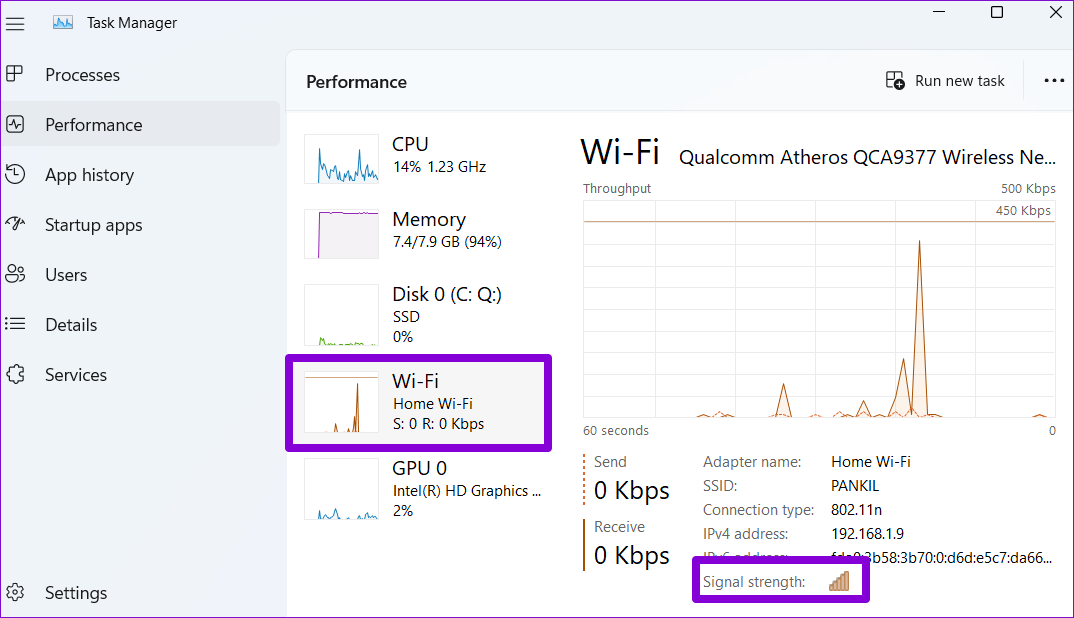
Another issue that can affect your wifi is physical barriers, like walls or floors. If your router is on one side of the house and you're trying to use your device on the other side, the signal may not be strong enough to reach you. It's like, you're trying to shout to someone in another room, but they can't hear you.
And then, of course, there are software issues, like outdated drivers or malware. These can cause all sorts of problems, from slow internet to complete disconnections. It's like, your device is trying to run a marathon, but it's got a broken leg.
Troubleshooting Your Wifi
So, what can you do if your wifi is not working? Well, first things first, try restarting your router. It's like, the old "have you tried turning it off and on again?" trick. Sometimes, it really is that simple.
If restarting your router doesn't work, try checking your cables and connections. Make sure everything is plugged in properly and that there are no loose connections. It's like, you're trying to build a house of cards, but one of the cards is missing.
If you're still having trouble, it may be time to contact your internet service provider. They can help you diagnose the issue and get your wifi up and running in no time. It's like, you're calling in a specialist to fix a problem that's beyond your expertise.
In conclusion, knowing if your wifi is working is not always as straightforward as it seems. But, by checking for the wifi symbol, trying to load a webpage or stream a video, and troubleshooting common issues, you can determine if your wifi is working and get back online in no time. And, trust me, there's no feeling quite like the relief of finally getting your wifi working again - it's like, you can finally breathe a sigh of relief and get on with your day.
So, the next time you're struggling with your wifi, just remember: it's not you, it's your wifi. And, with a little patience and troubleshooting, you can get it working again in no time. Happy browsing!