How Do I Watch Google Play Movies
So, you’ve finally done it. You’ve bought that movie you’ve been meaning to see, or maybe you got a digital copy as a gift, and now you’re staring at your screen thinking, “Okay… now what?” Don’t worry, we’ve all been there. Watching Google Play Movies is a lot easier than finding that missing sock in the laundry—trust me, it’s practically effortless.
First Things First: Where Are Your Movies?
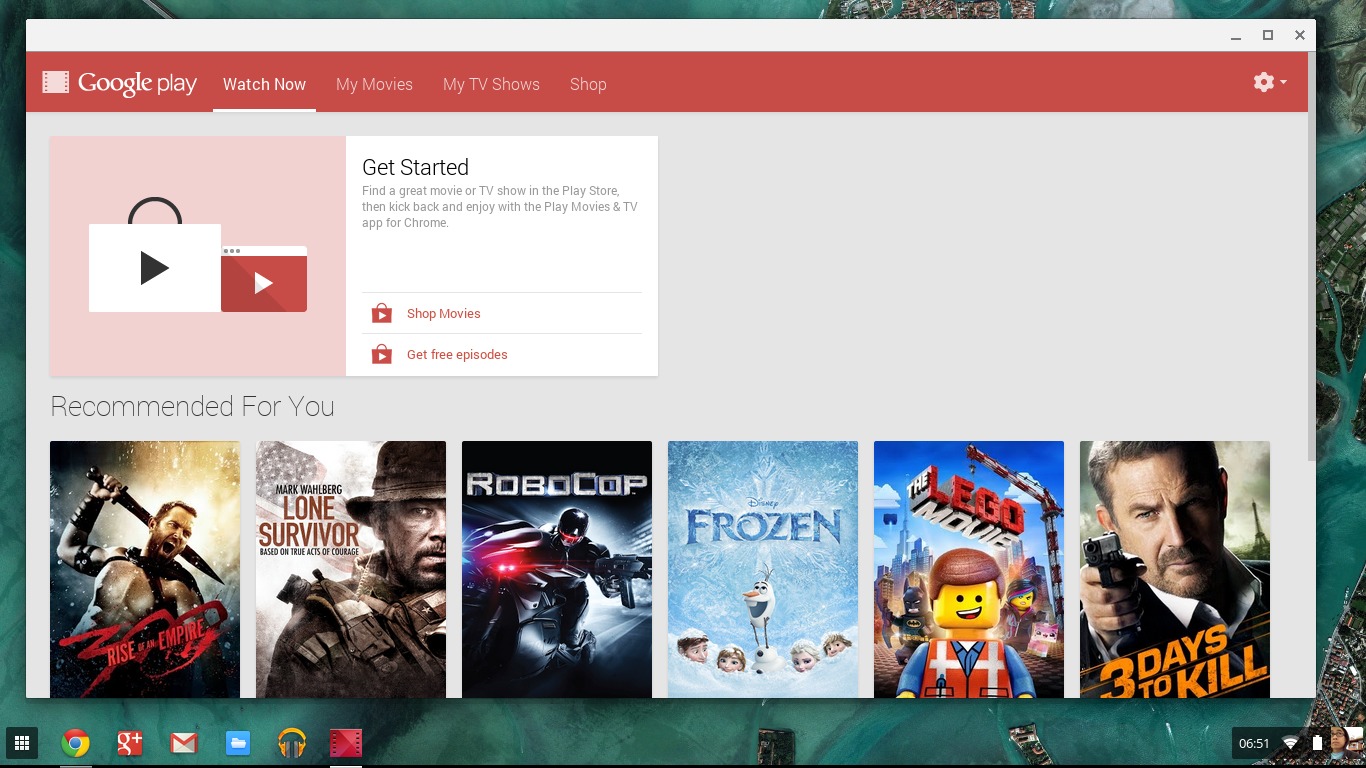
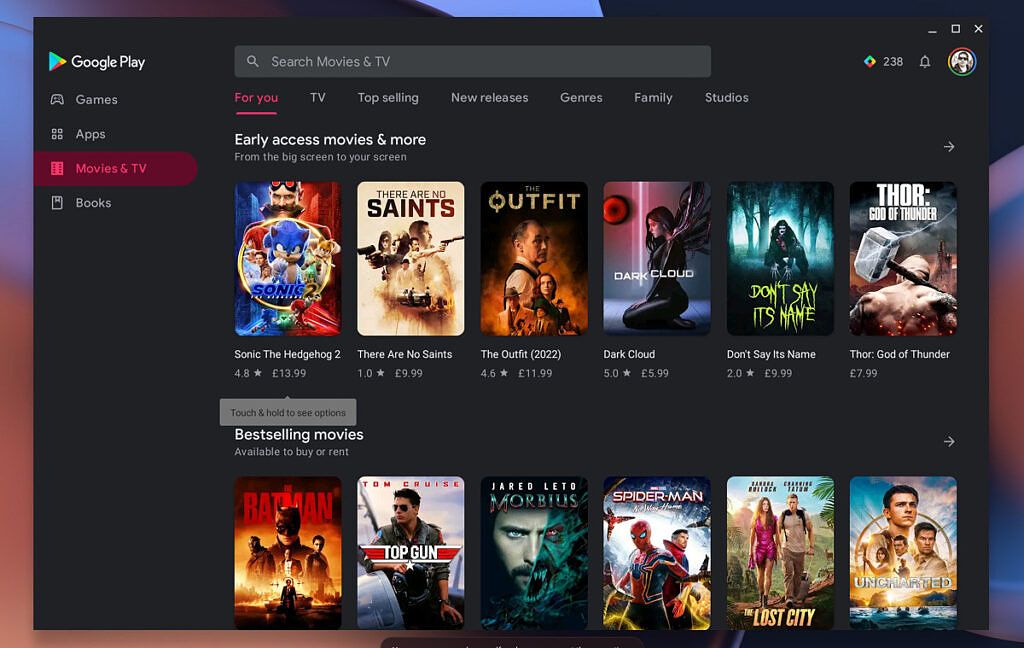
Think of your Google Play account as a magical, cloud-based DVD shelf that never gathers dust. You don’t need to plug in a clunky player or worry about scratched discs. Your movies live in the Google Play Movies & TV app, which is probably already on your phone or tablet without you even realizing it.
If you’re on a computer, just head to the Google Play website and sign in. It’s like walking into your own personal cinema, but the popcorn is optional and you can pause for bathroom breaks without missing a single plot twist.
Must Read
The “Which Device Am I On?” Game
Here’s the best part about Google Play: it follows you around like a friendly, loyal puppy. You can start a movie on your TV in the living room, and then finish it on your phone while hiding from your chores in the bedroom. It’s not magic—it’s just your Google account syncing everything beautifully.
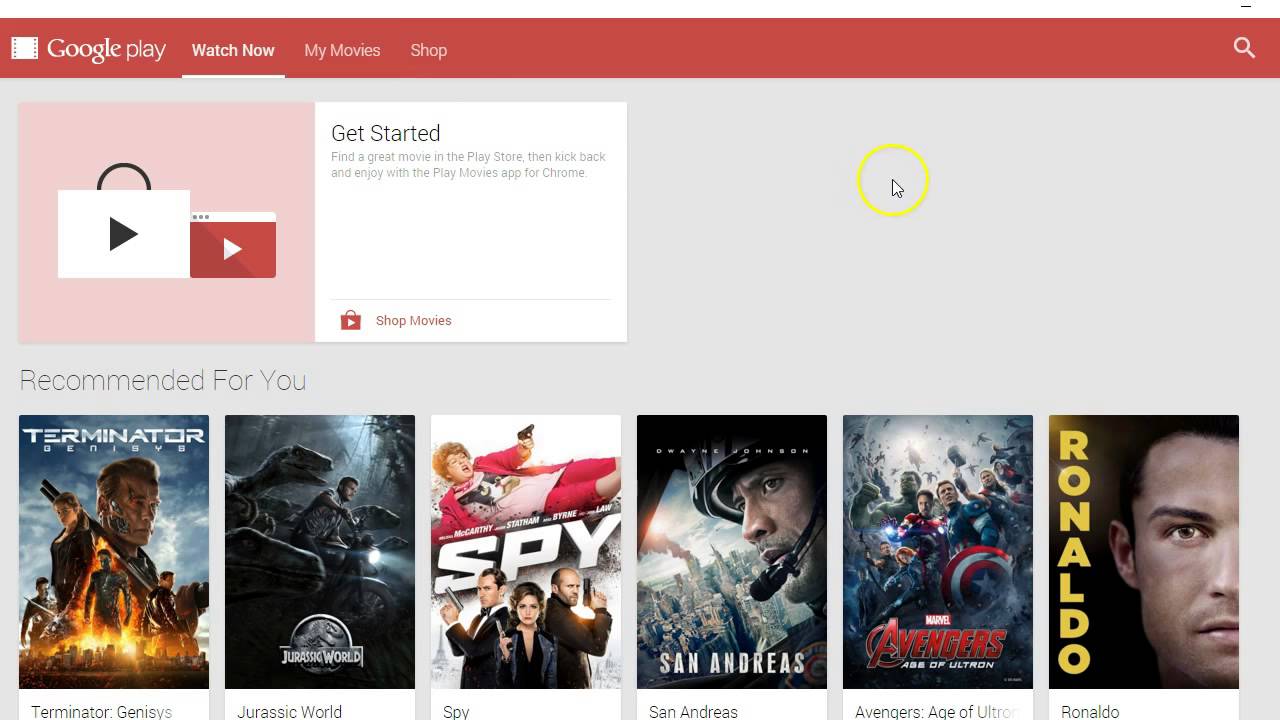
For your smart TV or a streaming stick like Chromecast, just download the Google TV app or look for the “Google Play Movies” app. If you’re using a gaming console, like a PlayStation or Xbox, you can usually find the app in their store. Honestly, if it has a screen, there’s a good chance you can watch your movie on it.
Don’t Forget Your Phone (You Never Do)
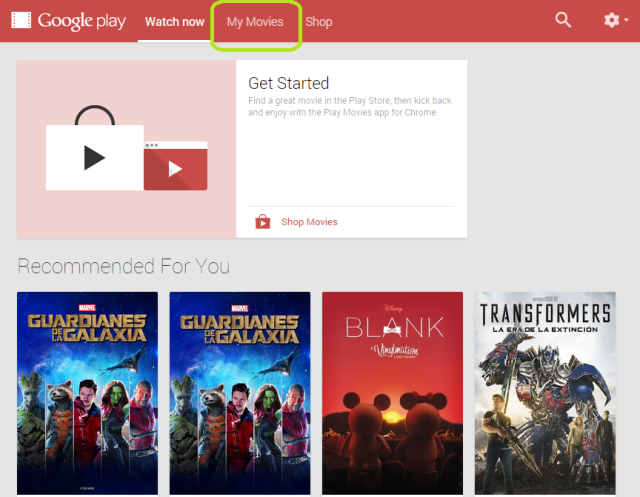
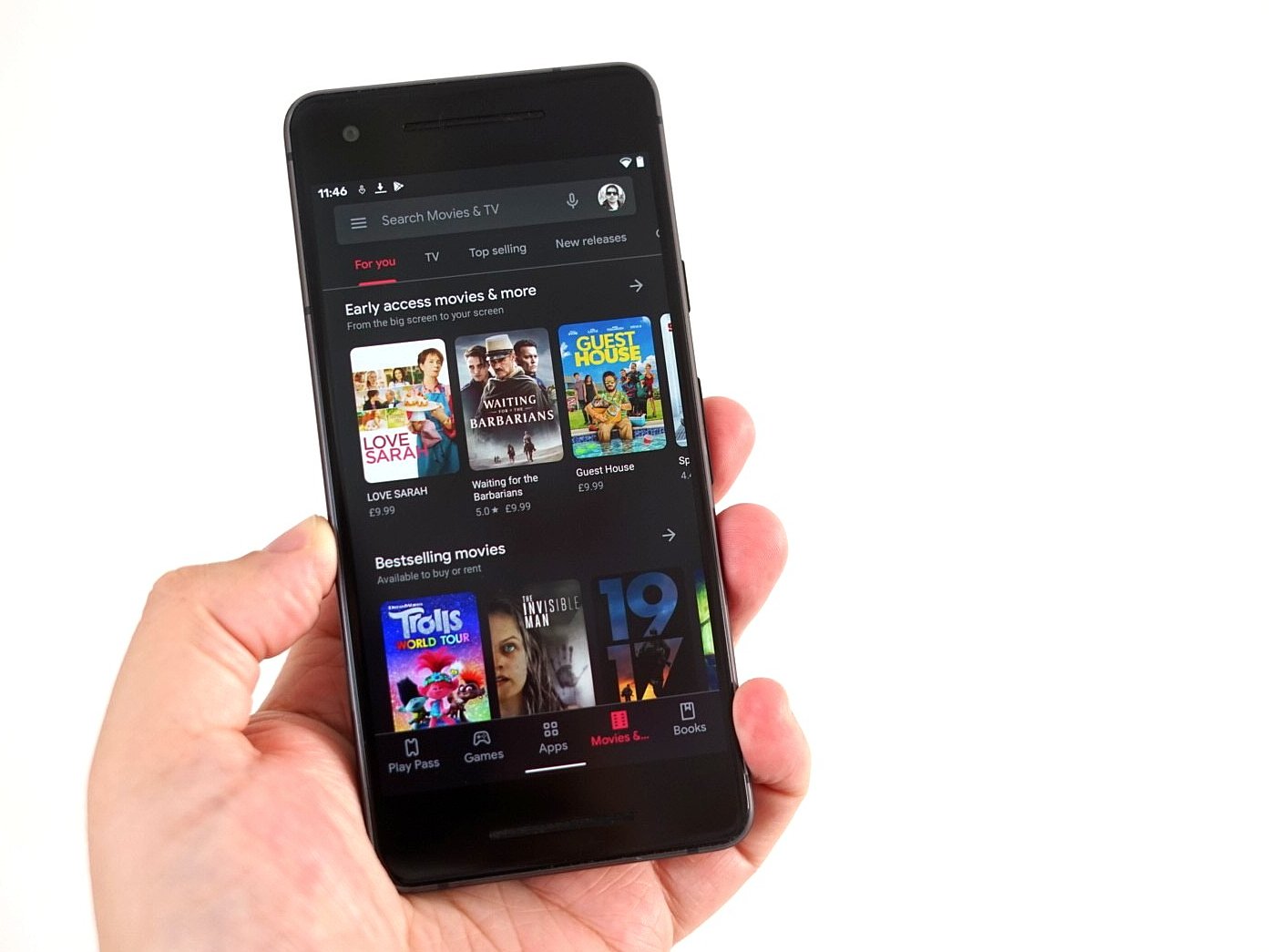
Your phone is probably already glued to your hand, so let’s use that. Open the Google Play Movies & TV app, tap the “Library” tab at the bottom, and boom—there’s your collection waiting like a warm hug. Tap the movie you want, press the big play button, and enjoy.
Pro tip: If you’re about to hop on a plane or commute through a dead zone, download the movie beforehand. You’ll be the hero of your own airplane row, watching a comedy while everyone else stares at the seatback safety card.
Renting vs. Buying—The Eternal Question
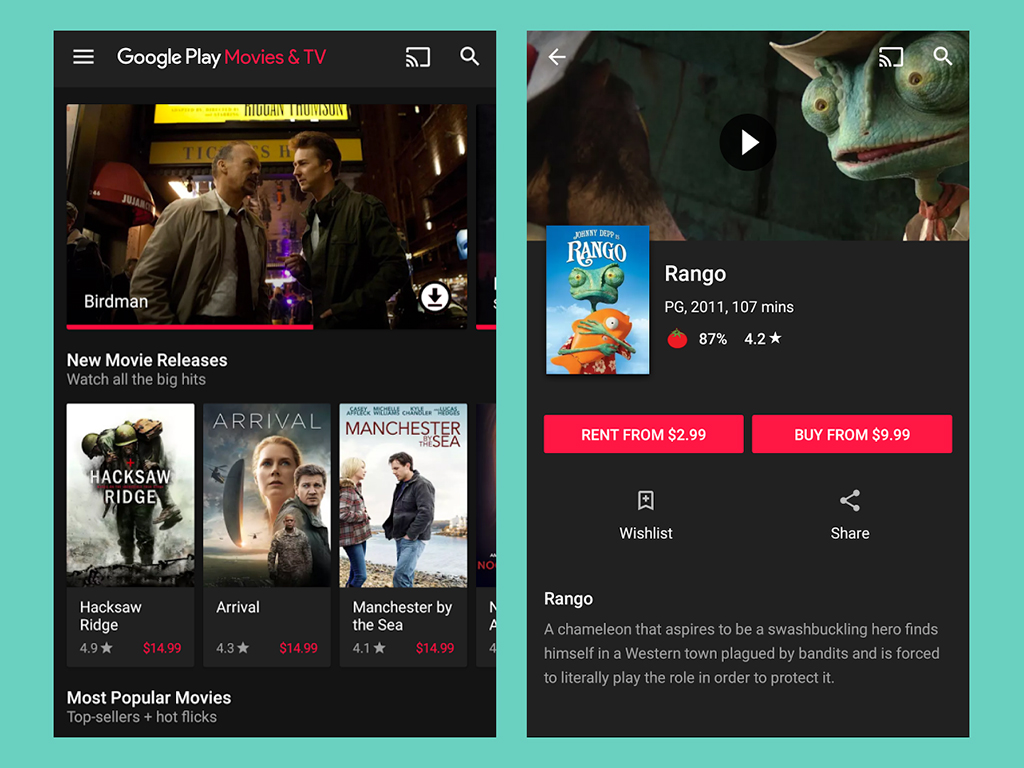
Maybe you haven’t bought a movie yet, and you’re just browsing. Think of renting as borrowing a book from a friend—you get 48 hours to watch it, and then it’s gone. Buying is like adopting a pet movie; it’s yours forever, and you can revisit it whenever you want that familiar comfort.
If you’re the type who rewatches “The Office” on a loop, buying is your best friend. If you just want to see the new superhero flick once, renting is cheaper and saves you from digital hoarding.
The Search Bar Is Your Best Buddy
There’s nothing more frustrating than scrolling through hundreds of titles to find that one movie. Use the search icon, type a few letters, and the movie pops up like it’s eager to say hi. You can also use voice search on most devices—just say the title, and it takes you there.
And if you’re ever lost, remember the golden rule: as long as you’re signed into your Google account, your movies are never far away. You don’t need a manual, a degree in tech, or a special secret handshake.
So go ahead, grab a blanket, press play, and let the stress of “how-to” melt away. You’ve got this, and more importantly, you’ve got the movies.