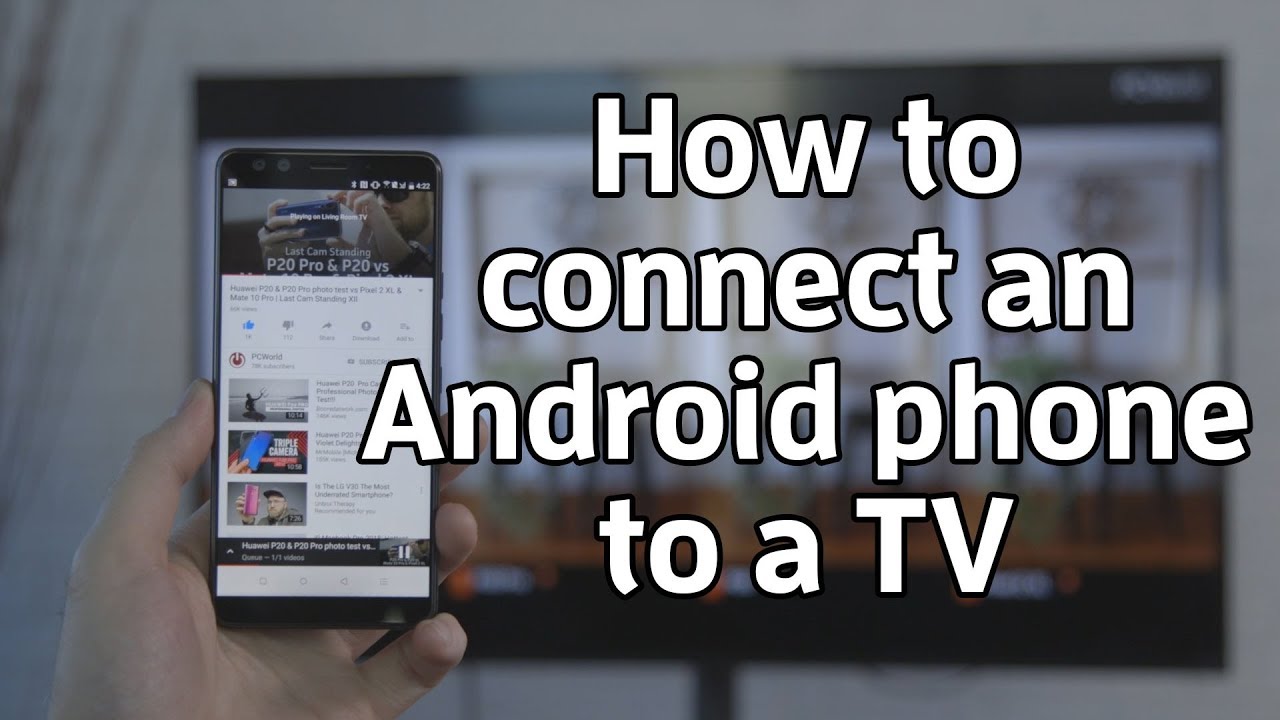
How Can I Use My Phone To Watch Tv
/firetvremoteapp-5c05dd3546e0fb0001924ea6.jpg)
Okay, let’s be real for a second. Your phone is basically a magic rectangle that can do everything except make you breakfast. But guess what? It can definitely stream your favorite shows, and it’s easier than trying to explain TikTok to your grandparents.
You don’t need a fancy smart TV or a degree in rocket science. You just need your trusty phone, a decent Wi-Fi signal, and maybe a snack. Let’s dive into the glorious world of pocket-sized television, shall we?
The “I Already Have Everything” Method
First things first, you probably already have the apps. Netflix, Hulu, Disney+, Prime Video—they’re all sitting there on your home screen, judging you for ignoring them. Open one, pick a show, and hit play. It’s literally that simple.
Must Read
I know, I know, you’re thinking, “But the screen is so tiny!” And you’re right, but hear me out. Your phone has a better screen than that old TV in your living room, and you can take it to the bathroom. I’m not here to judge your life choices, just to enhance them.
Pro tip: Download episodes when you’re on Wi-Fi to save your data. Nothing kills a binge-watching session faster than a “You have used 98% of your data” notification. That’s the real horror story.
The “Fancy Mirror” Trick (Casting)
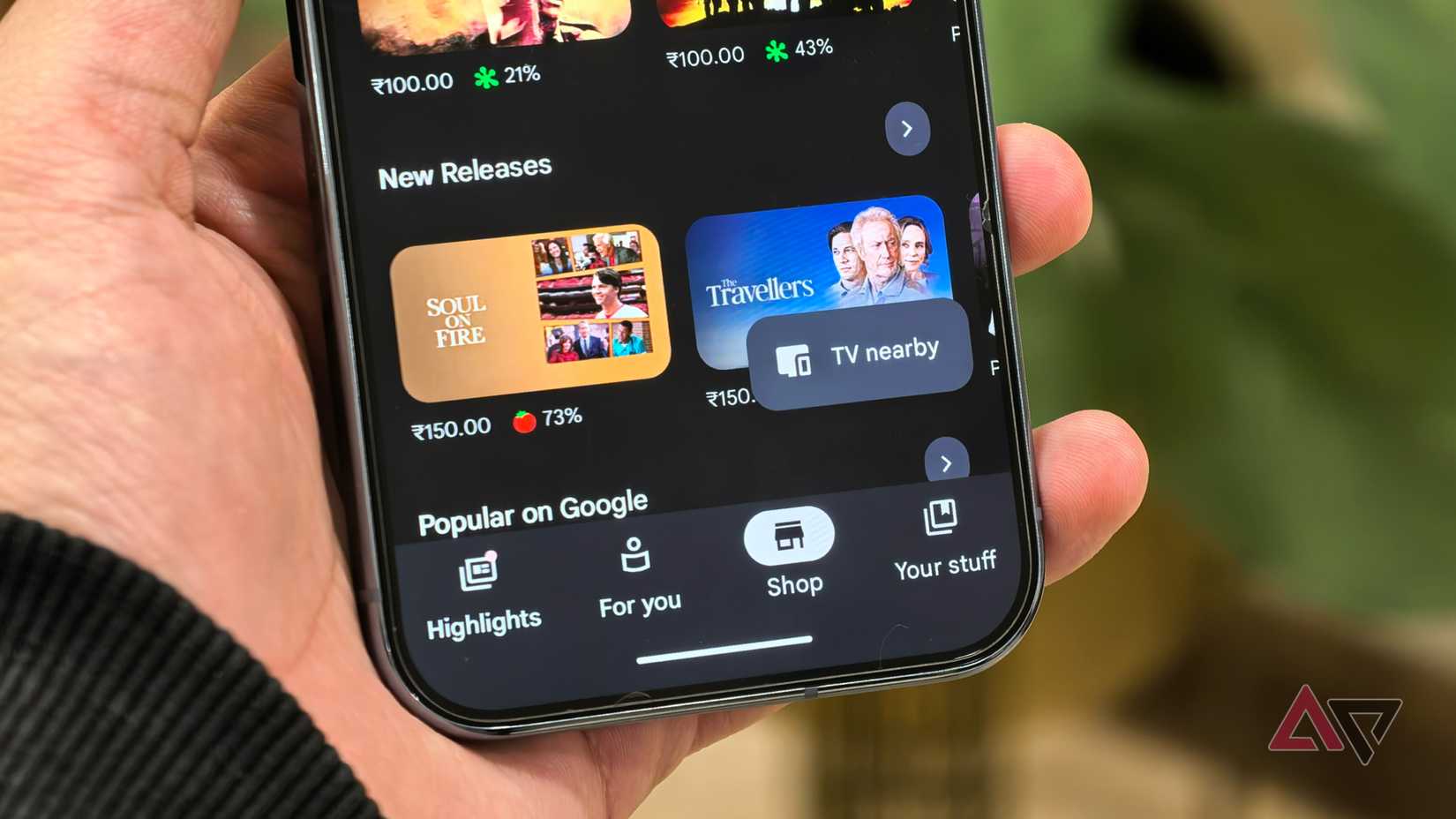
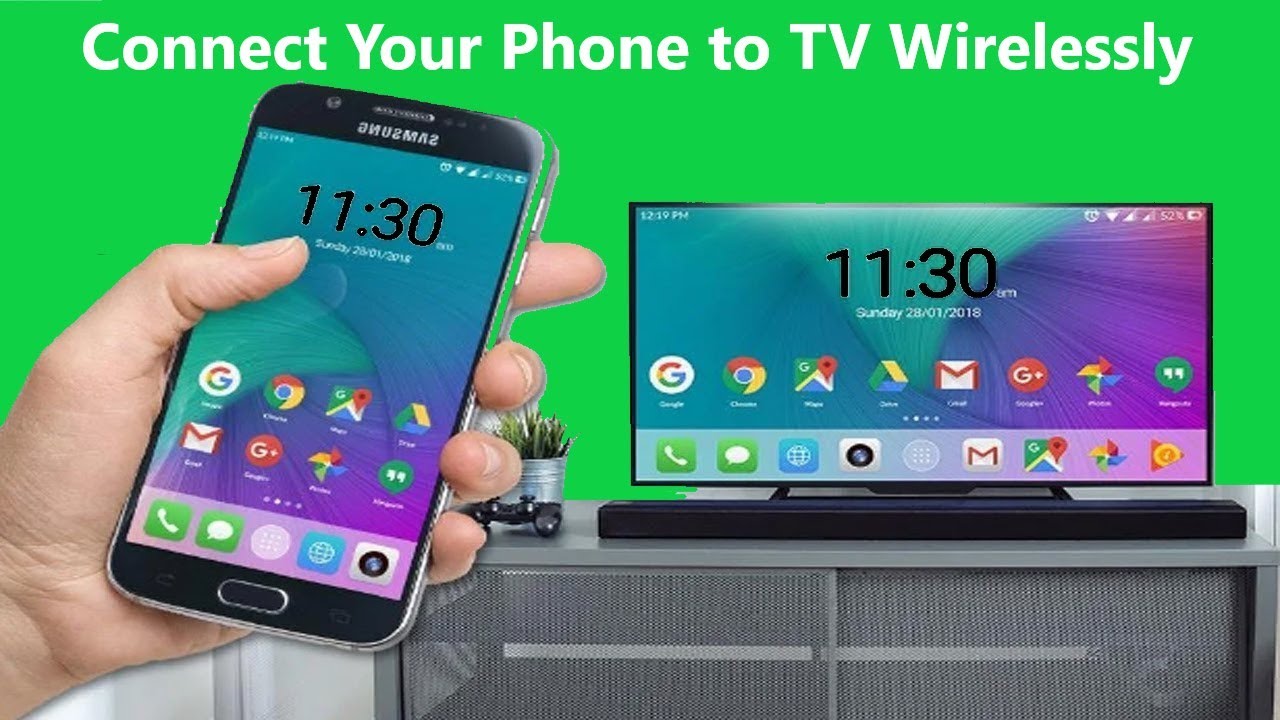
So, you want to watch on the big screen, but you’re feeling lazy. I respect that. This is where casting comes in to save the day. If you have a smart TV or a streaming stick, you can send the show from your phone straight to the TV like a magical digital pigeon.
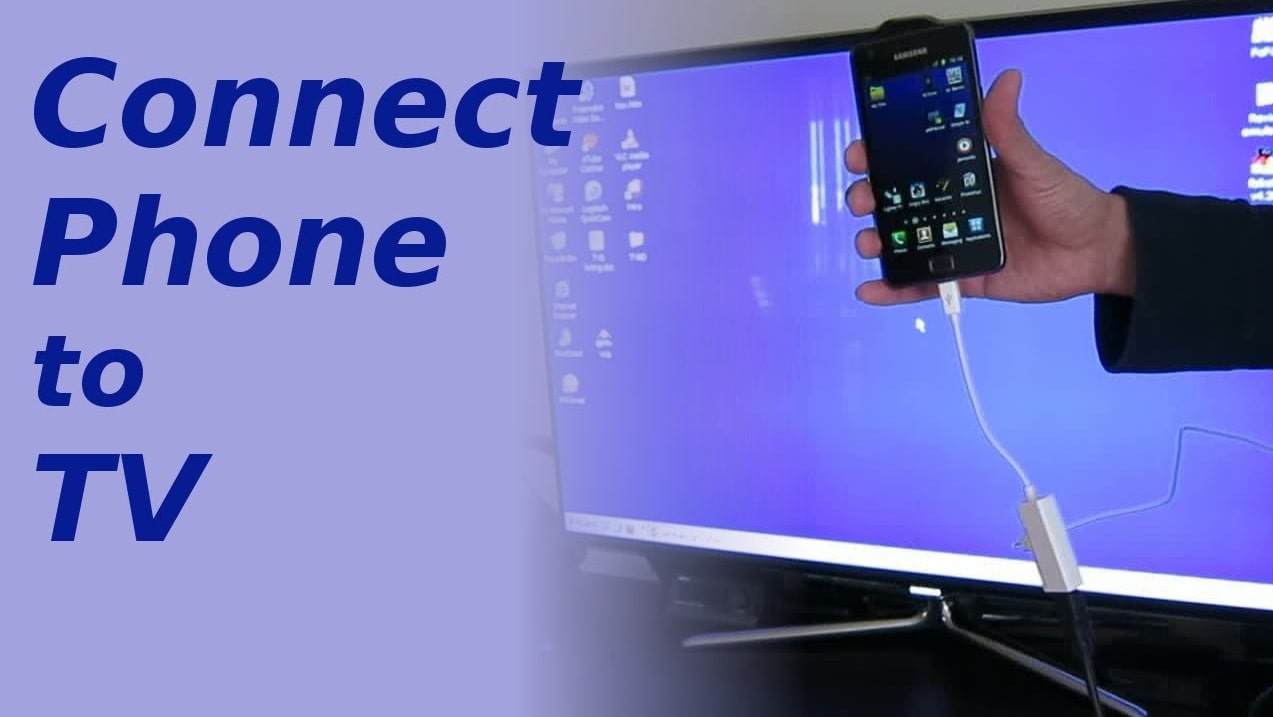
On your phone, look for the little cast icon—it looks like a rectangle with a Wi-Fi signal in the corner. It’s basically the “send this to the big rectangle” button. Tap it, select your TV, and boom. Your phone becomes the remote, and the TV becomes the star.
If you don’t have a smart TV, don’t panic. You can buy a cheap Chromecast or Amazon Fire Stick for less than a pizza. Actually, the pizza might be more fulfilling, but the stick lasts longer. Probably.
What if My TV is Dumber Than a Box of Rocks?
Ah, the classic ancient TV. The one with the giant back that could double as a piece of furniture. Fear not, my resourceful friend! You need a simple cable, like an HDMI adapter that plugs into your phone’s charging port. Yes, it’s a bit of a wired mess, but it works like a charm.
Plug one end into your phone, the other into the TV’s HDMI port, and switch the TV’s input to the right channel. It’s like magic, but with more cables. You’ll feel like a tech wizard, even if you tripped over the cord twice and nearly broke your lamp.

Just remember, your phone will be tethered to the TV, so you can’t wander off to grab snacks without pausing the show. That’s a commitment to the plot, people.
The “I’m on a Bus” Survival Guide
Now, let’s talk about watching TV when you’re out and about. On the subway, in a waiting room, or hiding in the bathroom at a family gathering (we’ve all been there). Your phone is your personal cinema, and the world is your lobby.
To avoid buffering hell, use an app that allows offline downloads. Netflix, Hulu, and YouTube Premium let you save episodes directly to your phone. This is especially handy if you’re somewhere with spotty Wi-Fi, like a basement or your uncle’s cabin in the woods.

And for the love of all things holy, bring earbuds. Nobody wants to hear your dramatic k-drama soundtrack while they’re trying to nap. Plus, it’s just weird when your phone starts making intense gasping noises in a quiet elevator. I’m looking at you, action movies.
The “Double Screen” Delight
Here’s a fun twist: you can watch TV and do other stuff on your phone at the same time. Android and iPhone both have a picture-in-picture mode. It shrinks your show into a tiny floating window while you text, scroll, or pretend to work.
I recommend watching your show in the corner and playing a mindless game like Tetris. It’s a great way to feel productive and unproductive at the same time. You’re basically multi-tasking, and that’s a life skill, right? Don’t answer that.
Just be careful not to get too distracted. One minute you’re watching a cooking show, the next you’re three hours deep into a rabbit hole about ancient Egyptian cats. It happens, friend. It happens.
Making It Comfy
Your phone can get a little toasty after a long episode. Don’t be alarmed; it’s just passionate about the plot. To avoid a literal hot mess, take the phone out of its case or prop it up on a stand. A simple bent paperclip works in a pinch, but I won’t tell you how I know that.
Also, invest in a good pair of headphones with noise cancellation. It turns your boring commute into a personal screening. You’ll feel like the main character in a movie, except the movie is just you going to work. Still, cinematic.
So there you have it, my friend. Your phone is secretly a top-tier TV, hiding in plain sight. With a few taps, some clever casting, and a pinch of patience, you can watch anything, anywhere, anytime. It’s your world, and the TV shows are just the background music.
Now, go grab your phone, find something ridiculous to watch, and enjoy the magic. I believe in you, and more importantly, I believe in your ability to find a comfortable spot on the couch. Happy streaming! And remember, if you fall asleep mid-episode, just rewind a bit. No big deal—your phone won’t judge you. Mine does, but that’s because it’s haunted.
![How To Connect Phone To TV Using Bluetooth? [Full-Guide]](https://samsungtechwin.com/wp-content/uploads/2022/08/image-68.jpg)