
How Do I Add A Watermark To A Video

You just finished editing your masterpiece—maybe it’s a 47-second clip of your dog finally learning to high-five, or a shaky phone video of your cousin’s surprise proposal. You’re proud, you hit “share,” and then it hits you: someone out there could steal this. It’s like leaving your favorite hoodie on a park bench and hoping nobody snags it. That’s where adding a watermark comes in—it’s basically a tiny, invisible bouncer for your hard work.
Think of a watermark as a digital nametag that says, “Hey, this is mine, please don’t claim it as your cat’s debut album.” It’s not about being paranoid; it’s about being smart—like putting a lock on your bike even if you live in a nice neighborhood. And trust me, once you learn how to do it, you’ll feel like a secret agent protecting your creative agency.
Why Bother? (Besides Looking Professional)
You might think watermarks are just for big brands or YouTube millionaires. Wrong. If you’ve ever spent an hour layering a funny voiceover over a clip of your kid’s soccer game, you deserve credit. A watermark is your signature, your “I was here” spray paint on the wall of the internet.
Must Read
Plus, it’s a passive-aggressive yet polite way to say, “No, random account, you can’t repost this without my name.” It’s the digital equivalent of writing your name on your lunch in the office fridge—it just works, but friendlier.
The “I’m Not a Tech Wizard” Guide
Here’s the good news: you don’t need a PhD in computer science or a $2,000 editing suite. You have options, from “I only have 5 minutes” to “Let’s get fancy.” Let’s start with the easiest, which is like making instant oatmeal—quick, satisfying, and no mess.
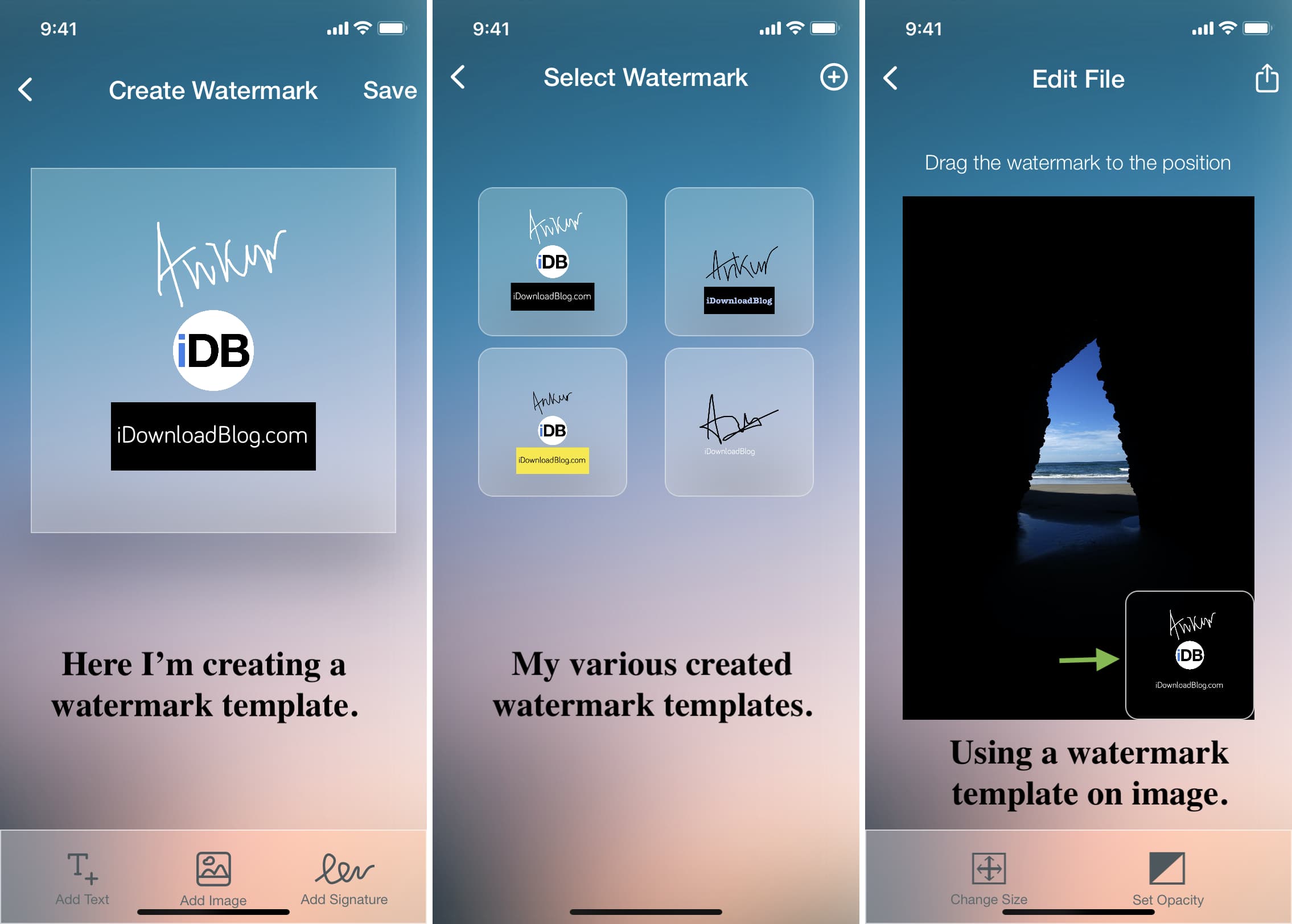
Option 1: The Built-In App (Your Phone’s Secret Weapon)
If you’re on your phone, most default gallery apps or simple editors (like iMovie for iPhone or Google Photos for Android) have a text overlay button. You just type your name or your handle, drag it to a corner, and boom—you’re done. It’s like adding a sticker, but classier.
Pro tip: make the text semi-transparent if you can. You want it visible but not distracting, like a faint whisper, not a scream. Nobody wants to watch a video where the watermark covers the entire punchline.
Option 2: Free Online Tools (No Download, No Tantrum)
When your phone editor refuses to cooperate (we’ve all been there), turn to websites like Canva or CapCut Online. You upload your video, click “Text,” type your name, adjust the size, and export. It’s that easy. The only downside? You might get sucked into a rabbit hole of adding filters and end up with a video that looks like a disco ball.
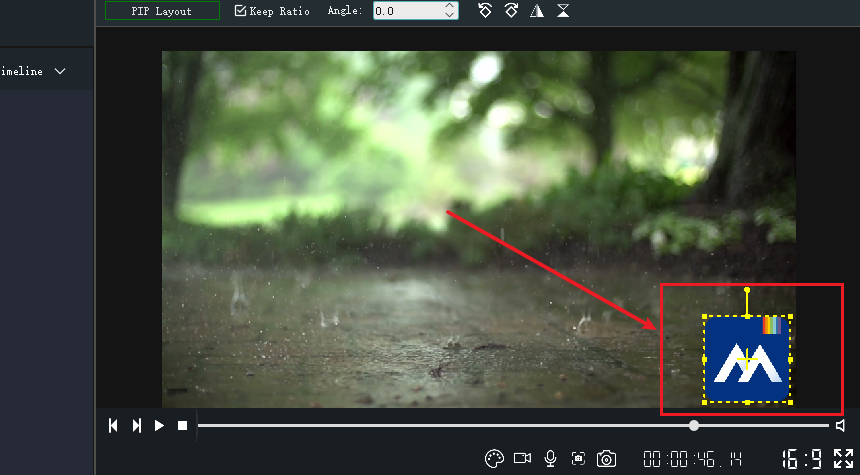
But seriously, it’s free, it’s fast, and you can add a cute logo instead of plain text. Just remember to save a copy without the watermark too, for your own private collection. You know, like keeping the original recipe before adding extra hot sauce.
Option 3: The “Fancy” Desktop Way (For Control Freaks)
If you’re on a computer and want full control, use a free editor like DaVinci Resolve or even Windows Clipchamp. These let you add a logo image (like a small PNG of your badge) that stays in the corner the whole time. It’s like sewing a monogram onto a silk scarf—it’s classy and unmistakably yours.
The secret trick here is to fade the opacity to around 30-40%. You want it to be visible when someone tries to screenshot, but not so bold that it ruins the viewing experience. Think of it as a watermark’s sweet spot: present but polite.

Where Exactly Do You Put It?
Good question. The most common spot is the bottom right corner, because that’s where our eyes wander last—it’s the least annoying spot. But here’s a twist: if you’re worried about someone cropping it out, put a second tiny watermark in the middle, or place it near a face that people won’t cut. It’s like hiding a spare key under a fake rock—sneaky but effective.
Just avoid putting it dead center, unless your video is a static image. That’s like writing your name across a beautiful painting—it ruins the vibe.
What If You’re Not Selling Anything?
I hear you. For a family video, a watermark feels like showing up to a barbecue in a tuxedo. But even for personal clips, it helps when your aunt shares it on Facebook and forgets your name. One tiny text line with “Filmed by Me” saves you from being tagged as “some random guy from the internet.”
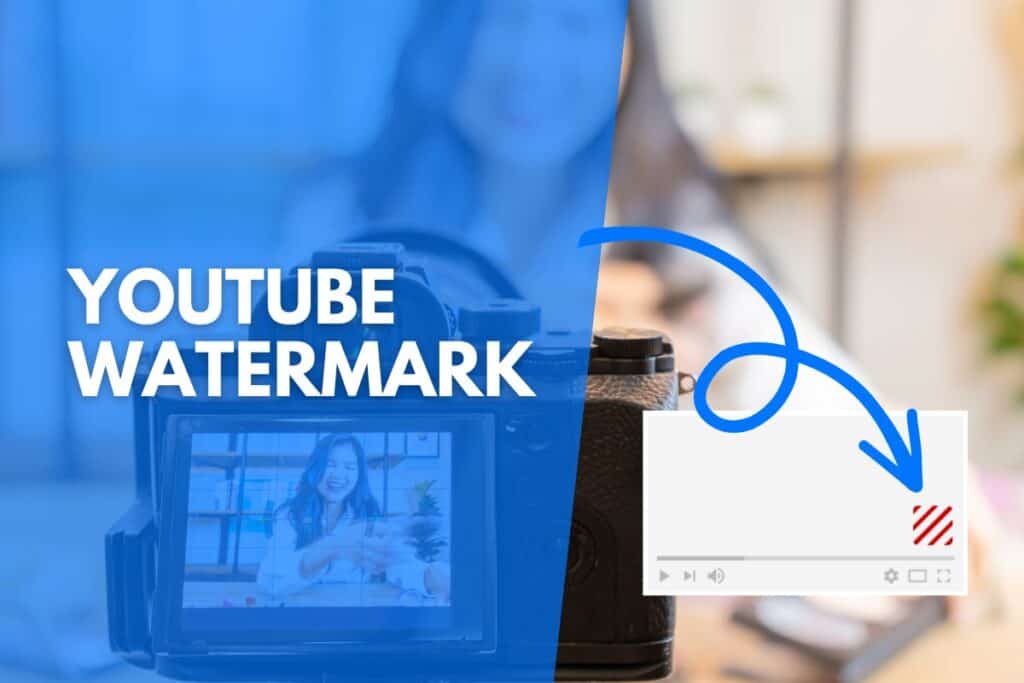
It’s also a subtle way to keep your memories labeled. In ten years, when your phone’s storage is a chaotic mess, a watermark helps you remember it’s your chaotic mess. That’s the kind of future-proofing we all need.
The 30-Second Final Take
So, ready to watermark your next video? Start with the simplest tool you already own. Open your file, tap “text,” type your handle, shrink it, and set it to 50% opacity. Done. You’re now officially in the “I protect my work” club, which is way cooler than it sounds.
And if you mess up? No big deal. You can always redo it—the only real mistake is not trying. So go on, slap your name on that funny dancing baby video. Your future self will thank you when it goes viral (even if it’s just viral in your group chat). You got this.


![How to Add a Watermark to Photos in Canva [Beginner Tutorial] - YouTube](https://i.ytimg.com/vi/wD5lan0p374/maxresdefault.jpg)