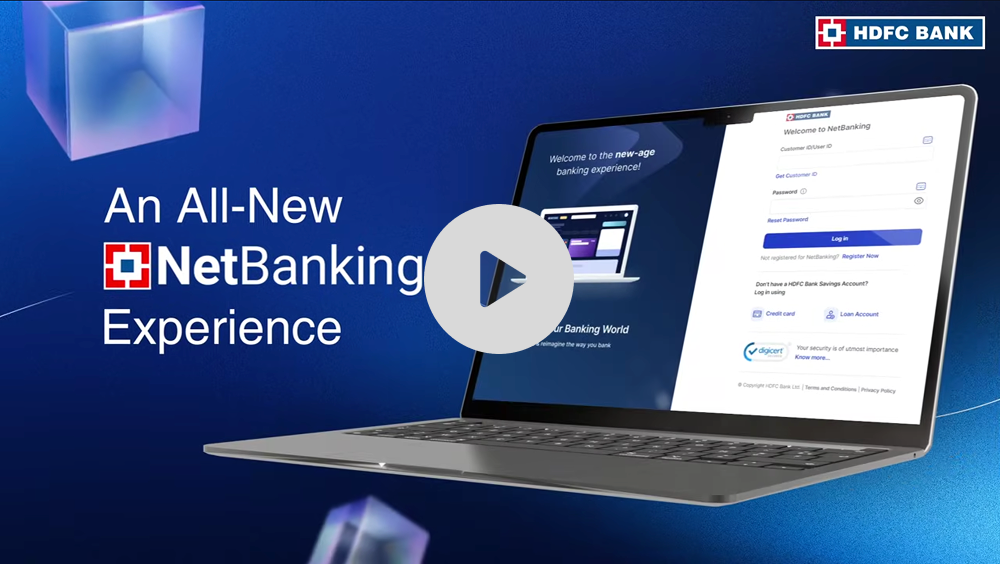
Hdfc Netbanking App Download For Pc

Last Tuesday, I watched my uncle, a man who once refused to use a smartphone, nearly throw his laptop out the window. He was wrestling with his banking, trying to check a transaction, and the mobile app just wouldn’t cooperate on his ancient PC. “I just want it on the big screen!” he yelled, shaking his fist at the monitor. Sound familiar? Yeah, I thought so.
The Myth of the "PC App"
Here’s the thing no one tells you: there is no official HDFC Netbanking app for PC. I know, I know. You came here looking for a magical download button, and I’m about to burst your bubble. But hold on, don’t click away just yet—because I have the workaround that will save your sanity (and your laptop from becoming a frisbee).
Think about it. Banks are terrified of you losing your laptop, but they are terrified of you losing your phone. So, they build all their fancy features for mobile. Meanwhile, the desktop version sits there like a forgotten spreadsheet—functional, but ugly. It’s like they assume you only do serious banking while waiting for a bus, not while sitting at your desk with a cup of chai.
Must Read
So, What Do You Actually Download?
Your PC is not getting an app. What you can do is create a "desktop shortcut" that feels like an app. It’s the best hack since sliced bread, I promise. You’re basically tricking your browser into launching the HDFC website in its own dedicated window, minus all the messy tabs and toolbar chaos.
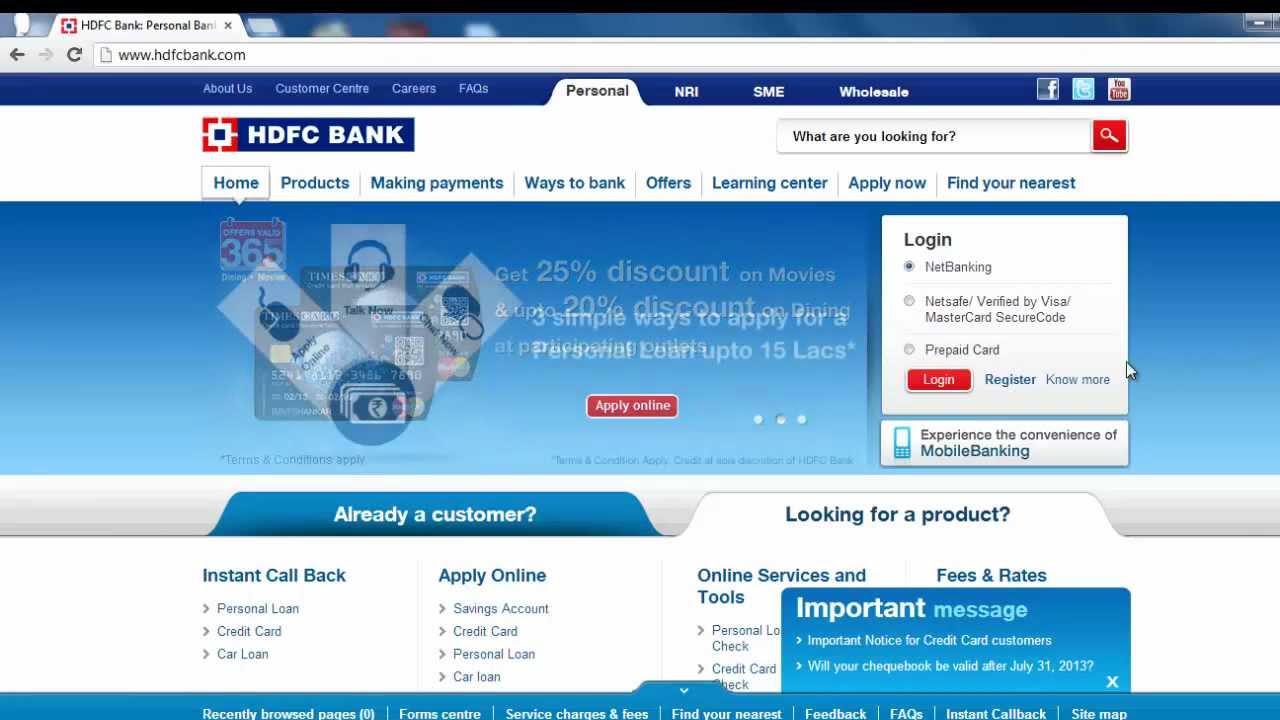
First, open your preferred browser—Chrome, Edge, or even Brave if you’re feeling edgy. Then, go to the official HDFC Netbanking site (netbanking.hdfcbank.com). Once you’re there, look at your browser’s menu (those three little dots or lines in the top right corner). You’re looking for an option that says "Cast, Save, and Share" or simply "More Tools."

Click on that, and then select "Create Shortcut." A tiny window will pop up asking you to name it. You can call it "Money Pit" or "Rent Payment" or just "HDFC"—I won’t judge. Here’s the golden rule: tick the box that says "Open as window." That’s the secret sauce. That little checkbox turns a boring bookmark into a standalone app-like experience.
Why Bother With This Fuss?
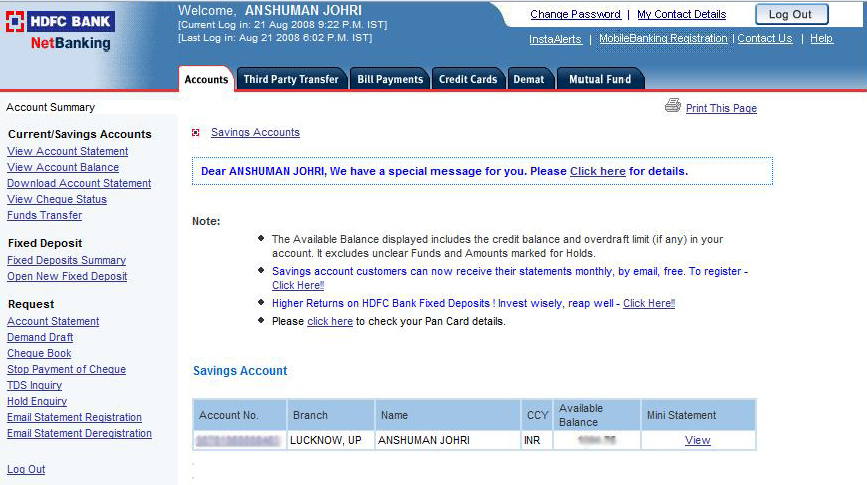
Because your eyes will thank you. I’m talking about a dedicated window that doesn’t have your fifty other browser tabs screaming for attention. You get a clean, isolated space to check your balance, transfer funds, or pay that credit card bill you forgot about. It feels almost professional, like you’re in a corporate movie montage.
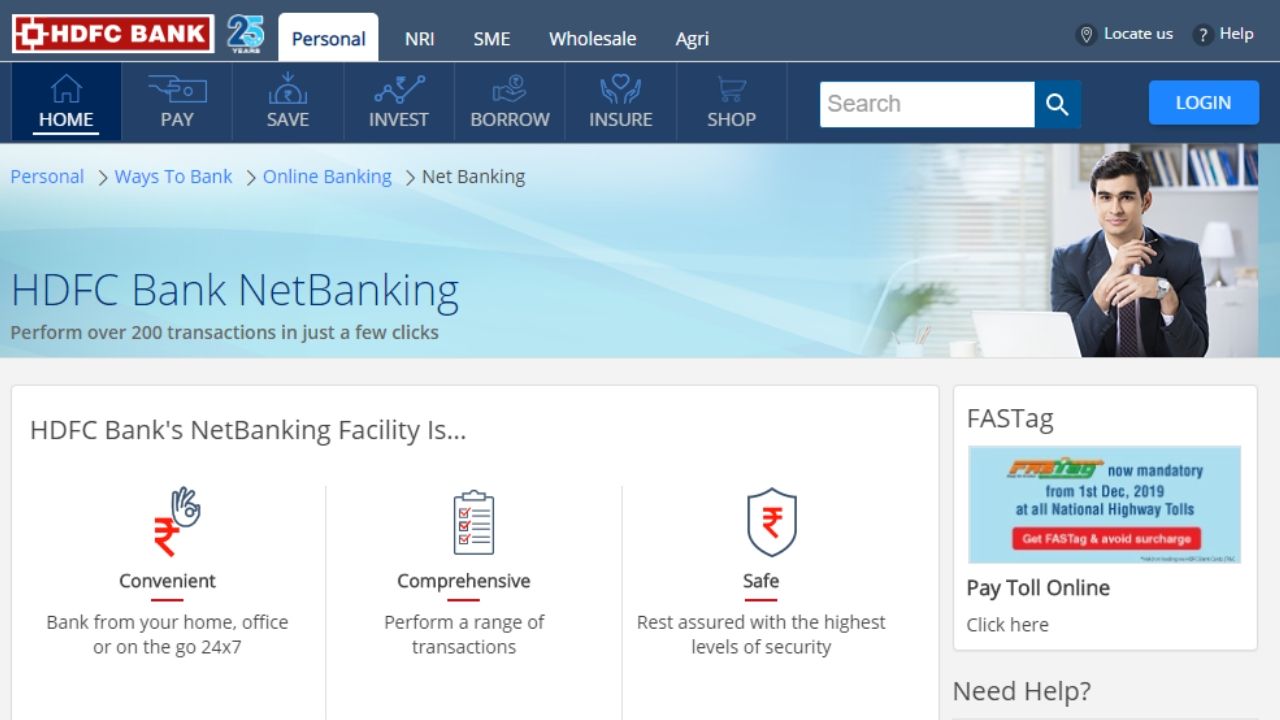
And let’s be honest—typing your netbanking password is so much faster on a real keyboard. The mobile app’s auto-fill features are convenient, but they’re also a security nightmare if someone steals your phone. On your PC, using a password manager like LastPass or your browser’s built-in vault is a safer bet for complex passwords. You get the reliability of a desktop browser with the cleanliness of a native app.
What About the "Mobile App" on Windows 11?
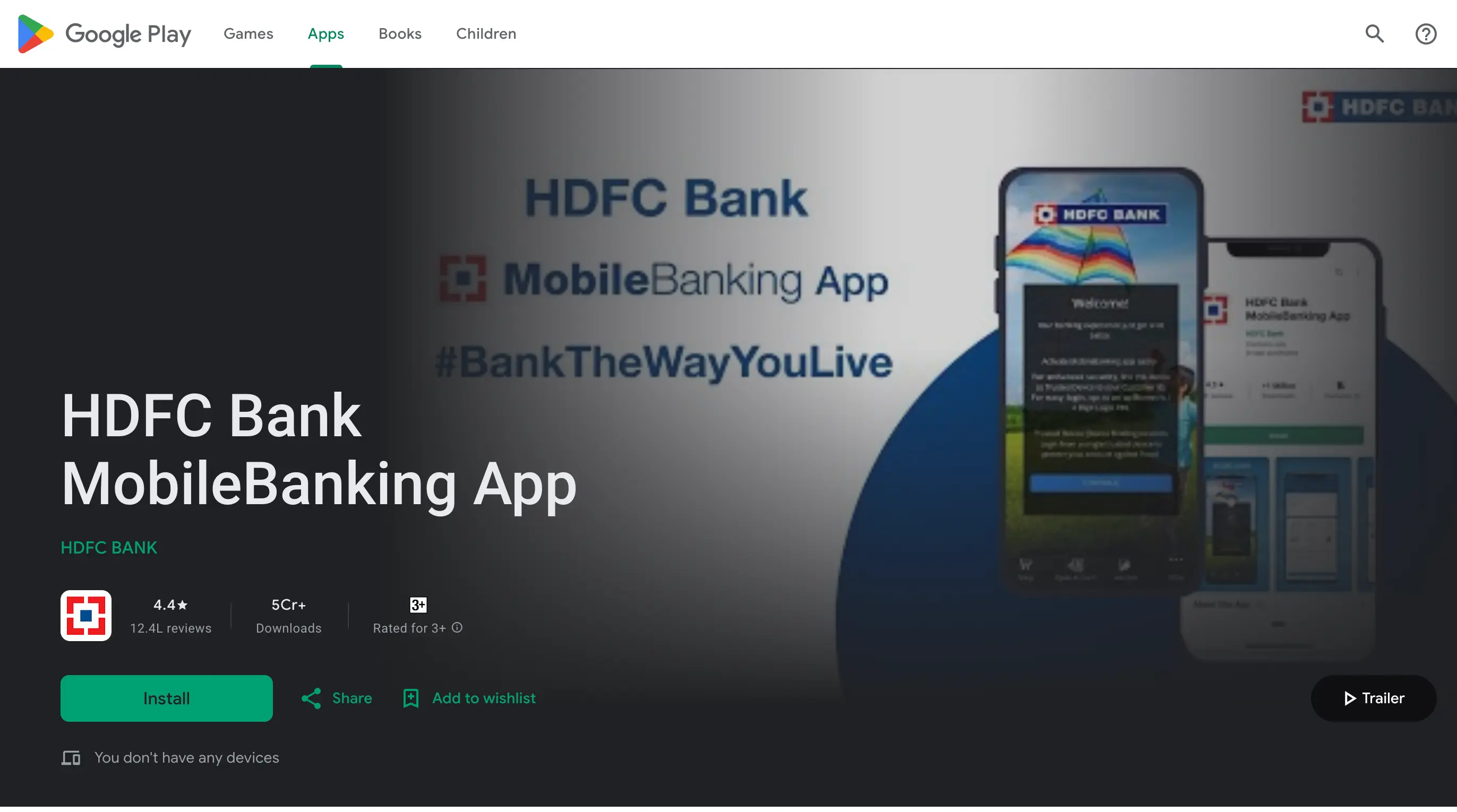
Okay, here is where it gets juicy. If you are one of the cool kids running Windows 10 or 11, you can actually run the Android version of the HDFC app directly on your PC. Microsoft built a bridge called "Windows Subsystem for Android." You can download it from the Amazon Appstore (yes, that’s a real thing) and sideload the HDFC APK file.
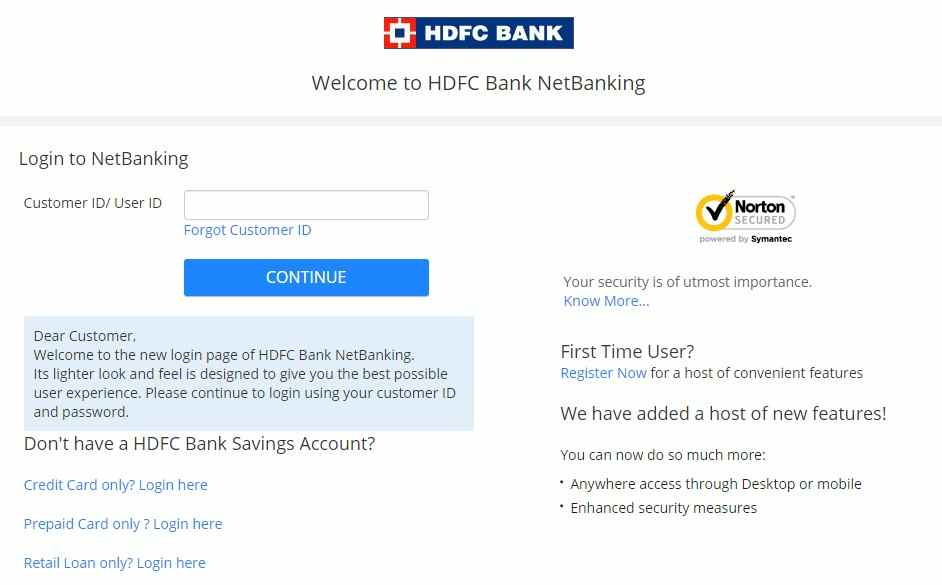
But wait—stop right there. This is a terrible idea for most people. It’s clunky, it’s slow, and sometimes the banking app detects the emulator environment and blocks you for “suspicious activity.” Do you really want to explain to the HDFC fraud team that you were just trying to log in from your PC? I didn’t think so. Stick to the shortcut method. It’s cleaner, faster, and won’t get your account flagged for a manual review.
My Final, Unsolicited Advice
Just use the web browser, folks. The web version of HDFC Netbanking is packed with every feature the mobile app has—from opening fixed deposits to locking your card instantly. The secret is to use a modern browser like Edge or Chrome, which remembers your login page and keeps your session secure.
The moment you treat the website like a dedicated app, the whole experience transforms. You’ll stop hunting for the mobile app in your Start Menu and just double-click the shortcut. It’s not the app you wanted, but it’s the app you deserve. And honestly, it’s way better than throwing your laptop across the room. So, go make that shortcut, click "Open as window," and pretend you’re a power user. Your uncle will be jealous, and that’s the best kind of victory.