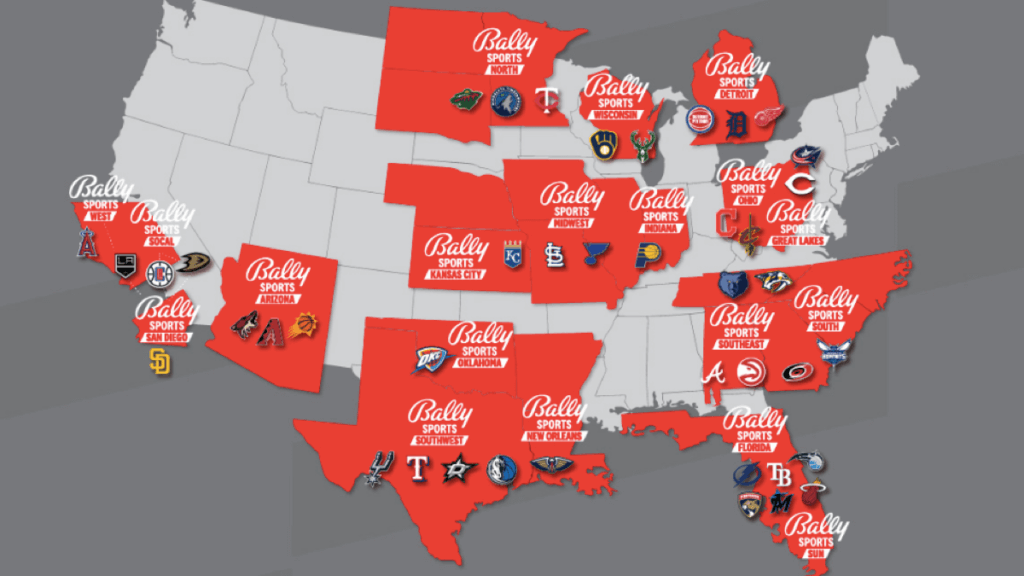
How To Watch Bally Sports Great Lakes

If you’re a fan of the Guardians, Cavaliers, or Blue Jackets, you know the agony of missing a game because you can’t find the right channel. Bally Sports Great Lakes is the home for these teams, but figuring out how to watch it can feel like a puzzle. The good news? It’s easier than you think, and once you’re set up, you’ll never miss a buzzer-beater or a walk-off home run again.
This guide isn’t just for die-hard sports nuts. It’s for the casual fan who wants a game on in the background, the parent trying to record a game for a kid’s bedtime, and the weekend hobbyist who just loves a good rivalry. The main benefit is simple: you get reliable, live access to your local teams without cable TV headaches. Plus, you can watch on your phone, tablet, or smart TV—wherever you are.
Before you start, understand that Bally Sports is regional. If you live in Ohio or parts of surrounding states, you’re in luck. But if you’re outside the region, you’ll need a workaround like a VPN, which changes your virtual location. For most families, the easiest route is a streaming service that carries the channel. You’re not stuck with a giant cable contract anymore.
Must Read
Here are your top three ways to watch. First, Bally Sports+ is the official standalone app—it costs about $20 a month and includes every game on the network. Second, you can add the channel to live TV services like DirecTV Stream or FuboTV, which offer it in their base packages. Third, some traditional cable providers still include it, but you’ll pay more for bundles you don’t need. Pick the one that matches your budget and screen size.
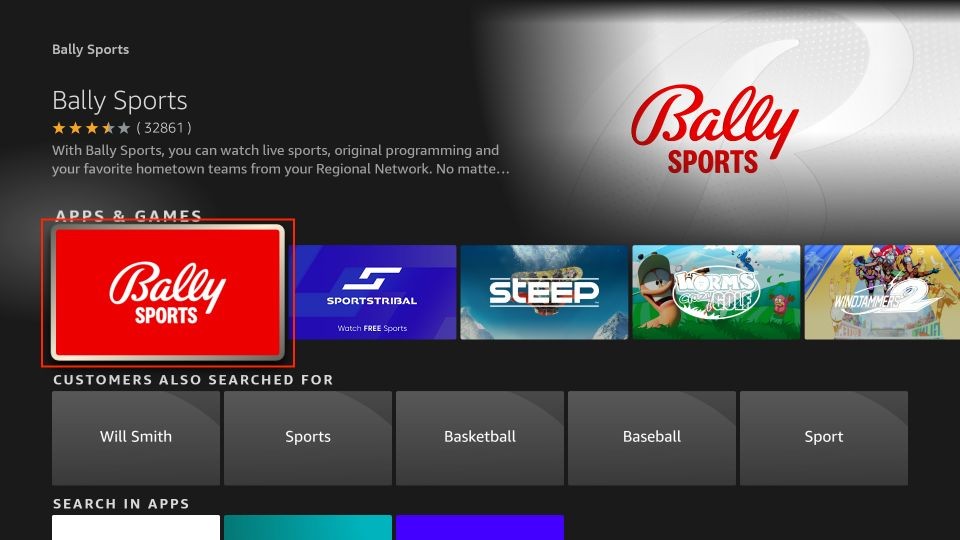
Let’s talk variations, because not every fan is the same. If you’re a beginner, start with the Bally Sports app on your phone—it’s the fastest to set up. If you’re a parent, use the “Cloud DVR” feature on FuboTV to record games while you’re at soccer practice. And if you’re a road-tripper, remember that blackout rules apply, so you’ll need a VPN to watch when you’re far from home. Each method has its own “gotcha,” but none are deal-breakers.
Ready to start? Here’s a simple, practical tip: check your zip code on the Bally Sports website first to confirm you’re in the coverage area. Then, sign up for a free trial of FuboTV or DirecTV Stream to test the stream quality. Finally, make sure your internet speed is at least 25 Mbps for smooth HD—you don’t want buffering during overtime. Keep your login info handy, because you’ll need it on every device.

Another pro tip: turn on game alerts in the Bally Sports app. That way, you’ll get a push notification five minutes before tip-off or first pitch. It’s perfect for busy people who forget the time. And if you’re watching with kids, use the parental controls to block post-game commentary—it can get salty.
In the end, watching Bally Sports Great Lakes is about feeling connected to your hometown teams. Whether you’re screaming at the TV during a Cavs playoff run or teaching your kid the rules of hockey, the setup pays off. Don’t overthink it—pick one streaming option, set aside fifteen minutes, and you’re live. You’ll wonder why you waited so long. Enjoy the games, and go cheer loud.