Dell Inspiron 17 5770 Ssd Upgrade

Picture this: you’re nursing an ancient Dell Inspiron 17 5770 that boots up slower than a sloth on sedatives. You click the Chrome icon, then go make a sandwich, come back, and the cursor is still spinning like a confused breakdancer. That’s not a laptop; that’s a patience test with a keyboard attached. But fear not, my friend—there is a surgical fix, and it doesn’t require a computer science degree or a blood sacrifice to the tech gods. All you need is a screwdriver, a new SSD, and the courage to open up that plastic behemoth.
Why Your Laptop Hates You (And Your Hard Drive)
Your Inspiron 17 5770 probably came with a 2.5-inch mechanical hard drive—a spinning platter of 1990s nostalgia that sounds like a tiny washing machine full of rocks. These drives are slow because they’re literally physical: a metal arm has to find data on a spinning disk, which is like trying to read a book while riding a roller coaster. Here’s the surprise: a modern SSD can be up to 20 times faster than that old drive. Yes, twenty. That’s not an exaggeration—we’re talking about turning your boot time from a coffee break into a blink.
And here’s the kicker: most people think upgrading is a job for a “professional,” but this specific laptop was designed to be opened like a clam at a seafood buffet. The bottom panel pops off with about 10 screws, and the drive bay is right there, waving at you. No glue, no secret clips, no hidden trapdoors that unleash a swarm of angry wasps (probably).
Must Read
The Great SSD Hunt: What to Buy
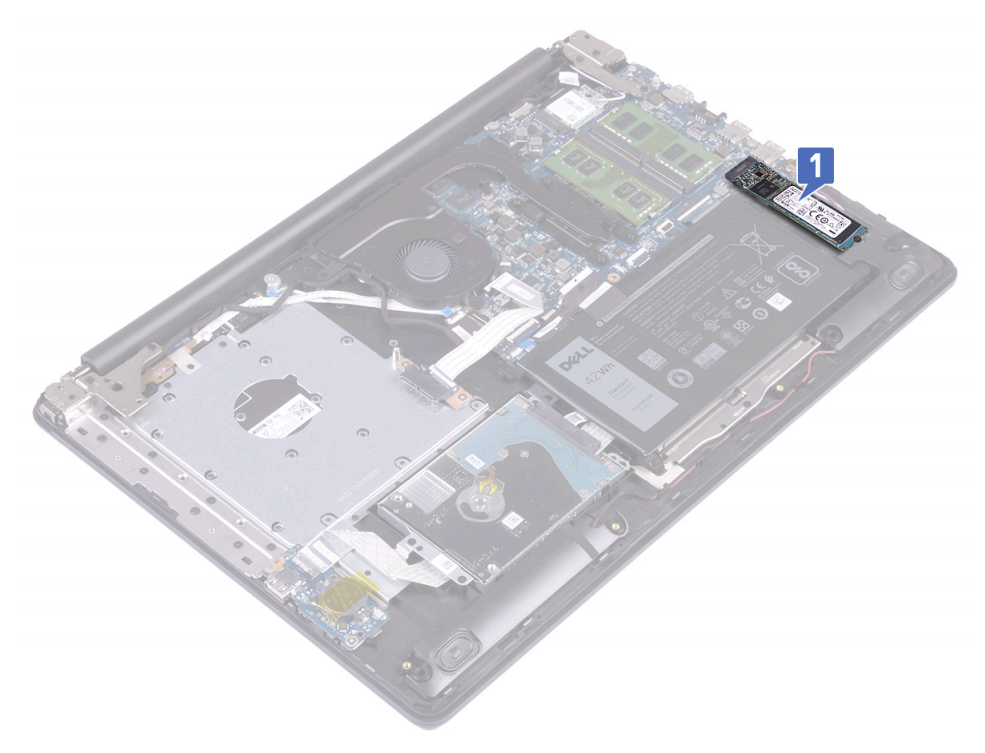
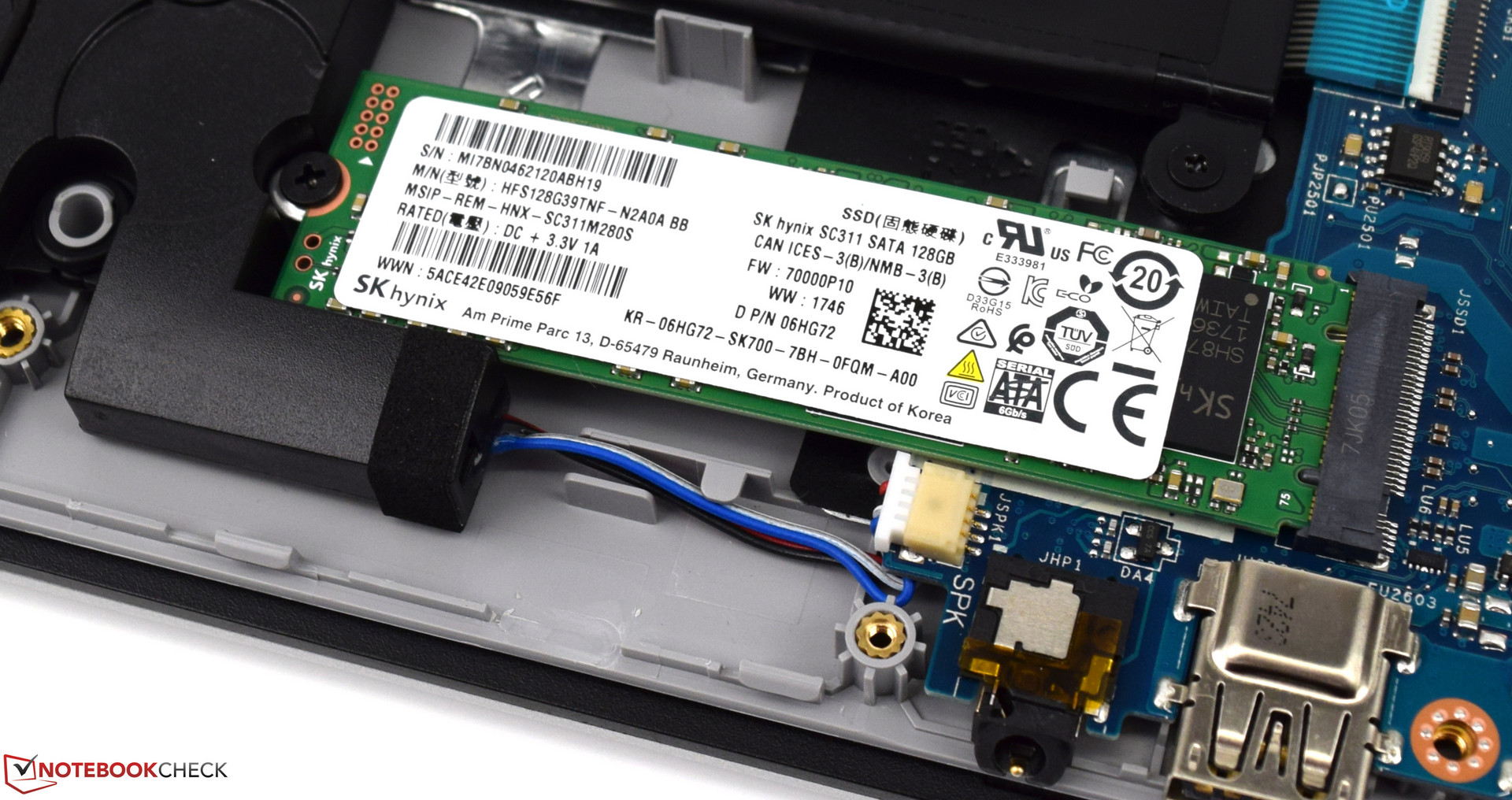
Now, you could buy a fancy NVMe SSD, but hold your horses—the Inspiron 5770 only has a SATA port for the main drive, so go for a 2.5-inch SATA SSD (like a Crucial MX500 or Samsung 870 EVO). It’s the same shape as your old drive, so it just slides in like a warm slice of toast into a toaster. Pro tip: get a 1TB model. You’ll thank me later when you’re hoarding 4K cat videos and never deleting a single screenshot again.
Also, don’t panic about “cloning” your old drive. You can use free software like Macrium Reflect to copy everything over, or you can do what I did: back up your family photos, wipe the drive, and install Windows 10 fresh. It’s like giving your laptop a new brain, but without the ethical dilemmas of a robot uprising.
The Surgery: 10 Minutes of Mild Terror
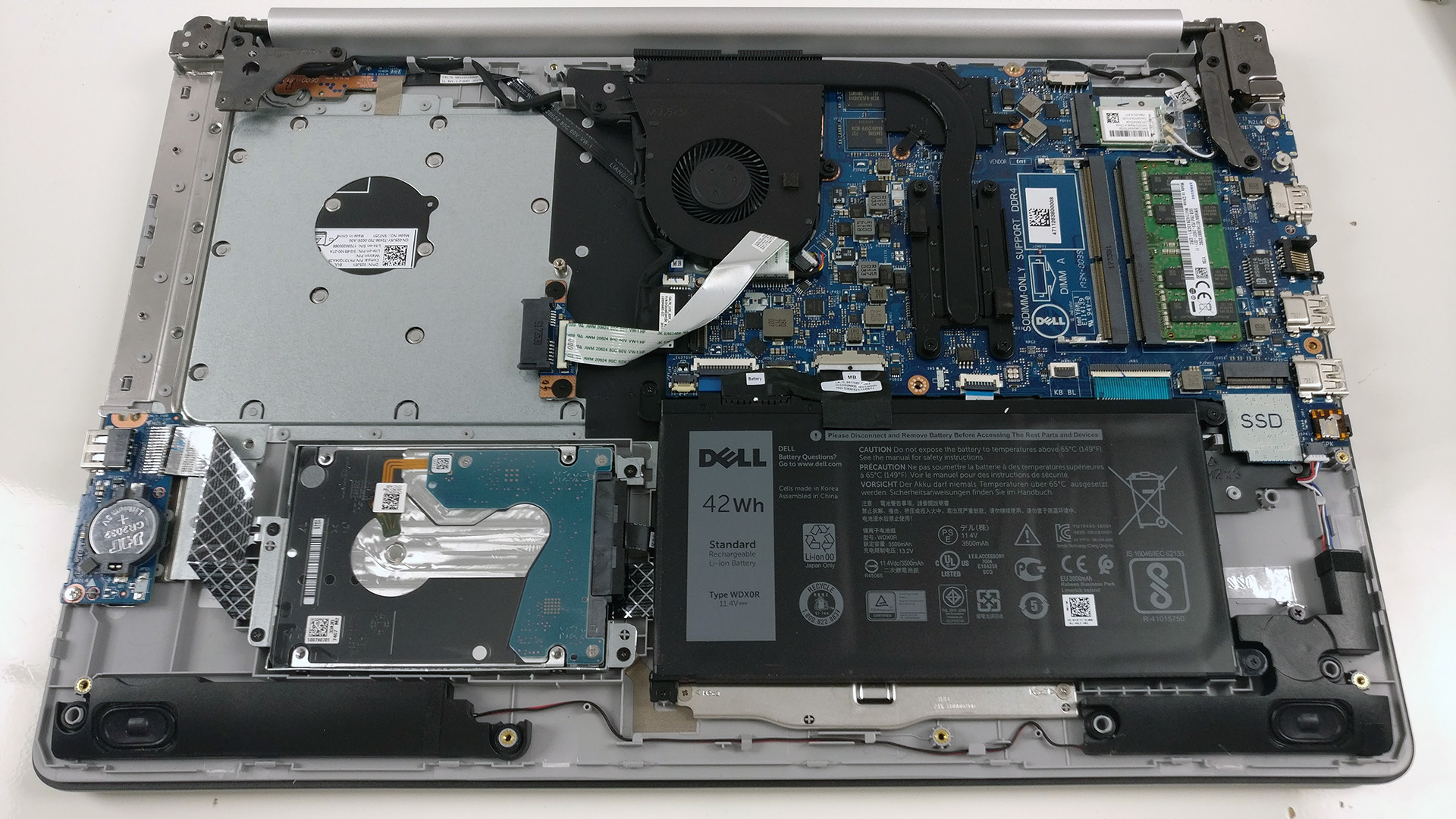
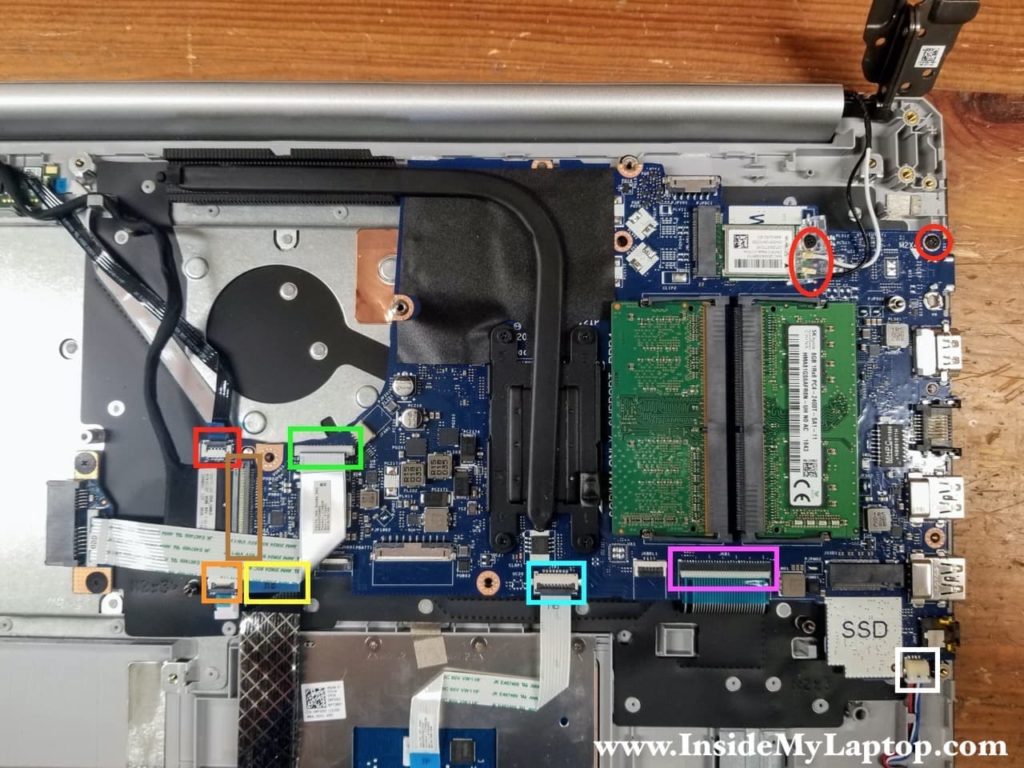
First, unplug the power cord and remove the battery (if you have a removable one—if not, just hold the power button for 10 seconds to discharge the capacitors, which sounds scarier than it is). Flip the laptop over, and you’ll see a bunch of screws. Unscrew them all, but keep a magnetic tray handy because these screws are smaller than a gnat’s eyelash. Use a plastic spudger to pry open the bottom panel along the seams—do this gently, like you’re opening a bag of chips you don’t want to explode.
Once inside, you’ll see the 2.5-inch drive caddy. Unscrew the little bracket, slide the old drive out, and then—the moment of triumph—slide the new SSD in. Screw it back down, pop the panel on, and boot up. If you did it right, your computer will be at the login screen before your brain registers that it’s on. If you did it wrong, you’ll smell burnt toast. That’s not a hardware issue; that’s just your breakfast dreaming of a better life.
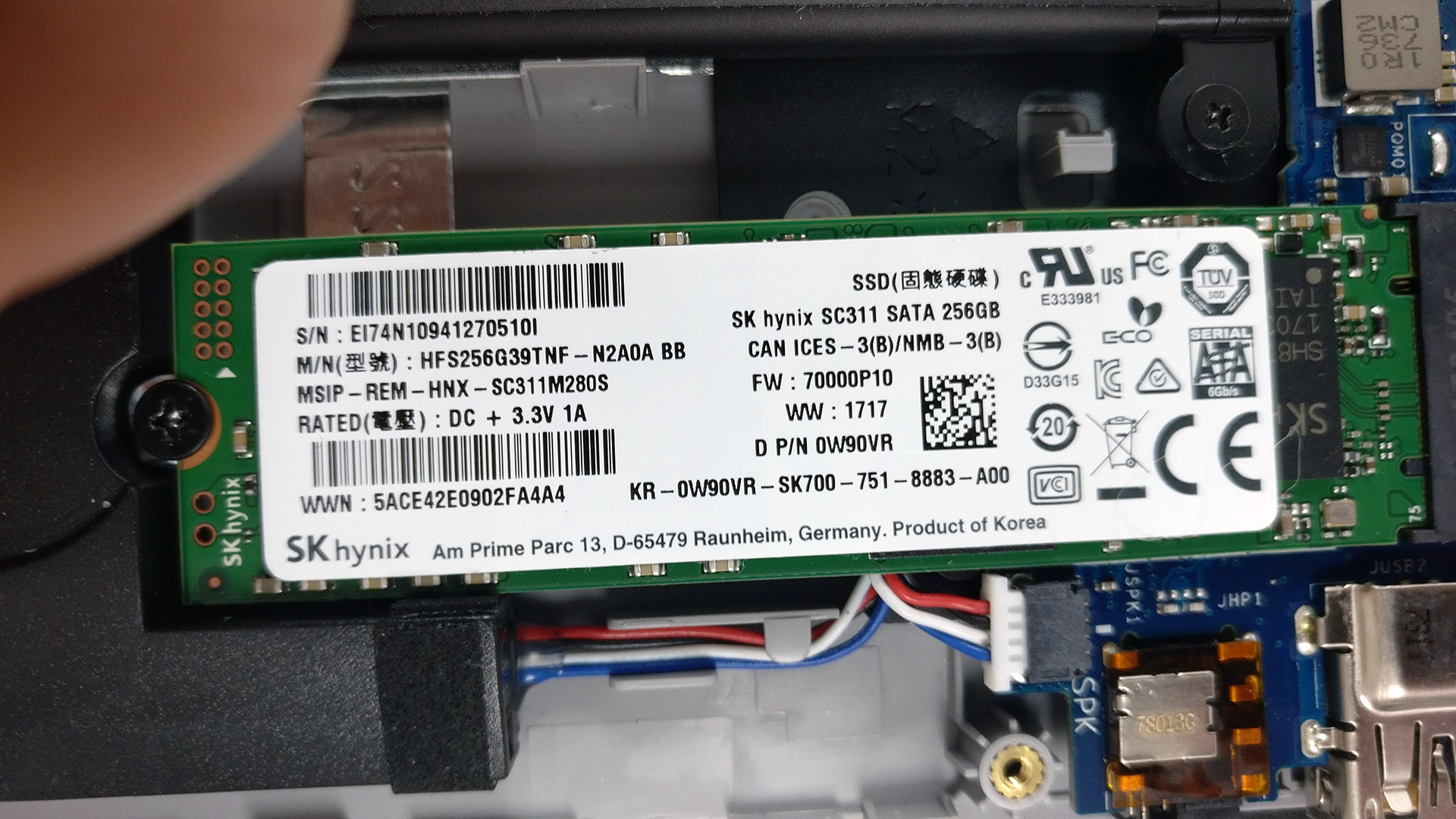
The Aftermath: You’re a Wizard Now
After the upgrade, your Dell will feel like a new machine. Programs open instantly, multitasking feels like cheating, and the fans might actually shut up for once because they’re not spinning in agony. One surprising fact: an SSD also uses less power, so your battery life might jump by 30 minutes. That’s not huge, but it’s enough to finish one more episode of a show before you hunt for a charger.
And here’s the real punchline: you’ve just saved yourself $500 by not buying a new laptop. The whole upgrade costs around $60 to $80. That’s cheaper than therapy, and honestly, this project is therapy. For the next time someone asks, “How’s your old Dell?” you can smirk and say, “It’s got a new heart, baby.” Just don’t wave the screwdriver around too proudly—you might poke an eye out.
So, go forth, brave tinkerer. The Dell Inspiron 17 5770 SSD upgrade is your rite of passage into the world of PC repair. And if you screw it up? Well, at least you’ll have a great story for the café, and a very expensive paperweight that occasionally hums the Windows startup tune.