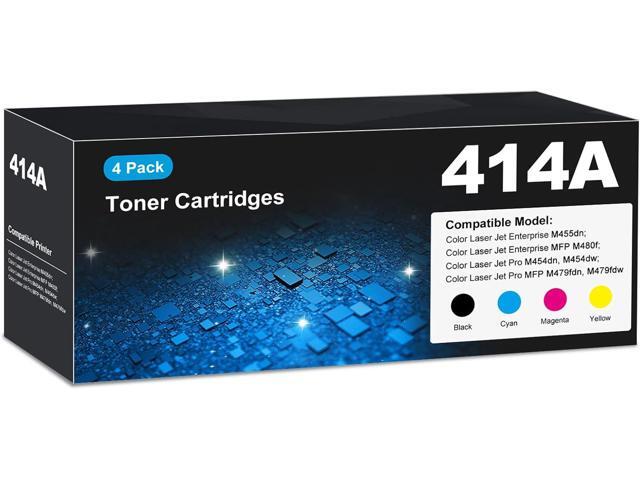
Color Laser Jet Pro Mfp M479fdw Ink
Last Tuesday, I watched my colleague, Dave, perform a ritual that bordered on the tragic. He stood over our office printer, a loyal but aging inkjet, shaking a cartridge like a maraca, willing every last drop of cyan onto the page. The result was a document that looked like it had been printed through a dirty window during a rainstorm.
We’ve all been there, right? That moment when you realize the “low ink” warning is less of a suggestion and more of a final countdown. It’s a special kind of office purgatory, and it got me thinking about the alternative that’s been sitting on the other side of the room, humming with quiet confidence.
I’m talking about the HP Color LaserJet Pro MFP M479fdw and, more specifically, the magic—or sheer engineering—behind its toner. Because, let’s be honest, nobody ever thinks about the ink until it’s gone, but with this machine, you almost forget it’s there.
Must Read
The Big Difference: Toner vs. That Liquid Nightmare
Here’s the first thing you need to know: this printer doesn’t use “ink” in the way Dave’s ancient relic does. It uses toner, a fine, dry powder that gets melted onto the page with heat. And that single change—from liquid to powder—flips the entire experience on its head.
No more worrying about cartridges drying out if you take a two-week vacation. No more smudging a freshly printed page because you got too excited and touched it. The M479fdw’s toner is like the stoic, reliable friend who never flakes on you, while inkjet cartridges are that flaky acquaintance who only texts when they need a favor.
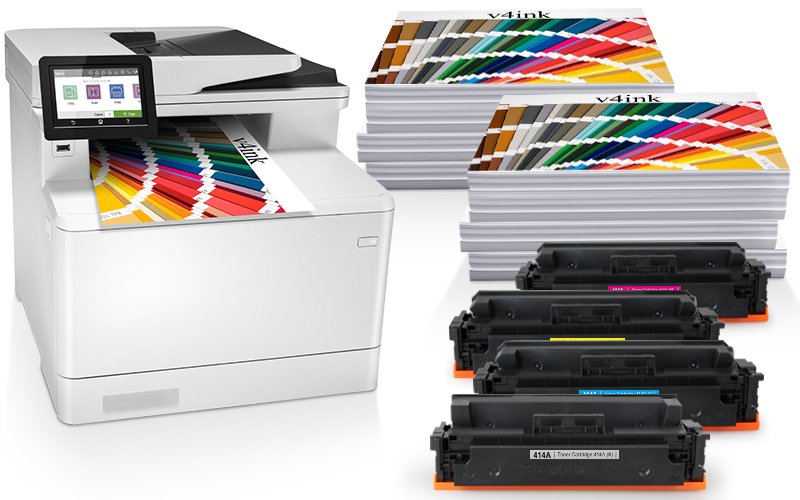
It’s a fascinating trade-off, isn’t it? We traded the occasional “wet” look for speed and permanence. I’ll take permanence any day of the week, especially when I’m printing a contract that needs to survive a coffee spill.
So, What’s the Deal with the HP 410A Toner?
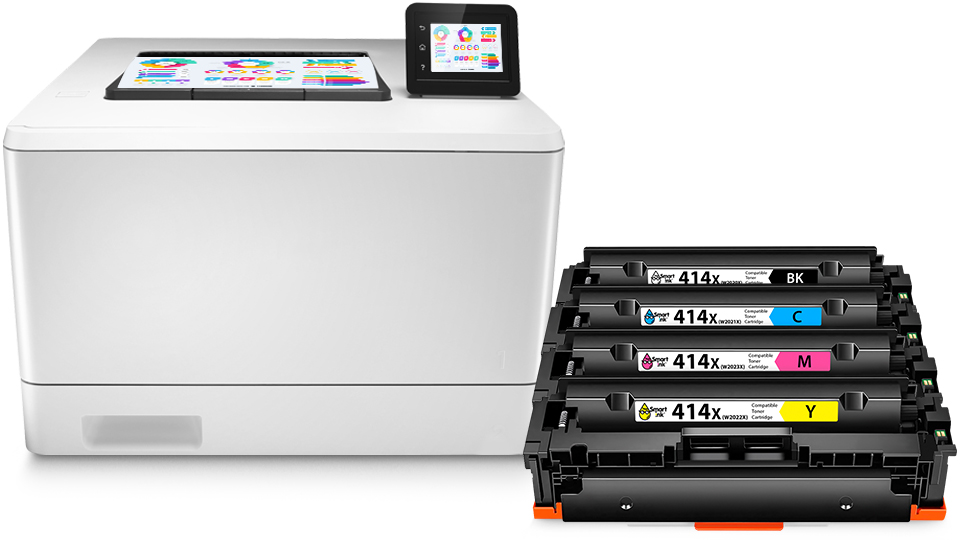
To feed this beast, you’re looking at the HP 410A series toner cartridges (the high-yield versions are 410X, if you’re feeling extra productive). These little plastic boxes are the workhorses behind the “fdw” in the model name—which, by the way, stands for fax, duplex, and wireless, but we’ll get to that in a sec.
Now, here’s the part that makes you raise an eyebrow: the yield. A standard 410A cartridge is rated for about 2,300 pages. That’s not a typo. You could print a small novel before you have to swap one out, which makes Dave’s inkjet look like a thirsty hummingbird in comparison.

But let’s be real for a second—the upfront cost of these cartridges can sting a little. It’s that classic printer business model: give away the razor, sell the blades. However, unlike the cheap blades, this toner delivers a cost per page that actually makes sense in the long run, especially if you’re tired of replacing a $30 cartridge every three weeks.
Why the “Pro” and “MFP” Bits Matter
You might be thinking, “I just want to print my kid’s homework in color, why does this sound like a spaceship console?” Fair point. But the M479fdw is an MFP—a Multi-Function Printer—which means it scans, copies, and faxes, too. It’s the Swiss Army knife of the office corner, and honestly, it’s a little overkill for a home office, but in the best possible way.
I’m particularly fond of the “fdw” part because it means I can send a print job from my phone from the kitchen while the printer is in the next room. You just tap, swipe, and boom—out comes your document. It’s almost spooky how seamless it is, and for a guy who used to fight with printer drivers for an hour, it feels like sorcery.

And let’s not sleep on the duplex printing. This thing flips pages automatically, so you save paper, which means you’re being eco-friendly and less annoyed simultaneously. That’s a rare combo in the tech world, trust me.
The Ironic Twist: It’s Actually Cheaper to Print in Color
Here’s the kicker that makes me chuckle every time I think about it. With an inkjet, you often suppress your urge to use color because it’s expensive and slow. You end up printing everything in grayscale to save your wallet. With the M479fdw, the color toner is so efficient that color printing becomes a non-event.
Suddenly, you’re highlighting charts, making your headers a nice shade of blue, and printing out infographics just for fun. It shifts your mindset from “scarcity” to “abundance.” I’m not saying you should print a rainbow-colored 50-page report just for kicks, but you could without filing for bankruptcy.
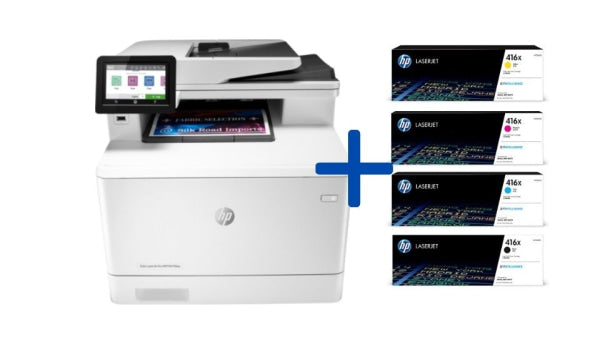
If you’re in the market for a reliable workhorse and you’re tired of the inkjet dance, look for the HP 410A toners. Just make sure you check which one is the black and which are the color (CMYK, baby!). It’s a learning curve, but a gentle one.
So, as Dave scraped the last smudge of blue off his fingers, I walked over to the LaserJet, hit print, and watched a crisp, vibrant page slide out in silence. He looked at me, then at his machine, then back at me with a mix of envy and confusion. I just smiled. The future, my friend, is dry, fast, and surprisingly full of color.
You can keep your shaky cartridges and your prayers for a few more pages. I’ll be over here, printing like it’s 2024 and beyond, one flawless sheet at a time. And honestly? That’s the kind of quiet victory we all deserve on a Tuesday.