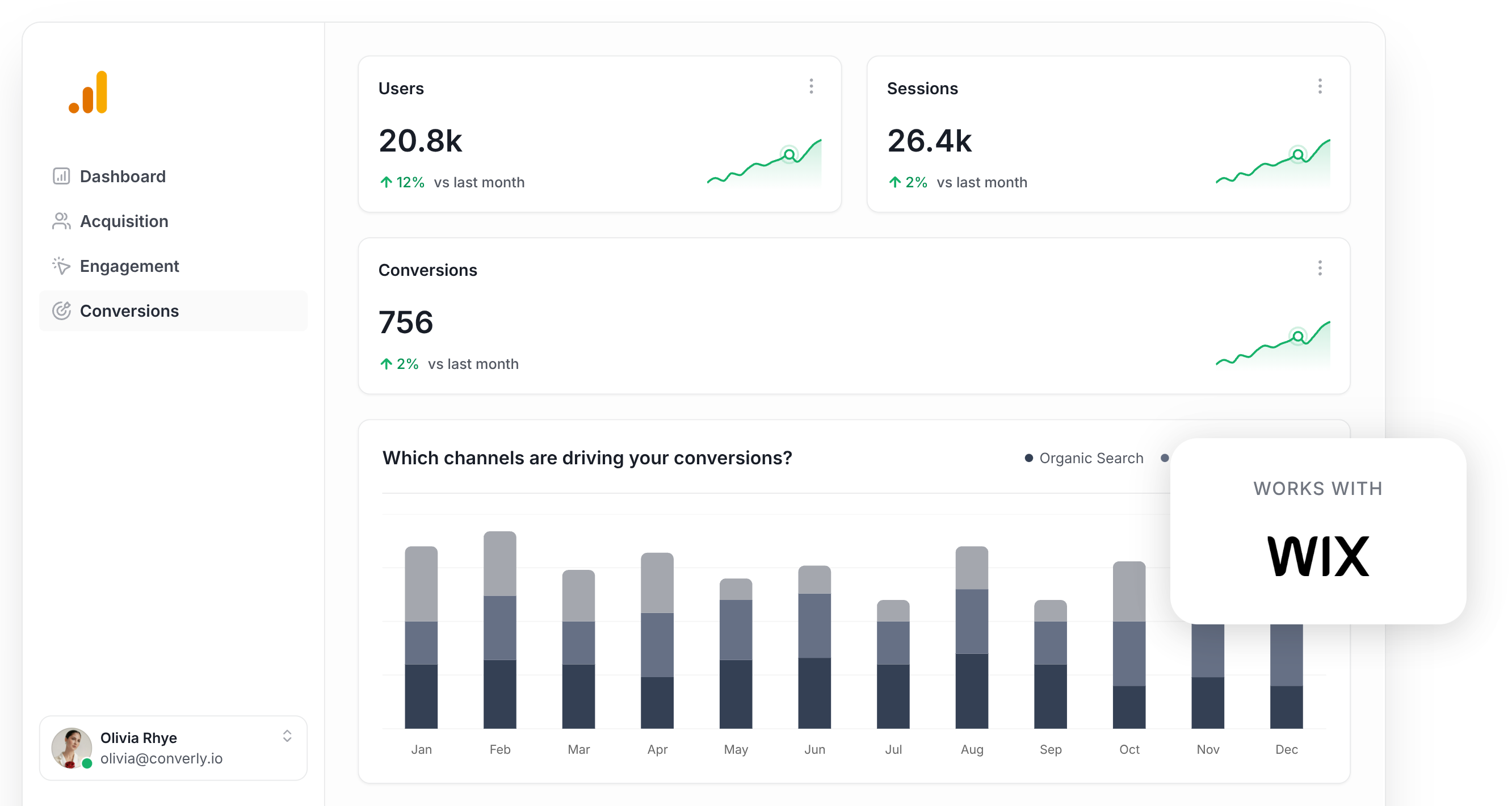
Wix Analytics Vs Google Analytics
The Great Analytics Face-Off (Where We Pick a Side)
Let’s be honest. You didn’t build your website to stare at numbers all day. You built it to sell candles, share cat photos, or book your dog-walking empire.
But then the tracking codes start calling. And you feel this weird pressure to “understand your audience.”
Here’s my unpopular opinion: Wix Analytics is the friendly neighbor who brings you cookies. Google Analytics is the math professor who assigns homework on weekends.
Must Read
Meet Your Options
Wix Analytics lives right inside your Wix dashboard. It’s already there, like that comfy spot on your couch.
Google Analytics (or GA4, if we’re fancy) is a separate beast. You have to copy-paste a code, set up events, and pray to the tech gods.
If you’re not a spreadsheet lover, Wix wins the first round by knockout.
The “Just Tell Me Who Visited” Test
Wix says: “Here are your visitors, their devices, and what they clicked. Done.”

Google says: “First, define your conversion event. Create a tag. Then wait 24 hours. Also, did you enable user properties? No? Too bad.”
Honestly, I need to know if people like my ping pong blog. Not a lecture on data modeling.
Wix understands that most of us aren’t data scientists. We’re just people who want to see a pretty chart and maybe a cool map of where folks live.
Real Talk on Depth
Now, I’ll admit it. Google Analytics is scary powerful. It can track your scroll depth, button heat, and even which shoe your users wear (okay, not that last part).
But do you need that? For a bakery website, you need to know if the “Order Cake” button works. Not the user’s device language.
Wix gives you the juicy stuff—traffic sources, popular pages, and bounce rate—without the headache.

The Speed Bump of Setup
With Wix, you flip a switch. Bingo—data flows like a lazy river.
With Google, you’re on a treasure hunt. Click “Admin,” then “Data Streams,” then copy a string of letters that looks like ancient hieroglyphs.
If you mess up, your dashboard stays empty. And you blame yourself. Then you watch sad YouTube tutorials.
Who Is This For?
If you run a small shop, a portfolio, or a hobby site, Wix Analytics is your buddy. It’s simple, fast, and doesn’t shame you for not knowing what “session duration” means.

If you run an e-commerce giant that needs to track every micro-interaction, sure, go Google. You’re the type who enjoys debugging at midnight.
But for 90% of us? Wix is enough. It’s the “vanilla ice cream” of analytics—not flashy, but it never disappoints.
My unpopular opinion? Most people install Google Analytics because they think they must. Then they open it once, get scared, and never return.
What About Reports That Actually Make Sense?
Wix sends you a friendly email: “Your weekly overview is ready!” No jargon. Just numbers. Lovely.
Google sends you alerts that say: “Anomaly detected in user engagement metric.” Thanks, Google. Now I’m panicking about what an “anomaly” is.
Wix also shows you a simple line graph. Google shows you a maze of funnels and filters.

Final Verdict (Don’t @ Me)
I’m team Wix Analytics for the everyday dreamer. It respects your time and your brain space.
Google Analytics is like a gym membership—you pay for it, you swear you’ll use it, but you mostly just stare at the equipment.
Unless you’re a professional marketer, skip the Google pain. Use Wix. Check your visitors. Then go back to doing what you love—like actually running your business.
And if you ever feel fancy, you can always add Google later. But for now, pour a coffee, open Wix, and smile at your simple, beautiful numbers.
That’s analytics you can hug. Well, maybe not literally. But close enough.