Which App Is Best For Graphic Design

Okay, let’s be real for a second. If you’ve ever tried to pick a graphic design app, you know it feels less like shopping and more like trying to choose a favorite child—while they’re all screaming at you from a playground.
You’ve got your free ones, your fancy ones, and ones that look like they were designed by a sadistic accountant. But deep breath, friend. I’ve waded through the pixel-filled trenches so you don’t have to.
The Big Three: The Usual Suspects
First up, we have Canva, the golden retriever of design apps. It’s friendly, eager to please, and will fetch you a template for absolutely anything—from a “Sorry I Forgot Your Birthday” card to a full-blown business proposal.
Must Read
If you have zero design skills, Canva makes you feel like a genius. You drag, you drop, you add a funky font, and boom—you’re basically a creative director.
But here’s the catch: Canva is a bit like a paint-by-numbers kit. You can make it pretty, but it might end up looking just like everyone else’s pretty. Still, for social media posts, flyers, and quick fixes, it’s unbeatable.
When Canva Falls Short
If you try to get super fancy with custom illustrations or complex photo edits, Canva will give you a gentle, polite “nope.” It’s not built for that, and that’s okay. It’s like asking a golden retriever to do your taxes—adorable, but not happening.
Enter the Pro: Adobe Photoshop
Now, let’s talk about the 800-pound gorilla in the room: Adobe Photoshop. This is the app that has been around since the dawn of time, or at least since 1990.
Photoshop is powerful. It can do things that feel like literal magic, like swapping a sky, removing your ex from a group photo, or making your cat look like a cyberpunk bounty hunter. But it also has a learning curve that feels like climbing Mount Everest—in flip-flops.
You’ll spend your first week just trying to figure out why your layers are invisible. Then you’ll watch a YouTube tutorial that says “easy,” and you’ll cry a little. That’s normal.
However, if you want full creative control, no other app touches it. It’s the industry standard for a reason, but you need patience, a few gray hairs, and possibly a therapy subscription.
The Cool Middle Ground: Procreate
Now, if you have an iPad, stop what you’re doing. Look at Procreate. It’s the hipster barista of design apps—totally cool, slightly mysterious, and incredibly satisfying to use.
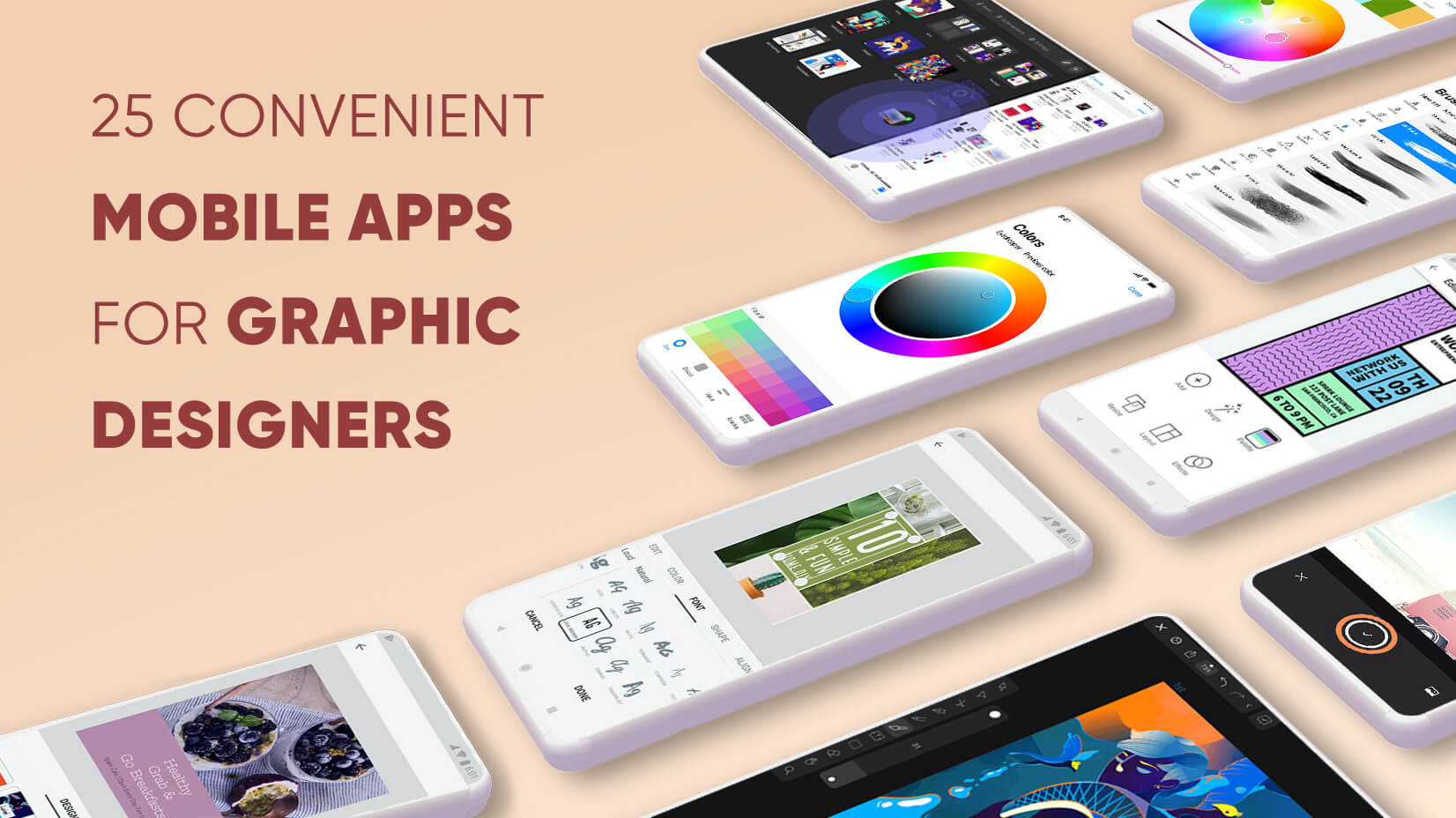
Procreate is for drawing, pure and simple. It feels like you’re sketching on actual paper, except the paper can do 4K illustrations and animated sparkles. The brushes are insanely good, and the interface is so intuitive, you’ll feel like a kid with a new set of crayons (but better, because you’re an adult with a credit card).
It’s a one-time purchase, which is a breath of fresh air compared to Adobe’s sneaky monthly subscription. Honestly, the only downside is that you’ll start doodling during every Zoom meeting. I’m not judging—I do it too.
The Free Hero: Figma
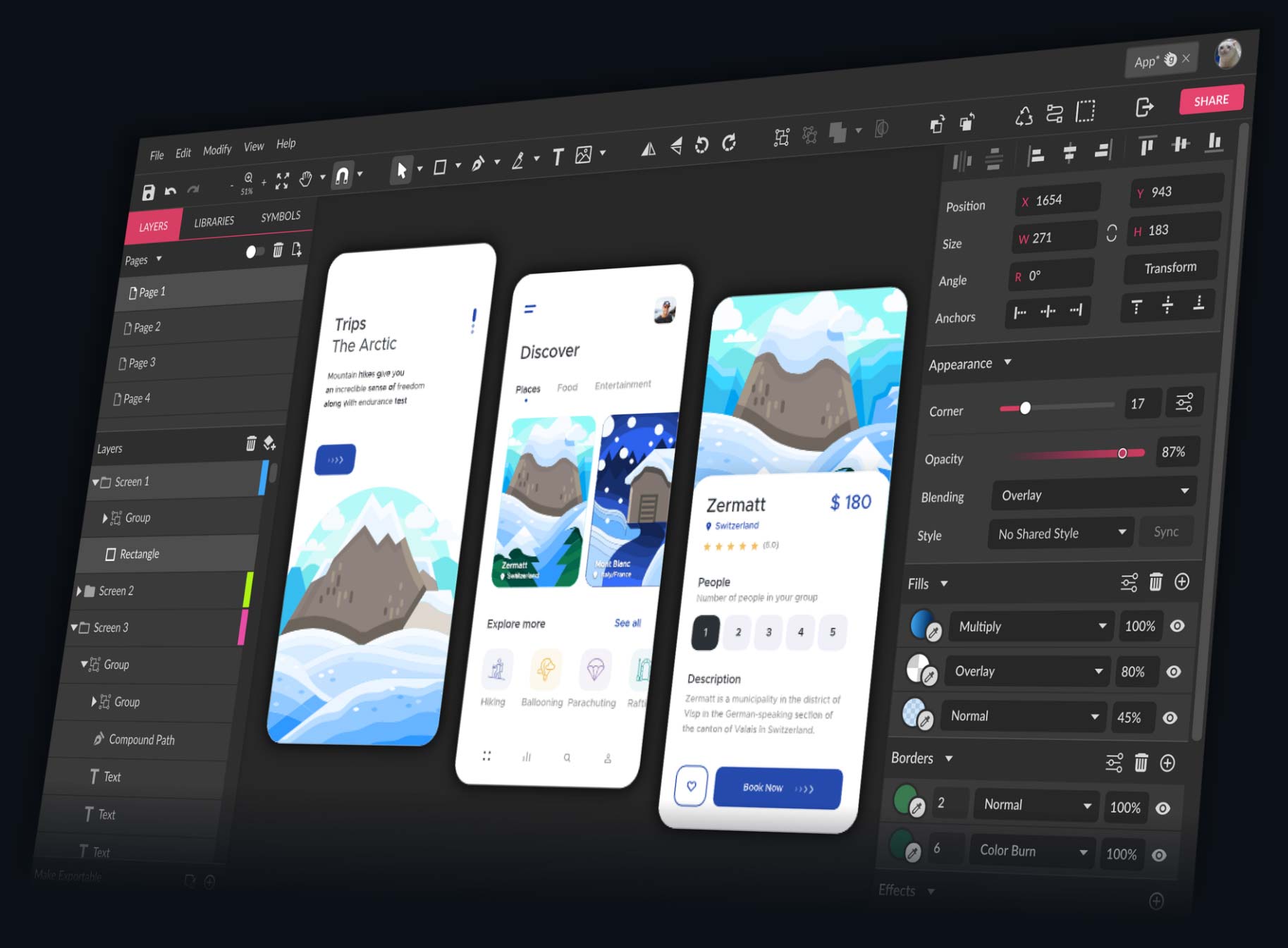
Don’t sleep on Figma. While it’s technically for user interface and web design, it’s become the go-to for collaboration. You can share a link, and your friend can edit with you live, like a Google Doc for designers.

It’s free for personal use, which is wild considering how robust it is. If you want to design a website, a mobile app, or just make a fancy flowchart for your D&D campaign, Figma is your guy.
The downside? It’s not great for print or raster artwork. But for anything with buttons or screens, it’s the MVP. Plus, the community templates are absurdly good.
So, Which One Is Best?
Here’s the dirty secret: There is no “best” app. There is only the best app for you, right now, for this specific project.
Need a fast flyer for your garage sale? Canva. Want to paint a digital portrait of your dog as a renaissance lord? Procreate. Need to edit a photo for that dating profile we’ve been working on? Photoshop. Designing a resume that screams “Hire me, I’m organized”? Figma.

Honestly, I’ve used all four in the same week. They’re tools, not religions. It’s like comparing a hammer to a screwdriver—you don’t ask which is better; you ask which hole you’re trying to make.
The Uplifting Conclusion
So here’s the real takeaway: Your creativity is the magic ingredient, not the software. The app is just the paintbrush; you’re the painter. Even if you use a free app and a mouse that skips, you can still make something that makes people smile.
And if you make something that looks totally wonky? That’s fine, too. I’ve made plenty of “abstract” art that was just me falling asleep on the keyboard. It’s all part of the journey.
So pick one, play with it, make a mess, and have fun. Because at the end of the day, the best graphic design app is the one that makes you excited to create. And that, my friend, is a beautiful thing to unleash on the world.