What Is The Best Online Photo Editor
Let’s be honest: we’ve all been there. You snap a picture of your dog doing something hilariously derpy, or you finally get that perfect sunset shot, only to realize the lighting makes you look like a ghost who’s seen a mortgage bill. Before you can post it, you need to fix it, but the thought of opening a professional editing suite feels like sitting down to fly a spaceship.
You don’t need a NASA certification to make your photos pop. You just need a good online editor that feels less like rocket science and more like a friendly game of digital Legos. Let’s find the best one for your chaotic, beautiful, everyday life.
The Great “Just Make It Look Less Weird” Dilemma
Your phone’s basic filter is like that friend who gives you a thumbs up when you have spinach in your teeth. It’s nice, but it’s not really helping. That’s where a browser-based editor comes in—it’s the pal who says, “Hey, I fixed your spinach situation, and also, your cat looks majestic now.”
Must Read
I’m not going to give you a single “best” because that’s like asking who makes the best pizza. It depends on whether you’re having a slice at 2 AM or hosting a fancy dinner. For everyday fixes, though, a few clear winners rise to the top.
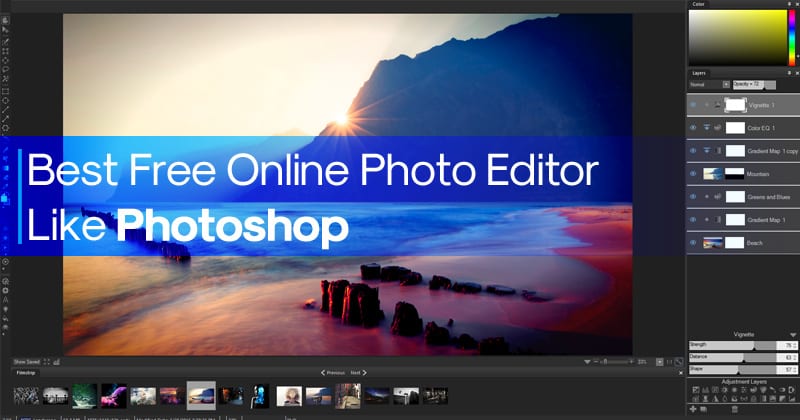
Photopea: The Overachiever in a Hoodie
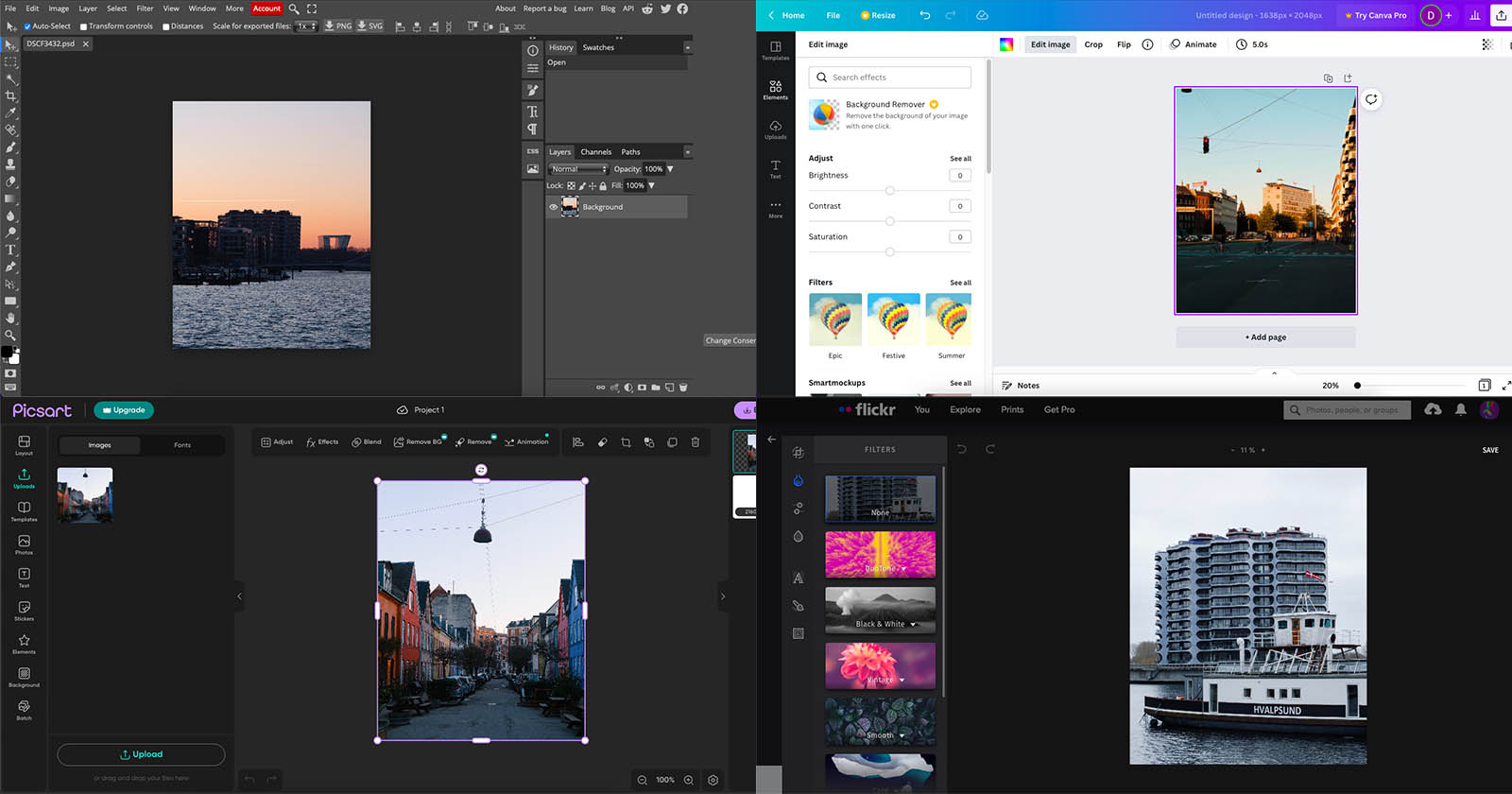
First up is Photopea, which is essentially Photoshop’s nerdy cousin who lives in your browser for free. It feels exactly like the big, scary Photoshop, but without the monthly payment that makes your wallet cry. If you already know your way around layers and masks, you’ll feel right at home. If you don’t, it’s like stepping into a car with a manual transmission—you’ll figure it out, but expect a few stall-outs.
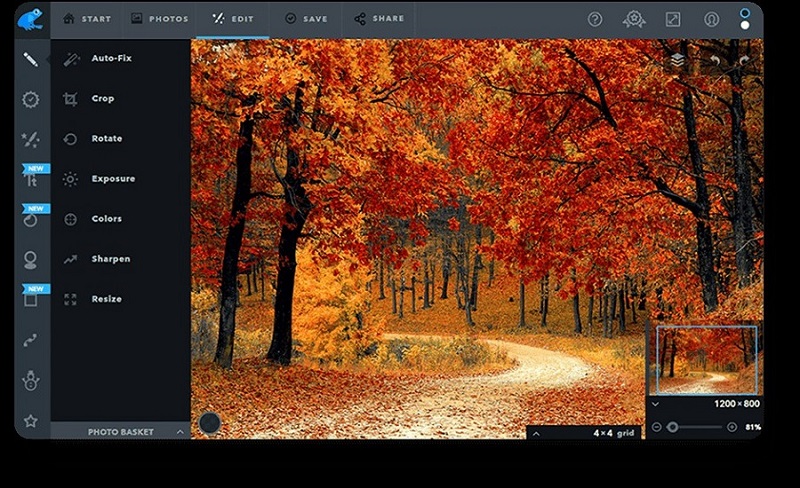
Here’s the catch: it’s robust, but it’s not beginner-friendly for quick tweaks. You’ll spend more time trying to find the “auto-fix” button than actually fixing your photo. But when you need to remove a photobomber’s entire head from a group shot, Photopea is your knight in shining armor.
Canva: The Glitter-Filled Rocket Ship
If you want to edit for social media, Canva is the friend who brings snacks and a glitter cannon to art class. It’s less about “editing” and more about making things look fun. You can slap on a background, add a funky font, and turn a boring sandwich photo into a masterpiece that screams “I have my life together.”
:max_bytes(150000):strip_icc()/pixlr-e-editor-c17451ffb95344c5918221a240934613.png)
The magic is in the one-click tricks. You can erase backgrounds faster than you can say “wait, I need that.” It’s perfect for resizing images for different platforms, and it won’t judge you for using the same “Vintage” filter on everything. It’s not for deep color correction, but for a quick, punchy post, it’s the best tool in the shed.
Fotor: The “Just Get It Done” Multi-Tool
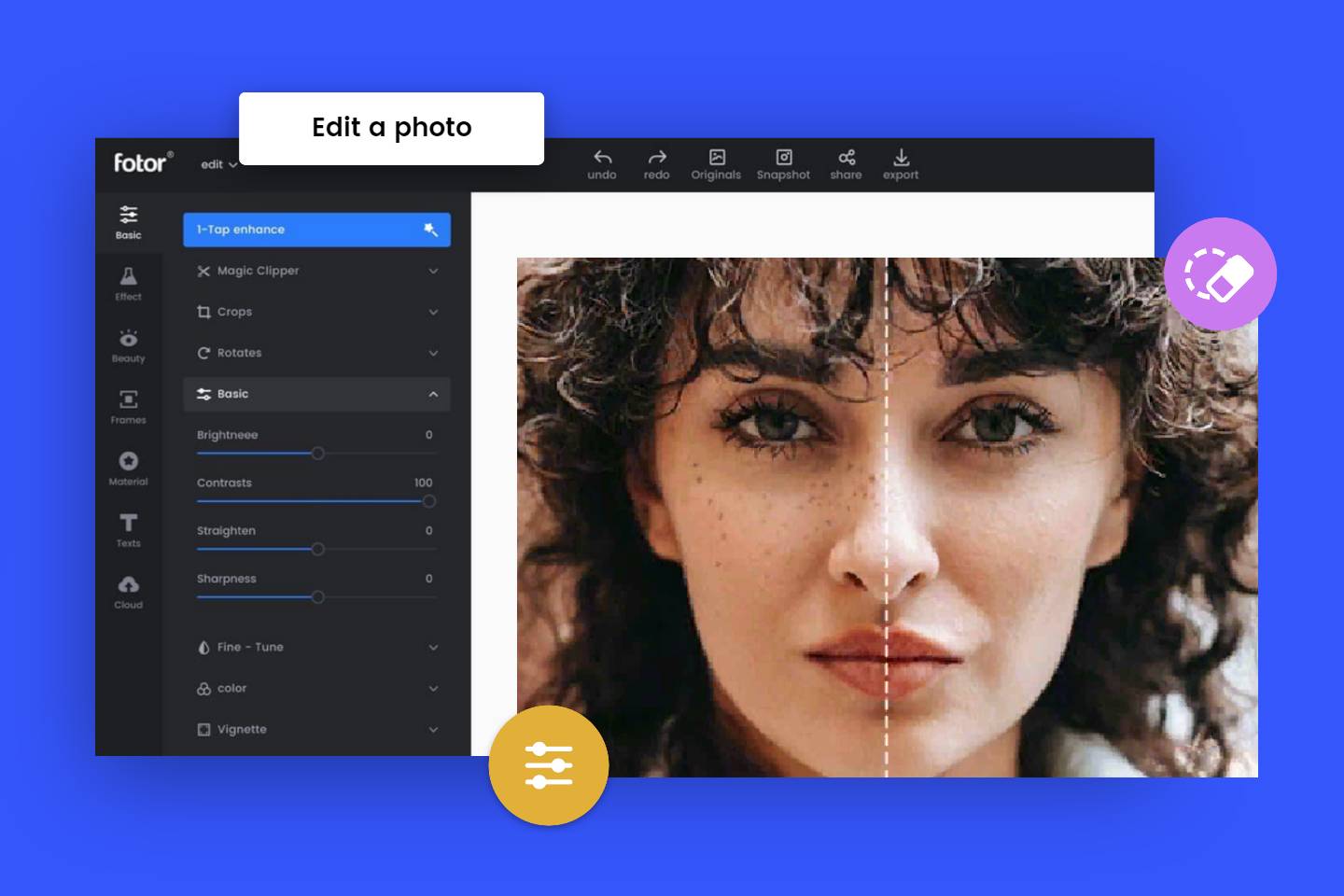
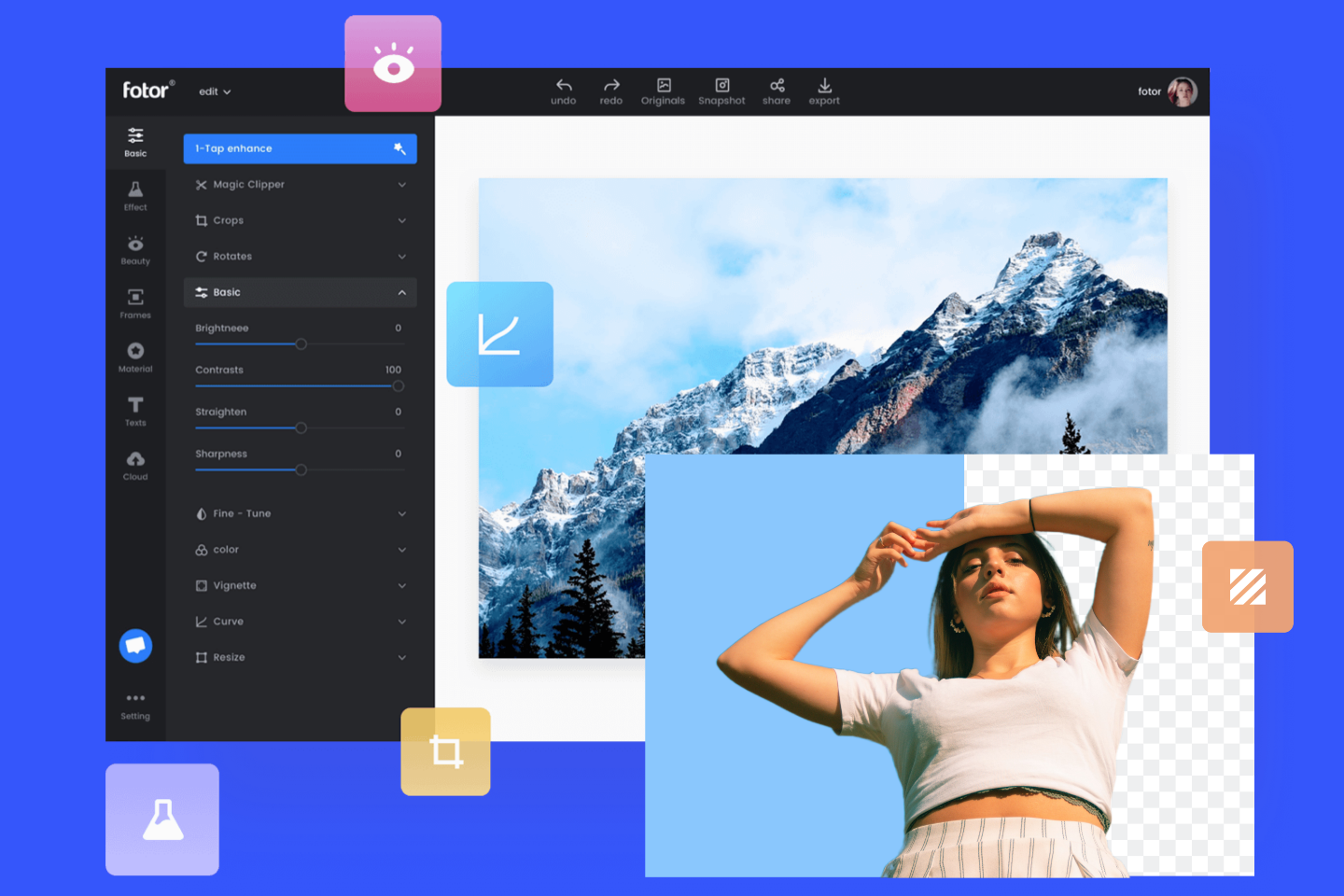
Then there’s Fotor, which is like a Swiss Army knife that also has a tiny hairdryer. It’s a jack-of-all-trades. It has a simple “Enhance” button that works wonders—it’s that friend who just “fixes” your hair without asking. You click it, and suddenly your skin looks smoother and the sky is bluer, all without any manual labor.
The downside? It tries to sell you premium features like a used-car salesman at a family barbecue. You’ll click “Save” and a pop-up will show you a shiny “AI Upscale” that you never knew you needed. Stick to the free stuff, and you’ll be fine. It’s the reliable hatchback of editors—nothing flashy, but it always gets you home.
What About the “AI Magic” Stuff?
We can’t ignore the new kids on the block—the AI editors that let you remove a power line with just a brush. Tools like Remini or Cleanup.pictures are great for one specific trick: deleting stuff. It’s like having a digital eraser that turns your cousin’s beer can into a nice bush. These aren’t full editors, though; they’re the special guest stars in your editing kitchen.
For daily life, you want a good all-rounder. I’d say Photopea if you’re brave, Canva if you’re creative, and Fotor if you’re just tired.
The Verdict (With a Side of Honesty)
If you’re a chronic procrastinator who just needs a quick fix before posting that brunch photo, Fotor is your best friend. It’s forgiving, it’s quick, and the one-click enhance is like a magic wand for the messy bits. If you’re a scrapbooker at heart, Canva is your paradise.
But here’s my real advice: stop overthinking. The best online photo editor is the one you’ll actually open more than once a month. For me, that’s a tie between Fotor for quick fixes and Photopea when I channel my inner graphic designer. Try them during your coffee break. You’ll either have a blast or get frustrated and go back to posting blurry selfies. Either way, you’re still a star.
Just remember: no tool can fix a bad selfie. Well, actually, AI can, but that’s a deep rabbit hole for another day.