
What Cpu Is Best For Video Editing

Let’s be real for a second—you’re not just looking for a CPU. You’re looking for the magical brain that will turn your chaotic footage into a cinematic masterpiece without making you want to throw your computer out the window. And honestly? That’s a beautiful goal. Video editing is where art meets raw, unadulterated computing power, and the right processor is your trusty sidekick in that epic saga.
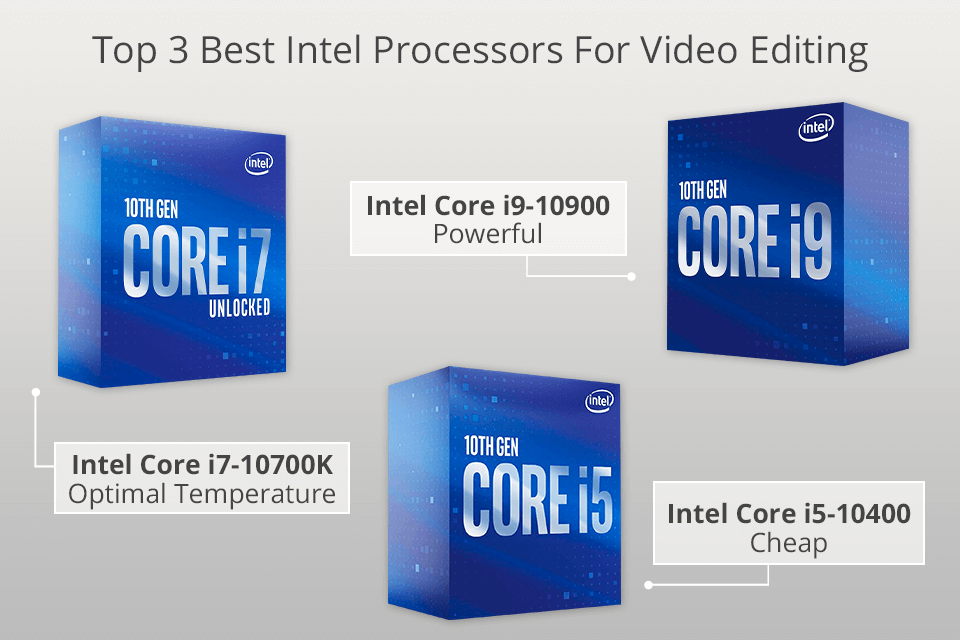
So, what’s the short answer? There isn’t one magic bullet, but there is a sweet spot. For most creators, Intel’s Core i7 or i9 (13th or 14th gen) and AMD’s Ryzen 7 or 9 (7000 series) are the undisputed champs. They give you the perfect balance of speed, core count, and value—without making your wallet cry too hard. But let’s dig into the juicy details, shall we?
Why Cores and Clock Speed Actually Matter (But Not Like You Think)
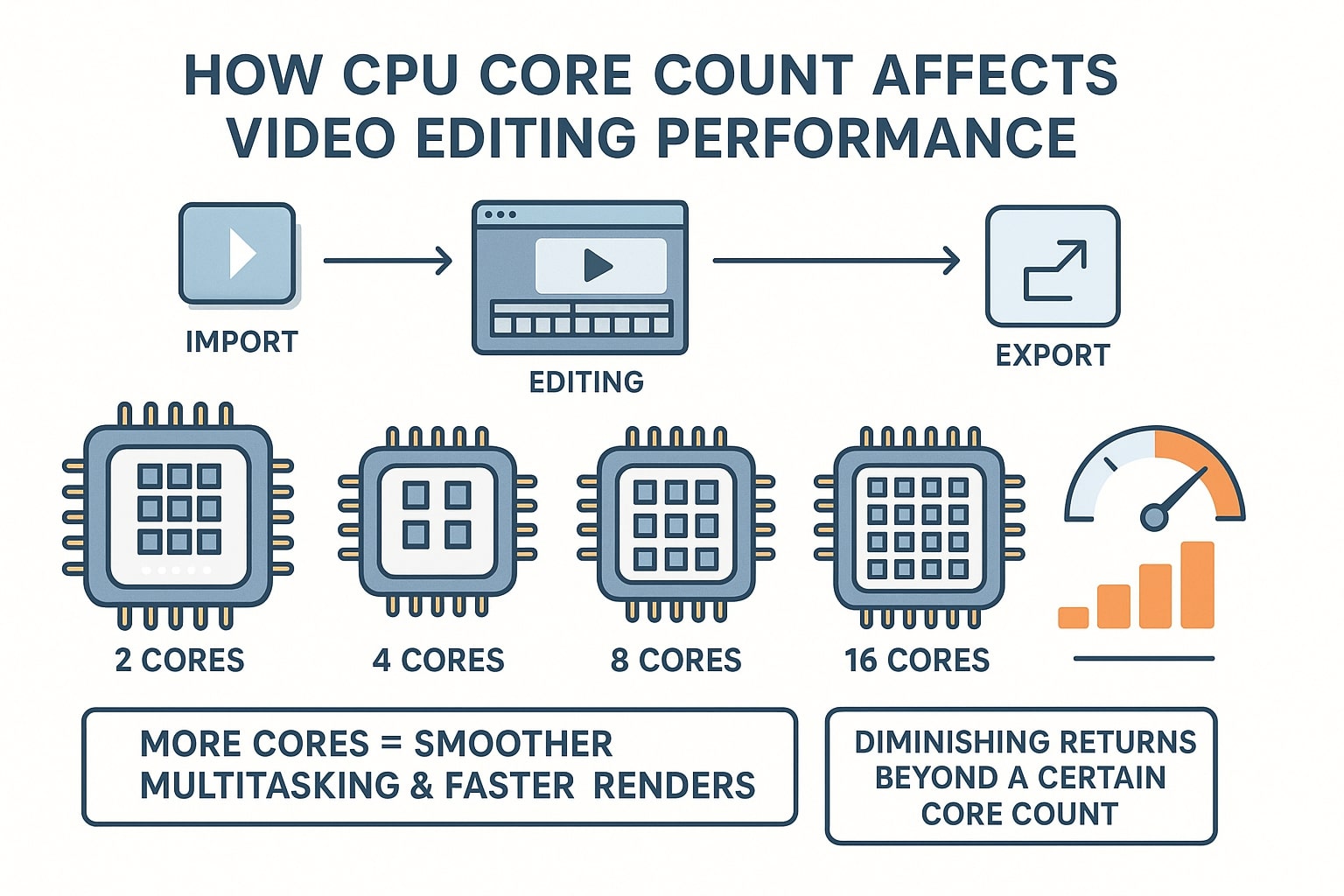
Imagine your timeline as a busy restaurant kitchen. Core count is how many chefs you have working the stoves; more chefs mean more dishes (or video effects) cooked simultaneously. Clock speed is how fast each chef can chop an onion—crucial for snappy, responsive scrubbing on your timeline.
Must Read
Here’s the fun twist: modern editing software is starting to love many cores, but it still laps up high clock speeds like a thirsty dog. For 4K footage and complex color grading, you want at least 8 to 12 cores. Anything less, and you’ll feel the sluggish drag every time you drop a transition on top of a 4K clip—trust me, that’s pure frustration in physical form.
The Real-Life Hero: Intel vs. AMD (The Eternal Rumble)
Think of Intel as the reliable, gold-standard studio workhorse. Their Quick Sync technology is a lifesaver for rendering speeds, especially if you use software like Premiere Pro. If you shoot a lot of H.265 or 10-bit footage, Intel’s dedicated media engine will make your exports feel like a joyride down a smooth highway.

Now, AMD is the scrappy underdog that became a heavyweight champion. Their Ryzen processors offer incredible multi-core performance for the price, making them kings of that dual duty: editing and gaming. If you love to game and edit, AMD’s Ryzen 9 7950X is like having a personal editing studio that also throws killer parties. It’s a win-win, baby!
But here’s a secret the specs sheets won’t scream at you: your GPU matters more for most effects. The CPU is your project manager, but the graphics card is the one hauling the heavy furniture. You don’t need the absolute top-tier CPU to have a fantastic editing life—just one that doesn’t bottleneck your flow.
The Practical (and Slightly Silly) Buying Guide
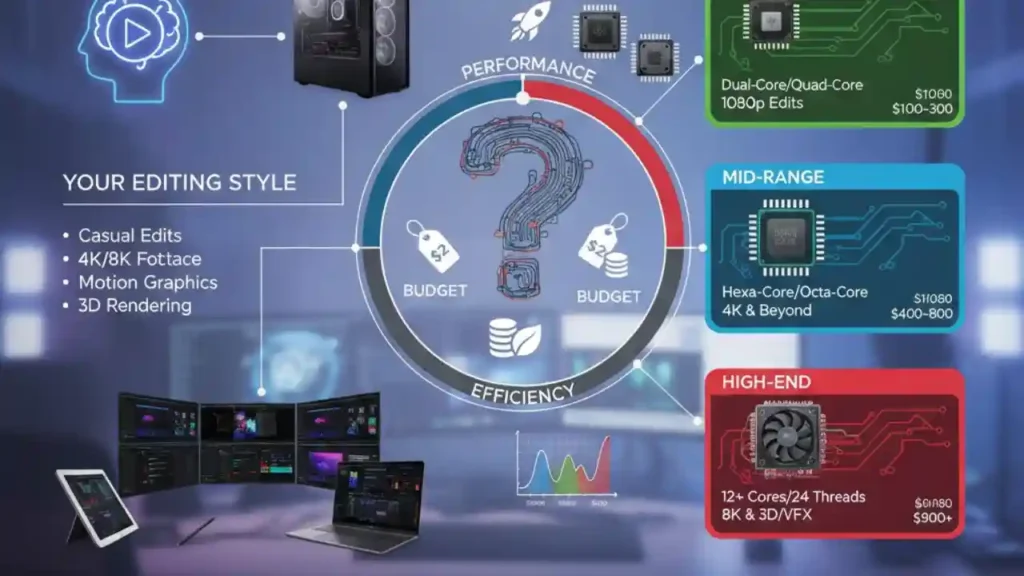
Are you a weekend vlogger? An Intel Core i5 or AMD Ryzen 5 will honestly handle 1080p and even light 4K with a smile. Don’t overspend unless you’re producing daily content for a world tour. Are you a professional colorist or motion graphics wizard? Then, my friend, go big—i9 or Ryzen 9—and never look back.
One more thing: don’t forget to check your motherboard chipset. It’s like buying a fancy sports car but forgetting the road—you need the right highway to plug everything in. And for a little future-proofing, grab a CPU with integrated graphics as a backup, just in case your main GPU decides to take an unscheduled vacation.
The Uplifting Final Cut
Here’s the truth: the “best” CPU is simply the one that lets you get out of your own way. It’s the tool that makes your ideas flow from your brain to the screen without a stutter. Remember, you are the creative genius—the CPU is just your (very enthusiastic) assistant.
So, go compare those benchmarks, have fun with the research, and don’t stress over every tiny spec number. The joy of video editing isn’t in the framerate counter; it’s in the story you’re telling. And with a solid processor by your side, the only limit is your imagination. Now go make something awesome—your future cinematic self is already cheering you on!
![Best Computer for Video Editing [2024 Guide]](https://www.cgdirector.com/wp-content/uploads/media/2018/11/High-Core-Count-CPUs-Export-Score-in-Video-Editing-Benchmark.jpg)