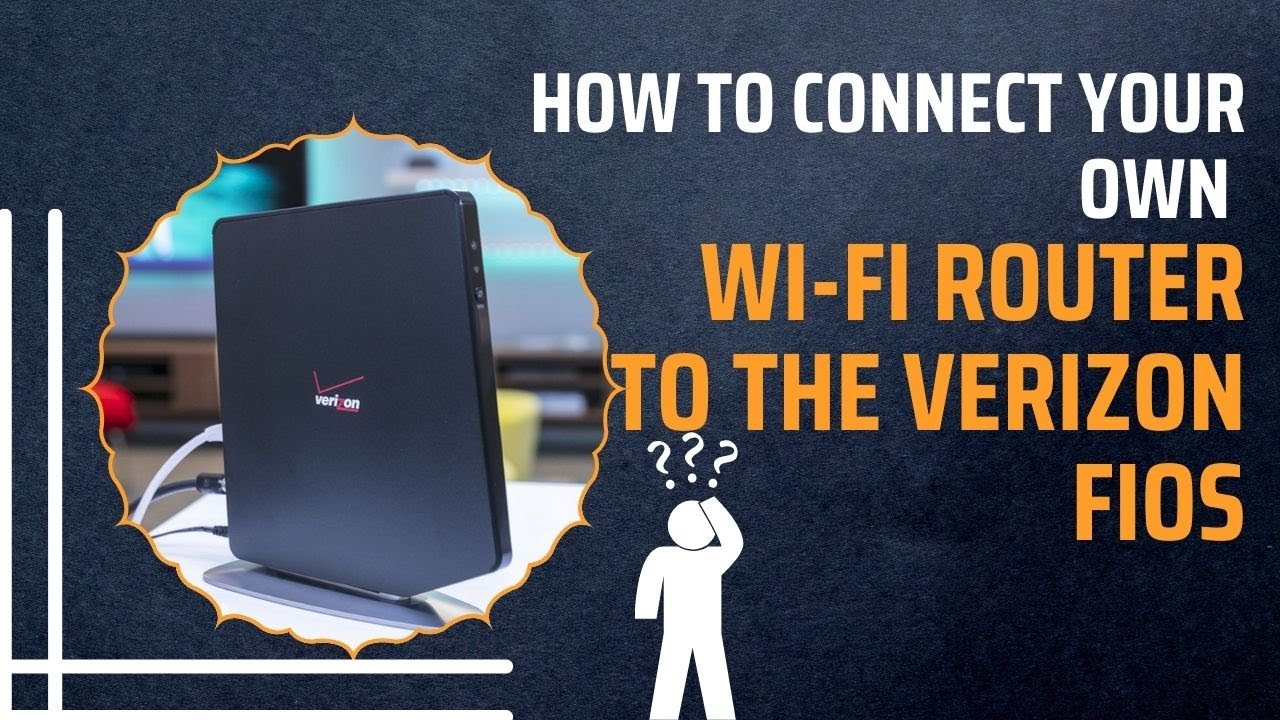
Verizon Fios Bring Your Own Router

There’s a quiet rebellion happening in living rooms across the country, and it doesn’t involve protest signs. It’s the simple, joyful act of swapping the internet provider’s boxy router for your own sleek, personal device. With Verizon Fios, this isn’t just allowed—it’s practically a creative invitation to take back control of your digital domain.
For the artist streaming 4K tutorials or the hobbyist running a home server, a personal router is a game-changer. You’re not renting a generic plastic box; you’re choosing a tool that matches your specific workflow, whether that’s low latency for music production or rock-solid range for a backyard workshop. It’s like choosing a fine brush over a default roller—the results feel more intentional and satisfying.
The benefits extend far beyond speed tests. Casual learners, for instance, can set up guest networks for study groups without exposing their main files, or prioritize bandwidth for video lectures when the family is streaming. You also unlock advanced parental controls and ad-blocking features that turn your connection into a tailored environment. Suddenly, your internet isn’t just a utility; it’s a canvas.
Must Read
Imagine a photographer who needs to upload massive RAW files—with your own router, you can tweak Quality of Service settings to give that upload top priority over a roommate’s gaming session. A writer might create a separate network with a calming SSID like “Focus Mode” to psychologically separate work from leisure. Even a DIY smart-home tinkerer can segment IoT devices, making the whole setup more secure and easier to troubleshoot.

For the style-conscious, the router itself becomes a design statement. Gone are the days of ugly spider-leg antennas; you can choose a minimalist mesh node that sits quietly on a shelf, or a sleek matte-black unit that looks like a modern sculpture. It’s a small but delightful way to make your tech reflect your personality, and you’ll smile every time you glance at it.
Ready to try it? First, check Verizon’s official list of compatible routers—most major models like ASUS, Netgear, and TP-Link work flawlessly with Fios. Then, simply plug your new router into the ONT (the little box on your wall) using an Ethernet cable, and power cycle both devices. No technician visit is needed, and the setup wizard usually takes under ten minutes.

Don’t be afraid to play with the settings. Rename your network to something witty, set up a child’s profile with bedtime internet limits, or enable a VPN from the router level for extra privacy. The best part? You’re learning by doing, and every small tweak teaches you something about networking that no tutorial can replicate.
Finally, the sheer joy of knowing you own your equipment—not renting it month after month—adds a little spring to your step. You’ll save money over time, but more importantly, you’ll gain a sense of craftsmanship over your digital life. It’s a low-stakes, high-reward experiment that turns a chore (paying for internet) into a hobby. So go ahead, pick out a router that makes you happy; your inner tinkerer will thank you.