The Best Computer For Photo Editing

Diving into photo editing is like opening a digital darkroom where your snapshots can become true works of art. It’s a hugely popular hobby because it lets anyone, from grandparents to teens, rescue a blurry memory or transform a simple sunset into a masterpiece. The best part? You don’t need to be a tech wizard to get started, but you do need a computer that can keep up with your creative flow.
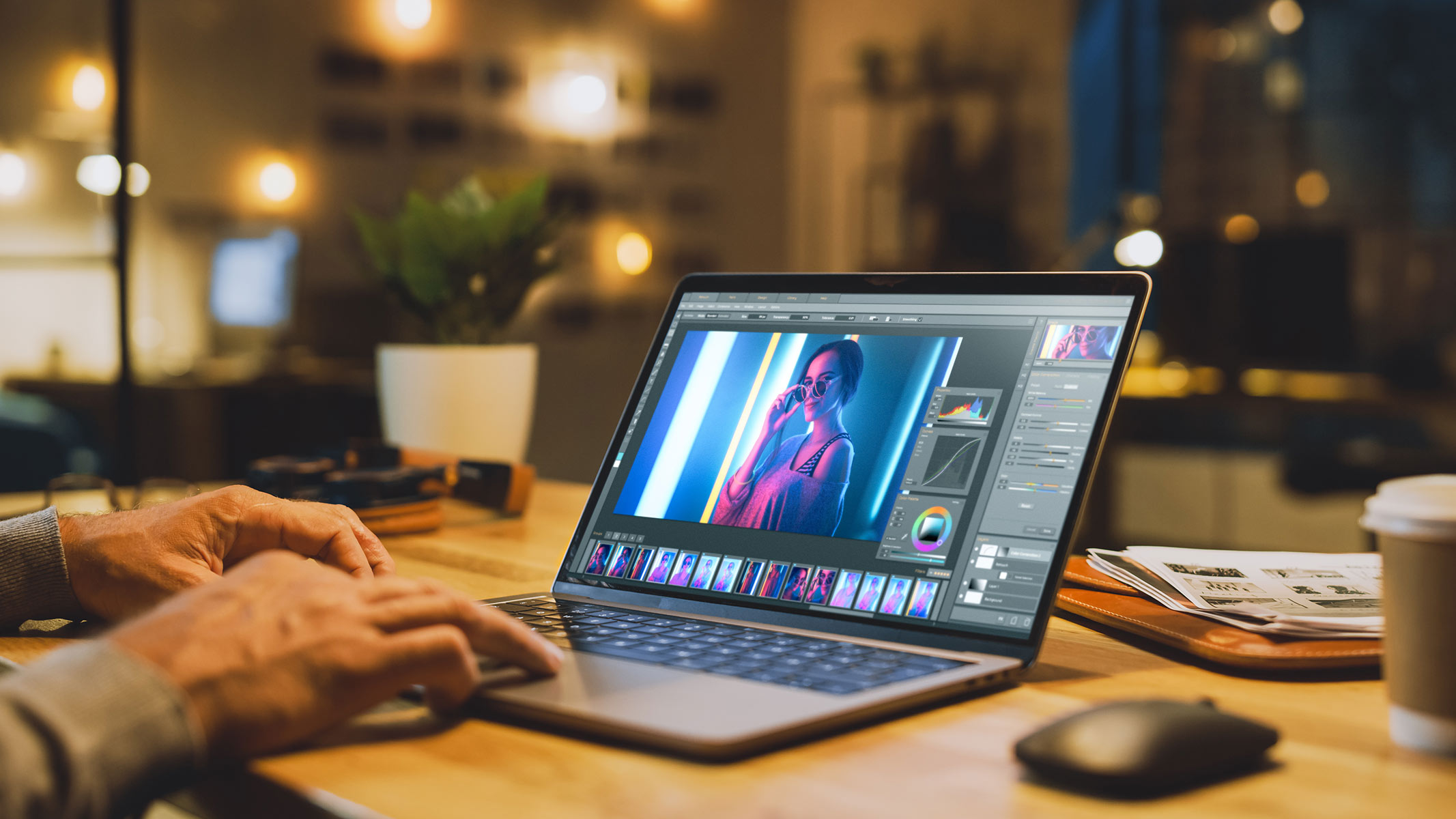
Think of your computer as the engine for your creativity. For a beginner or a family, the goal is simple: edit holiday photos, crop out photobombers, and apply fun filters without waiting forever. A solid, mid-range laptop with a bright screen is perfect for this, making the process feel smooth and stress-free. For the hobbyist who loves shooting RAW files, the benefits shift to speed—rendering 4K images and handling complex layers without the fan spinning into a jet engine.
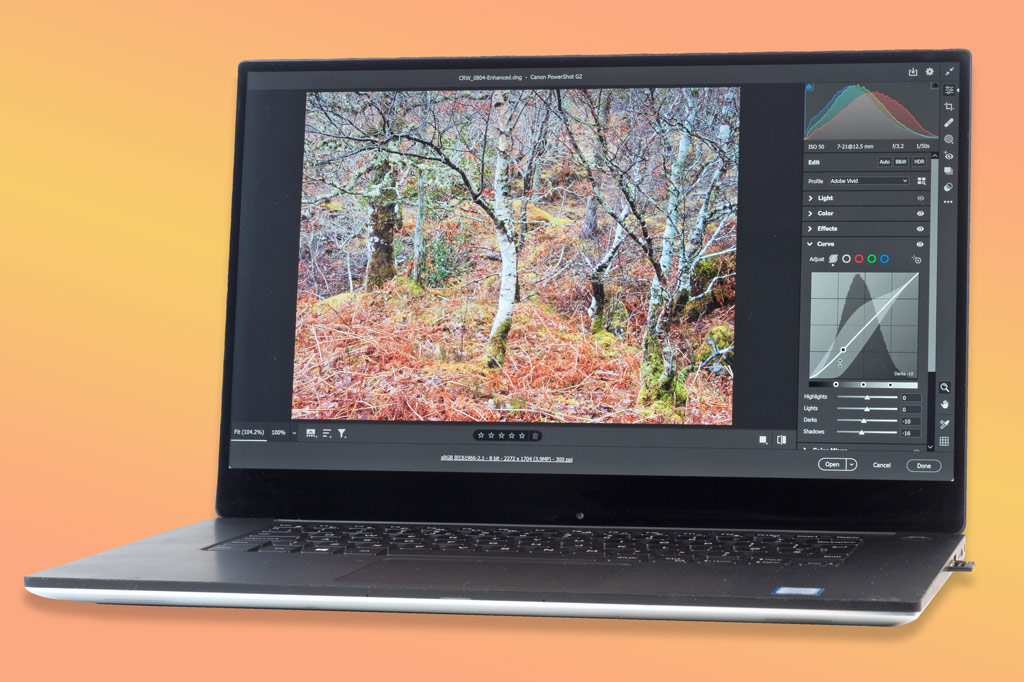
The real magic happens when you match the machine to your ambition. A casual user might only need 8GB of memory, but a serious enthusiast should look for 16GB or more to avoid frustrating lag. Likewise, a dedicated graphics card isn’t essential for basic edits, but it becomes a game-changer for advanced tools like frequency separation or HDR merging. Even the screen matters—look for one covering 100% of the sRGB color space so your online photos look exactly like they do on your monitor.
Must Read
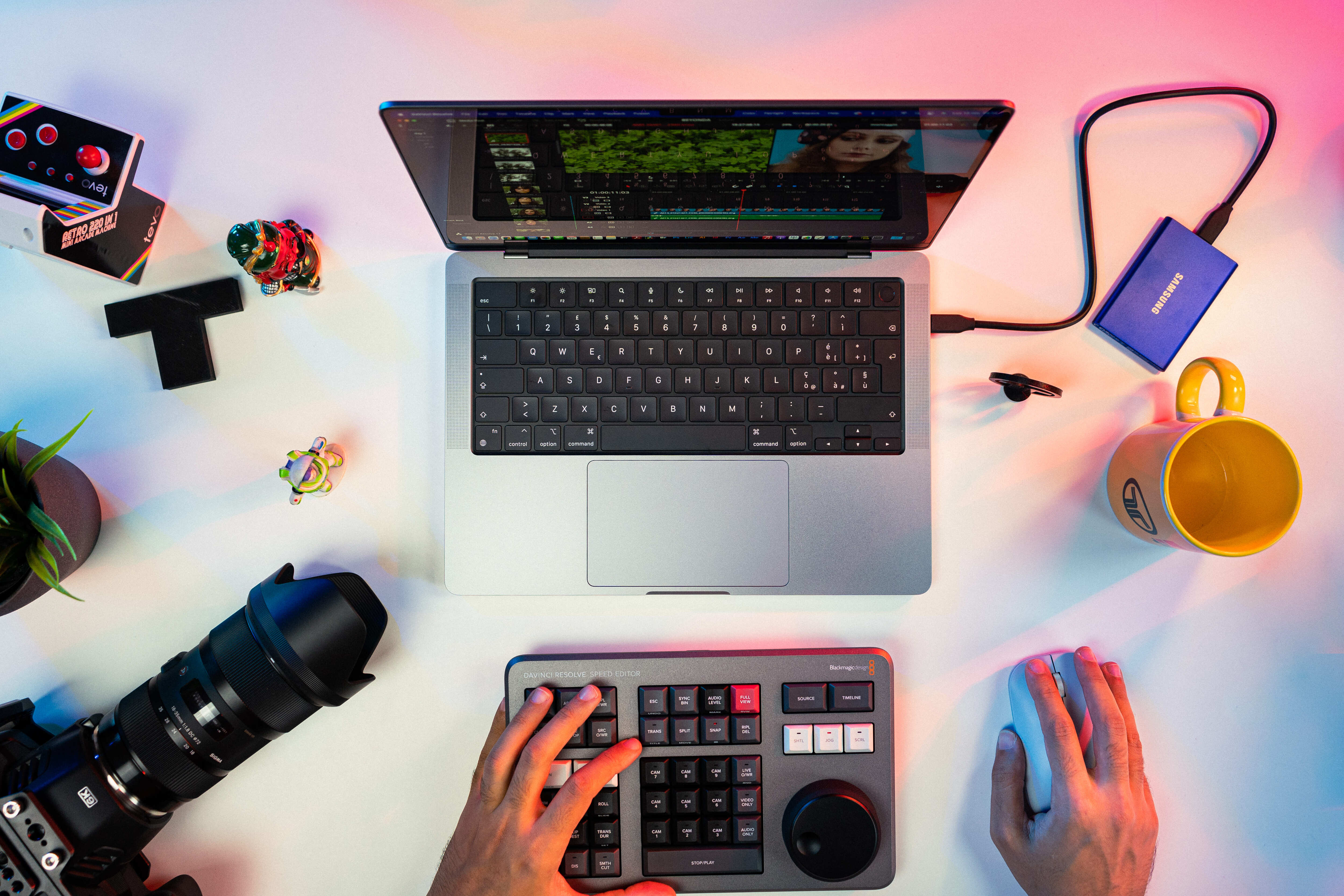
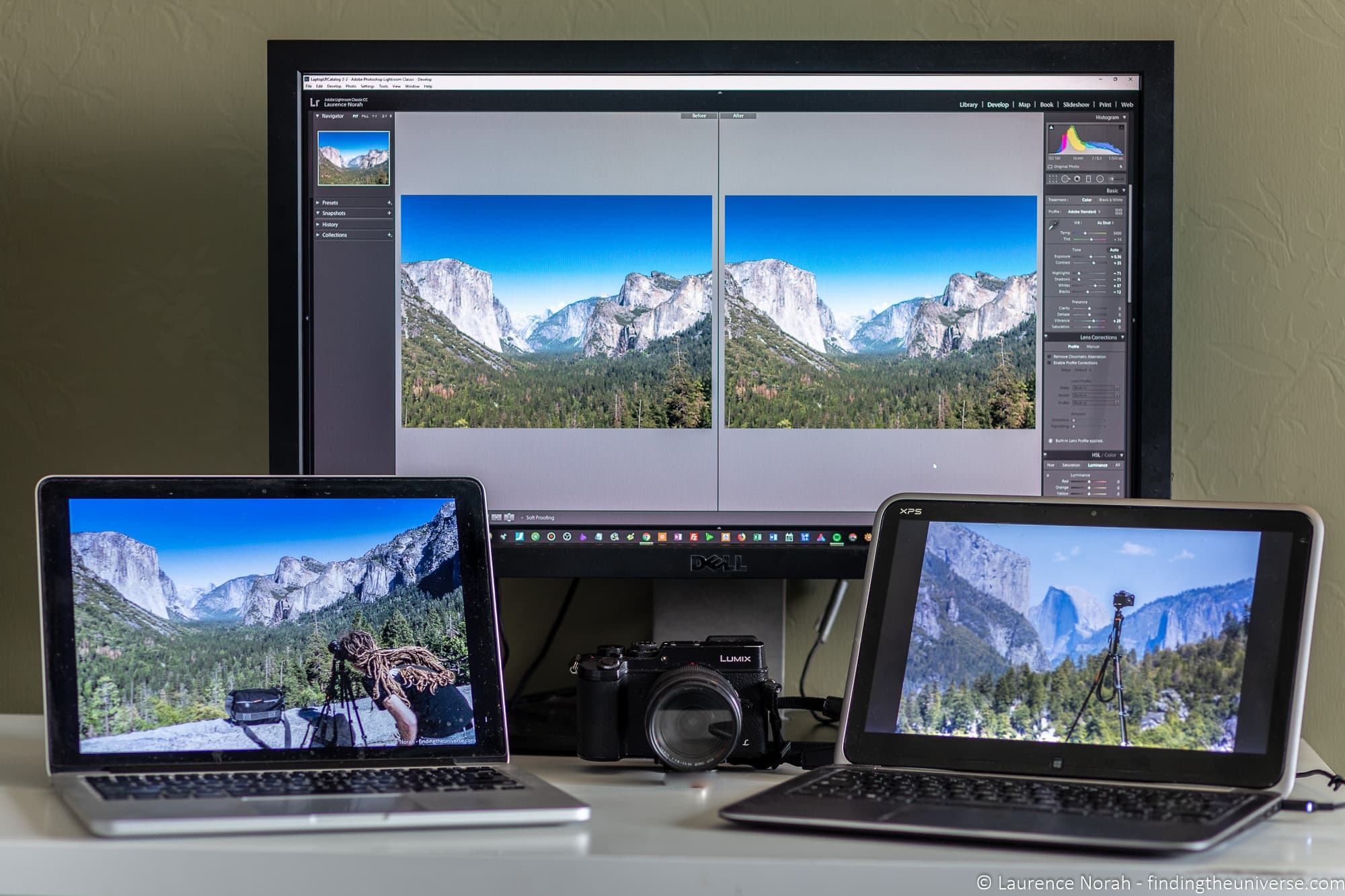
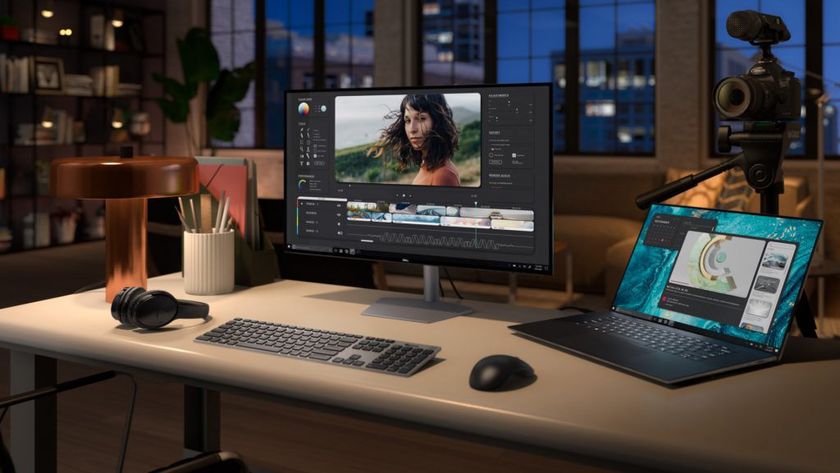
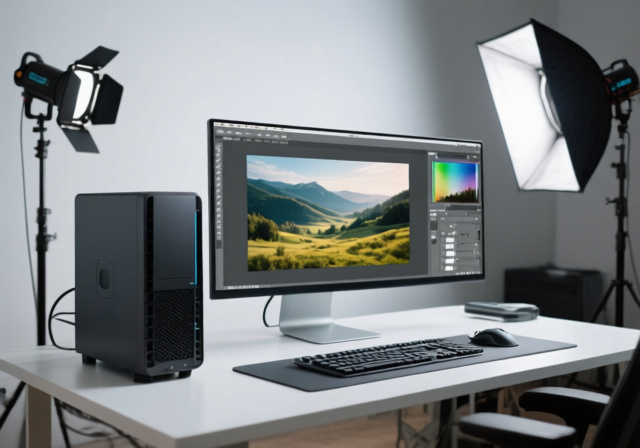
Let’s break down some real-world variations to consider. A family might choose a lightweight, touchscreen 2-in-1 convertible, perfect for showing off vacation slideshows on the couch. An amateur photographer often prefers a powerful desktop with a large, color-calibrated monitor for studio-like precision. Meanwhile, a travel enthusiast needs a rugged, long-battery laptop that can edit on a plane or in a coffee shop without hunting for a power outlet.
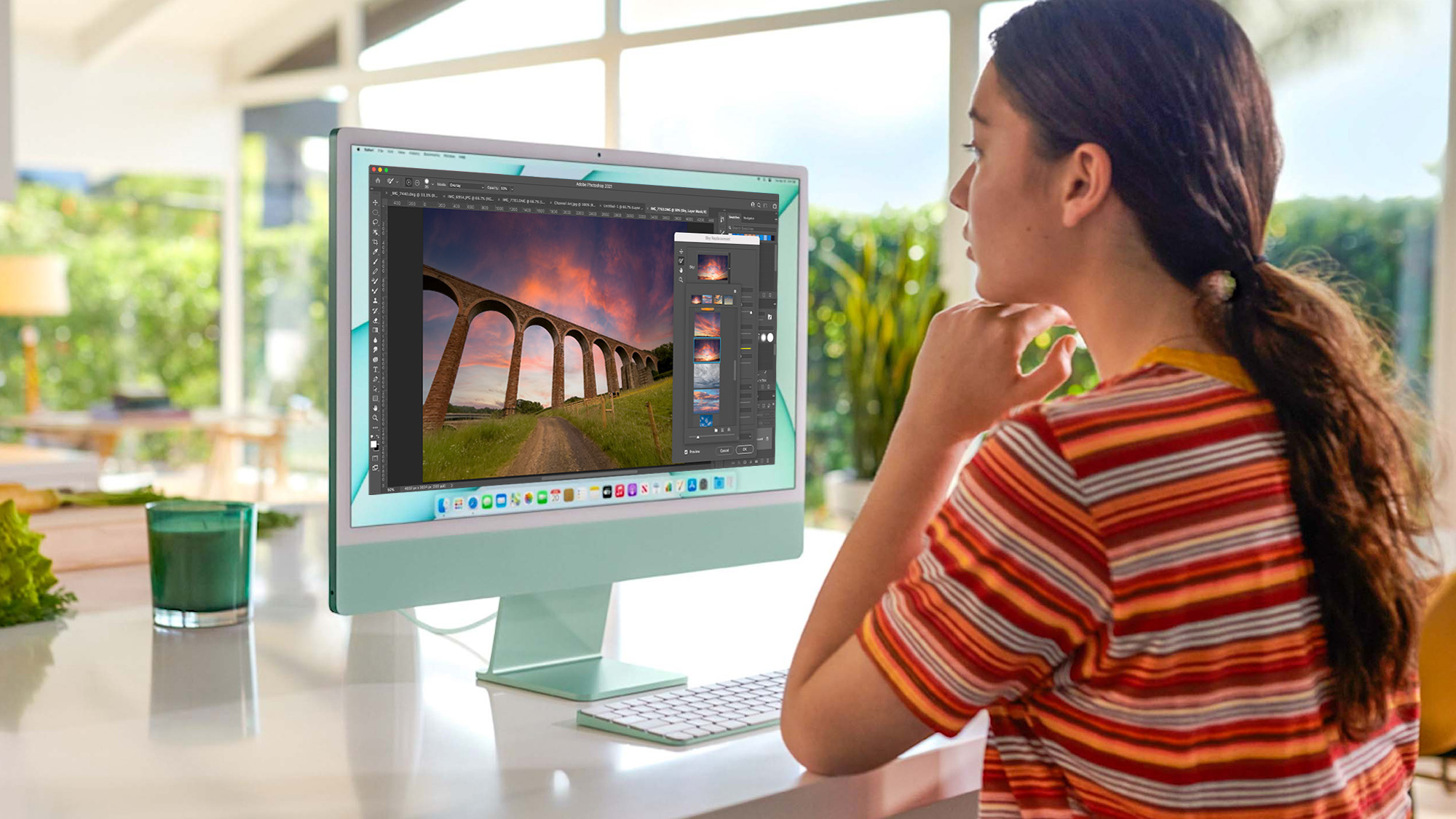
Before you buy, focus on these simple tips to avoid buyer’s remorse. First, always prioritize a fast solid-state drive (SSD)—it loads your giant image files in seconds, not minutes. Second, don’t skimp on screen quality; even a powerhouse is useless if your screen shows washed-out colors. Finally, start with free programs like GIMP or the built-in Photos app on Windows to test your needs before spending on premium software like Adobe Lightroom.
A great time to start is right after you’ve taken a few hundred photos on your phone. Open a free editor and try adjusting brightness or cropping—you’ll quickly notice if your current machine feels sluggish. If it does, ask a friend or check online reviews for models with the keywords “photo editing” in their descriptions. You don’t need the most expensive option; you just need one that feels responsive and makes editing feel like pure fun.
Ultimately, the best computer for photo editing is the one that disappears from your mind while you work. It’s the tool that lets you focus on the joy of seeing a dull picture turn into a vibrant memory. Whether you’re making a birthday collage or a professional portfolio, the right machine turns a chore into a delightful hobby.
So, do a little research, set a budget, and enjoy the hunt. The perfect computer is out there, waiting to help you share your unique view of the world. And when you finally stop noticing the hardware, you’ll know you’ve found your creative partner.