Spotify Podcast Upload Requirements
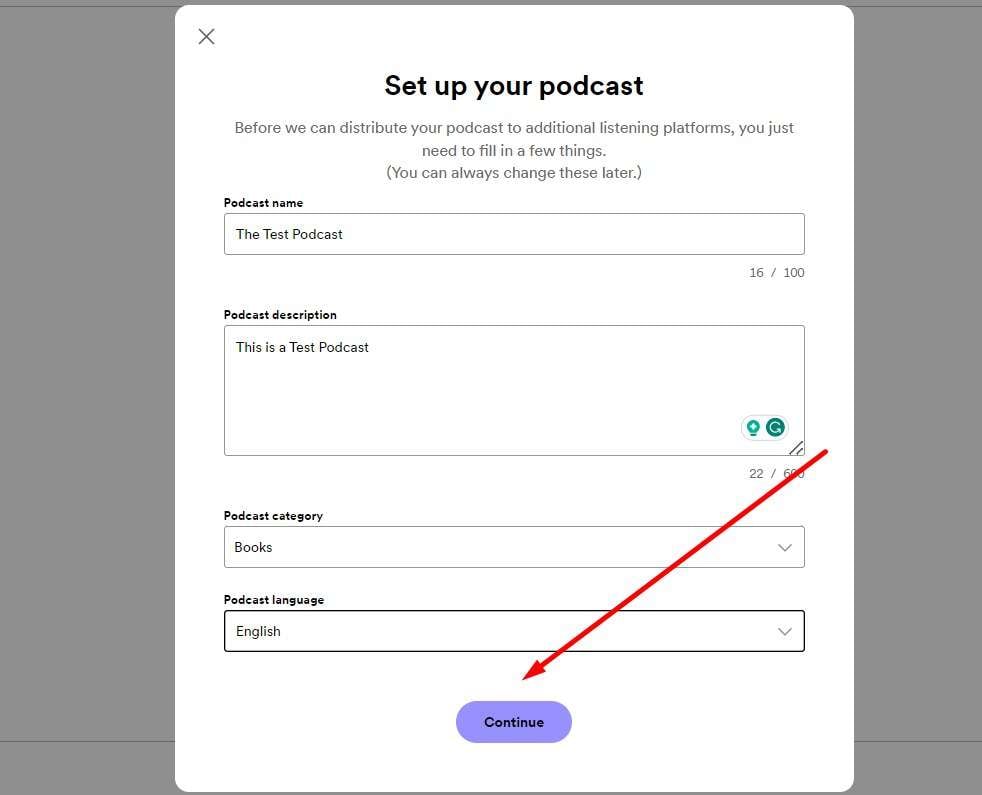
Ever wondered what it actually takes to get your voice out into the world on Spotify? It’s not just for famous musicians anymore—it’s a playground for storytellers, teachers, and curious minds. The process is simpler than you think, and the rules are surprisingly friendly for beginners.
Spotify’s podcast upload requirements are essentially a checklist that ensures your audio files play smoothly for millions of listeners. The core idea is to make sure your show doesn’t glitch, sound muffled, or get rejected by their system. Once you understand the basics, you can focus on the fun part: creating content you actually love.
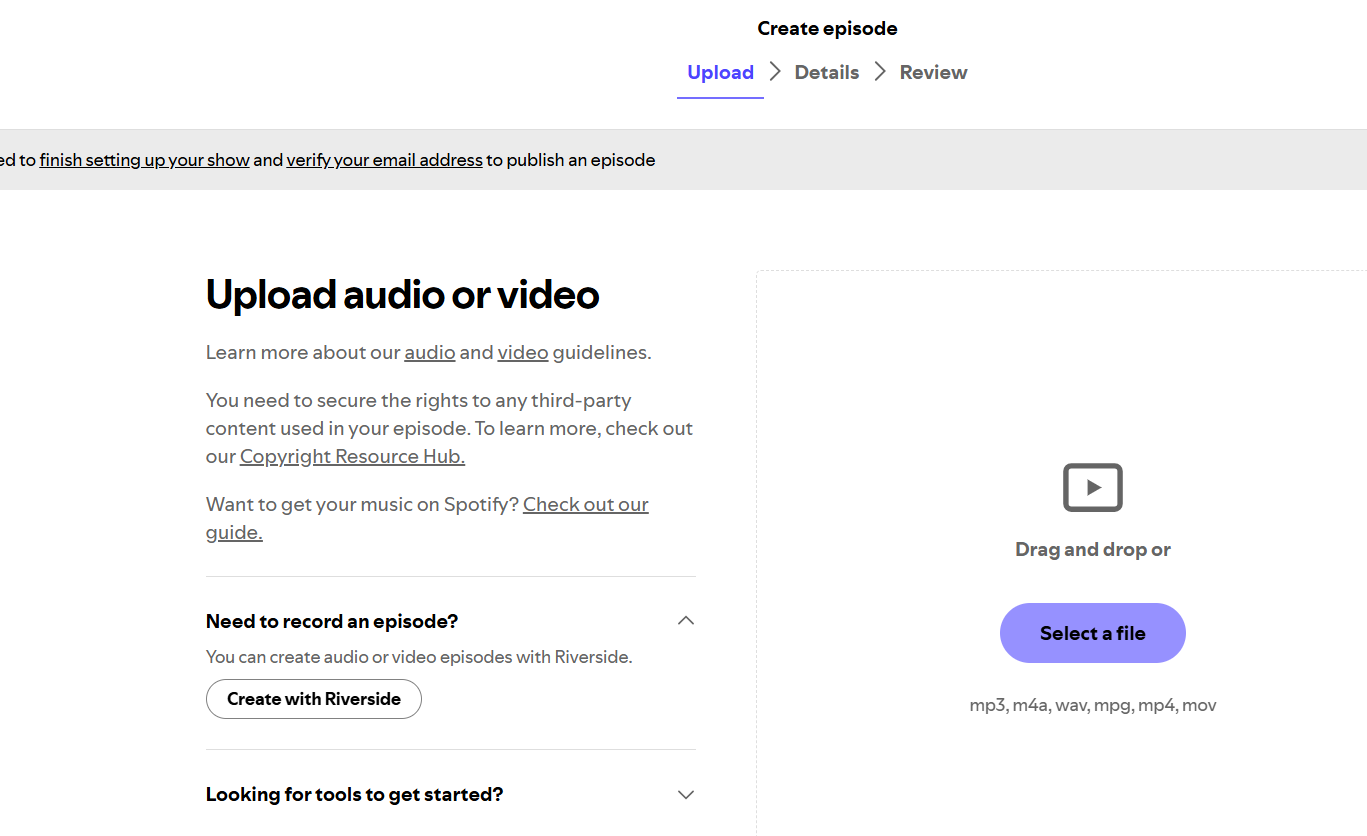
At its heart, the requirement boils down to a few key things: file format, size, and metadata. Spotify accepts MP3 or M4A files, which are the standard for audio. Your episode should be under 200 MB, and your show art needs to be a square image at least 1400 x 1400 pixels. Don’t panic about being a tech wizard—most recording apps export in these formats automatically.
Must Read
The purpose of these rules is to keep the platform reliable and easy to navigate. They prevent corrupted files and ensure your podcast title, description, and cover art look sharp on any device. Good requirements also mean that your audience gets a consistent experience, whether they’re listening on a phone or a laptop.
Now, why should you care? Because this opens a door to learning and sharing in ways that feel personal. In education, teachers use podcasts to turn boring history lessons into mini audio dramas. For daily life, imagine a family sharing weekly stories with relatives across the country—it’s like a living scrapbook you can listen to.
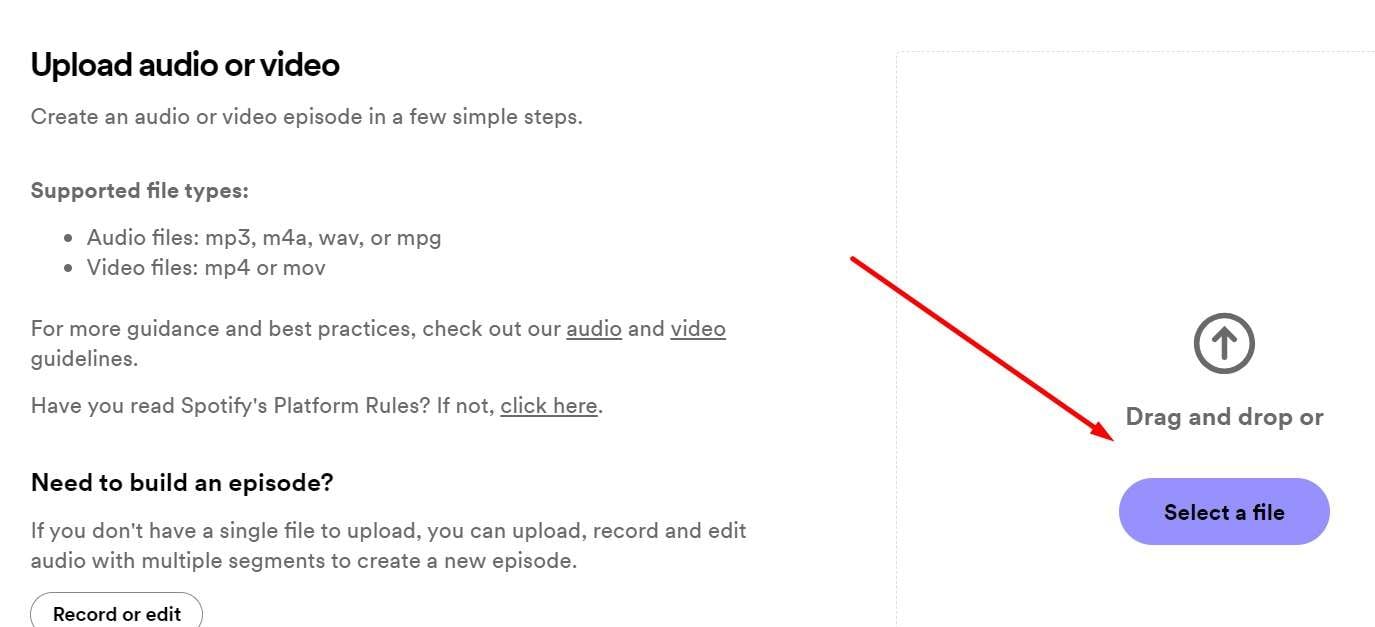
A practical example: a student creates a five-minute podcast explaining a science concept for class. With these simple upload rules, the teacher can post it for the whole school. Or a small business owner records a “behind the scenes” chat, giving customers a glimpse of their personality. It’s not about perfect production—it’s about genuine connection.
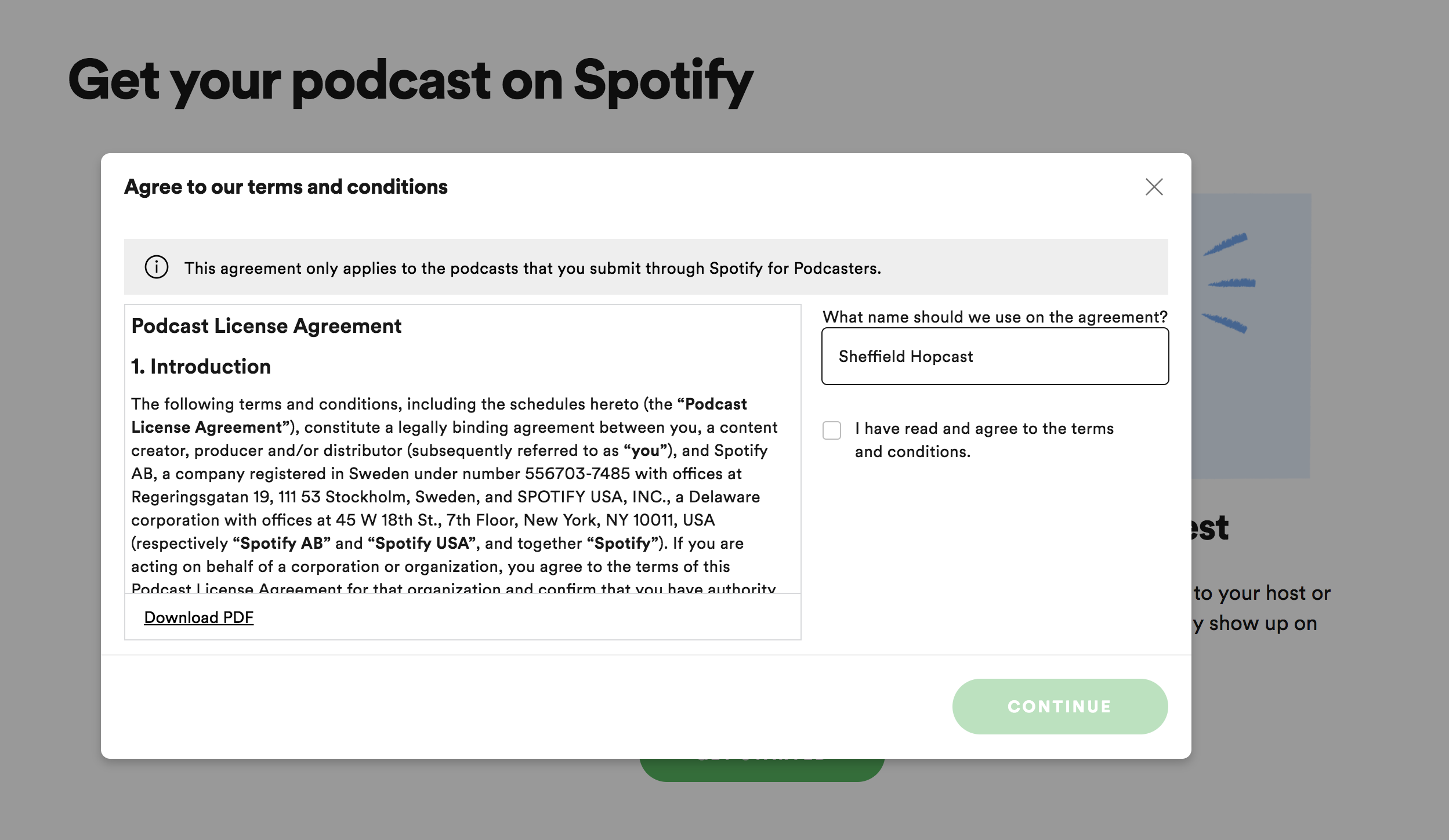
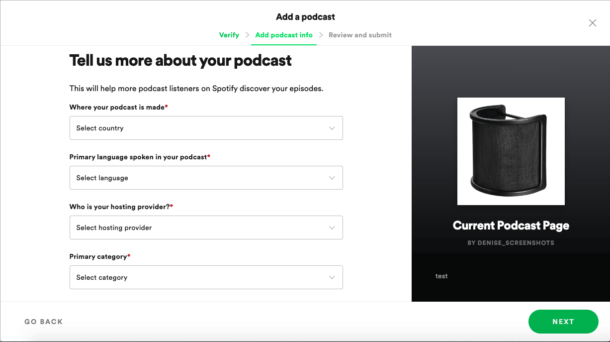
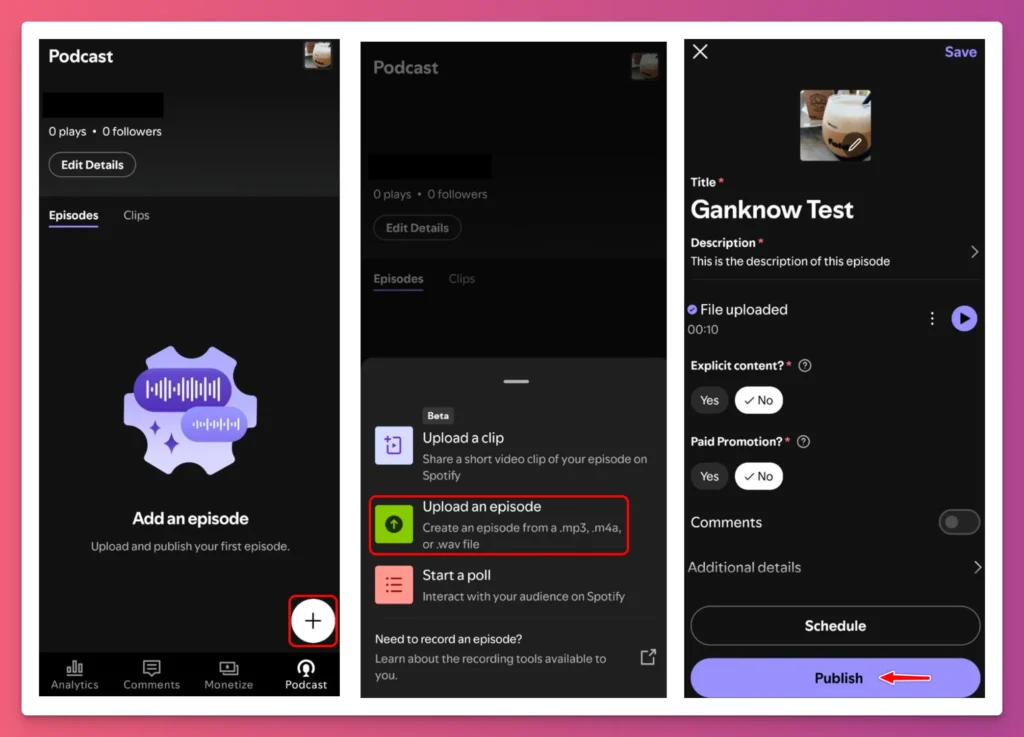
If you’re curious, start by recording a test episode on your phone’s voice memo app. Then, export it as an MP3 and check the file size—you’ll likely be under the limit without any tweaks. Next, open a free hosting service like Anchor or Podbean, which will guide you through the metadata fields, like title and description.
:max_bytes(150000):strip_icc()/002-how-to-upload-a-podcast-to-spotify-2848e48e4f9243649556b7d7b2d744ad.jpg)
One sneaky tip: keep your show description short but specific. Spotify uses that text to recommend your show to new listeners. Also, make sure to include episode numbers in your title—it helps both humans and algorithms. And don’t forget to check your cover art for text placement; tiny words get blurred on a phone screen.
The best way to explore is to browse Spotify’s actual help page for podcasters, which is surprisingly clear. But don’t get lost in the details—just upload your first episode and see what happens. You’ll learn more from a single upload than from hours of reading.
Finally, remember that these requirements aren’t barriers; they’re guardrails to keep your creativity safe. They ensure your voice reaches ears without technical hiccups. So grab a microphone, whisper something true, and press upload. The world is ready to click play.