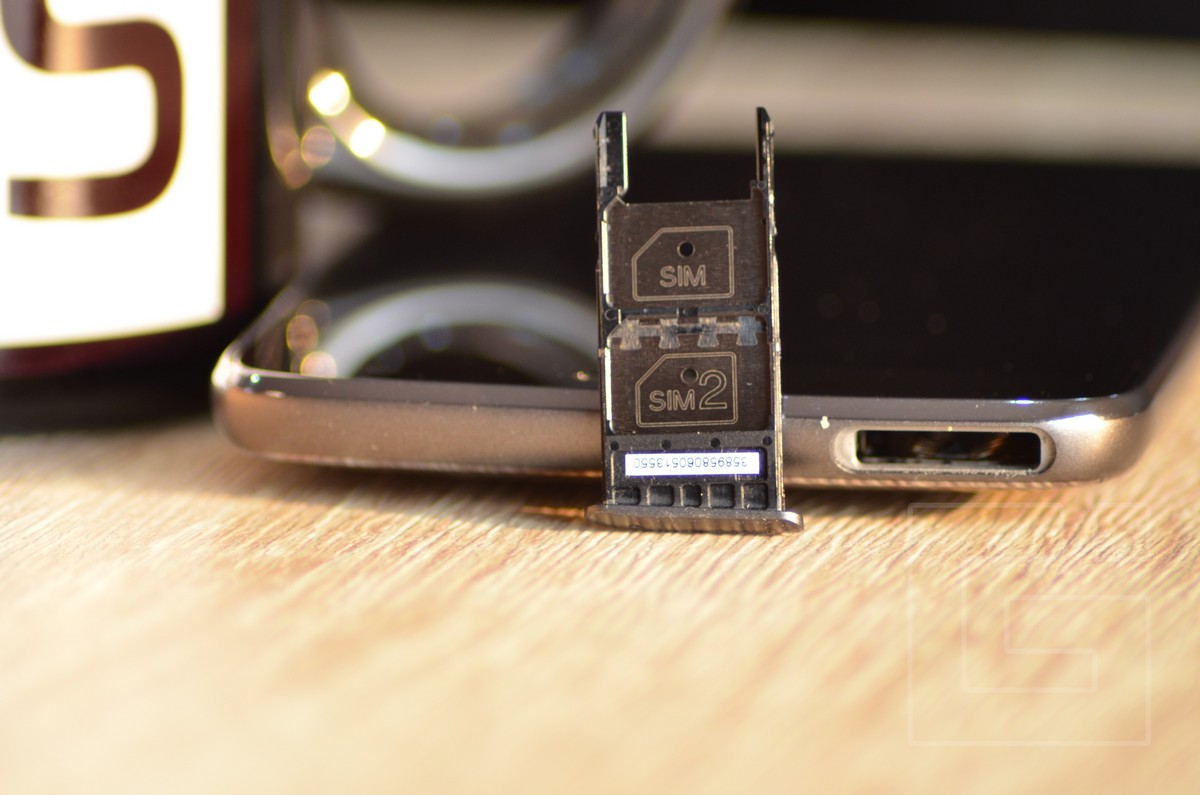
Sim Card Too Big For Moto G5 Plus

So, you’ve just unboxed your shiny new (or stubbornly used) Moto G5 Plus. You’re ready to conquer the world, or at least your group chat, when you pry open the SIM tray with a paperclip and feel a surge of pure, unfiltered panic. The SIM card stares back at you, looking like a slab of vintage plastic from 2005, while the slot on the phone looks like it’s designed for a postage stamp. Congratulations, my friend, you’ve just met the most relatable villain in modern tech: the SIM card that is too darn big.
Let’s get one thing straight: your SIM card isn’t actually “big” in the physical sense—it’s just wrong. That chunky piece of plastic you’re holding is a “standard” SIM, which is roughly the size of a small postage stamp, while the G5 Plus wants a nano-SIM, which is about the size of your fingernail and has about the same amount of patience. The difference isn’t just cosmetic; it’s a brutal lesson in miniaturization, a real-life game of “will this fit?” where the stakes are your ability to send angry texts about traffic. And the answer is always a resounding no.
Why Does This Happen? A Brief History of Tiny Things
Believe it or not, the original SIM card was the size of a credit card—yes, a whole credit card—back in the 1990s. You could use it to play a mean game of solitaire if you were desperate. Over the years, they’ve shrunk faster than a celebrity on a juice cleanse, losing 95% of their volume just to free up space for bigger batteries and, ironically, even thinner phones.
Must Read
Your Moto G5 Plus, bless its 2017-era heart, is a slave to this trend. It demands only the smallest SIM, which means your old carrier’s “standard” card is about as welcome as a karaoke machine at a library. The good news? The memory chip inside your big SIM is exactly the same as the tiny one—the plastic is just a comfy, unnecessary jacket. You’re not downsizing your data; you’re just giving it a radical wardrobe change.
The “Punch-Out” Method: Live by the Tabs, Die by the Tabs
Now, before you panic-buy a £50 adapter kit online, look at your big SIM card more carefully. See those little perforated lines, like the dotted edges on a comic book? That’s the universe giving you a polite hint. Most “full-size” SIMs come pre-scored so you can press down and pop out a tiny, nano-sized piece that fits your phone. It’s like breaking off a piece of chocolate, except the chocolate costs you your contact list if you crack it wrong.
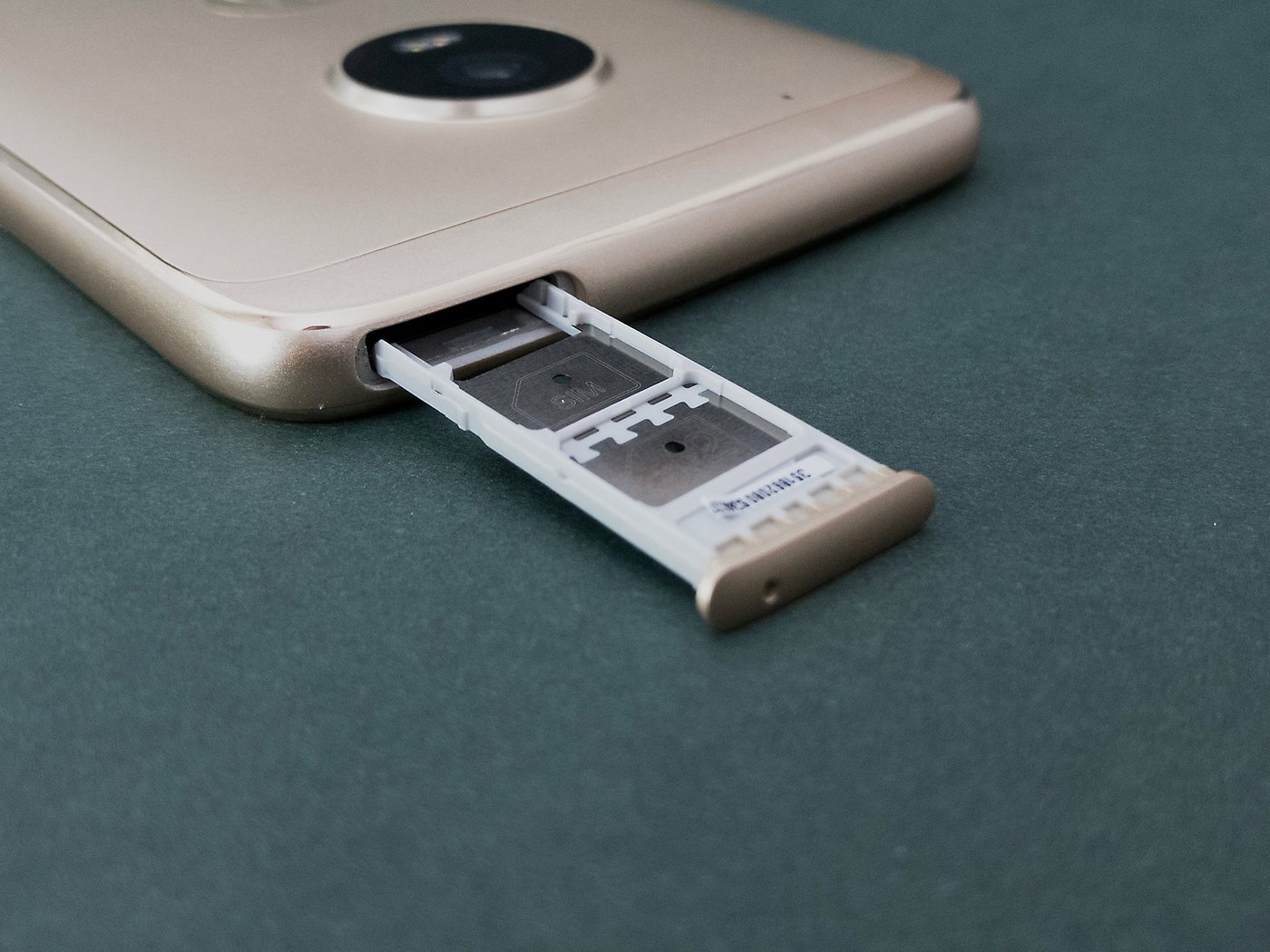
Here’s the catch: you’ll need the patience of a bomb disposal expert. One wrong twist, and you’ll snap the fragile gold chip on the back, leaving you with a very small, useless rectangle and a phone that refuses to recognize a coma-inducingly dull “NO SIM” error. I recommend a deep breath, a steady table, and maybe a prayer to the ghost of Alexander Graham Bell. Also, do not use scissors—that’s how you end up with a phone full of tiny plastic shrapnel.
Still Too Big? The Adapter Gambit
If your card is so ancient that it has no pre-cut lines (hello, museum piece), you might need a SIM cutter—a punch tool that looks like a hole puncher from a desk-drawer nightmare. It’s surprisingly effective, but it feels like you’re mutilating a family heirloom. Alternatively, you can buy a nano-SIM adaptor, which is a little plastic frame that makes your tiny card look big again. This works perfectly, but it’s also a brilliant way to get a SIM card permanently stuck inside your phone because of cheap plastic edges. I’ve seen it happen. There are tears.
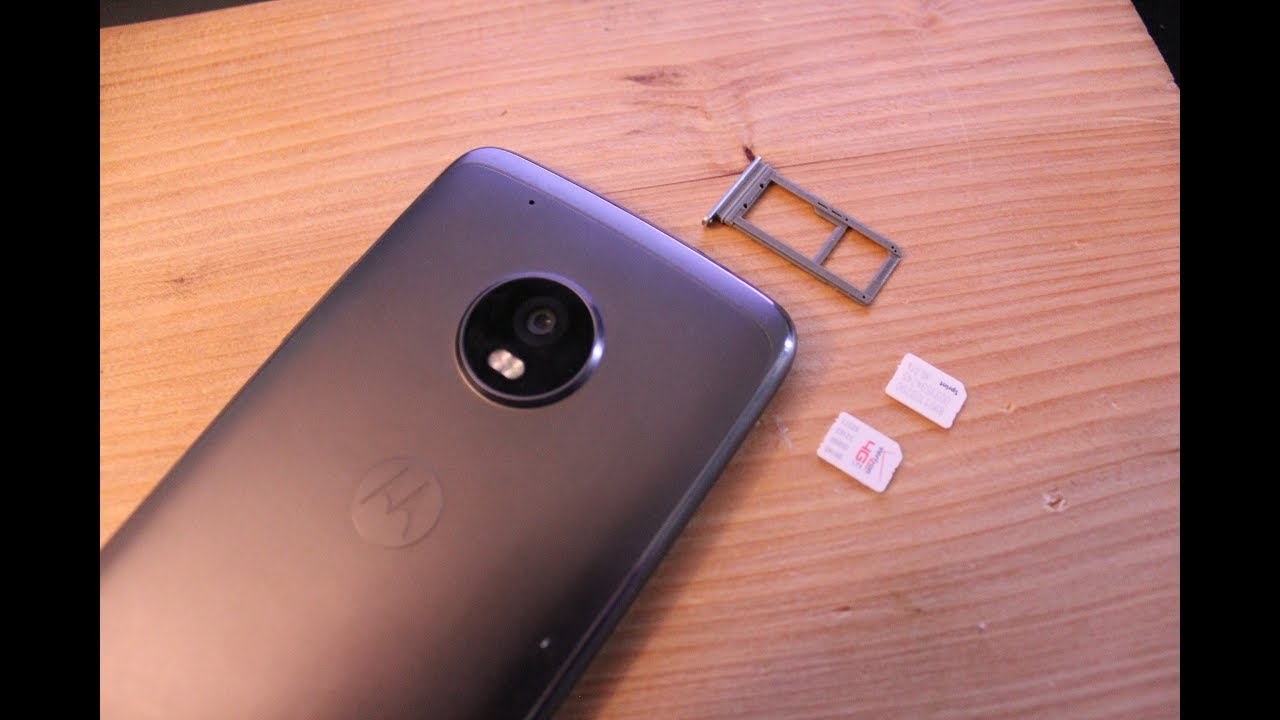
Surprising fact: some people just superglue a cut-out piece of plastic to the back of a big SIM to make it “thick” enough. And guess what? It works—until you drop the phone and the SIM does a Houdini into the motherboard, never to be seen again. Your phone is not a treasure chest; it’s a landfill for broken dreams.
The Real Fix: Your Carrier Hates You (Lovingly)
The easiest, most soul-saving solution is to walk into your carrier’s store and demand a new nano-SIM. They usually give you one for free, right there, while you watch them click a few buttons and hand you a glorious, tiny chip that fits perfectly. It takes less time than ordering a coffee, but you’ll feel like you just negotiated a hostage release. Pair that with a phone call to your mom to tell her you’re not a technical failure, and you’re golden.
So, next time you’re staring at a plastic brick that won’t fit your Moto G5 Plus, don’t rage. Take a breath, pop out the mini, or head to the store. Because let’s be honest: the only thing worse than a SIM card that’s too big is the 45 minutes you’ll spend Googling “how to unlock a phone with no SIM” in a cold sweat. That’s a story for another café, another day. Just fit the card, for crying out loud.