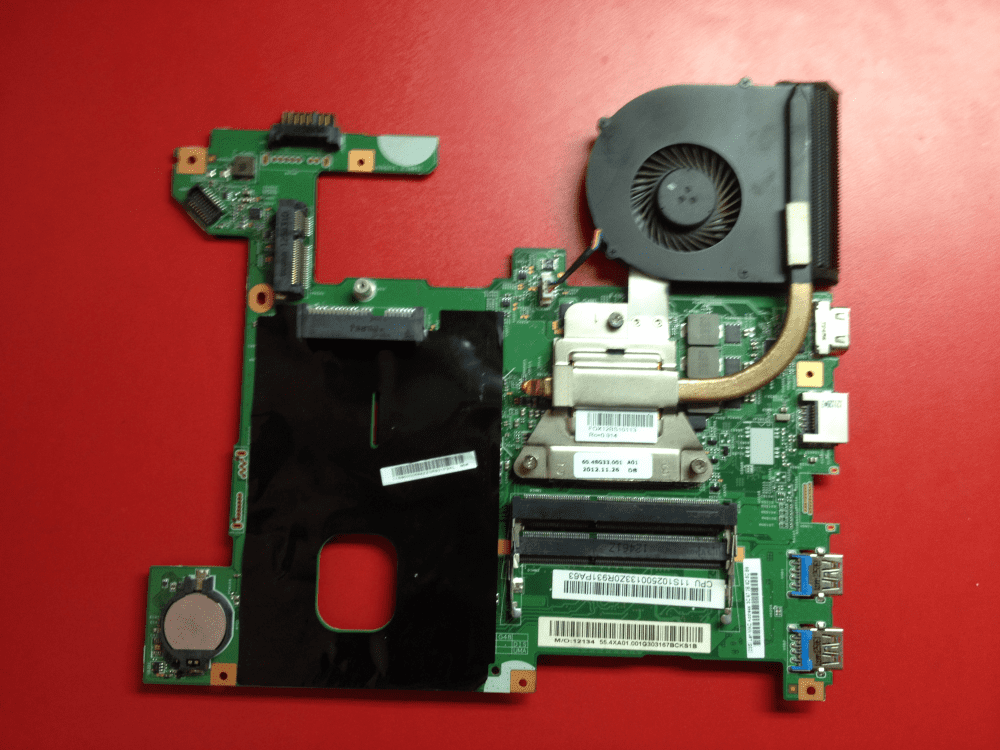
Lenovo G580 Model 20157 Cpu Upgrade
The Laptop That Refuses to Retire
Meet the Lenovo G580, model 20157. It’s the automotive equivalent of a trusty 1998 Honda Civic. It’s not flashy, but it still starts every morning.
Here’s the kicker: you can upgrade its brain. Yes, we’re talking about a CPU swap on a budget laptop. And honestly? It’s a glorious, slightly unhinged adventure.
Why Bother? Because It’s Hilarious
This laptop originally shipped with a lowly Pentium or Core i3. That’s fine for spreadsheets and angry emails. But you know what’s better? Shoving a quad-core i7 into that plastic chassis.
Must Read
It’s like putting a Ferrari engine in a golf cart. The cart will shake, rattle, and possibly laugh at you. But man, will it fly down the digital highway.
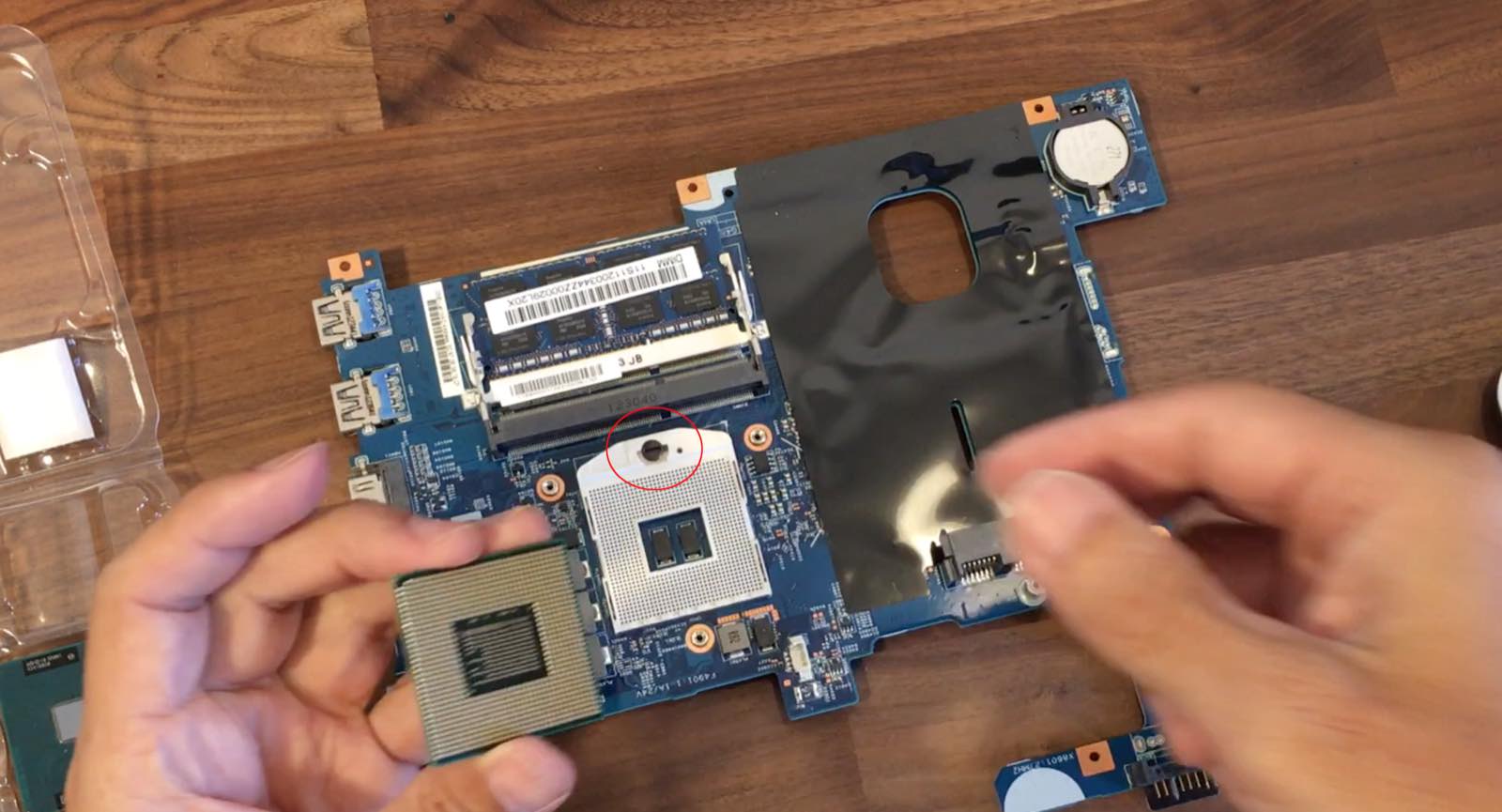
The best part? The G580 uses a standard socket (G2, if you’re nerdy). That means the CPU isn’t soldered down. It’s just sitting there, begging to be pried out with a flathead screwdriver.
The “Too Good to Be True” Part
Here’s the quirky truth: the 20157 model is terrible at cooling. The stock fan is the size of a postage stamp. You’ll be swapping in a 35-watt power hog and expecting it to stay cool.

Spoiler alert: it won’t. You’ll hear a whine like a small jet engine. But hey, that’s part of the charm—your laptop now sounds like a lawnmower in a library.
What You’ll Need (And It’s Dirt Cheap)
First, grab an i5-3210M or i7-3632QM. These are old mobile chips, so they cost about the same as a grande latte. Total budget: under $30.
You’ll also need thermal paste. Don’t use toothpaste. I know it’s tempting, but you’ll regret it when your machine smells like minty smoke.
And a tiny Phillips screwdriver. That’s it. No magic wands, no engineering degree. Just guts and a YouTube tutorial.
The Actual Surgery (Don’t Panic)
Flip the laptop over. Remove the battery first—this is non-negotiable. Then, unscrew the massive plastic panel covering the guts. It’s held by five screws that look identical, which is hilarious because they’re not.
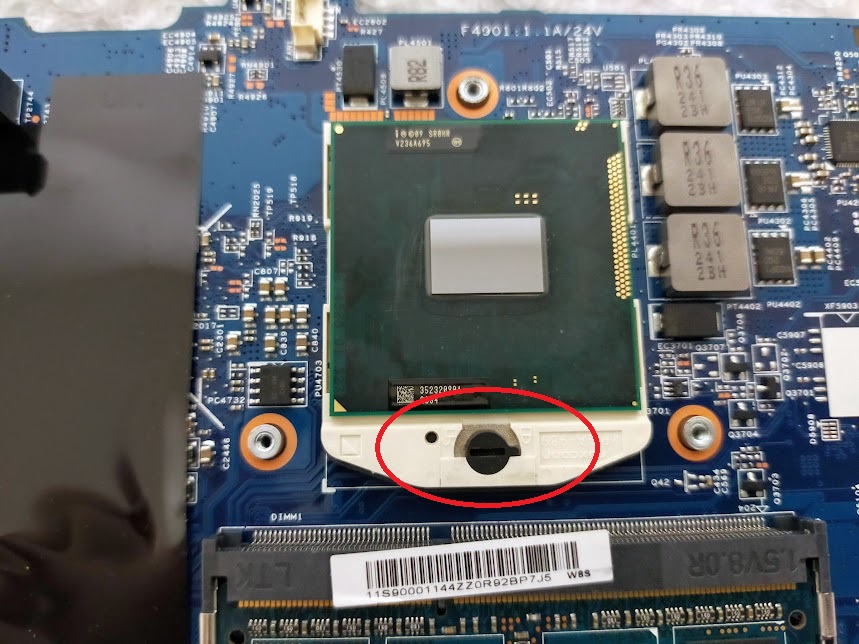
Pop the old CPU out by twisting a tiny lever. It feels incredibly fragile, like you’re breaking a toy. You’re not. That’s just how it works.
Slot the new chip in. Match the little gold triangle to the corner. If you get it wrong, it won’t fit—your laptop will just sit there, judging you silently.

The Glorious Aftermath
Boot it up. Watch your BIOS recognize the new chip. The fan will roar like a dinosaur, but that’s your victory roar.
Suddenly, your 2012 laptop opens 14 browser tabs without crying. It compiles code, edits photos, and even plays old games without turning into a slideshow. It’s absurdly satisfying.
You’ll feel like a hacker from a movie. Except instead of typing furiously, you’re just grinning at a $30 chip doing modern things.

The Final Quirk: It’s Illegal (Sort Of)
Intel might call this “unsupported” because the chipset technically wasn’t designed for it. But here’s the punchline: it works. The G580 is the only laptop that laughs at official specs.
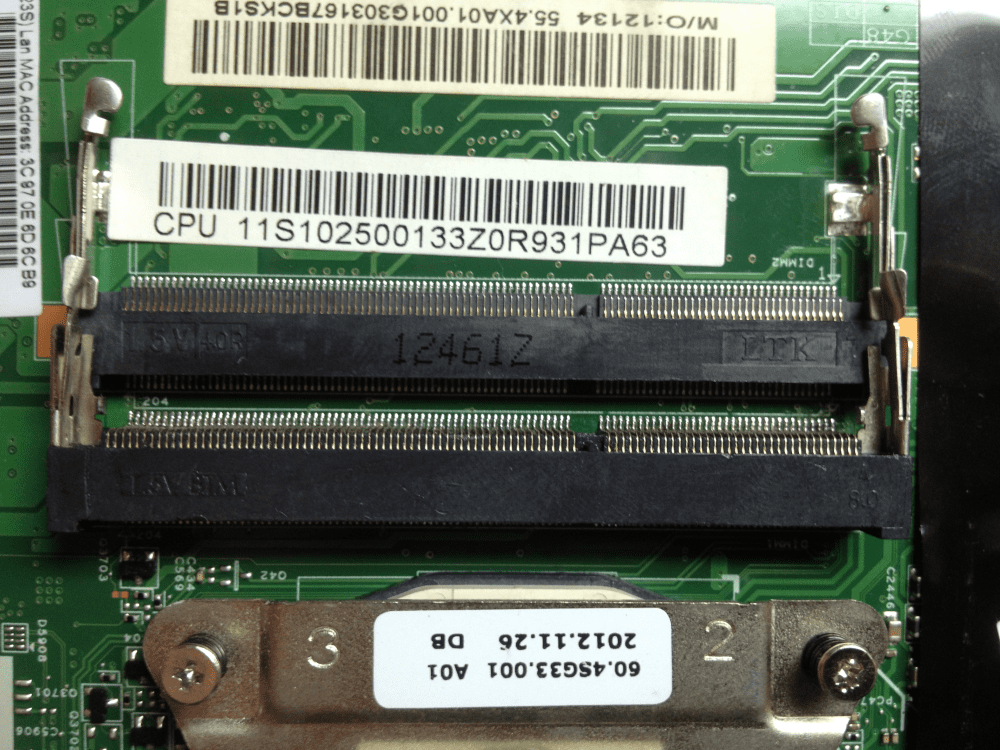
You’ll also find that the RAM slots are equally stubborn. You can add 16GB of cheap DDR3 and turn this plastic brick into a genuine daily driver.
So why do this? Because it’s fun. It’s a rebellion against planned obsolescence. You’re telling the tech industry, “No, I will not buy a $1,000 machine to check email.”
Go on. Rip that old chip out. The laptop is waiting. And honestly? It’s the most fun you’ll have with a screwdriver all year.