How To Watermark All Photos At Once
Imagine this: you’ve just returned from a magical vacation, your phone bursting with 500 glorious photos of sunsets, questionable food, and your aunt’s new hat. You want to share them, but a tiny, paranoid voice whispers, “What if someone steals my masterpiece?” Fear not, my friend, because you can watermark every single one in the time it takes to make a sandwich.
Forget clicking “save as” on each image like it’s 1999. That’s the photo-editing equivalent of scrubbing a potato with a toothbrush—technically possible, but utterly insane. We’re here to embrace the glorious power of batch processing, which is just a fancy way of saying “make the computer do the boring stuff for you.”
Your New Best Friends: Free Tools
You don’t need a Hollywood editing suite or a degree in computer science. In fact, you probably already have a tool on your phone or computer that does this for free. Apps like Snapseed or Photoshop Express have a sneaky little “batch” or “mass edit” feature hiding in the menus.
Must Read
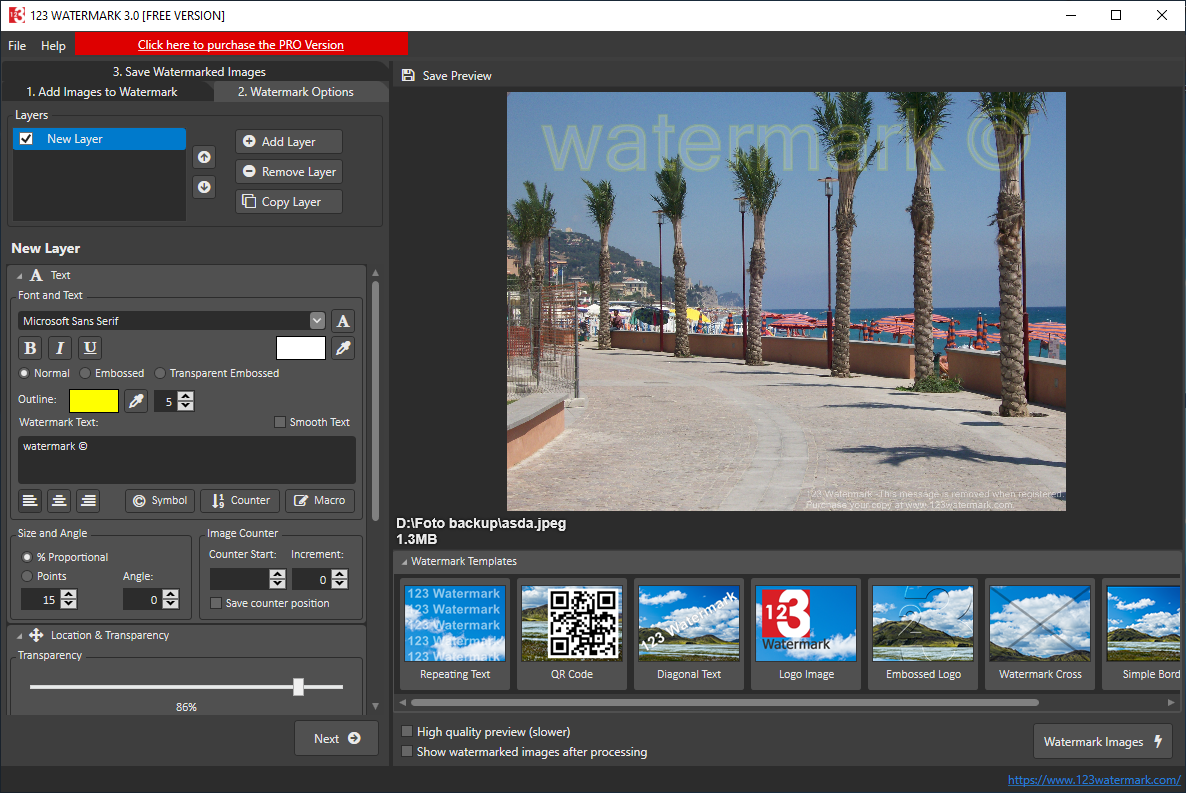
If you’re on a laptop, the hero is FastStone Image Viewer or the online wizard Watermarkly. These are not scary; they are your digital sous-chefs, ready to sprinkle your logo or signature onto a mountain of images without breaking a sweat.
The Magic Trick: One Click, A Thousand Photos
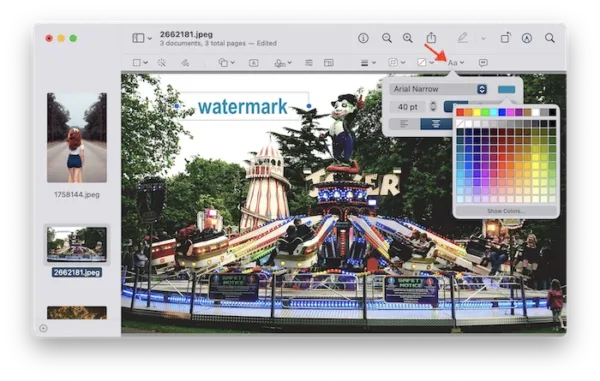
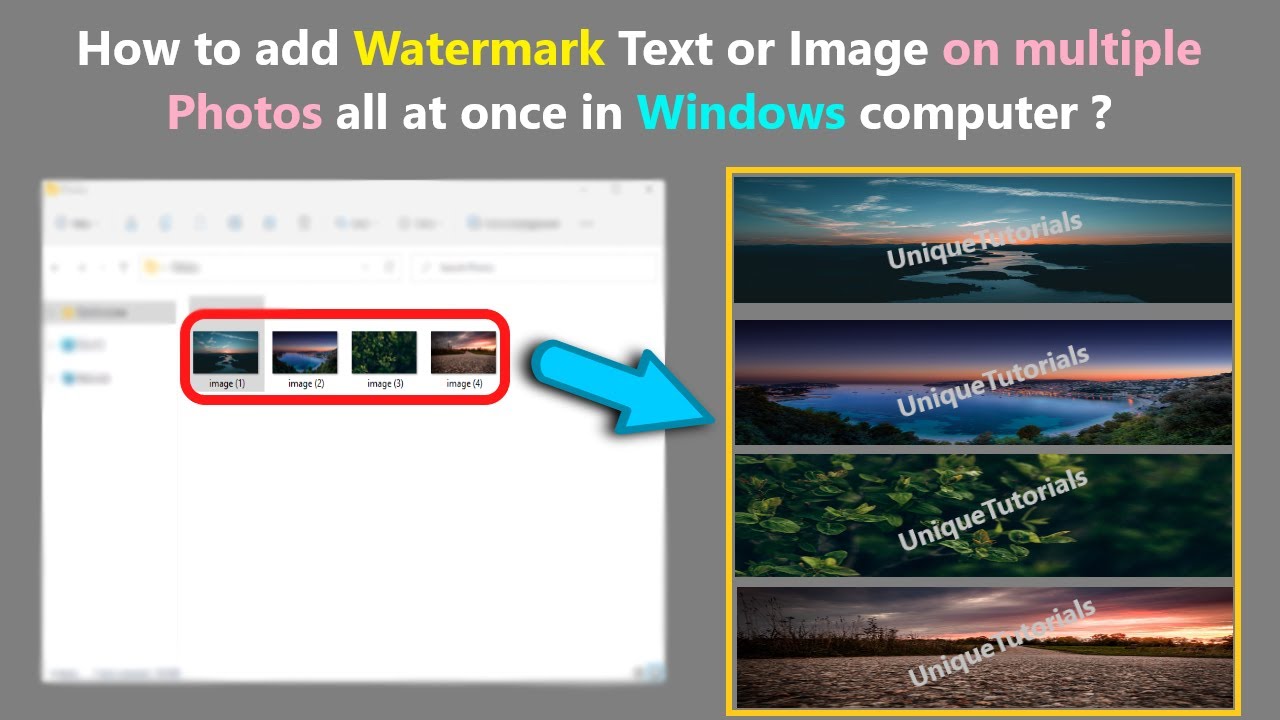
Here’s the surprisingly fun part: you select all your photos at once—yes, just drag your mouse and highlight everything like you’re grabbing candy from a jar. Then, you upload them into the batch tool, type your name or drop your tiny logo into the corner, and press the big, juicy “Apply to All” button.
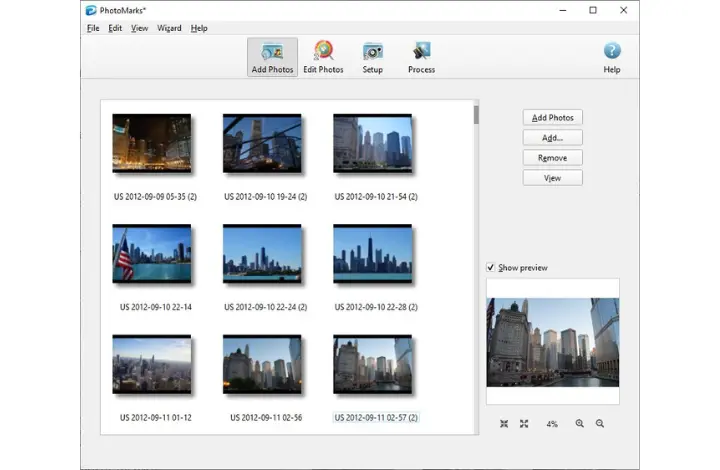
It takes thirty seconds, and then you just watch the progress bar zoom by. It’s oddly satisfying, like watching popcorn pop in slow motion. Before you can finish a sip of coffee, you have a whole collection of protected images, each with your little mark of ownership.
Why This Actually Feels Great
There’s a weird, heartwarming joy in seeing your name appear on 400 photos of your dog’s birthday party. It’s like signing a love letter to your own life, saying, “Yes, I made this memory, and yes, I’m proud of it.” The watermark stops being a paranoid block and starts feeling like a signature on a piece of art.

And let’s be honest, there’s a tiny bit of petty revenge in knowing that if your cousin reposts that photo of the beach, your name will be right there, sparkling in the corner. It’s not angry; it’s just cheeky.
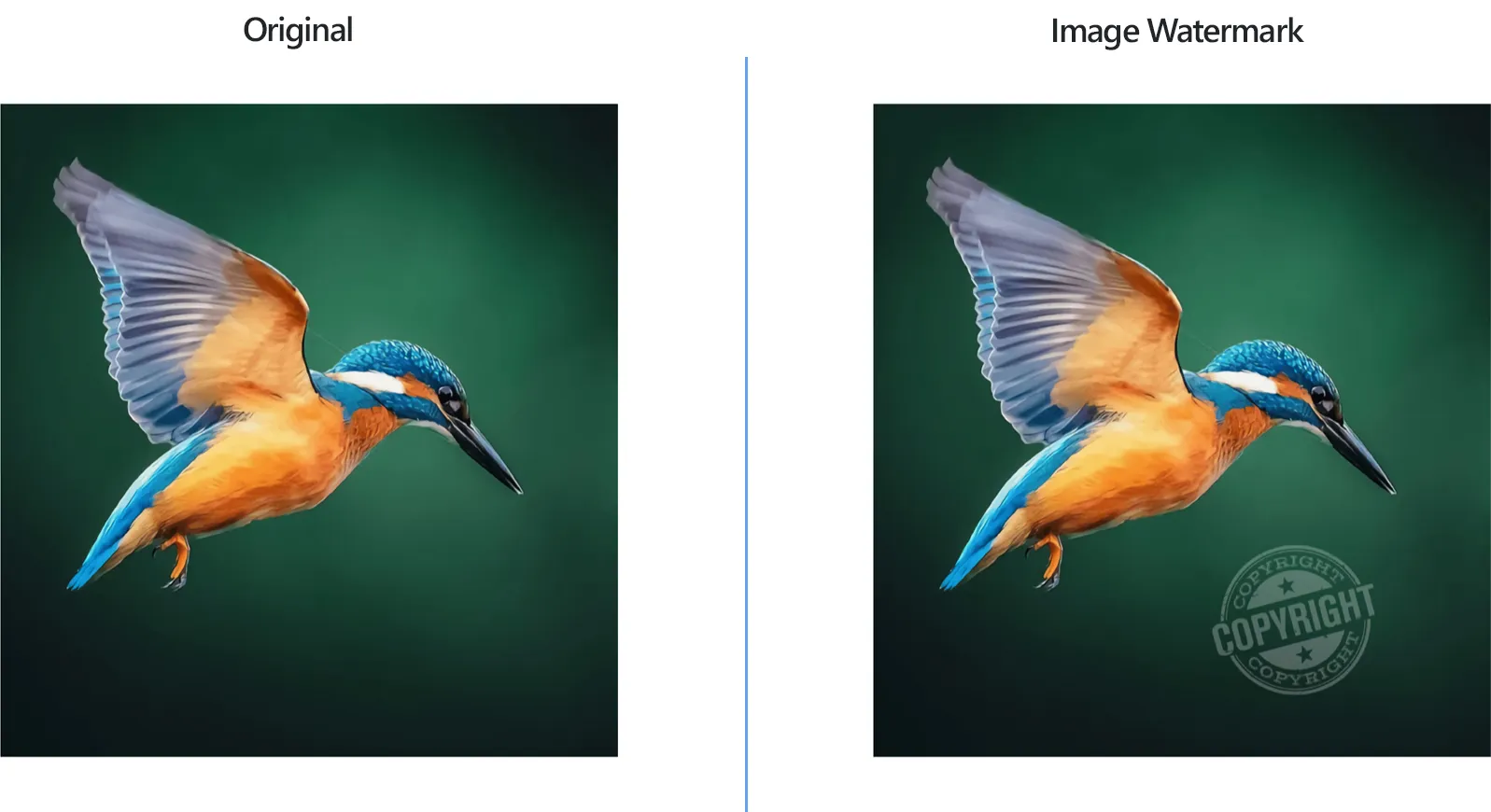
Pro tip: Use a semi-transparent watermark. It’s classy, it doesn’t ruin the view, and it’s the visual equivalent of whispering, “This is mine, but enjoy it.”
You’ll never have to awkwardly ask people to “please don’t steal my pics” again. Instead, you let the tiny logo do the talking. It’s like having a polite, invisible bouncer at the door of your photo album.

The Unexpected Bonus
The real surprise is how much time you get back. That half-hour you used to spend manually adding text to each photo? Now it’s time to actually look at your photos and laugh at the blurry ones. You can even watermark old photos from years ago, giving your entire digital shoebox a fresh, professional shine.
So go ahead, take that ten-minute break, and declare war on photo theft with one click. You’ll feel like a wizard, a protector of pixels, and maybe just a little bit smug. And honestly? You deserve it. Your photos are your story, and now you’re telling it with a stylish little name tag.