How To Watch Movies On My Computer
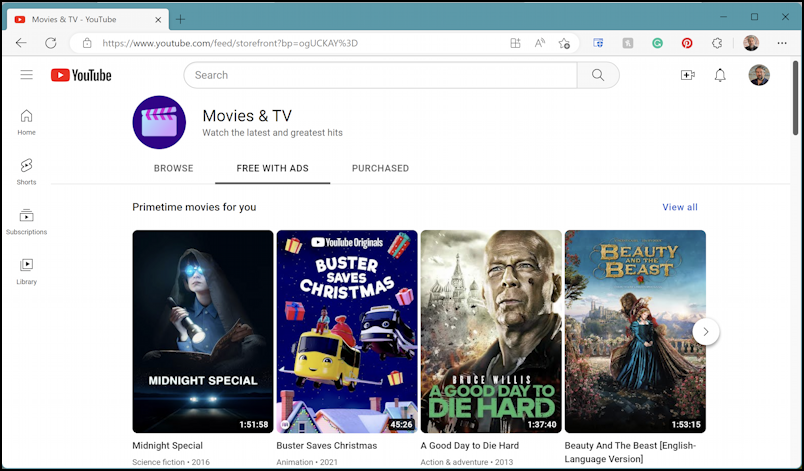
Let’s be honest: watching a movie on your computer is not the “proper” way. The purists will scream about projectors, 75-inch screens, and surround sound. But I say, grab your laptop, flop onto the couch, and press play.
The Great Setup Shuffle
First, you need to find the perfect spot. Not the desk—that’s for pretending to work. You want the kitchen counter, the bed, or perhaps the floor, leaning against a pile of laundry.
Pro tip: never watch in a chair that promotes good posture. Movies require slouching, neck craning, and one leg tucked under your butt.
Must Read
Your lap is the official theater. If the laptop gets hot, that’s just your personal popcorn heater.
The Snack Logistics (Crucial)
Now, snacks. You can’t have a bowl of popcorn because you need one hand to hold the laptop lid at a 45-degree angle. So, go for finger foods that don’t leave grease on the keyboard.
I recommend pretzel sticks or grapes, but beware—one rogue grape can roll into the “W” and “E” keys. That becomes your new password, and you’ll never remember it.
Drinks? A mug with a lid. Spilling coffee on a work laptop is tragic. Spilling it on your personal one is acceptable collateral damage.
The Sound Fiasco
Here’s my unpopular opinion: built-in laptop speakers are fine. Really. They sound like a tin can in a tin can, but you’ll hear the explosions.
If you use headphones, you have to untangle them first. That’s 15 minutes of your life gone forever, so just go external and annoy your family.
Don’t have external speakers? Turn the volume to 100%. The subtle score will be inaudible, but the bass will shake your desk, which is secretly a nice massage.
The Screen Drama
Next, you must adjust the screen brightness. It’s either blindingly white (daylight) or a black mirror (nighttime). You’ll squint, rotate the lid, and eventually just watch a dark blob and guess what’s happening.

Glare is your enemy. Position your back to a window, but then you block your own light. It’s a vicious cycle of shadow puppetry.
Why not plug into a monitor? Because that’s called “effort.” And we’re here for lazy joy.
The “Fullscreen” Lie
You press the fullscreen button, and suddenly the picture is a tiny box in the middle of the screen. Why? Because your laptop’s aspect ratio is wrong, and the movie was filmed in “Cinemascope,” which is just a fancy word for “we hate your screen.”
You’ll see black bars on top and bottom. Those black bars are not a bug; they are a vibe. Use them to rest your eyes.
Alternatively, zoom in to fill the screen, and now you’re watching Nicolas Cage’s left eye for two hours. Enjoy the ride.

The Battery Anxiety
Of course, the battery is at 14% when you start. You’ll either hunt for the charger (which lives under a pile of socks) or watch in dread.
Fear not. A low battery adds suspense. Every scene feels like a race against time. Will the villain die before your laptop does? Tune in next… never.
If you do plug in, the cord will stretch across your leg. Every time you shift, you’ll unplug it. Just embrace the power outage.
The Forbidden Pause
Here is the best secret: pausing is better than finishing. You’ll pause to check your phone, and then you’ll forget the plot. That’s fine. You’re not here for plot, you’re here for “feeling productive” while not doing anything.
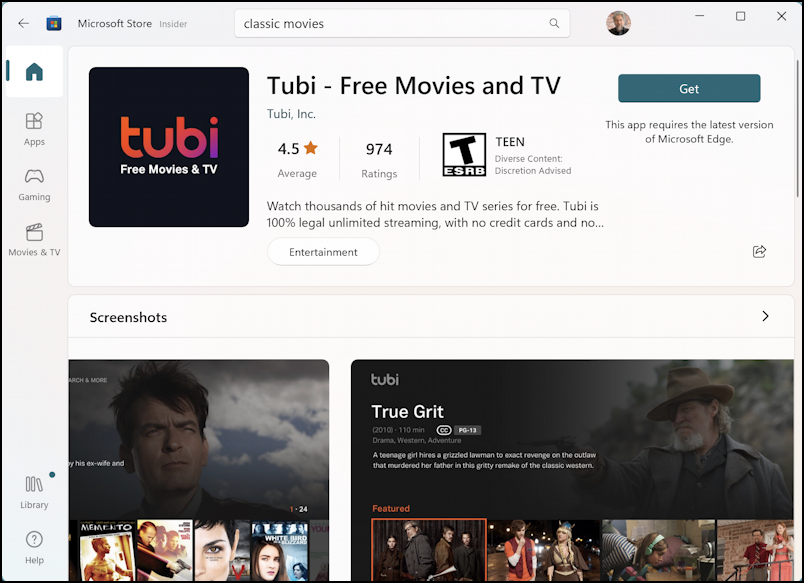
You might also pause to google an actor, then fall into a YouTube rabbit hole. Congratulations, you’re now watching a video about how to fix a toaster.
The original movie? It will wait. It’s patient, like a sad golden retriever.
The Final Verdict
So, yes, watching on a computer is messy, awkward, and a little sad. It’s also the most honest way to watch.
You don’t need a home theater. You need a pixelated face, a cramped wrist, and last week’s takeout. That’s the cinematic experience we all deserve.
“The best screen is the one you’re already looking at, even if it’s covered in fingerprints.”
Now, go forth. Open that laptop, press play, and let your neck ache in peace. You’re a true film buff, just a very lazy one.