How To Watch Movies From Your Phone
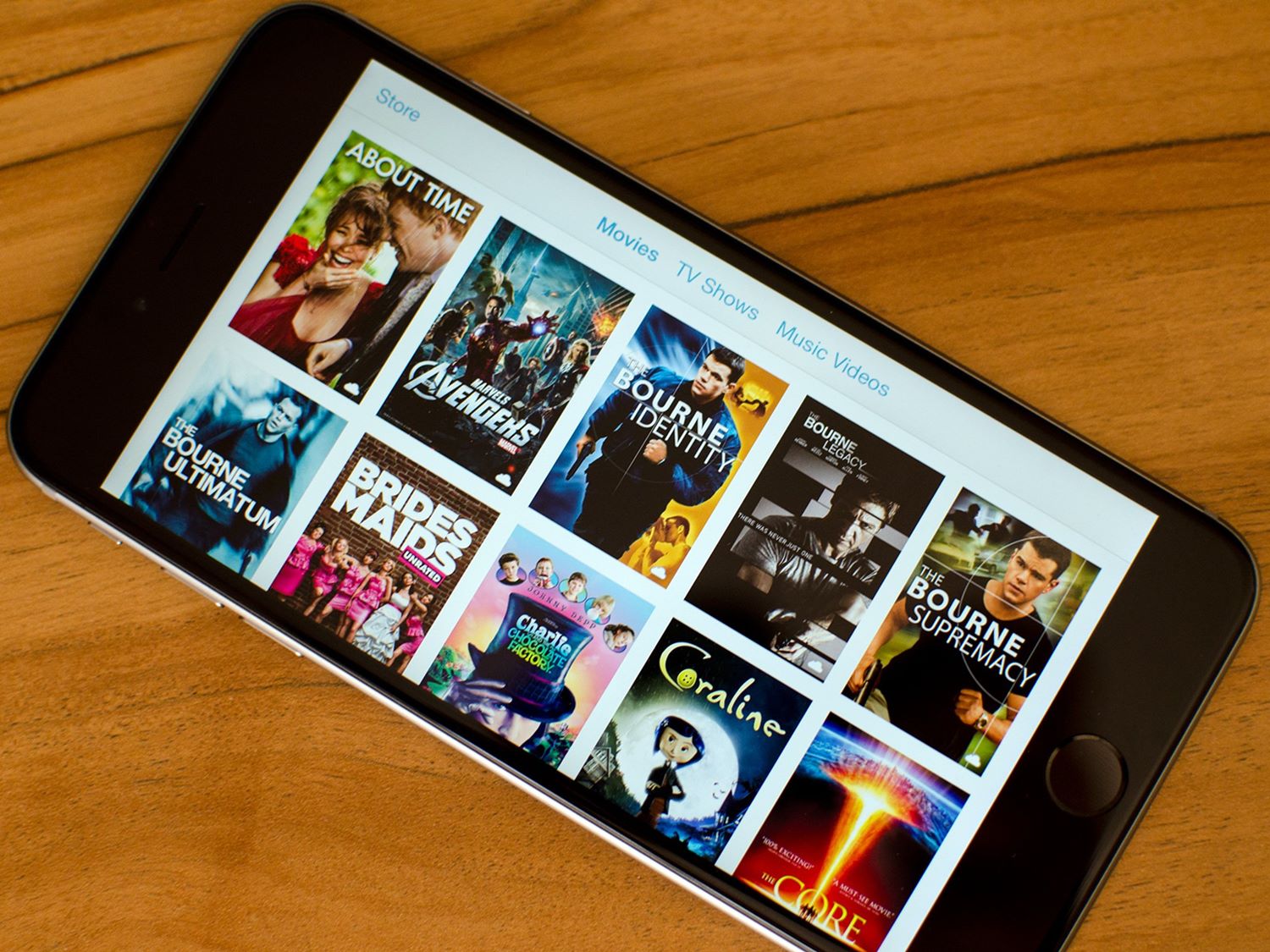
Last Tuesday, I found myself wedged into a window seat on a four-hour flight, staring at a seatback screen that offered exactly three movies: a CGI-heavy sequel no one asked for, a rom-com with a 12% Rotten Tomatoes score, and a documentary about the migration patterns of Arctic terns. Thrilling, right? I pulled out my phone, scrolled to my streaming app, and watched the director’s cut of Blade Runner 2049 on a screen smaller than my sandwich. And honestly? It was perfect.
That’s the thing about modern life: your phone is not just for doomscrolling or texting your group chat. It’s a pocket-sized cinema, a portable IMAX that fits in your jeans. You just need to know a few tricks to stop watching a blurry, washed-out mess and start having an actual theatrical experience on the bus. Let’s fix that, shall we? (And yes, this advice works for the toilet too—but we don’t judge.)
Start With the Basics: Your Screen Is Not Your Enemy
First, ditch the default video player. You know the one—it’s the app that plays a movie like it’s a 2007 camcorder recording. Your phone’s display is gloriously sharp; the problem is the software feeding it.
Must Read
Use a player that supports hardware acceleration and tone mapping. Apps like VLC or MX Player do the heavy lifting, turning HDR content from a dark gray sludge into vibrant, punchy colors. If you’re on iOS, Infuse is a paid gem that makes most free apps feel like broken toys. Side note: if you’re still watching on YouTube, stop. We need to talk.
The Golden Rule: Brightness and Viewing Angle
Your phone’s screen is not a TV. It’s a tiny, backlit rectangle that hates glare and loves a bit of angle adjustment. Crank your brightness to 100%—I don’t care about your battery anxiety. A dim screen turns night scenes into black holes.
Tilt the phone slightly toward your face, not flat on the table. You’d be surprised how much contrast you lose when the device is lying flat like a pancake. And if you’re watching outdoors, find a shadow. The sun is a jerk and will wash out every frame.
Audio Is Half the Movie (Literally)
Here’s where most phone watchers fail spectacularly: they use the built-in speaker. That tiny speaker makes explosions sound like a distant fart, and dialogue becomes a whispering contest. I beg you: use headphones.
But not just any earbuds—use wired ones if you have them, or at least a pair with low latency. Bluetooth lag is a silent killer, making lips move like a bad dub. If you must go wireless, check for an “audio sync” setting in your player. Or, hear me out, buy a cheap pair of wired IEMs. They cost less than a popcorn bucket and deliver better sound than most home theaters.
Pro tip: if you’re sneaking a movie at work, one earbud in the ear facing the wall. The other ear stays free to hear your boss approach. You’re welcome.
The Secret Weapon: Download, Don’t Stream
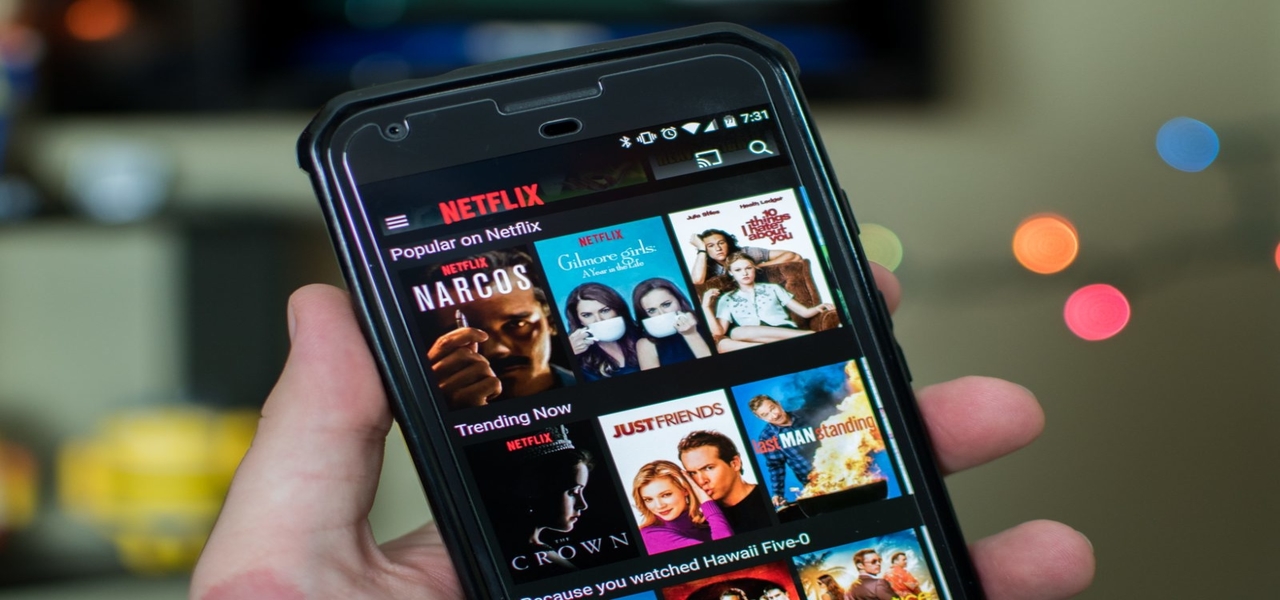
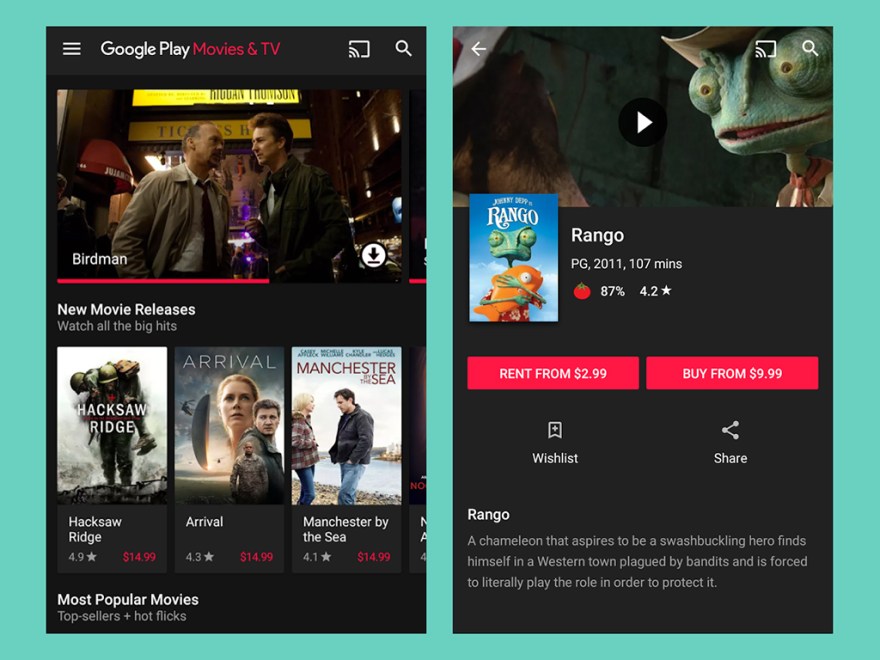
Streaming over Wi-Fi is lazy, unpredictable, and a buffering spinner is the fastest way to ruin a mood. Always download your movie before you press play. Most apps like Netflix or Disney+ let you save the file for offline viewing, and the quality is identical to streaming.
Why? Because storage on your phone is stable; your Wi-Fi signal is a lying, moody friend. Downloading also lets you skip the “Are you still watching?” interrupt—the digital equivalent of someone pausing your date to ask for ID. And if you’re traveling, you’re immune to hotel Wi-Fi that feels like it’s delivered by carrier pigeon.
Just remember to check your storage space. A 4K movie can eat 10GB faster than you can say “buffering.” Clear your photos first, or accept the fate of a full phone. (I learned this the hard way, mid-action scene.)
Optimize the App Settings for Legibility
Every streaming app has a hidden menu where you can adjust video quality. Go into settings and set playback to “Highest” or “Data Saver Off”. If you leave it on “Auto,” the app will butcher your film into a pixelated mess to save a few megabytes.
Also, turn off any “subtitles” that are too small? No, wait—turn them on. On a small screen, your eyes tire faster, and subtitles anchor your focus. But please, adjust the font size to large. Squinting is not a cinematic experience.
And for the love of all that is holy, enable airscreen or cast if you have a smart TV. Your phone is great, but a 55-inch screen is better. I’m not saying betray the pocket format; I’m saying have options.
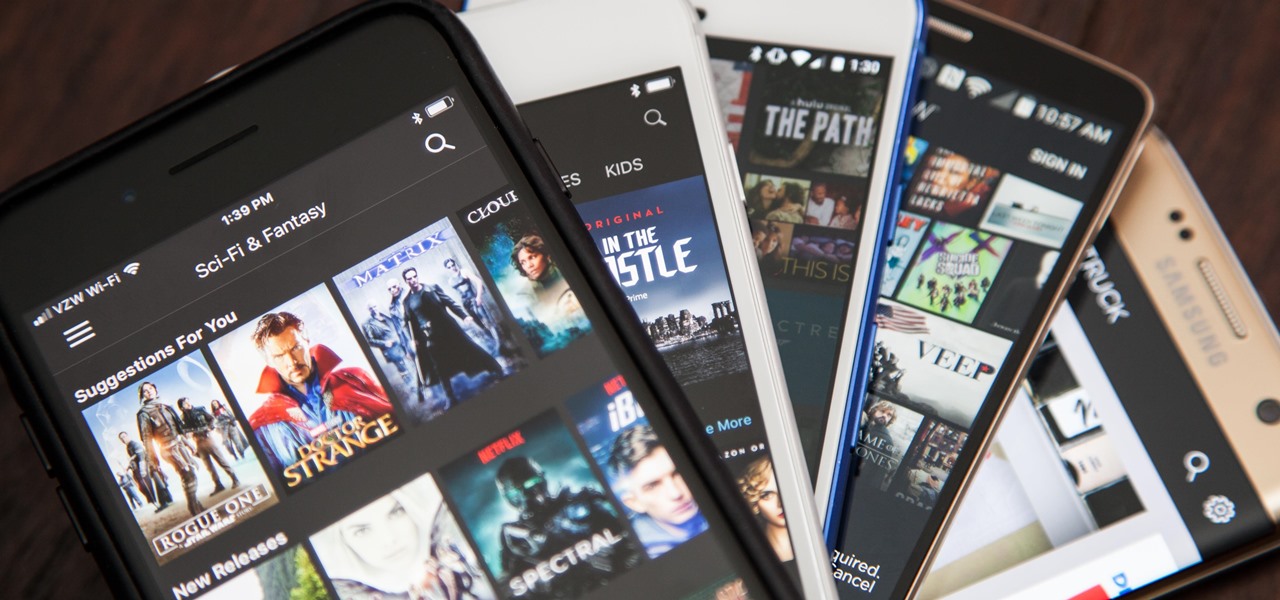
The Final Touch: Position and Posture
Don’t hold your phone like a pizza box. Prop it up against a water bottle, a coffee mug, or a dedicated phone stand. Your arms will tire, and you’ll end up with a shaky, hand-cramped mess by minute 40. Stability is your friend.
Lie down and place the phone on your chest? Cute, but it falls on your face. Instead, lie on your side, with the phone propped at eye level. It’s the poor man’s home theater. And if you’re in bed, you’re allowed to pause for snacks. That’s the privilege of small screens—no one’s judging you for a bathroom break.
Last note: set your screen timeout to “Never” while watching. Nothing kills a dramatic kiss scene like a sudden blackout. And honestly, that’s the real horror story of mobile viewing.
So there you have it: a few tweaks and you’re not watching a movie on your phone—you’re experiencing it. The next time someone scoffs at your little screen, just smile and remember their Arctic tern documentary. You win. Now go watch something good—and charge your battery first, you animal.