How To Watch Local Channels Over The Internet
I still remember the good old days when I had to scramble to find a decent spot to watch my favorite local TV shows. You know, the ones where you'd have to adjust the antenna just so, and hope that the signal wouldn't fade out mid-show. It was like a ritual, and I'm pretty sure I'm not the only one who's been there.
But times have changed, and we've got streaming to thank for it. No more fiddling with antennas or scrambling to find a signal - we can now watch our favorite local channels from the comfort of our own homes, or even on-the-go. And the best part? We can do it all over the internet.
So, how does it work?
It's actually pretty simple: all you need is a stable internet connection and a device to stream on (think smartphone, tablet, or smart TV). From there, you can choose from a range of options to watch your local channels - we'll get into those in a bit. The point is, it's convenient, and it's changed the way we consume TV.
Must Read
And let's be real, who doesn't love the idea of cutting the cord and ditching traditional TV for good? I mean, no more expensive cable bills or equipment rentals - just pure, unadulterated streaming bliss. Of course, there are some downsides to consider, but we'll get into those later.
Streaming services to the rescue
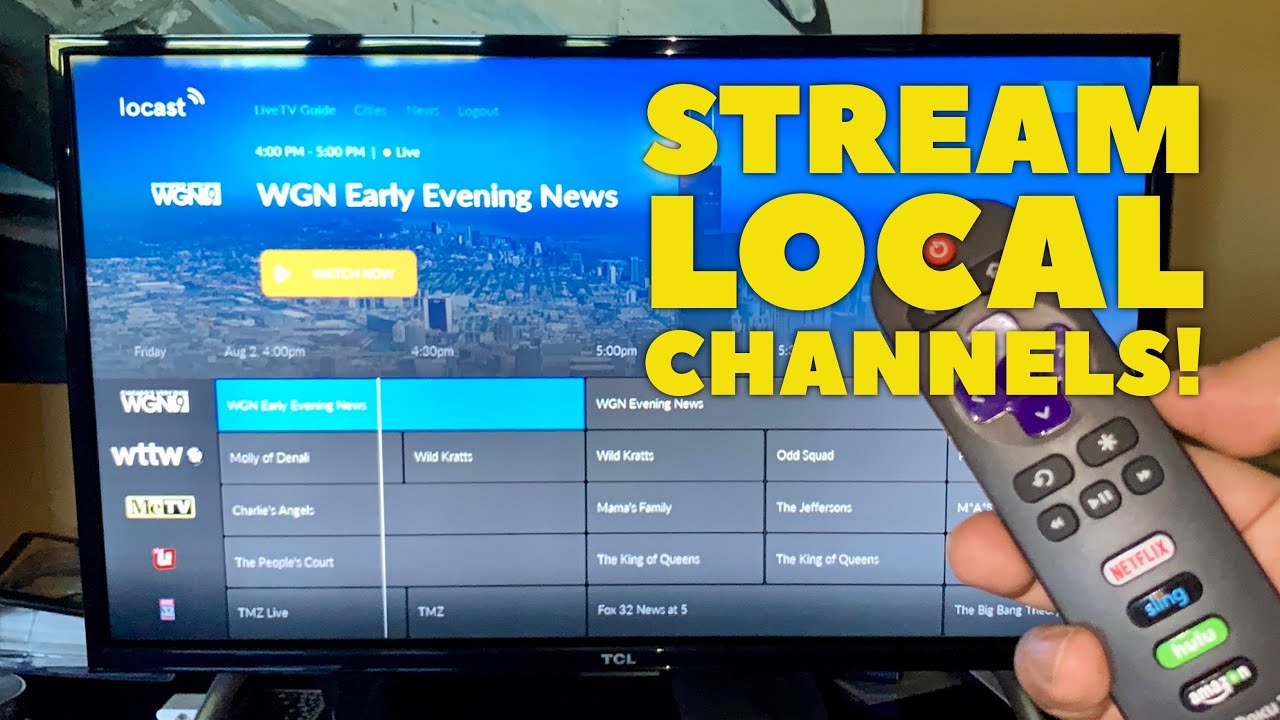
So, what are our options when it comes to streaming local channels over the internet? Well, there are a few heavy hitters out there, including Hulu, YouTube TV, and Sling TV. Each one has its own set of pros and cons, but they all offer a range of local channels to choose from. And the best part? You can usually trial them for free before committing to a paid subscription.
Now, I know what you're thinking: "What about the quality?" Well, let me tell you - it's come a long way in recent years. With a decent internet connection, you can expect HD quality streaming with minimal buffering or lag. And if you're feeling extra fancy, you can even opt for 4K streaming on some services.
Of course, there are some downsides to consider. For one, internet requirements can be pretty steep - we're talking fast speeds and low latency. And then there's the issue of content availability - not all local channels are created equal, and some might not be available on certain streaming services. But overall, the pros far outweigh the cons.

Getting started
So, how do you get started with streaming local channels over the internet? First things first, you'll need to check your internet speed - you'll want to make sure you've got a stable connection that can handle streaming. From there, you can start browsing streaming services and seeing which one is right for you.
And don't worry if it seems overwhelming at first - there are plenty of resources out there to help you navigate the world of streaming. Just remember to read reviews, check the fine print, and trial before you buy. Trust me, it's worth it in the end.
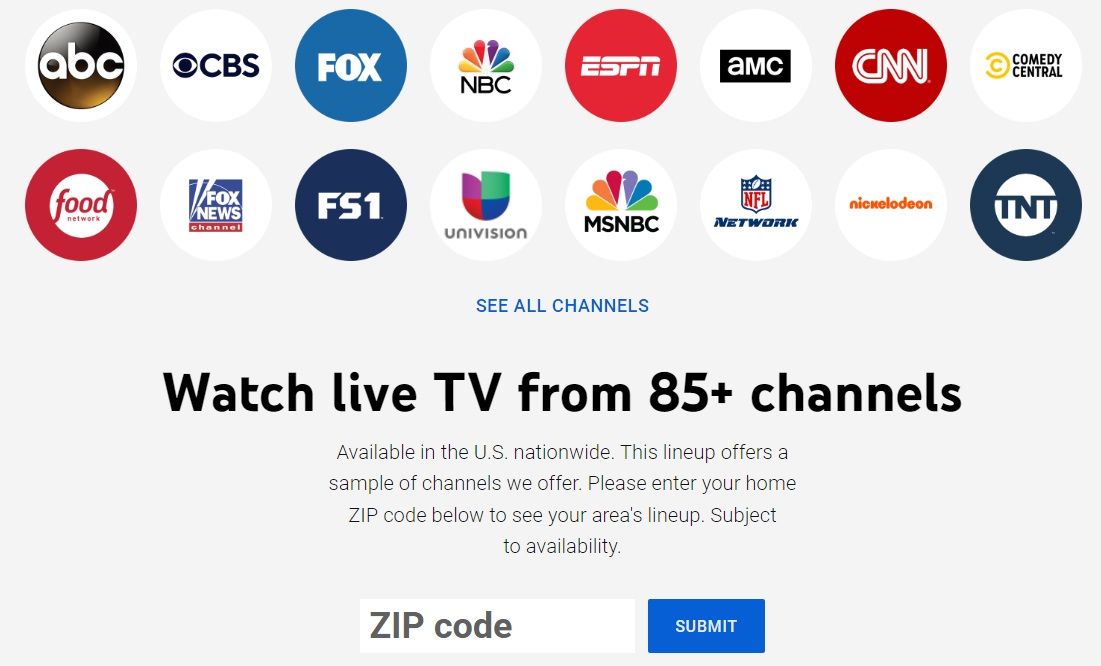
Now, I'm not going to lie - there are some growing pains associated with streaming local channels over the internet. But overall, it's a game-changer for anyone looking to cut the cord and ditch traditional TV. So, what are you waiting for? Give it a try and see what you think - your local channels are just a click away.
In conclusion, streaming local channels over the internet is a no-brainer for anyone looking to shake up their TV routine. With a range of streaming services to choose from, convenient streaming options, and no expensive equipment required, it's a win-win all around. So, go ahead and give it a try - your local channels are waiting for you.