Printers That Can Enlarge And Reduce
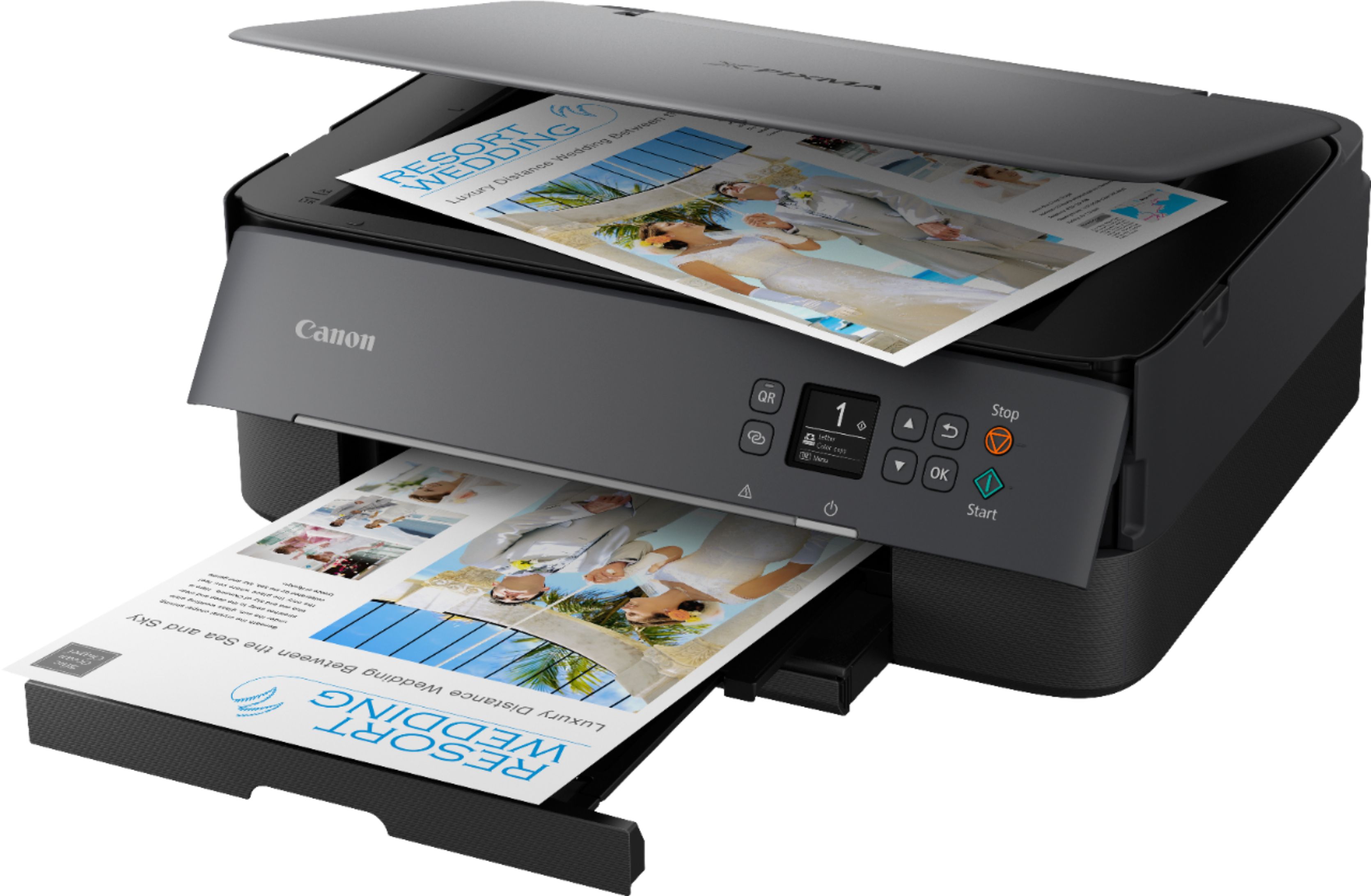
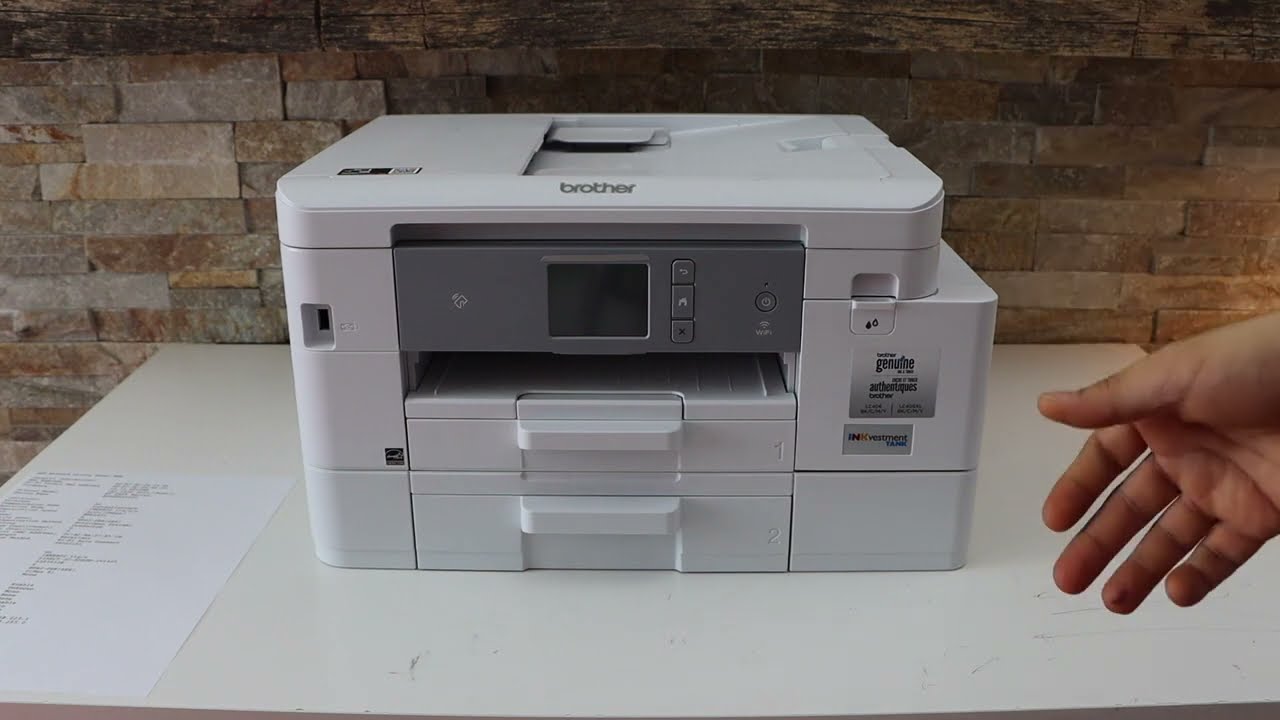
Ever stared at a tiny photo or a receipt with minuscule print and wished you could just magically make it bigger? That’s exactly what a printer with enlarge and reduce functions can do for you. It’s not just a office tool; it’s a creative sidekick for your home, turning everyday tasks into fun little projects.
For beginners, this feature is a lifesaver. You can blow up a favorite family recipe to A4 size so it’s easy to read while cooking, or shrink a large document to fit neatly in your binder. For families, it’s perfect for making oversized coloring pages for the kids or creating small, printable flashcards from a single sheet. Hobbyists, like scrapbookers or model builders, can scale templates up or down to match their exact project needs, which feels like having a mini print shop at home.
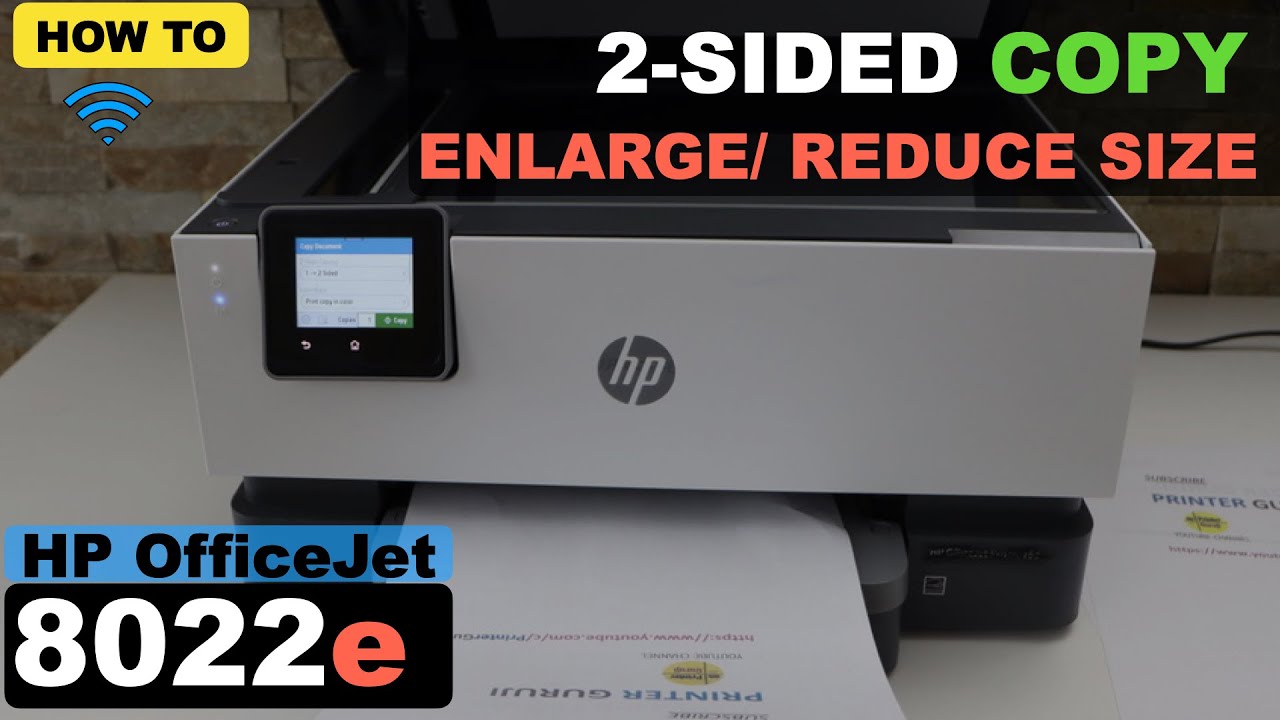
The beauty is that you don’t need a fancy, expensive machine. Most modern inkjet or laser printers come with built-in scaling options, usually found in the print settings menu. You can choose a specific percentage (like 50% to shrink half, or 200% to double) or let the printer “fit to page” automatically. Some even let you print a large image across multiple pages, which you can then tape together into a giant poster—a huge hit for birthday decorations.
Must Read
For a quick start, open any document or photo and hit Ctrl+P (or Command+P on a Mac). Look for a setting called “Scale,” “Zoom,” or “Paper Size,” and then type in your desired percentage. Also, check if your printer has a “2-up” or “4-up” feature, which lets you put multiple reduced pages on one sheet—ideal for saving paper and ink. If you’re unsure, do a test print on scrap paper first to see how the size looks before using your good paper.
Don’t be afraid to play with the numbers. For example, shrinking a 8x10 inch photo to 4x5 inches makes a perfect wallet-size keepsake. Conversely, enlarging a small map of your neighborhood into a wall chart can help you plan a walking route with your kids. The key is to remember that the printer isn’t just for copying; it’s a scaling tool that bends documents to your will.
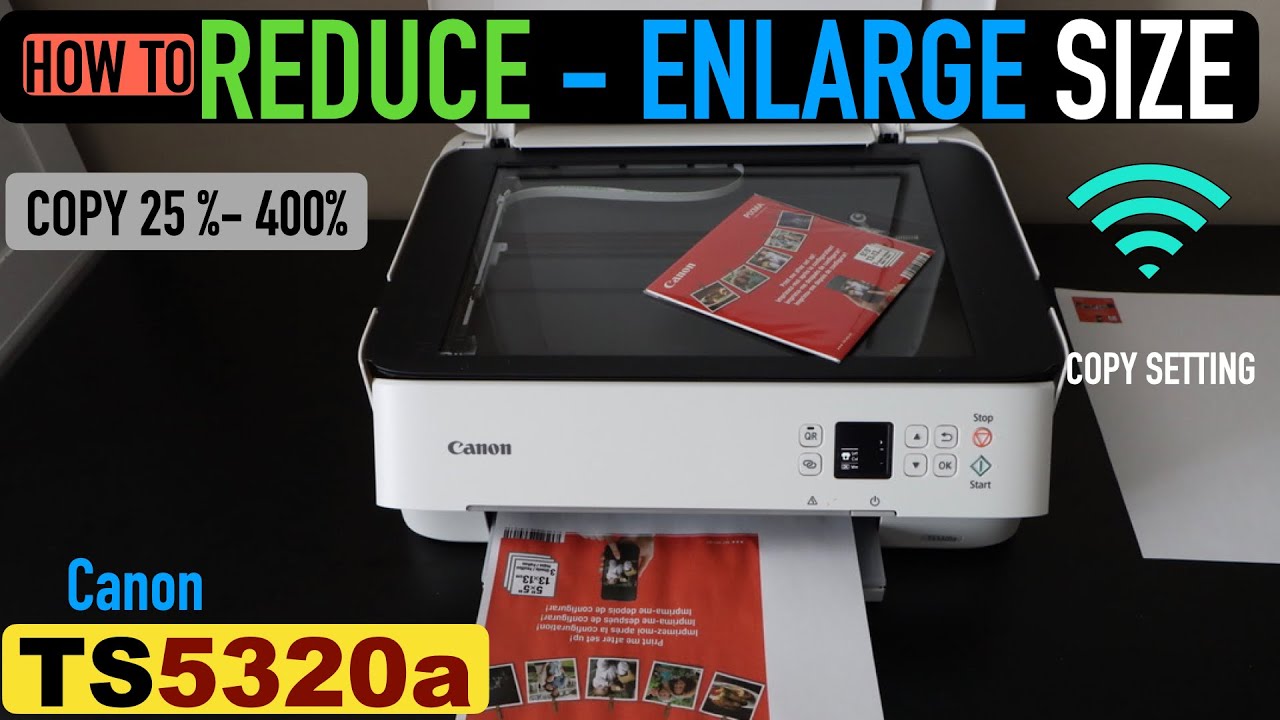
One common mistake is forgetting to check the paper tray. If you shrink a legal-sized document to A4, make sure that A4 paper is loaded, otherwise the printer will default to the wrong size. Also, when enlarging, remember that the image will get a bit “grainy” if you go too far, but for most practical uses, it’s perfectly fine. Start with simple text documents before trying high-resolution photos, so you get a feel for the controls without wasting ink.
In the end, mastering enlarge and reduce is like getting a bonus feature for a tool you already own. It saves money on buying specialized sizes, sparks creativity for weekend projects, and simply makes life a little more straightforward. So next time you need a bigger or smaller version of something, just give your printer a chance to flex its muscles—you might be surprised how often you use it.