How To View State Farm Policy Online
Let’s face it—nobody wakes up thinking, “I can’t wait to dig through my insurance documents today!” But here’s the twist: checking your State Farm policy online is like having a superpower for your peace of mind. You can spot a mistake, update your coverage, or just marvel at your deductible—all without a single phone call or a stack of paper. It’s fast, it’s free, and it puts you in the driver’s seat of your own protection.
Why Bother Going Digital?
The biggest payoff is control. You’re no longer waiting on hold or guessing what your policy covers—you see it all in black and white, anytime you want. Need to show proof of insurance for a new car? Download your ID cards in under a minute. Planning a big trip? Double-check your rental car or travel coverage before you pack.
Plus, you can catch sneaky billing errors or outdated info before they become headaches. Think of it as a quick health check for your financial safety net.
Must Read
Step One: Get Your Account Ready
Before you can view anything, you need a State Farm online account. If you’re new, head to statefarm.com and click “Log In” then “Register.” You’ll need your policy number, Social Security number, and a valid email address—it takes about five minutes.
Already have an account? Great, just log in. If you’ve forgotten your password, the “Forgot Password” link will email you a reset link faster than you can make a cup of coffee.

Step Two: Navigate Like a Pro
Once you’re logged in, you’ll land on your dashboard. Look for a tab that says “Policies” or “My Policies”—it’s usually at the top of the page. Click it, and you’ll see a list of everything from your auto to your home or life insurance.
Click on the specific policy you want to view, and boom—your policy details open up like a digital filing cabinet. You’ll see coverages, limits, deductibles, and your current premium amount.
What You Can Do Right From the Screen
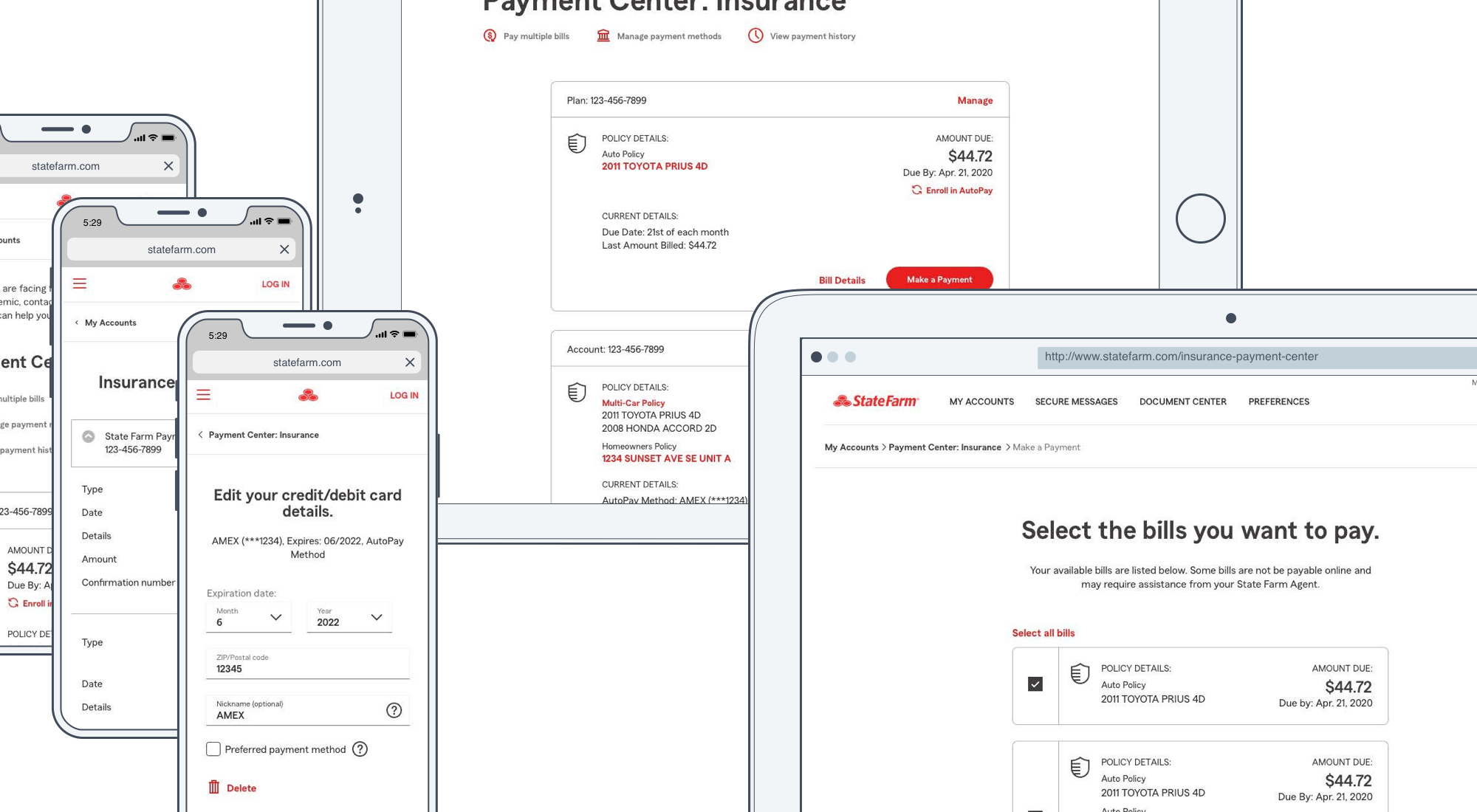
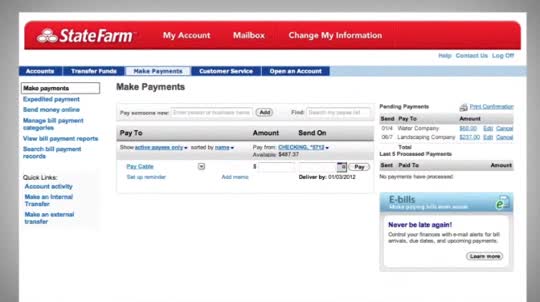
This isn’t just a “look but don’t touch” page. You can download or print your ID cards instantly, which is a lifesaver at the DMV or when you’re borrowing a friend’s truck. You can also start a claim, request roadside assistance, or even pay your bill—all without leaving the policy view.
Want to make a change? Most policy edits (like adding a new driver or lowering your deductible) can be initiated online, though some may require a quick virtual chat with an agent. But you’ll at least see the options before you commit.
Pro Tips for a Smooth Experience
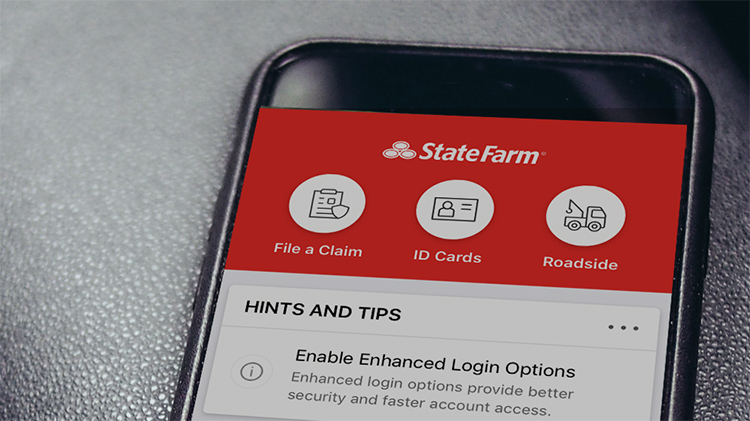
Keep your app updated—the State Farm mobile app gives you the same view in your pocket. And don’t be shy about using the “Documents” section; that’s where you’ll find your official declarations page, which is the legal breakdown of your coverage.

“I check my policy online every time I pay my bill,” says Maria, a State Farm customer from Texas. “It takes two minutes, and I’ve caught two errors over the years that saved me real money.”
Also, set a quarterly reminder to review your policy. Life changes—new car, new home, new teen driver—and your coverage needs to keep up. A quick online review helps you stay ahead of surprises.
What If You Hit a Roadblock?
Sometimes the site asks for a verification code, or you can’t find a specific document. Don’t panic. Use the “Live Chat” button or call the 24/7 support line—they’re actually quite friendly. Also, check if your policy is under an old email address; you’ll need to update that first to get the login codes.

If you’re still stuck, the State Farm Help Center has step-by-step video guides. It’s like YouTube for insurance geeks, but genuinely useful.
The Bottom Line
Viewing your State Farm policy online is a tiny task with a big reward: clarity. You’ll know exactly what’s covered, what’s not, and what you’re paying for. And the next time someone asks, “Are you sure you have collision coverage?” you can answer with a confident, “Let me check my phone—yes, I do.”
So go ahead, log in, click around, and give your inner control-freak a high-five. Your future self (and your wallet) will thank you.