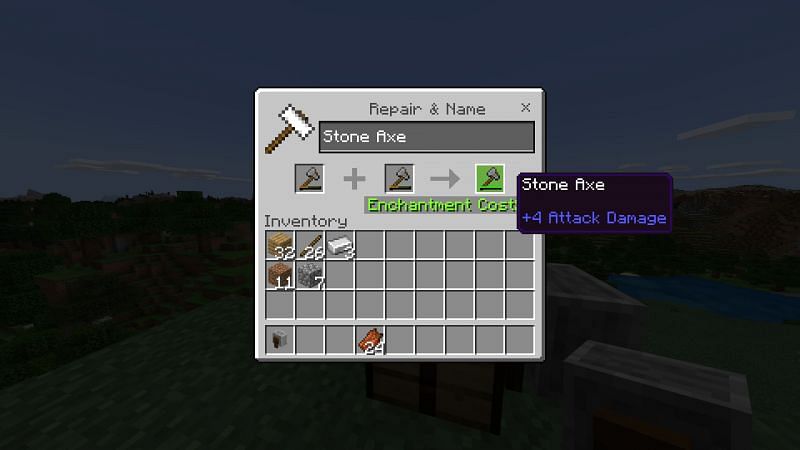
How To Use Command Axe In Minecraft

Ever stared down a creeper and wished you could just delete it from existence? The Command Axe isn’t just a tool—it’s your personal cheat code to godhood in Minecraft. Whether you’re building a custom adventure map or simply want to feel like Thor with a database, this axe turns boring survival chores into explosive, pixelated magic.
What Exactly Is a Command Axe?
It’s not a new item you craft at a table. Instead, you use the /give command to summon a regular axe loaded with custom NBT tags. These tags let you add enchantments, custom names, and even instant-kill powers that would make a Wither blush.
Think of it as a Swiss Army knife for your world—except every function is a lightning bolt, a fireball, or a one-hit KO. The best part? You don’t need to be a coding genius. A few simple lines, and you’re swinging a weapon that respects no mob.
Must Read
“With a Command Axe, you don’t fight the game. You rewrite its rules.”
How to Summon Your First Command Axe
Open your chat window and type: /give @p diamond_axe{Unbreakable:1,Enchantments:[{id:"sharpness",lvl:100}]} 1. Hit enter, and boom—you own a diamond axe that never breaks and hits like a meteor.
Want it to look awesome too? Add a custom name: CustomName:'{"text":"The Mob Melter"}'. That way, everyone who sees your axe knows you mean business.
But don’t stop there. Swap sharpness for fire_aspect to make every swing leave your enemies toasted. Or stack knockback to send zombies flying into next Tuesday.

One-Hit Kill Everything (Yes, Everything)
The real fun starts when you push enchantment levels into the thousands. Try lvl:9999 on sharpness, and you’ll one-shot the Ender Dragon, the Wither, and even a charging iron golem.
Just be careful: this power also works on you if you accidentally click a friend or a pet. One swing at a tamed wolf, and you’ll be crying over a pile of pixels.
To avoid disaster, add the Curse of Vanishing tag so your god-axe disappears on death—no loot for griefers!
Make It Your Own With Fancy Effects
Here’s where it gets wild. Use NBT tags to add Sweeping Edge to hit multiple enemies at once. Combine that with Looting to get rare drops from every mob in a crowd.
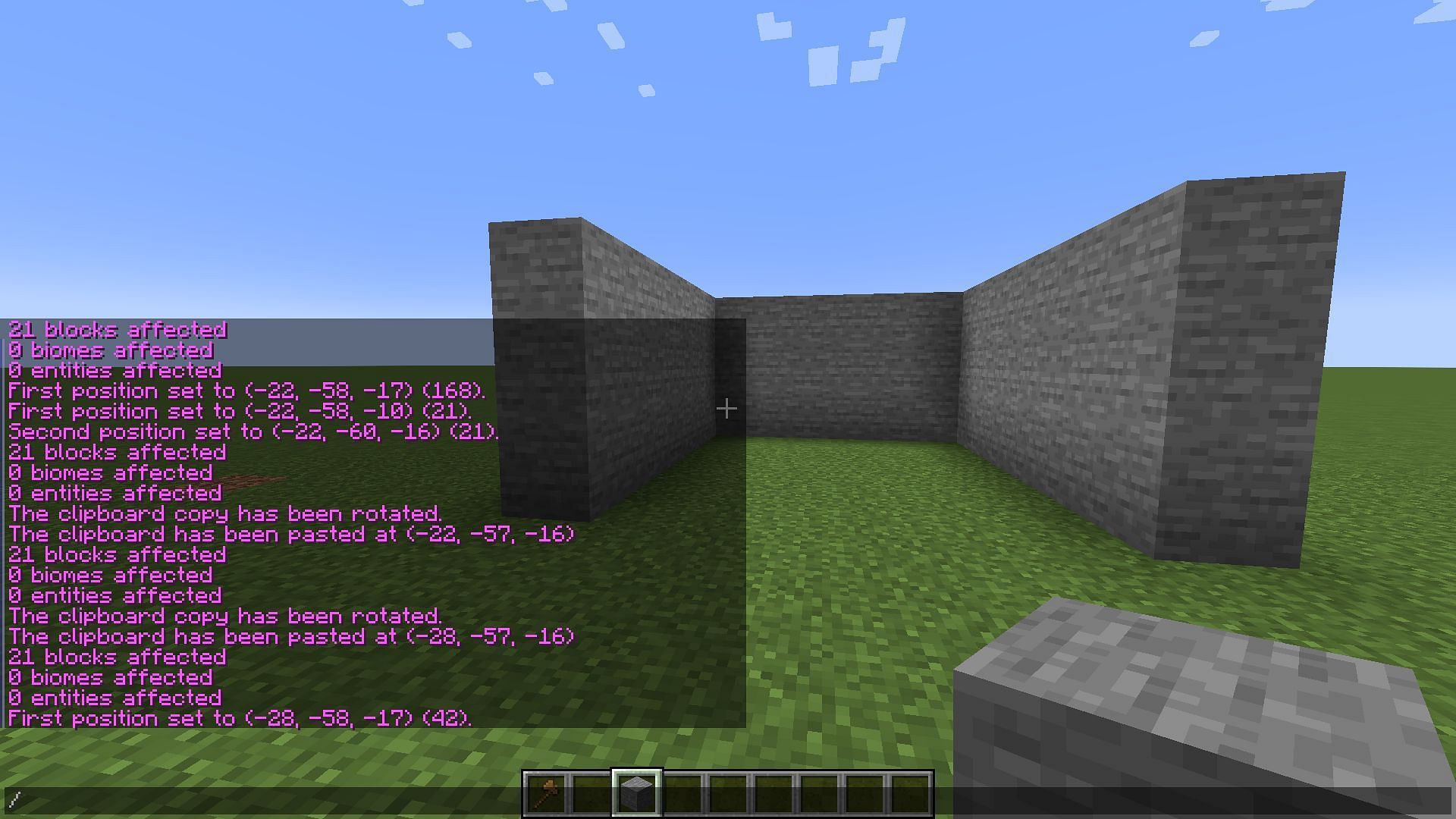
Want a light show? Add Enchantments:[{id:"frost_walker",lvl:2}]. Now every step you take freezes water into ice, and every axe swing shatters the ground around you.
You can even give it a glowing aura by adding the HideFlags tag to display custom lore text. Type a message like “Ruler of the Overworld” to flex on your server mates.
Build Traps and Mini-Games With Command Blocks
Place a Command Block on repeat, and set it to `/give @p axe{...}` whenever someone steps on a pressure plate. Suddenly, your boring hallway turns into a gauntlet where players earn a weapon mid-fight.

Use the axe with AttributeModifiers to increase movement speed or attack damage dynamically. You can create “boss modes” where a player’s axe becomes stronger as they take damage.
The only limit is your imagination. I’ve seen maps where players must collect “essence” to upgrade their Command Axe from wood to netherite—all through clever command syntax.
Pro Tips to Avoid Accidental Chaos
Always test your axe in a copy of your world first. A mis-typed command can turn every zombie into a Hulk, or worse, make your axe destroy blocks instead of mobs.
Use the CanDestroy tag if you want your axe to break specific blocks only—like a magical key for locked doors. It’s perfect for adventure maps where you want players to smash through walls.

Finally, keep a spare wooden axe without enchantments. That way, when you want peaceful farming, you don’t accidentally obliterate your sheep.
Go Forth and Command
The Command Axe turns Minecraft from a game into your personal sandbox of absurdity. It’s fun, it’s powerful, and it’s the fastest way to impress—or terrify—your friends.
So log in, paste a bit of code, and start swinging. Your inventory just became a throne, and every mob is your subject.
Now, go make the Ender Dragon wish it never hatched.