How To Use A Server Psu For Mining

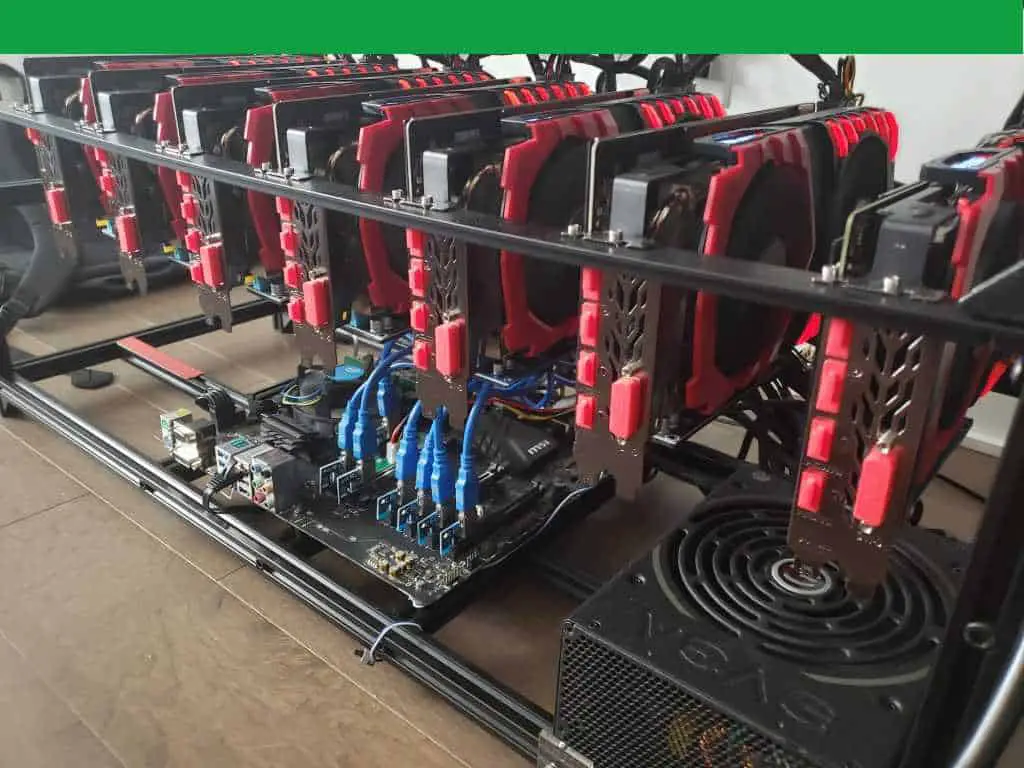
So, you want to mine crypto without burning your house down? Good for you. But you looked at your fancy gaming power supply and realized it has zero PCIe slots left. Welcome to the wild world of server power supplies, the loud, ugly, and gloriously cheap heart of a mining rig.
The Big, Loud Secret
First, let’s be honest: using a server PSU is like adopting a feral cat. It works, it’s tough, but it will scream at you all night. These units were built for data centers, not your bedroom.
They are incredibly efficient and pump out massive wattage. But the fan sounds like a jet engine taking off. You have been warned.
Must Read
Here is my unpopular opinion: that noise is the sound of freedom from paying $300 for a consumer PSU.
Get the Right Acronyms
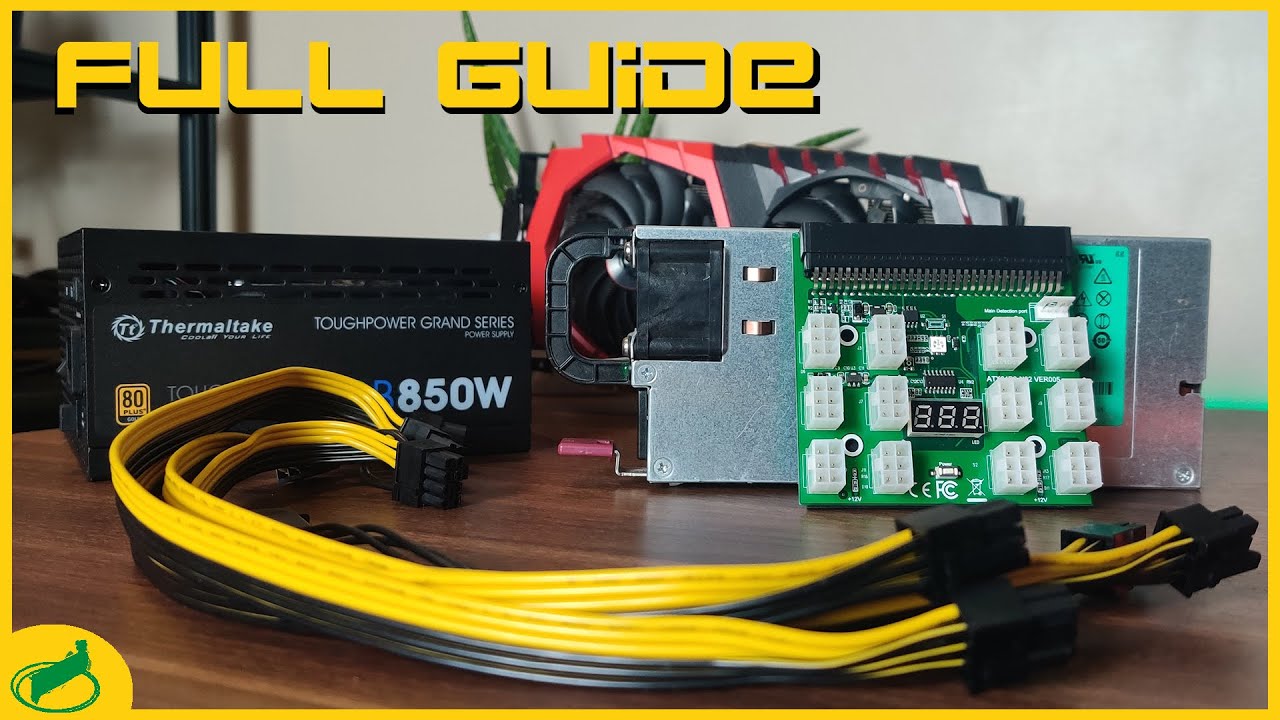
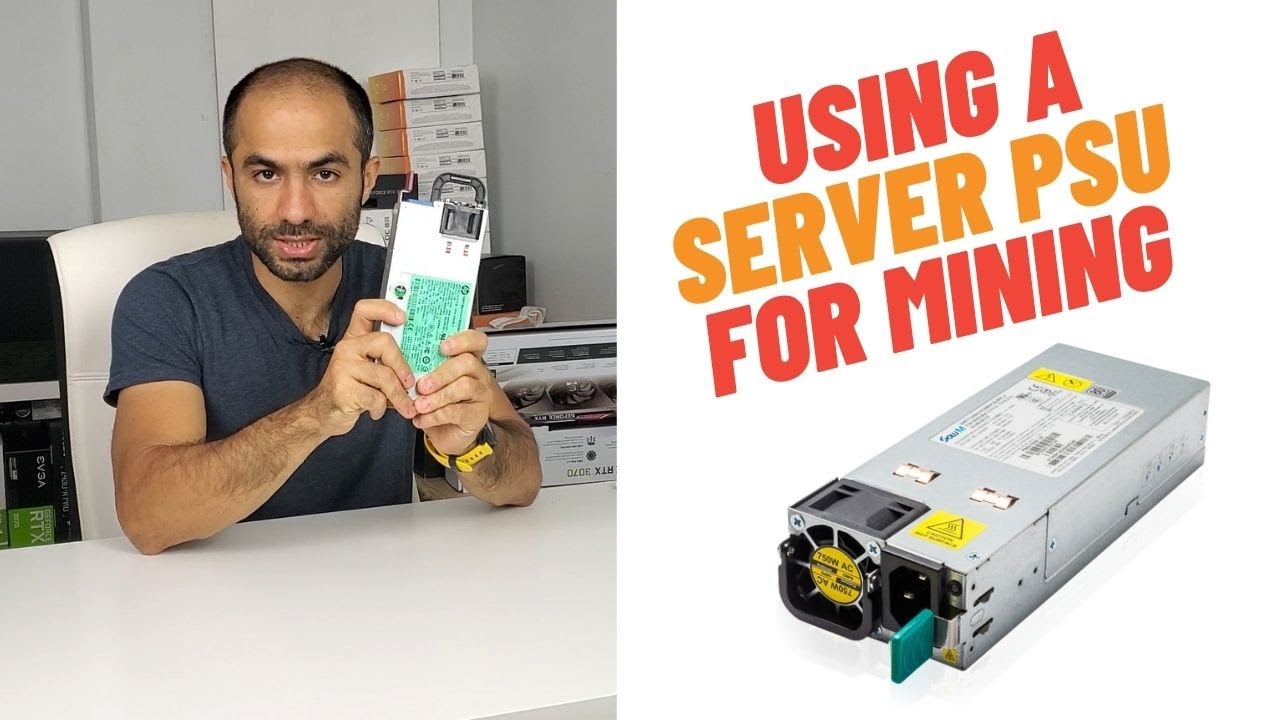
Before you plug anything in, check the label. You need a specific type, usually called a redundant power supply. Look for models like HP, Dell, or Delta that push 750W to 2400W.
They don’t use a standard 24-pin ATX connector. Instead, they have bare metal contacts on the back edge. That’s where the magic happens.
You cannot just plug these into a wall and expect them to turn on. They need a secret handshake, which comes in the form of a break-out board.
The Breakout Board Is Your Best Friend
Do not, I repeat, do not try to jam wires into those gold fingers. That’s a fire starter. You need a breakout board or a mining PSU adapter board.
These plastic brackets slide over the edge and give you nice, pretty PCIe slots. They cost about $10 to $20, which is less than your morning coffee habit.
Make sure you buy the board that matches your exact PSU model. Otherwise, you are just buying expensive plastic rubbish.
Jump Start the Beast
Here’s where it gets fun. A server PSU won’t turn on with a simple switch. You have to trick it.
Most breakout boards have a small button or a jumper pin. If not, you’ll need to short the PS_ON ground pin with a paperclip. Yes, a paperclip.
Just touch the right pin to the ground (usually labeled GND), and the fan will roar to life. It’s like giving a bear a coffee, immediately loud and slightly scary.
Power Your Cards, Not Your Socks
Now, the wiring. Server PSUs use different plugs than your usual 6+2 pin cables. You’ll need GPU adapter cables that go from your breakout board to your graphics cards.
Buy quality cables from a reputable seller. Do not use those flimsy ones from a mystery bin at a swap meet.
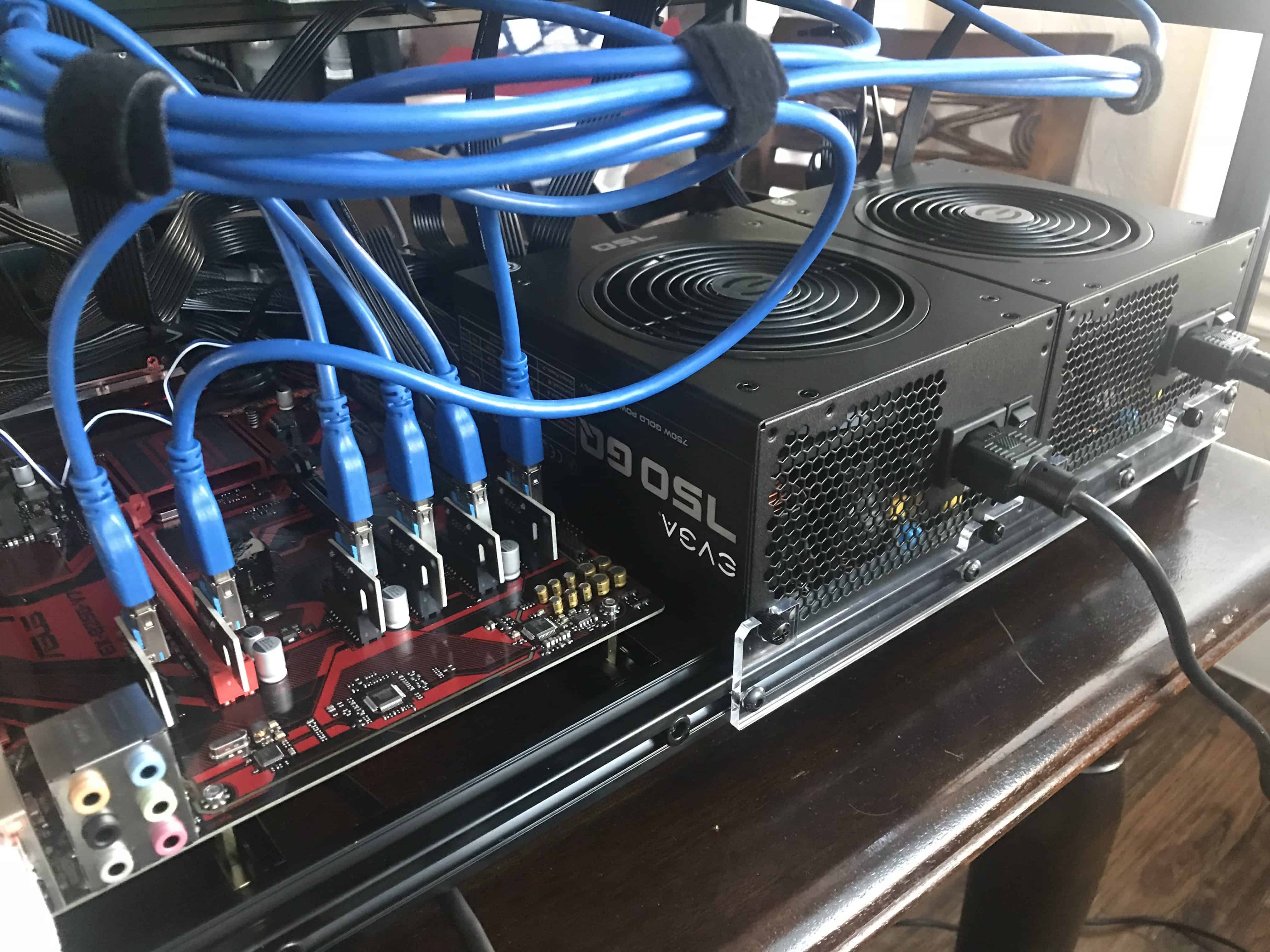
Also, remember that most server PSUs require a load to stay stable. Your GPU is a great load, but an idle motherboard also helps.
Watch Your Amps, Pal
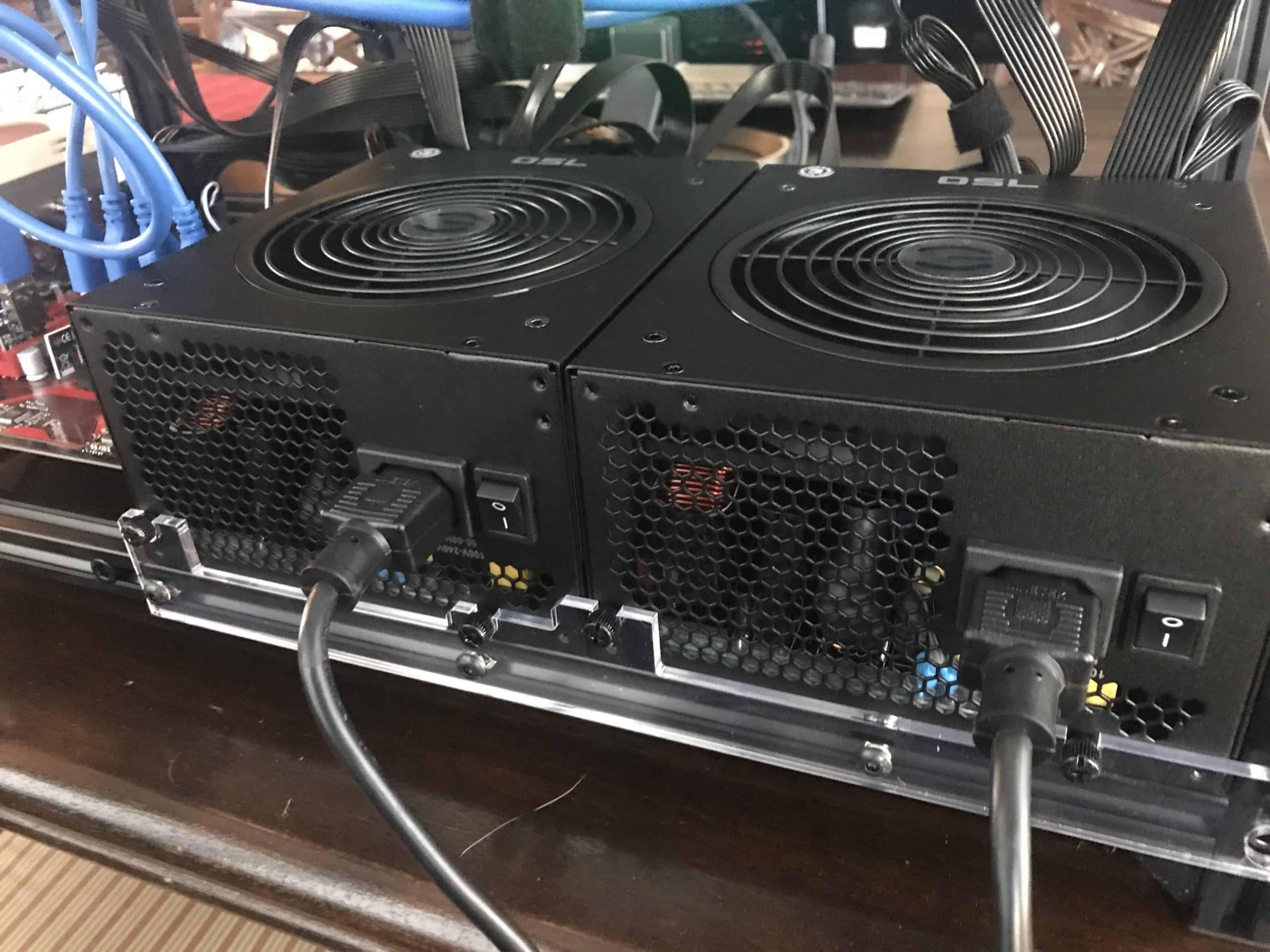
Check the label for the 12V rail output. That’s your power treasure. A single server PSU might give you 100 amps on the 12V rail. That’s enough to light up a Christmas tree or three graphics cards.
But don’t go crazy. Each PCIe cable usually carries about 216W max. Load up your cards like a careful Tetris player, not a hoarder.
If you see wires getting warm, you are doing it wrong. Stop, unplug, and rethink your life choices.
The “Chatter” Problem
Here’s a fun quirk: some server PSUs shut down if they don’t see a signal from a motherboard. That’s called “chatter” or sleep mode.
To fix this, you often need a dummy load, like a 12V resistor or an old hard drive. Just plug a small fan or an LED light onto the board. It keeps the PSU awake.
Otherwise, your rig will shut down randomly right when you’re winning at mining. Infuriating, right?
The Real Talk
Yes, the pricing is stupidly good. A 1200W server PSU can cost you $40 on eBay. A consumer 1200W unit costs like $300.
Yes, it needs a breakout board, and yes, it screams like a banshee. But your wallet will thank you when you buy that extra GPU.
So, if you can tolerate noise, love saving money, and enjoy a little DIY electrical wizardry, then a server PSU is your soulmate. Just wear earplugs and don’t call me when the fan blows your cat across the room.
Mining is already a hobby for weirdos. Using a used datacenter PSU just proves you’re the weirdest (and smartest) one in the room.