How To Get Applecare For Macbook Pro
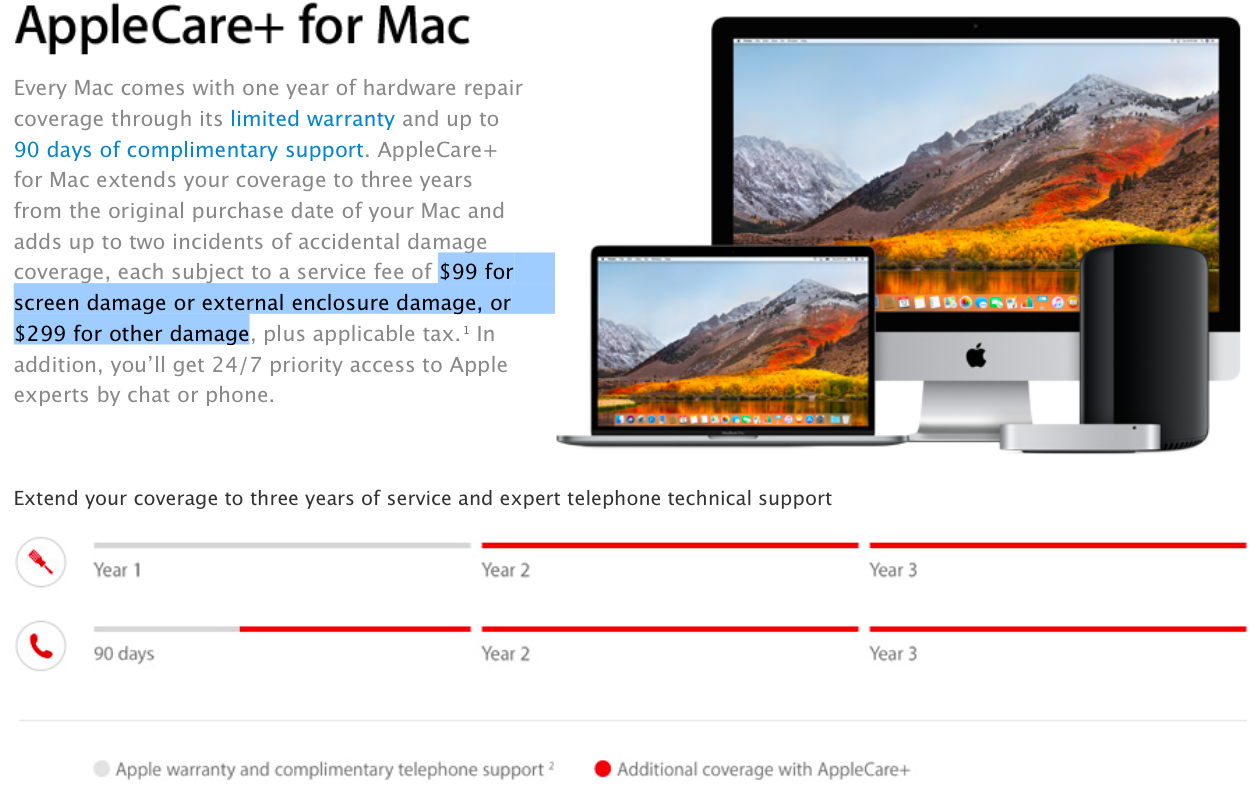
Let’s be honest: your MacBook Pro is probably the most expensive thing you own that isn’t a car or a house. You treat it like a prized possession—you’ve even named it, haven’t you? (Mine is “Gerald,” and he’s a good boy.) But life happens. Coffee spills, toddler hands grab, and that one time your backpack decides to take a flying leap off the kitchen counter. That’s when you wish you had a magical safety net, and guess what? That net has a name: AppleCare+.
The “Uh-Oh” Moment We All Know
Picture this: Tuesday morning, 8:47 AM, you’re rushing to a Zoom call. You grab your mug of steaming coffee, and in one slow-motion second, it tips over—right onto your keyboard. Your heart sinks faster than the laptop’s fan spins up. Without protection, that little accident could cost you hundreds of dollars to fix. With AppleCare+, you’re looking at a much smaller service fee and a whole lot less panic. It’s like having a friend who says, “Don’t worry, I got this,” while handing you a towel and a calm smile.
But wait—you might think, “I’m careful, I don’t need this.” Oh, beloved reader, we all say that. Nobody plans to drop their laptop, just like nobody plans to step on a Lego at midnight. These things just happen. AppleCare+ is basically insurance for your own human clumsiness, and I promise, we all have it in us.
Must Read
So, How Do You Actually Get It?
First, the good news: you don’t need a special hookup or a secret handshake. You can buy AppleCare+ directly from Apple’s website, in the Apple Store app, or by walking into any Apple Store. Just grab your MacBook’s serial number (found in “About This Mac” in the top-left menu), and you’re halfway there. It’s easier than assembling IKEA furniture, and I say that with full confidence.
Here’s the real trick: you’ve got a 60-day window from the day you buy your MacBook to add AppleCare+. Think of it like a starter period for your new relationship—you can decide if you’re really “committed” before you pop the question. Miss that window, and you’re out of luck, so put a reminder in your phone right now. Seriously, go ahead. I’ll wait.

If you’re a bit late to the party, don’t panic yet. In some countries, Apple lets you buy AppleCare+ after 60 days, but only after you run a quick diagnostic check at an Apple Store. It’s like saying, “Hey, I know I’m late, but my laptop is still healthy, promise!” and Apple doing a quick heart-rate check. It’s totally doable, but way easier to just do it early.
Why You Should Care (Beyond the Obvious)
Imagine your MacBook is a fancy bicycle. You could fix a flat tire yourself, but what if the frame cracks? That’s the big stuff. AppleCare+ covers the expensive internal repairs—logic boards, displays, and even the battery. It also gives you two incidents of accidental damage every 12 months, which is perfect for people who “accidentally” drop their laptops while dancing to their favorite song.
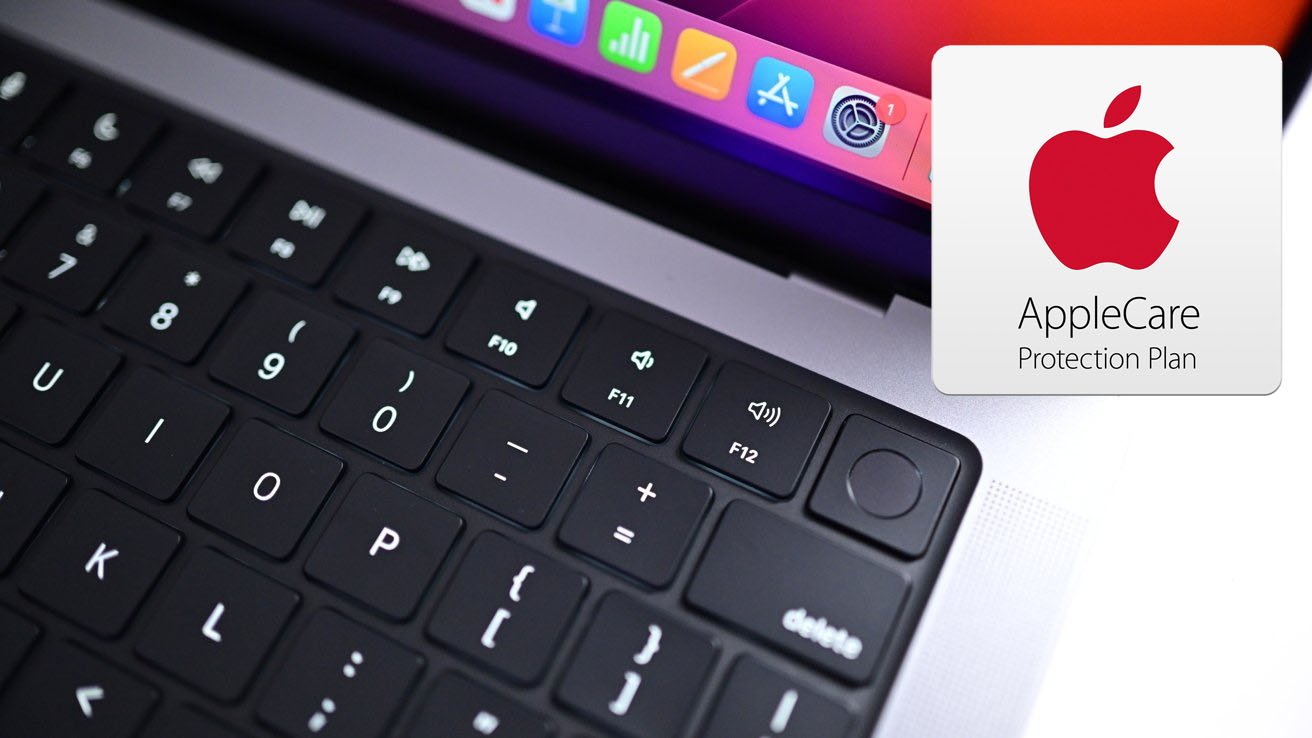
And here’s a secret that makes it feel like a steal: AppleCare+ extends your warranty to three years. That means free technical support from real humans who don’t make you repeat your problem six times. You’ll get help at 2 AM when your Wi-Fi is acting up, and you won’t feel judged when you ask, “Is the little cloud icon supposed to be there?”
It’s a small monthly fee (or one lump sum), and honestly, it’s cheaper than that daily latte you buy. So think of it as buying your future self a little peace of mind. Your MacBook will thank you, your bank account will thank you, and future-you, clutching a broken screen, will give you the biggest high-five. Go on—you’ve got 60 days. Don’t let them slip away.