How To Turn An Audio File Into Text
Okay, let’s be honest for a second. You’ve got a voice memo on your phone that’s been sitting there for two weeks, taunting you like a homework assignment you forgot about. It’s either a brilliant business idea, a grocery list you shouted into the void while driving, or that interview you promised to transcribe for your cousin’s podcast. You stare at the little waveform, and your brain just goes, “Nope, not today.”
Well, grab a coffee, because turning that audio gremlin into clean, readable text is easier than folding a fitted sheet. You don’t need a degree in computer science or a secret decoder ring. You just need a little know-how and a tool that does the heavy lifting while you pretend to be productive.
Why Bother With This Magic Trick?
Think of transcription as the ultimate cheat code for your memory. Your brain is already overloaded with the name of that actor from that one movie, so why force it to remember the exact phrasing of a 45-minute meeting? By converting audio to text, you’re basically giving your future self a gift—a searchable, scannable, copy-pasteable script of your own life. It’s like having a personal stenographer, minus the weird looks from your coworkers.
Must Read
Plus, if you’re anything like me, you talk faster than you think. My voice memos are a chaotic stream of consciousness filled with “um,” “like,” and half-finished sentences. Transcription doesn’t judge; it just records the mess. And once it’s in text, you can edit it into something that makes you sound like a genius, rather than a deranged squirrel on espresso.
Your Options: The Buffet of Transcription
Before you panic, know this: there are two main ways to do it. The first is the do-it-yourself route, which is the audio equivalent of hand-washing your car. It’s noble, it’s painful, and you’ll probably quit halfway through. You sit there, headphones on, typing “repeat that last part?” every two minutes. It’s the fastest way to develop a new appreciation for professional typists and a sudden hatred for your own voice.
Unless you’re transcribing a 2-minute voicemail from your mom, skip the manual route. Seriously. Your fingers will thank you, and you can use that saved time to finally clean out your email inbox. Or take a nap. Napping is always the right answer.
Enter the Robots: Automatic Transcription Tools
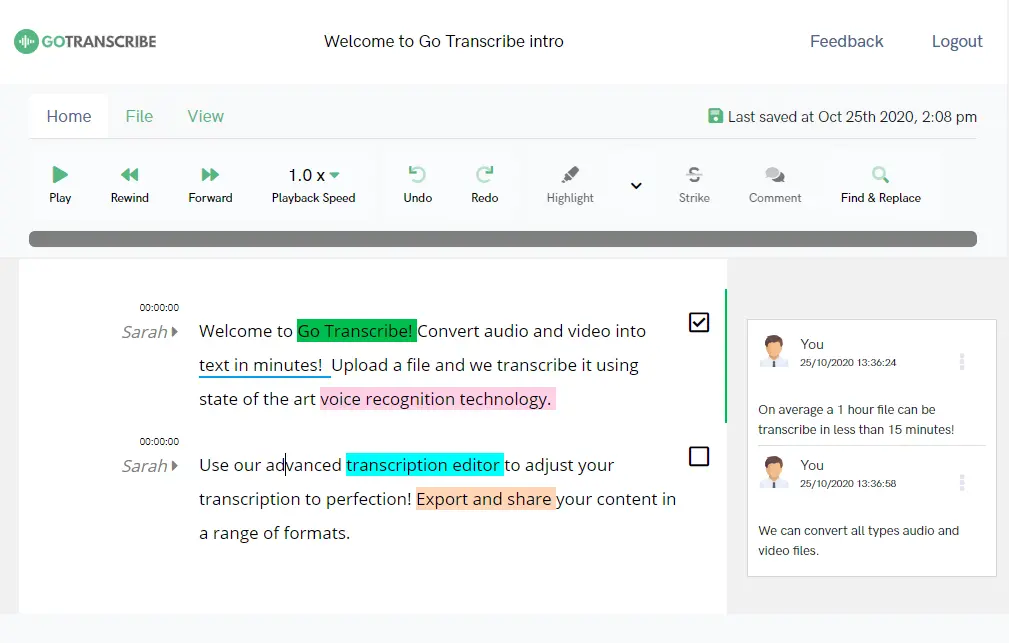
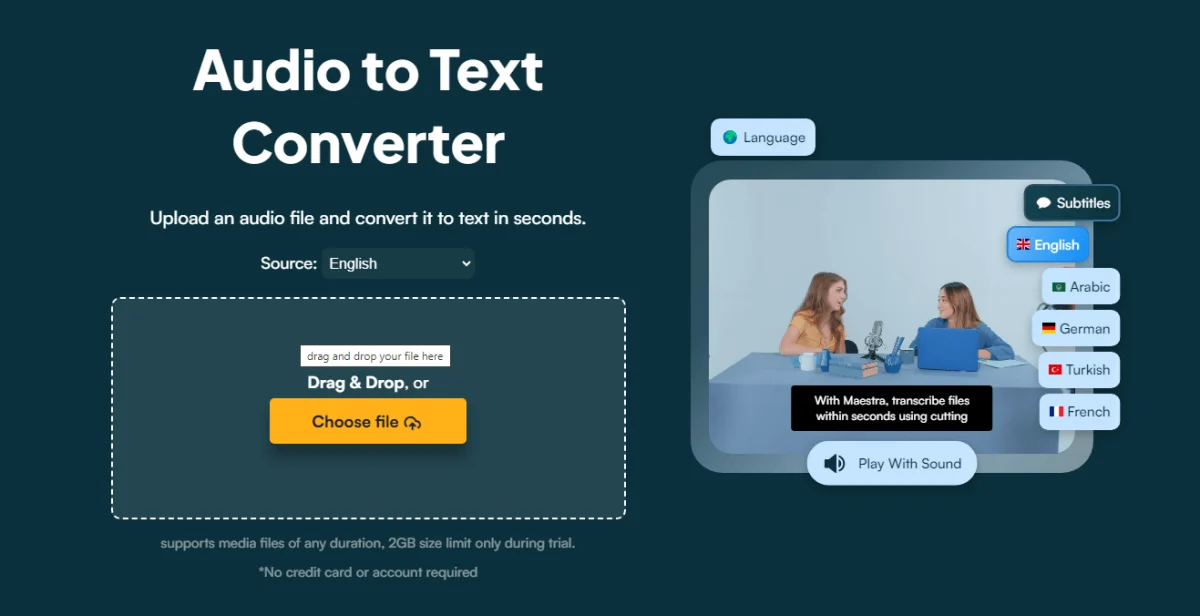
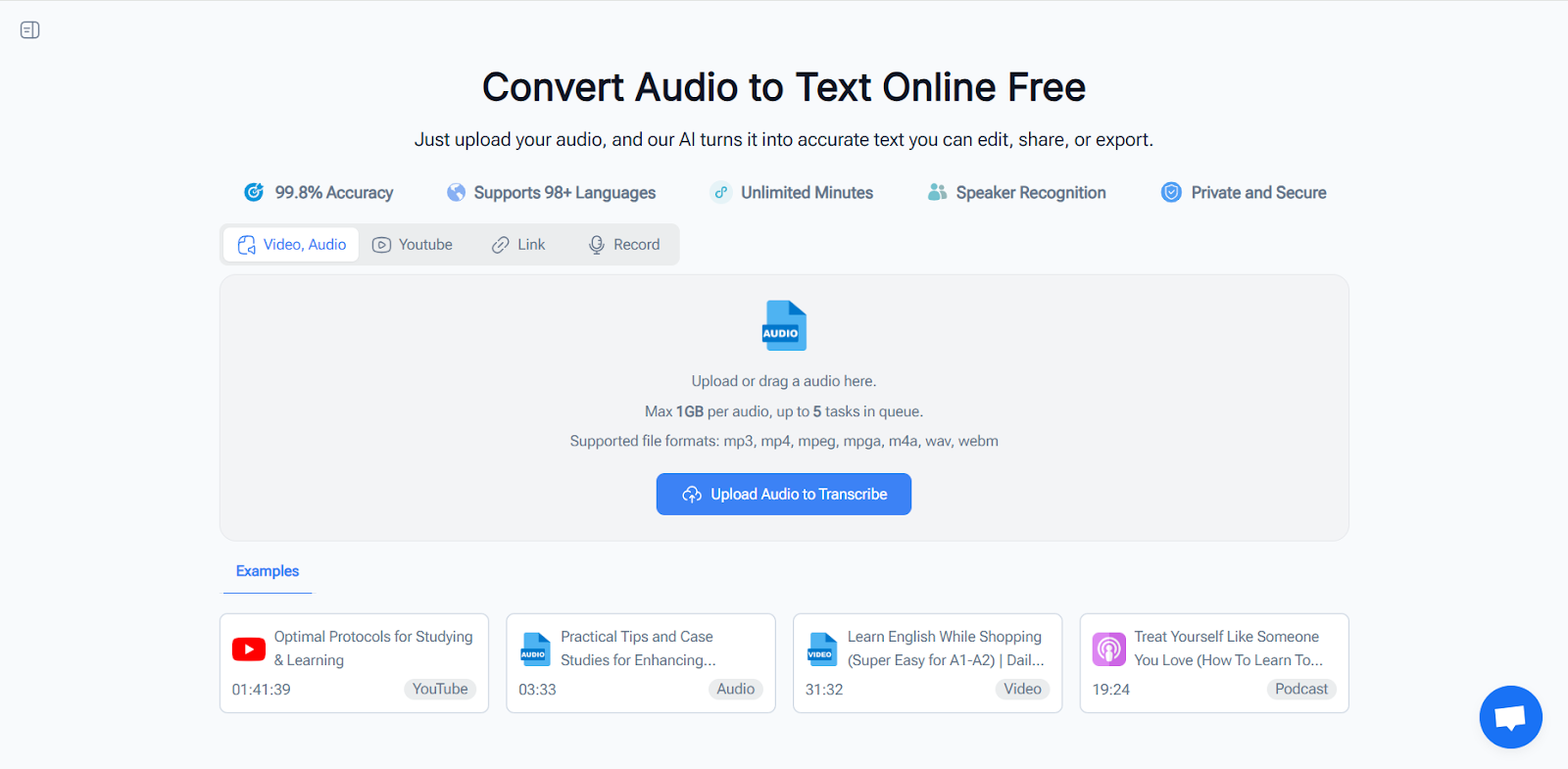
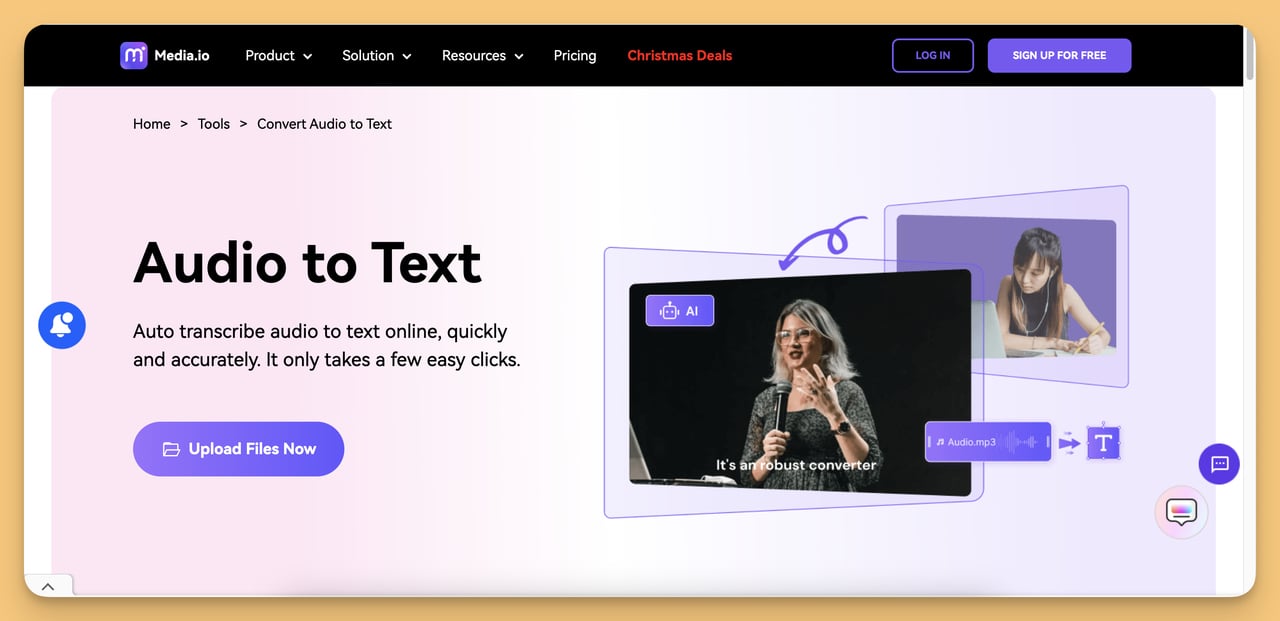
This is where the real magic happens. Automatic speech-to-text software is like that overly eager friend who offers to drive your moving truck. It’s not perfect, but it’s so much better than doing it alone. You upload your audio file—MP3, WAV, M4A, whatever—and the AI gets to work. It listens, analyzes, and pops out a rough draft in minutes. It’s like watching a tiny robot army type at the speed of light, and honestly, it’s a little thrilling.
Now, are these tools perfect? Hah. Good one. They’re good, but they have the listening skills of a distracted teenager. You’ll get the occasional “bear” instead of “beer,” and your name might come out as a brand of Greek yogurt. That’s why you’re still in the loop. You get the draft, then you play editor. It’s a 90/10 split—90% done by the machine, 10% you fixing the hilarious nonsense.

How to Actually Do It (The Easy Way)
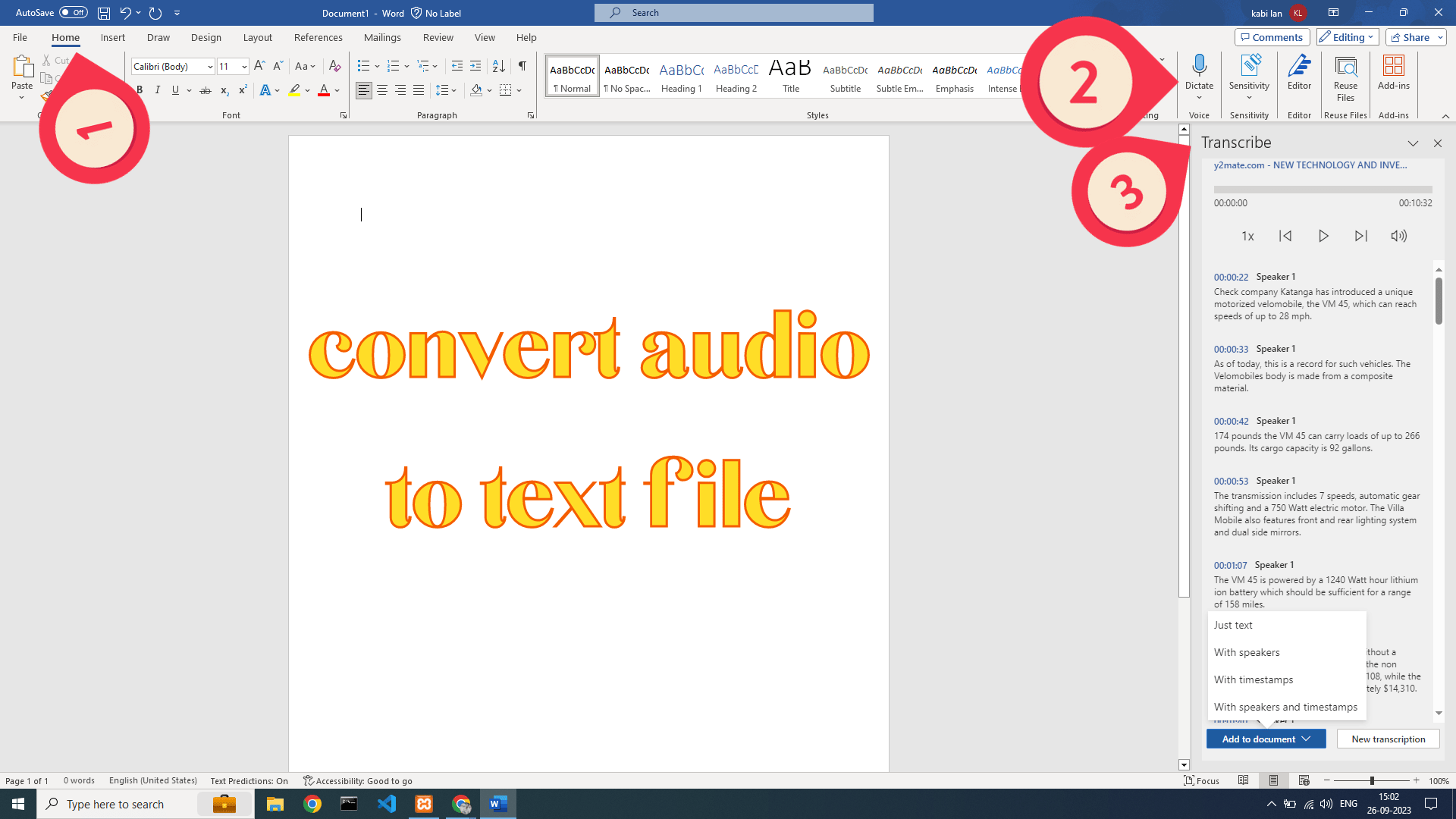
First, find a tool. You’ve probably got one hidden in your phone or computer already. Google Docs has a voice typing feature that works surprisingly well for live dictation. For pre-recorded files, you’ll want a dedicated app. There are tons of free ones out there, and paid ones like Otter.ai or Rev if you want fancy features like speaker identification. Just pick one that doesn’t ask for your firstborn child in the sign-up form.
Second, make sure your audio isn’t terrible. If you recorded your cousin’s band practice in a wind tunnel, the AI will just give up and write gibberish. A quiet room and a decent microphone go a long way. But honestly, even a slightly muffled recording turns into something salvageable. Think of it as a low-res photo—blurry, but you can still tell it’s a dog, not a cat.

Finally, upload the file and hit “Transcribe.” Go get a snack. Maybe fold that mountain of laundry. When you come back, you’ll have a wall of text waiting for you. Then, the fun part begins: skimming through and fixing the robot’s mistakes. You’ll laugh at the weird errors, shake your head at the missing punctuation, and feel a tiny rush of power when you correct the AI’s grammar.
The Aftermath: Feels Like Winning
Once you’ve tidied up the text, you’ll feel like you’ve unlocked a superpower. That scary voice memo is now a neat, shareable document. You can send it to your team, turn it into a blog post, or just save it to Evernote and forget about it forever. The relief is immense.
So, next time you record a spontaneous thought, don’t dread the follow-up. Just remember the robot army is waiting. Click, wait, edit, and conquer. You’ve got this, and your future self is already high-fiving you for being so dang efficient.

![MP3 to Text: How AI Converts Audio Files Into [Guide]](https://computingforgeeks.com/wp-content/uploads/2026/02/mp-3-to-text.png)