How To Tell If An Email Was Read
Okay, let’s be real for a second. You’ve sent that email. The one that matters. The one that’s basically a ticking clock of anxiety between you and your screen.
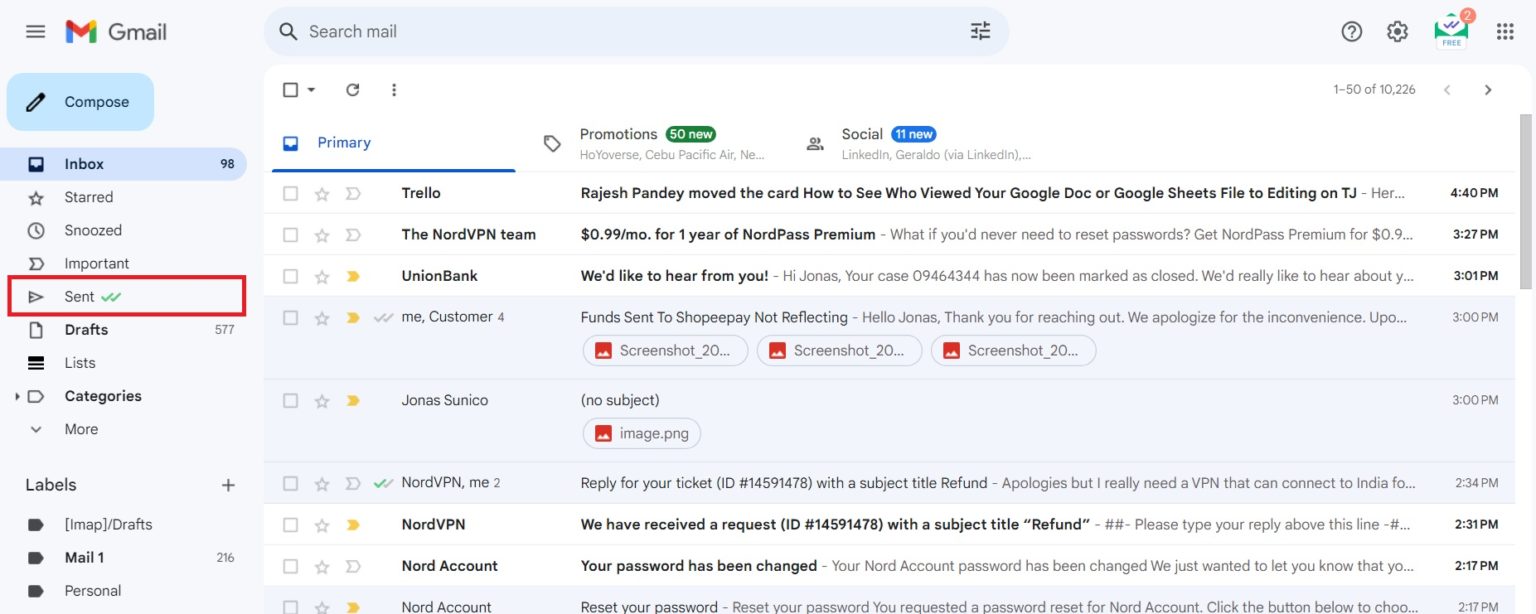
You watch the "Sent" folder. You refresh. You refresh again. Did they see it? Are they ignoring you, or are they just busy pretending to be busy?
We’ve all been there. Staring at the void, wondering if your carefully crafted words are just floating in the digital ether. But here’s the thing—sometimes, you can actually get a peek behind the curtain.
Must Read
The Mystery of the Read Receipt
First, the obvious one. The read receipt. That’s the digital equivalent of a handshake that’s just a little too firm. You know it’s coming, and you’re not sure if you want it.
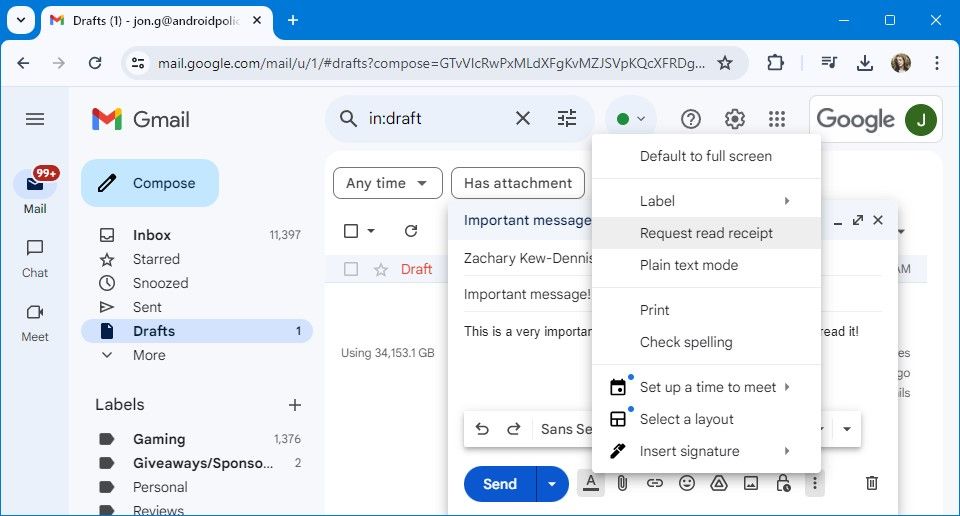
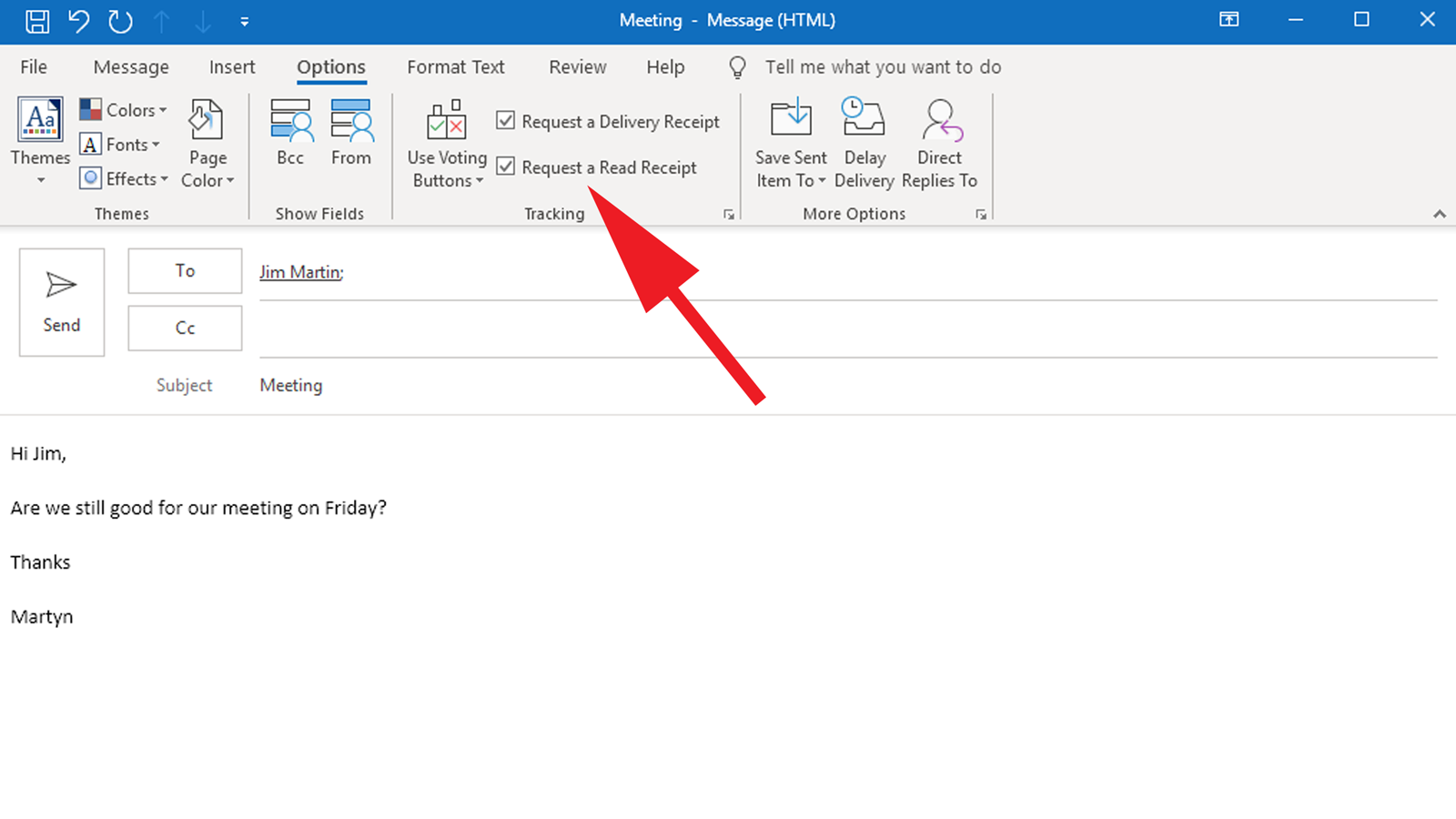
If you’re using Gmail, Outlook, or Apple Mail, you can request one. It’s a polite little nudge that says, "Hey, did you get this?" But here’s the kicker: people can decline it. So, no receipt doesn’t mean no read. It just means they’re a digital ninja.
But honestly, who even uses those anymore? It feels like asking for a receipt at a vending machine. Technically possible, but it makes you look a little desperate, doesn’t it?

The "Tracking Pixel" – Your Secret Weapon
Now we’re getting into spy territory. And I love it. There are tools out there—like Mailtrack, Streak, or HubSpot—that embed a tiny, invisible image into your email. It’s a 1x1 pixel. An itty-bitty dot that absolutely no human eye can see.
When the email is opened, the image loads, and their server gets a little "ping." The tool then lights up your screen like a Christmas tree: "Opened 3 times. Last opened at 4:32 PM." Whoa, slow down, stalker.
Honestly, it’s a rush. You feel like a wizard. You can see the exact minute they clicked. Did they open it at 2 AM? That’s a good sign, or a terrible one. It means you’re on their mind, or they have insomnia. Either way, you’re in there.
Read It, But Not Read Read
Here’s where it gets tricky. The tracking pixel tells you they opened the email. It doesn’t tell you they read it. There’s a difference, people. A huge, canyon-sized difference.
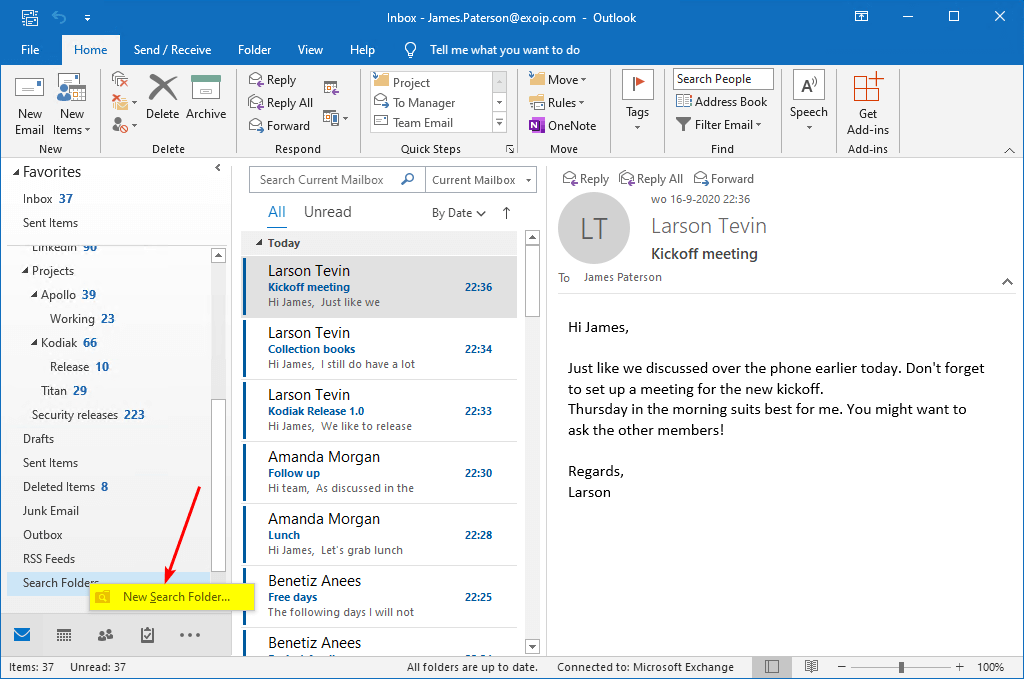
They might have just tapped it on their phone while running to a meeting. Their thumb touched it for a millisecond. The pixel thinks it’s a five-course meal, but really it was just a drive-thru glance.
So, you see the "Opened" flag, and you think, "Great, they know!" But maybe they just saw your name and deleted it out of spite. The horror. The betrayal. The pixel can’t save you from that.
The "Holy Grail" – The Preview Pane
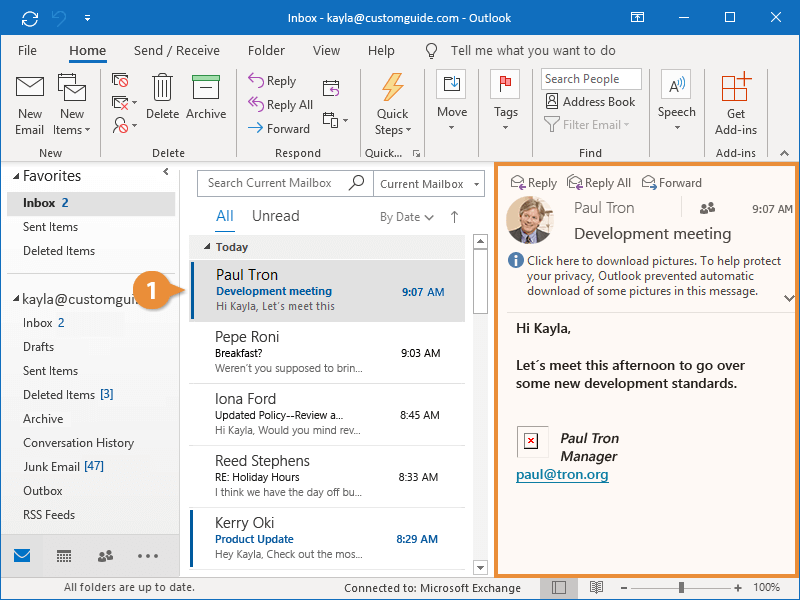
This is the ultimate cheat code. Some email clients, like Gmail on desktop, show you a preview pane. The email is technically "open" even if they haven’t clicked into it. It’s sitting right there, in the right-hand side of the screen, begging for attention.
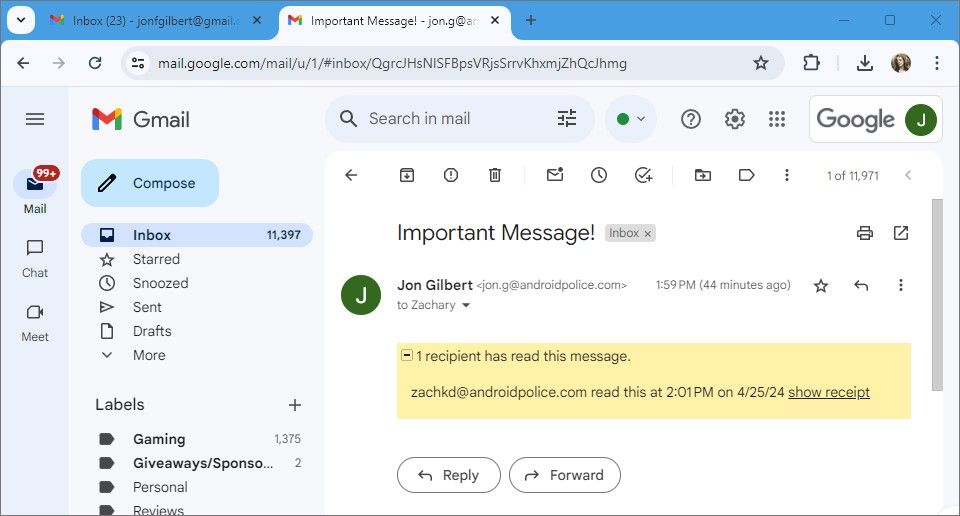
Your tools will track that as a "read." But is it? Did they actually look at it? Or did they just hover over their inbox with a coffee in hand, staring blankly at the list of names? You don’t know. You’re just guessing.
It’s like calling someone and them picking up but not saying "hello" for ten seconds. Is anyone there? Is it a ghost? It’s email limbo, my friend.
The Classic "Reply-Fast" Signal
Forget the tech. The most reliable way to tell if an email was read? Wait for a reply. And if the reply comes back in three minutes, you know they were sitting at their desk, refreshing, just waiting for your witty words.
If they reply at 2 AM, they’re a night owl or a secretive genius. If they reply a week later saying, "Sorry, just got this," they’re lying. Unless they were in the Amazon rainforest. Then maybe they’re telling the truth.

But a swift, thoughtful reply? That’s the digital equivalent of them locking eyes with you across a crowded room. They saw it, they processed it, and they came back for more. That’s the gold star.
The Nuclear Option: Tech Withdrawal
I’ll let you in on a little secret. Sometimes, I don’t want to know. I’ll disable tracking because the anxiety of seeing "Opened" and still not getting a reply is worse than not knowing at all. Ignorance is bliss, right?
It’s easier to tell myself, "Oh, they probably never got it" than to face the brutal truth that they read it and decided to ghost me. That’s a pain no tracking pixel can cure.
So, my advice? Try the tools. Play detective. But have a drink nearby for when you see "Opened at 10:15 AM" and it’s now Friday. You’ll need it. Good luck out there, you beautiful cyber-sleuth, you.