Install Confluent Kafka On Windows
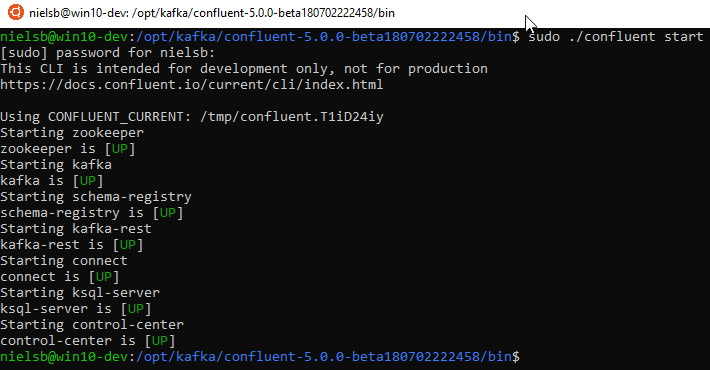
Picture this: you’re on Windows, and you want to tame the data beast that is Apache Kafka. Enter Confluent, the friendly neighborhood distributor that wraps Kafka in a cozy, user-friendly blanket. It’s like getting a race car with power steering and a cup holder. Sounds fun, right? Let’s do it.
Why Bother with Confluent on Windows?
Kafka is the software that powers half the internet’s data streams, from your food delivery app to your stock trading platform. But raw Kafka is a bit like a grumpy cat—powerful, but it won’t do what you want without a fight. Confluent is the cat whisperer. It gives you tools, a slick UI, and—spoiler alert—it runs on Windows without needing a Linux shrine.
Plus, doing this on Windows feels like hacking the system. Everyone assumes the cool data stuff happens on Linux. You’ll be the rebel who streams a million messages while your PC still has time to run a Zoom call. That’s the dream.
Must Read
Step 1: Get Your Java On
First, you need Java. Not the liquid kind you put on toast—the Oracle or OpenJDK kind. Kafka is a JVM app, so it’s basically a picky eater that demands a specific version. Go grab Java 8, 11, or 17. Don’t ask why; just pick 11. It’s the Goldilocks of Java versions.
Check your install by typing “java -version” in a command prompt. If you get an error, you’re not doomed. Just set your JAVA_HOME environment variable, which is tech-speak for “telling Windows where you hid the goods.” It’s like giving your GPS the right address for a party.

Step 2: Download the Confluent Bundle
Hop to the Confluent Community download page. You’ll see a giant file named something like confluent-7.6.0.tar.gz. On Windows, a .tar.gz file is a Russian nesting doll of compression. You’ll need 7-Zip or WinRAR to crack it open—not the built-in Windows extractor, which will have a meltdown.
Once extracted, put the folder somewhere easy, like C:\confluent. Avoid paths with spaces, because Kafka gets motion sickness when it sees a folder named “New Folder (2)”. Trust me.
Step 3: Run the Magic Commands
Open a command prompt as Administrator—right-click, “Run as admin,” like you’re the boss of your PC. Now navigate to your Confluent folder. You’ll want to run two commands in two separate windows. Yes, two windows. Kafka is lonely and needs a friend.
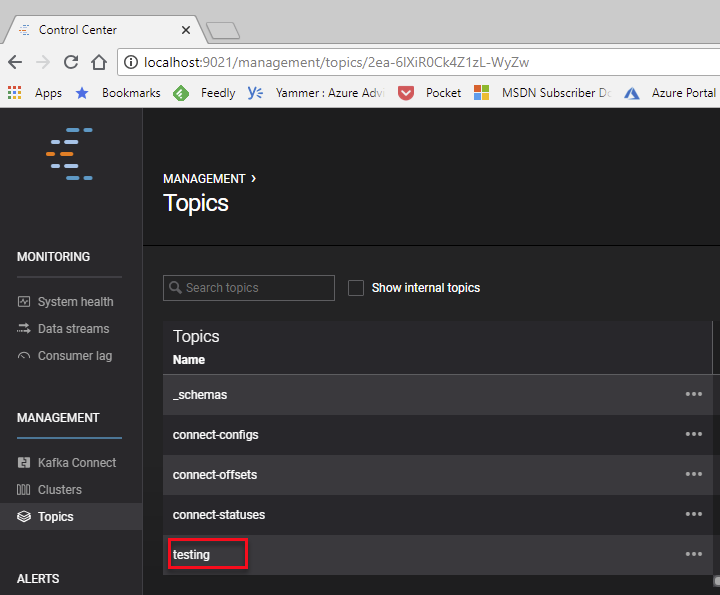
Window #1: Start ZooKeeper (the ringmaster of the Kafka circus). Type “bin\windows\zookeeper-server-start.bat config\zookeeper.properties”. Watch it spin up. It looks like a robot having a beautiful, never-ending coffee order. Window #2: Start Kafka with “bin\windows\kafka-server-start.bat config\server.properties”. Boom—your Windows machine is now a data tornado.
The Quirky Gotchas
Here’s the punchline: Windows Defender will occasionally block Kafka’s ports. It thinks your data stream is a virus. Don’t laugh—it happens. Fix it by adding a firewall rule for port 9092. Also, avoid using PowerShell for these scripts. Use the good ol’ CMD. PowerShell is like bringing a fancy sports car to a mud rally; it won’t end well.
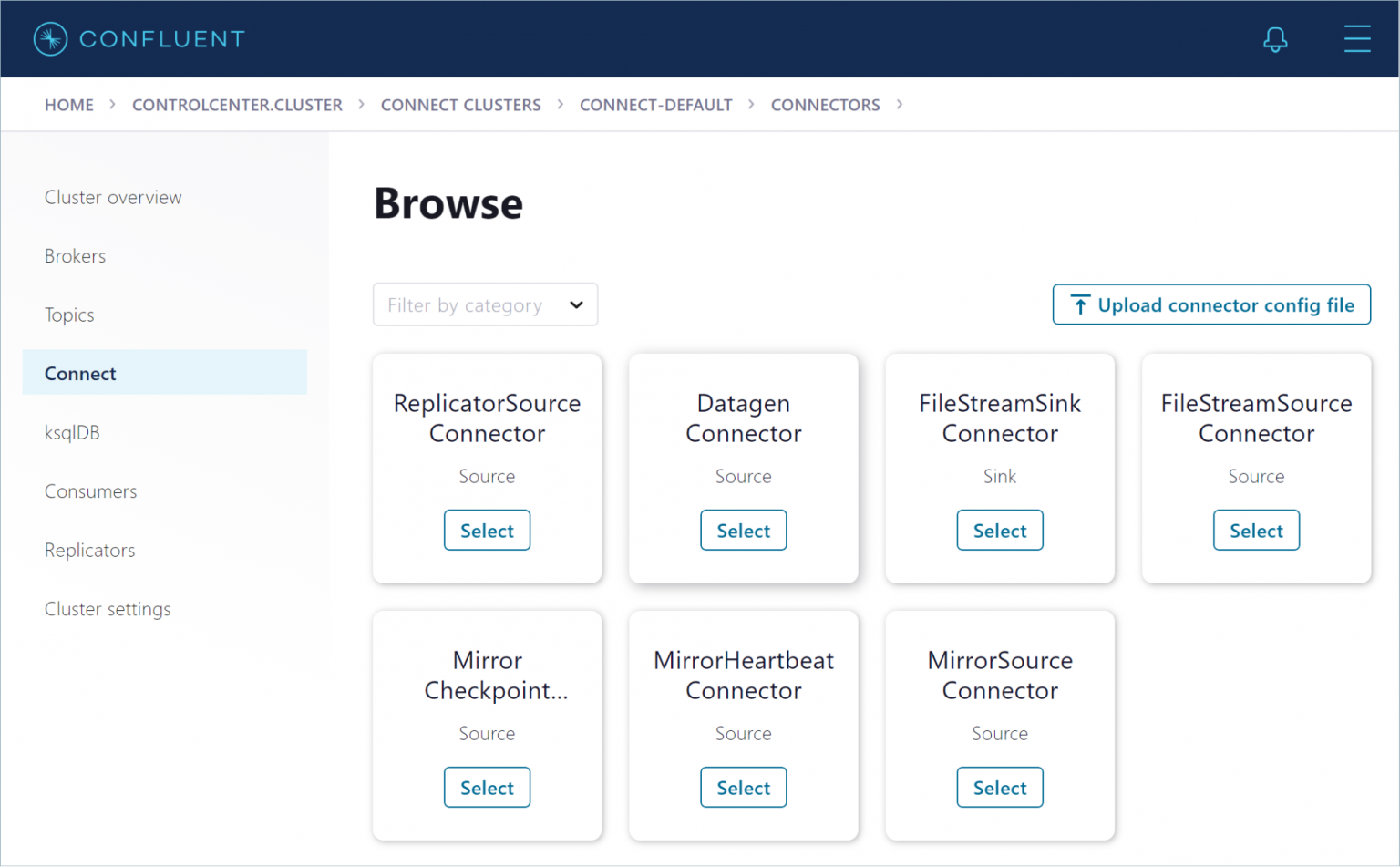
And here’s a fun fact: Kafka’s name comes from the writer Franz Kafka. Because it’s about “streams,” but honestly, it’s more like a bureaucratic nightmare that actually works. You’ll feel like Josef K. when it finally starts—confused but triumphant.
Why This Is Actually Fun
When you get that first message through, you’ll feel a jolt of power. You created a real-time data pipeline on a machine that also runs Excel. That’s not just tech; that’s magic with a Windows Update schedule. You can now tell your friends you “ran a distributed system” while eating cereal. They’ll be impressed. You’ll be hooked.
So go grab Java, wrestle that .tar.gz, and unleash the Kafka. Windows never felt so delightfully chaotic.