How To Set Up Iphone With Verizon
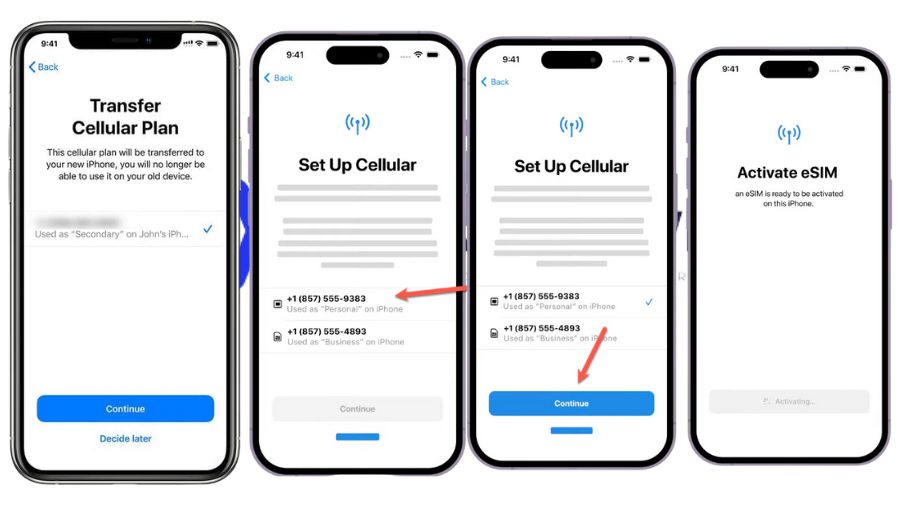
You Got a New iPhone? Let’s Make It Sing on Verizon
Okay, you’ve just unboxed that glorious slab of glass and aluminum. It smells like vanilla and possibility, and your old phone suddenly feels like a potato with a screen. Now, the big question: how do you get this beauty chatting with Verizon without breaking a sweat? Spoiler alert: it’s easier than teaching your grandma to use TikTok—and twice as fun.
First, flip that shiny iPhone over and find the tiny SIM card tray on the right side. You’ll need a paperclip or the little tool that came in the box—no, your house key won’t work, trust me, I’ve tried (and scratched a table). Pop the tray out, and if Verizon sent you a new SIM card, place it in the tray with the gold chip facing down, like you’re tucking in a baby chip. Slide it back in until you hear a satisfying click that feels like a high-five from the universe.
Now press and hold the side button until you see the Apple logo—cue the dramatic music. If your phone is acting like a stubborn mule, don’t panic; it’s just waking up. Once you see “Hello” in a dozen languages, swipe up and follow the prompts, but here’s the golden rule: when it asks for Wi-Fi, either skip it or connect to your home network. Verizon will take care of the rest, but you’re not a magician—you need a little signal to work with.
Must Read
The Magic “No-SIM” Trick (For the Impatient)
What if you didn’t get a SIM card because Verizon went all digital and fancy? No problem, my friend. Your iPhone can activate itself over Wi-Fi—it’s like the phone is doing a secret handshake with Verizon’s servers. Just choose “Set Up Manually,” and when you see “Cellular Data” options, keep tapping “Continue” until it finds your number. This is where you hold your breath and whisper sweet nothings to the screen.
If you see an error that says “No SIM Card Installed,” don’t scream. It’s just your phone being dramatic. Give it a second—or a gentle restart by holding power + volume up—and it’ll usually calm down.
Now, here’s the part that feels like winning a carnival game: call your own number from a friend’s phone. If your iPhone buzzes and plays that cheerful chime, congratulations—you’re officially a Verizon superhero. If it doesn’t, check that you’re not in a basement or a tin foil hat. Seriously, materials like metal or concrete can block signals like a grumpy bouncer.

Old Phone, New Tricks (Transfer Your Stuff)
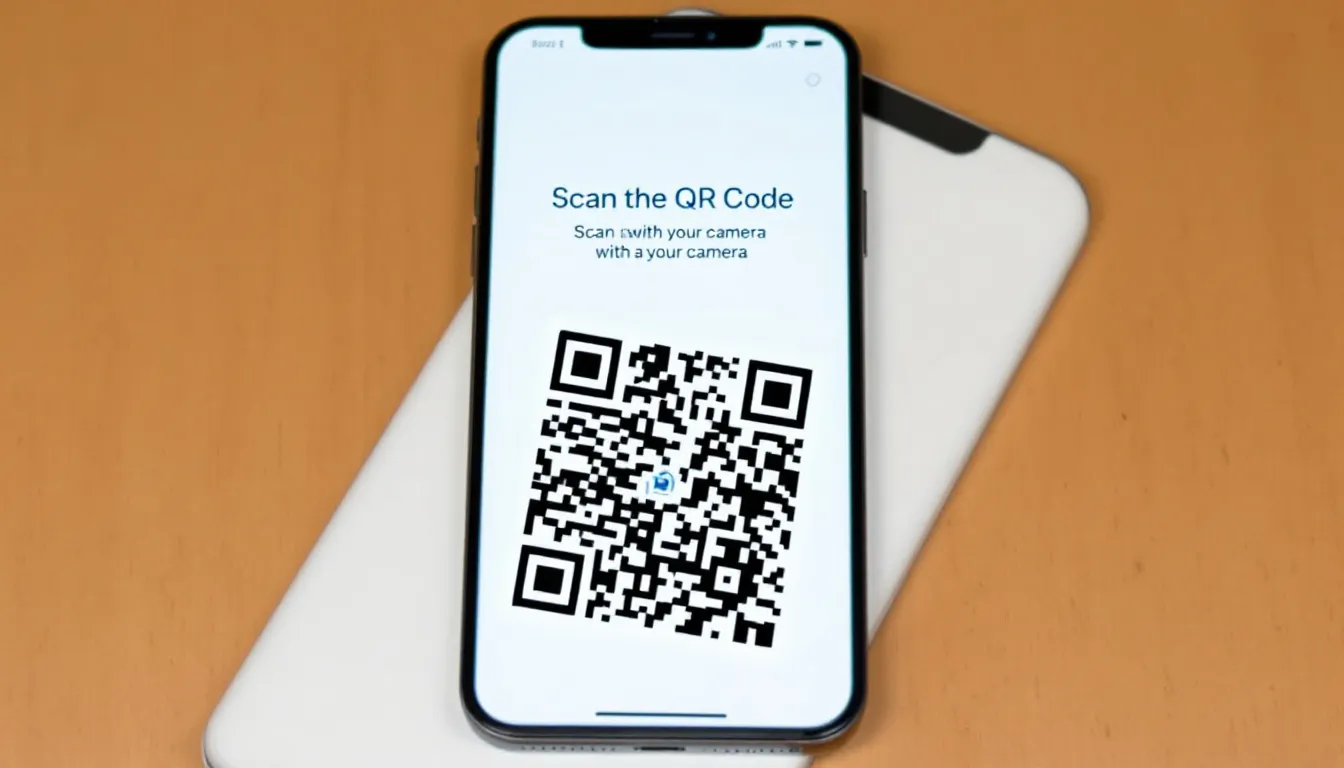
Don’t you dare leave your photos and contacts behind—that’s like moving to a new house and forgetting your couch. Grab your old phone and the new iPhone, and use the Quick Start feature: just hold them next to each other and watch a sparkly animation appear. It’ll ask you to scan a dot pattern with the new phone’s camera—yes, it’s weirdly intimate, but it works.
If you’re coming from an Android, download the “Move to iOS” app on the old device. You’ll get a code to type in, and then your photos, texts, and even your favorite embarrassing memes will migrate over. It’s like a teleporter for your digital life—minus the Star Trek sound effects, unfortunately.

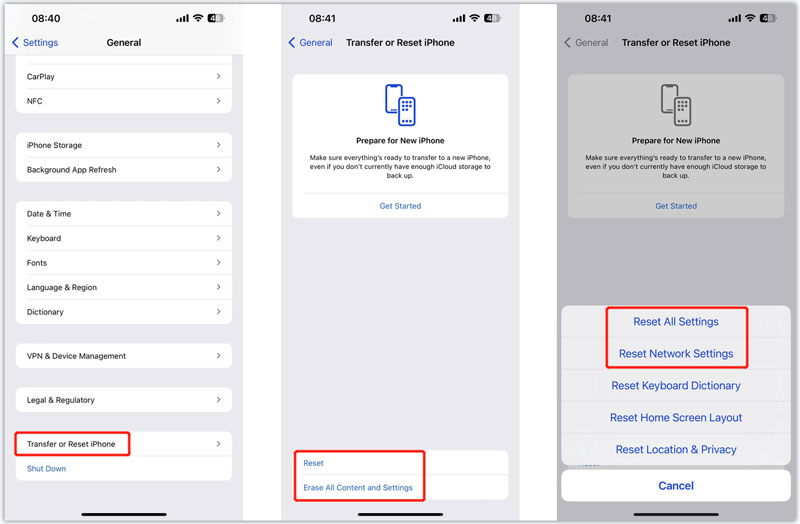
No signal yet? Let’s play Detective iPhone. Go to Settings > Cellular and make sure “Cellular Data” is toggled on. If it’s off, your phone is basically a hoity-toity music player. Then, toggling Airplane Mode on and off for ten seconds is the tech equivalent of shaking a ketchup bottle—it unsticks things. And if all else fails, turn the phone fully off and on again. Yes, we know it’s cliché, but it’s also the universe’s way of saying “Let’s start over, honey.”
When All Else Fails (And It Won’t)
If you’re still staring at a blank “No Service” bar, take a deep breath and walk to a window—not because your phone needs fresh air, but because Verizon’s signal loves daylight. You can also text “ACTIVATE” to 611611 from any working phone, and they’ll send you a magical link. Or, the absolute power move: dial *228 and hit send—this is an ancient Verizon ritual that reboots your connection like a massage for your SIM card.
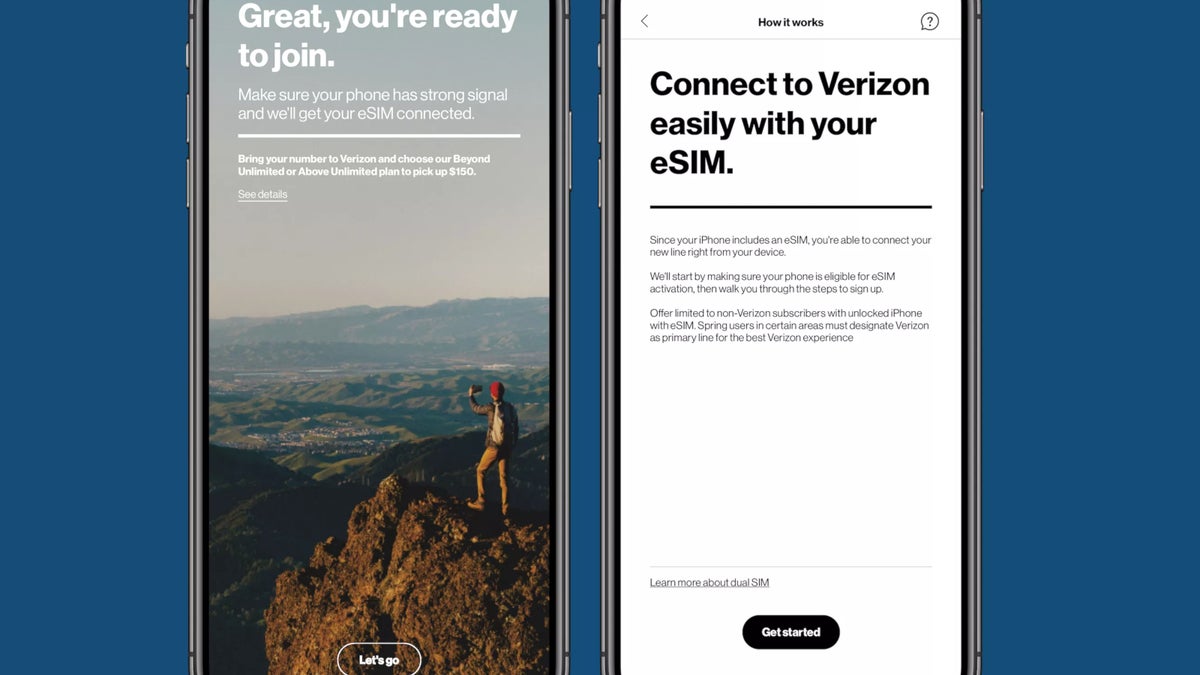
Still stuck? Don’t be a hero. Call Verizon at 1-800-922-0204, and a friendly human will hold your hand (virtually) through every step. You’ll be up and running in five minutes, I promise—those folks are like phone wizards with clipboards.
And once you see those glorious bars light up in the top corner, do a little dance. Seriously, drop your shoulders, wiggle your hips, and give yourself a high five. You just conquered technology with a smile—and now your iPhone is officially best friends with Big Red. Go send a group text, stream some nonsense, and never look back. You earned it.