How To Send Yourself Large Files
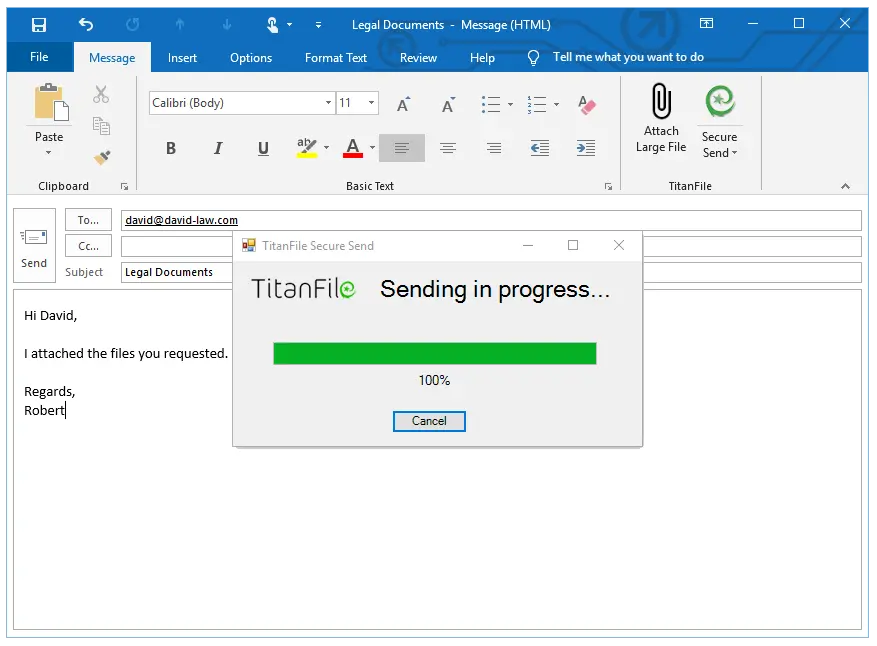
Ever tried to email a video of your cat’s 10-minute staring contest with a wall? You hit send, and the universe replies with a giant, red error message. Your heart sinks, and you remember that old, clunky feeling of being stuck in 2005.
Don’t you worry, my digital friend. I’ve got your back. Sending yourself large files is not magic; it’s just a clever game of digital hot potato. Let’s turn that frustration into a victory lap.
Say Hello To Your New Best Friend: Cloud Storage
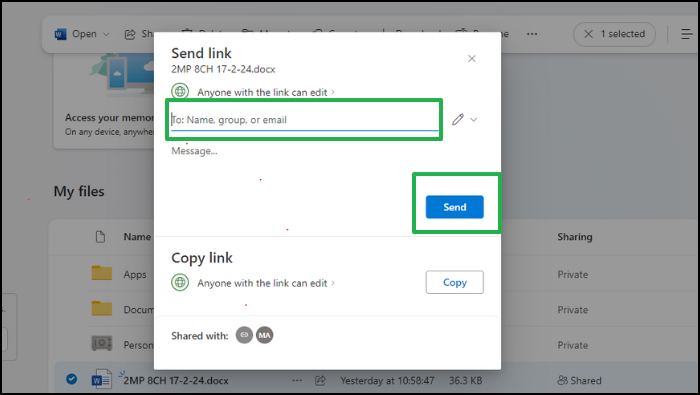
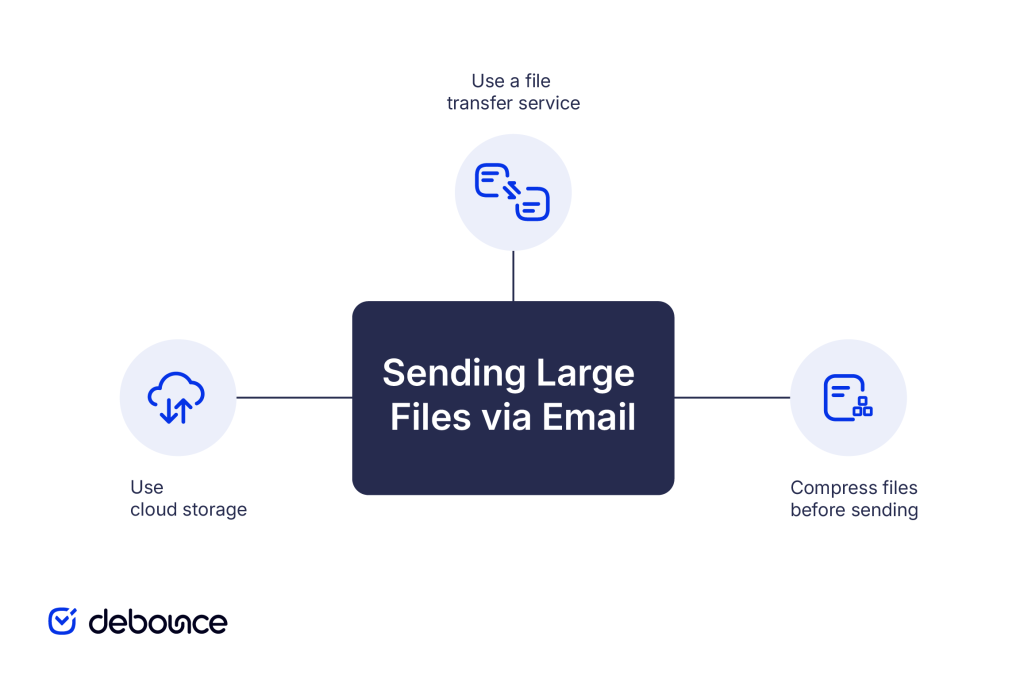
Forget email entirely for the big stuff. Think of Google Drive, Dropbox, or Microsoft OneDrive as your own personal, magical warehouse in the sky. You toss a giant folder of vacation photos in, and it just... floats there, waiting for you.
Must Read
The trick is to create a shareable link instead of attaching the file. It’s like leaving a secret door open for yourself instead of trying to shove a sofa through a mail slot.
Pro tip: If you’re sending a file to yourself, you don’t even need to type a subject line. Just toss it up there and let the cloud do the heavy lifting.
These services give you a ton of free space, and the upload speed is usually lightning-fast. You can even start the upload from your phone, go make a sandwich, and come back to a finished job. Pure magic.
The Heavyweight Champion: WeTransfer
Now, what if your file is so big it makes your computer fan sound like a jet engine? That’s the time to call in the muscle. WeTransfer is the superhero of file sending, and it’s gloriously simple.
You just pick your file, enter your email address twice, and hit that big blue button. It’s the closest thing to teleportation we have in the real world. It doesn’t even ask for a password for the free version, which is both terrifying and amazing.
Sure, the file disappears after a few days, but that’s plenty of time for you to grab it on your other device. Just remember to download it before it vanishes into the ether, or you’ll be doing the “upload dance” all over again.

For the Sneaky Senders: Compression Magic
If your file is stubborn, you can make it shrink. That’s where ZIP files come in, like a vacuum bag for your digital clutter. Right-click that massive folder, select “Compress,” and poof—it becomes a smaller, neater package.
This is perfect for sending a bunch of photos or old documents to your future self. It’s the digital equivalent of squeezing into your favorite pair of jeans after the holidays. It might be a tight fit, but it works.
Just be careful not to compress something that’s already a video, like an .mp4. Those are like overstuffed suitcases; squeezing them more just wastes your time.
The Sneaky Window: AirDrop & Nearby Share
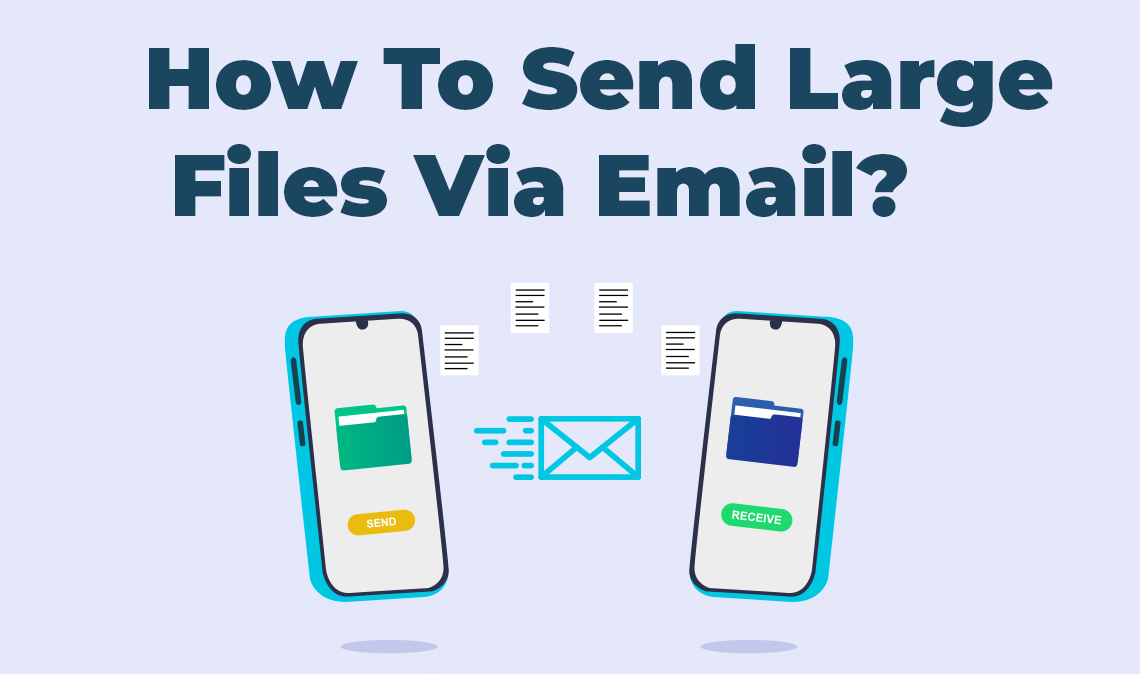
If your devices are in the same room, you don’t need the internet at all! This is where AirDrop (for Apple fans) and Nearby Share (for Android folks) come to the rescue. It’s like Bluetooth’s cooler, way faster older sibling.
You just hover your mouse over the file, click share, and bam—it flies across the room in seconds. It’s so fast it makes Wi-Fi feel like dial-up. You’ll feel like a secret agent passing intel.
This is perfect for moving a movie from your laptop to your tablet before a long flight. No clouds, no waiting, just pure, local magic. It’s the most satisfying “send” you’ll ever hit.

Don't Forget The Old School: Free File Drop Sites
There’s a secret corner of the internet for files that are just too weird for everyone else. Sites like SendAnywhere or Smash are like the unglamorous but reliable couriers of the web. They don’t care if you’re sending a 20GB video of your gaming highlights; they’ll take it.
The free versions usually have a file size limit, but it’s often way higher than email. You’ll get a link that you can instantly paste into a chat with your other device. It’s not fancy, but it’s fiercely effective.
Remember: If you’re sending something truly massive, just be patient. Grab a snack, do some stretches, and let the upload bar do its thing. It’s a marathon, not a sprint.
So go ahead, send yourself that giant game recording or that family movie from 2010. You’ve got the tools, the tricks, and the simple know-how. Now go be the hero of your own digital life—you deserve it!