
How To Record Your Screen With Internal Audio
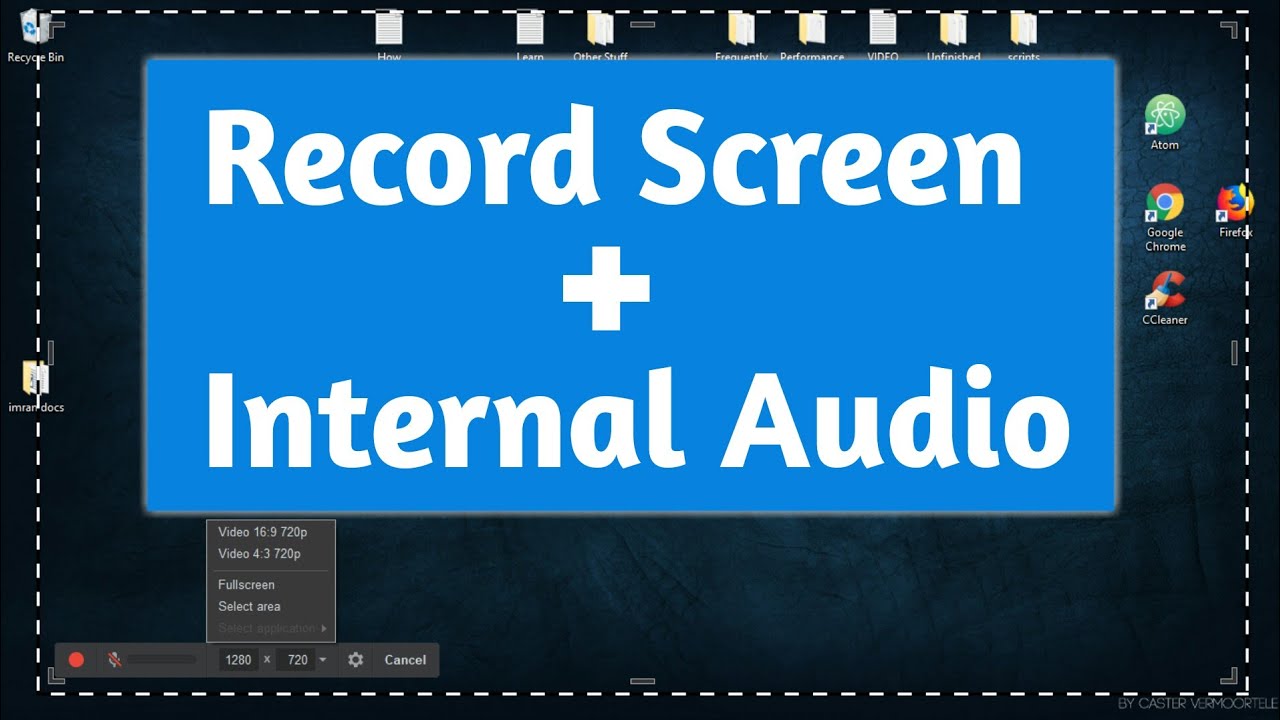
Have you ever wanted to record your screen with internal audio to capture a hilarious gaming moment or to create a tutorial for your friends? It's actually pretty easy and entertaining to do! With the right tools, you can create high-quality videos that showcase your screen and audio in a few simple steps.
The first step is to choose a screen recording software that suits your needs. There are many options available, both free and paid, such as OBS Studio, Camtasia, and Bandicam. These programs allow you to capture your screen and internal audio with ease, and some even offer advanced features like video editing and special effects.
Why Record Your Screen?
Recording your screen with internal audio can be a great way to create engaging content for social media, YouTube, or even just for personal use. You can capture gaming highlights, tutorial videos, or even software demos with ease. It's also a fantastic way to preserve memories of your gaming achievements or to share knowledge with others.
Must Read
One of the coolest features of screen recording software is the ability to capture internal audio. This means you can record the sound from your computer, such as game sound effects or video audio, without having to use an external microphone. It's a game-changer for creating high-quality videos that are both visually and audibly appealing.
Recording your screen with internal audio is like having a superpower that allows you to capture and share anything on your computer with the world.
This feature is especially useful for gamers who want to showcase their skills or for content creators who need to create tutorial videos. With the ability to record internal audio, you can create videos that are more engaging, informative, and entertaining. It's a must-have feature for anyone who wants to take their content to the next level.
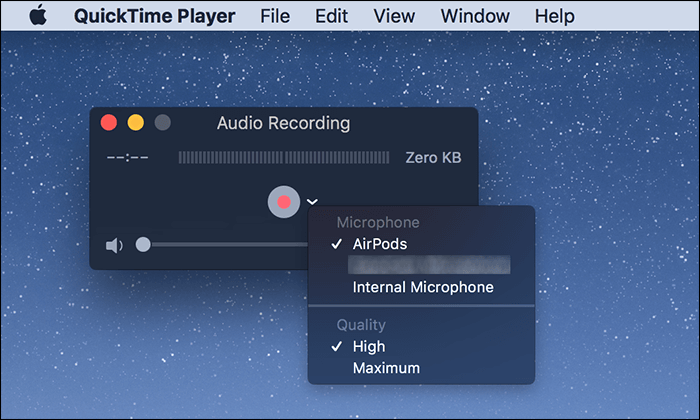
Another benefit of recording your screen with internal audio is that it allows you to edit and enhance your videos with ease. Many screen recording software programs come with built-in video editing tools that let you trim, cut, and arrange your clips, as well as add special effects and transitions. This means you can create professional-looking videos that are polished and engaging, without needing to be a video editing expert.
Getting Started
To get started with recording your screen with internal audio, simply choose a screen recording software that meets your needs and follow the easy-to-use interface. Most programs will guide you through the process of setting up your recording and choosing the audio source. From there, you can start recording and creating your own videos with ease and confidence.
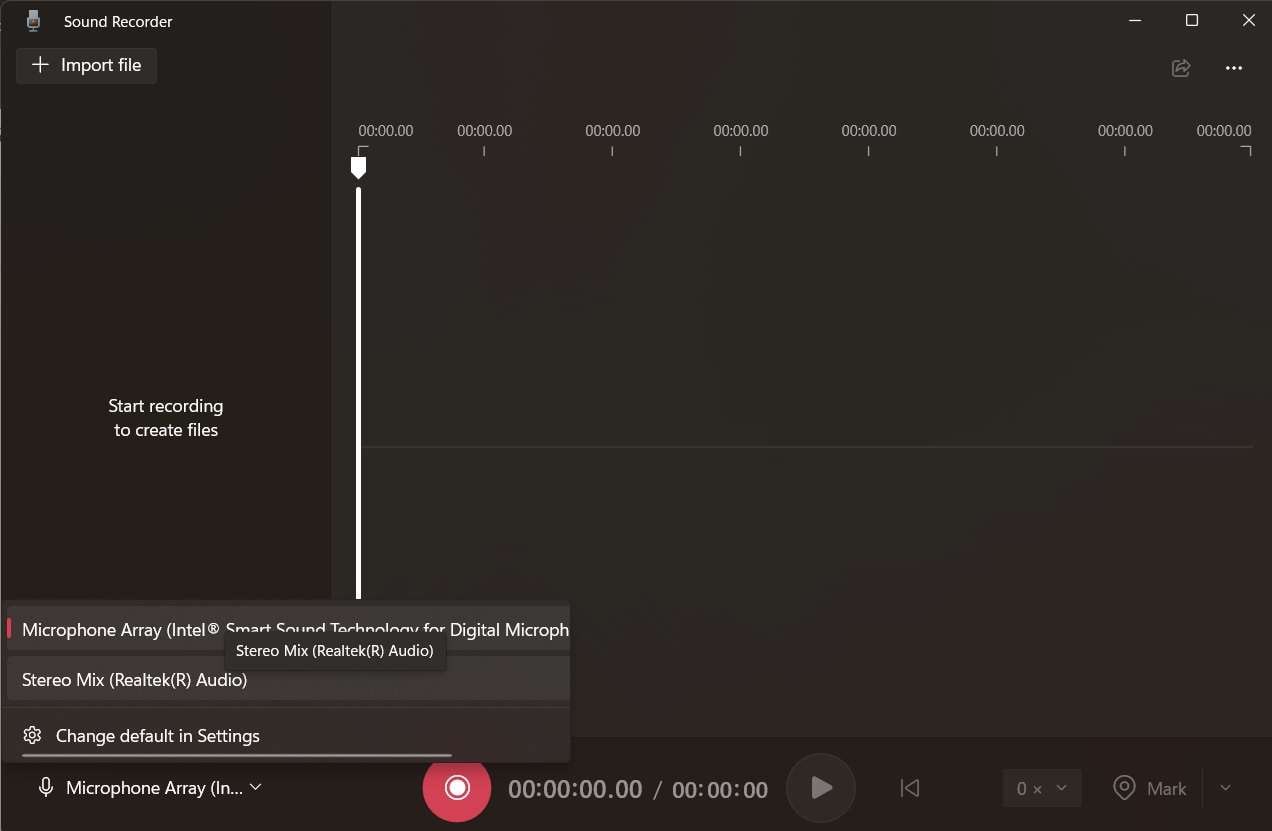
Recording your screen with internal audio is a fun and rewarding experience that can help you create engaging content and share your knowledge with others. With the right tools and a little practice, you can become a screen recording pro and start creating high-quality videos that showcase your screen and audio. So why not give it a try and see what kind of amazing content you can create?
As you experiment with recording your screen with internal audio, you'll discover the many possibilities and benefits it has to offer. From gaming highlights to tutorial videos, the options are endless, and the results are always entertaining and informative. So don't be afraid to get creative and try out new things – you never know what amazing content you might come up with!
![How to Record Internal Audio on Windows 10 [5 Easy Ways]](https://www.fonedog.com/image/screen-recorder/start-recording-audio.png)
The world of screen recording with internal audio is a vast and exciting one, full of possibilities and opportunities. With the right tools and a little imagination, you can create high-quality videos that showcase your screen and audio in a unique and engaging way. So why not start exploring this world today and see what kind of amazing content you can create?
As you delve deeper into the world of screen recording with internal audio, you'll find that it's not just about capturing your screen and audio – it's about creating a story and sharing your vision with others. It's a powerful tool that can help you connect with others, share your knowledge, and showcase your creativity. So don't be afraid to get creative and try out new things – you never know what amazing content you might come up with!


