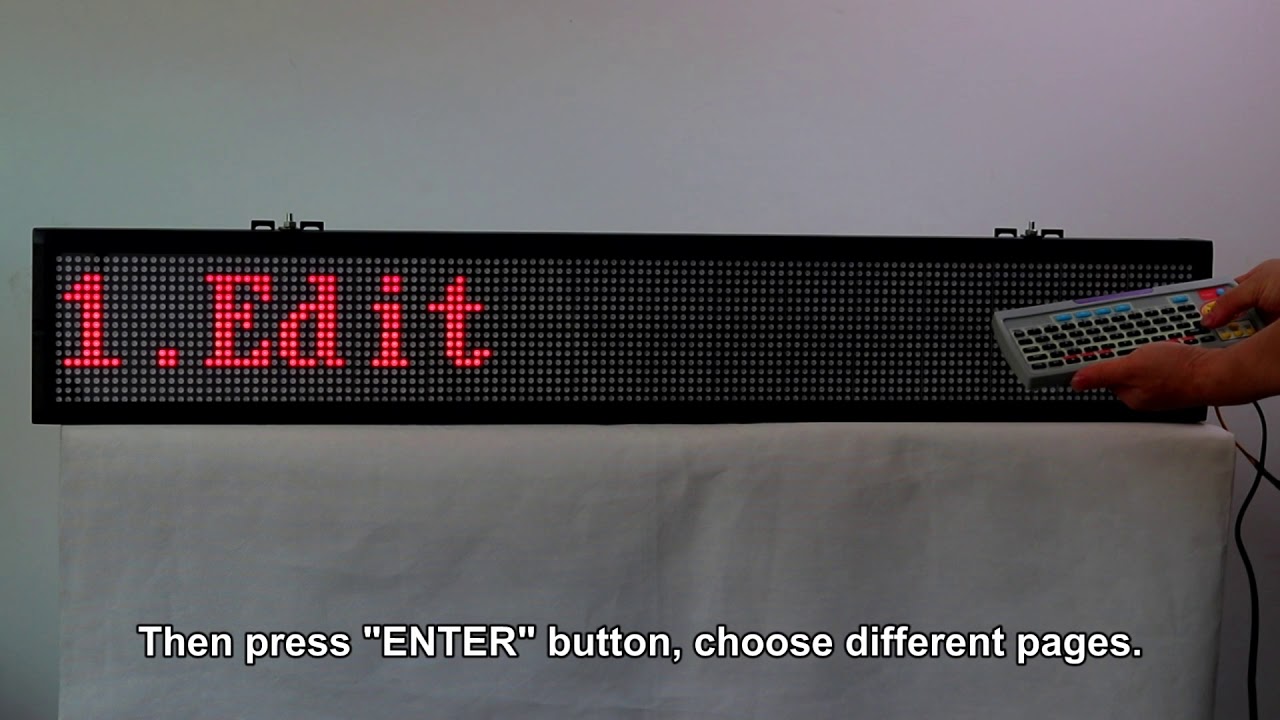
How To Program Scrolling Led Sign

Ever walked past a coffee shop and seen that little LED sign scrolling “Fresh Brew – 2 for 1” and thought, “How do they do that?” Well, friend, it’s not magic. It’s just a tiny computer chip and some clever code that you can absolutely learn in an afternoon.
Think of a scrolling LED sign as a digital typewriter that never runs out of ink. Instead of pressing keys to make letters on paper, you tell a microcontroller (like an Arduino) which little lights to turn on, in what order, and how fast. The “scrolling” effect is just an illusion—your eyes are fooling you into thinking the text is moving smoothly, kind of like how a flipbook makes a stick figure run.
Why Bother? It’s Just Lights, Right?
Here’s the thing: programming one of these is like learning to play a tiny, glowing piano. You get to control rhythm, timing, and even emotion with colors and speed. Yes, you could buy a pre-made sign, but where’s the fun in that?
Must Read
When you build your own, you can make it say “Water the plants” in your kitchen, or scroll a cheeky joke across your office door. Plus, it’s a ridiculously satisfying gateway project—after this, you’ll look at traffic signs and vending machines like, “Oh, I could hack that.”
What You’ll Actually Need (And It’s Less Than You Think)
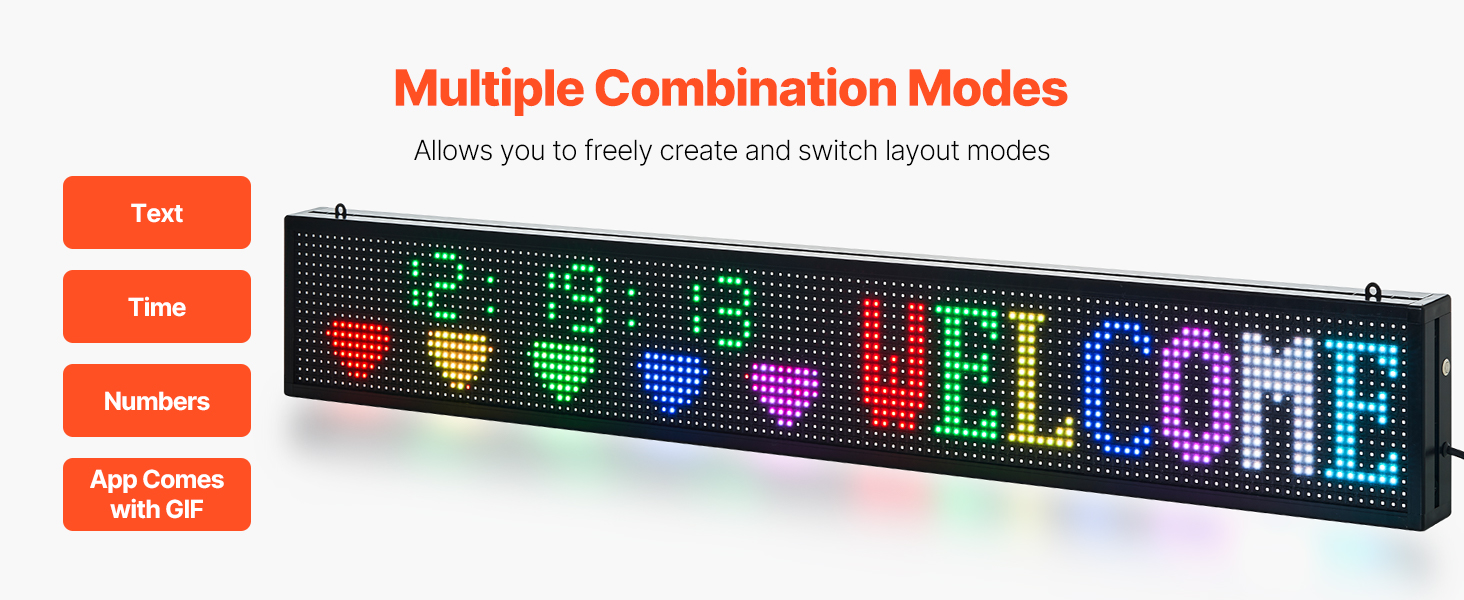
Don’t panic about the parts list. You only need three main things: a matrix display (that’s the grid of LEDs, usually 8×32 or similar), a microcontroller (the brain, like an Arduino Uno or a Raspberry Pi Pico), and a power source (a USB cable is fine for small ones).
You’ll also need a computer to write a few lines of code. The software is free, and most libraries (pre-written code chunks) handle the hard math for you. You’re basically just telling the sign what to say, and the library figures out how to make it wiggle left.
The “Programming” Part Isn’t Scary
Forget those terrifying movies where hackers type green code at 100mph. Making a scrolling message is closer to writing a shopping list with instructions. You’ll use a simple language like C++ or MicroPython, but you only need to learn about loops (doing the same thing over and over) and strings (your actual text).

Here’s a mental model: you’re telling the sign, “Start with the letter ‘H’. Then shift every dot one space left. Wait 50 milliseconds. Repeat.” Do that a thousand times a second, and your brain sees a smooth glide instead of a choppy hop. It’s like stop-motion animation for adults.
The Fun Part: Messing With the Code
Once you get a basic “Hello World” scrolling across, the real joy begins. Change the speed to make it zippy or slow and dramatic. Reverse the direction so it scrolls right—why not? Even better, swap the logic so the text blinks every other second.
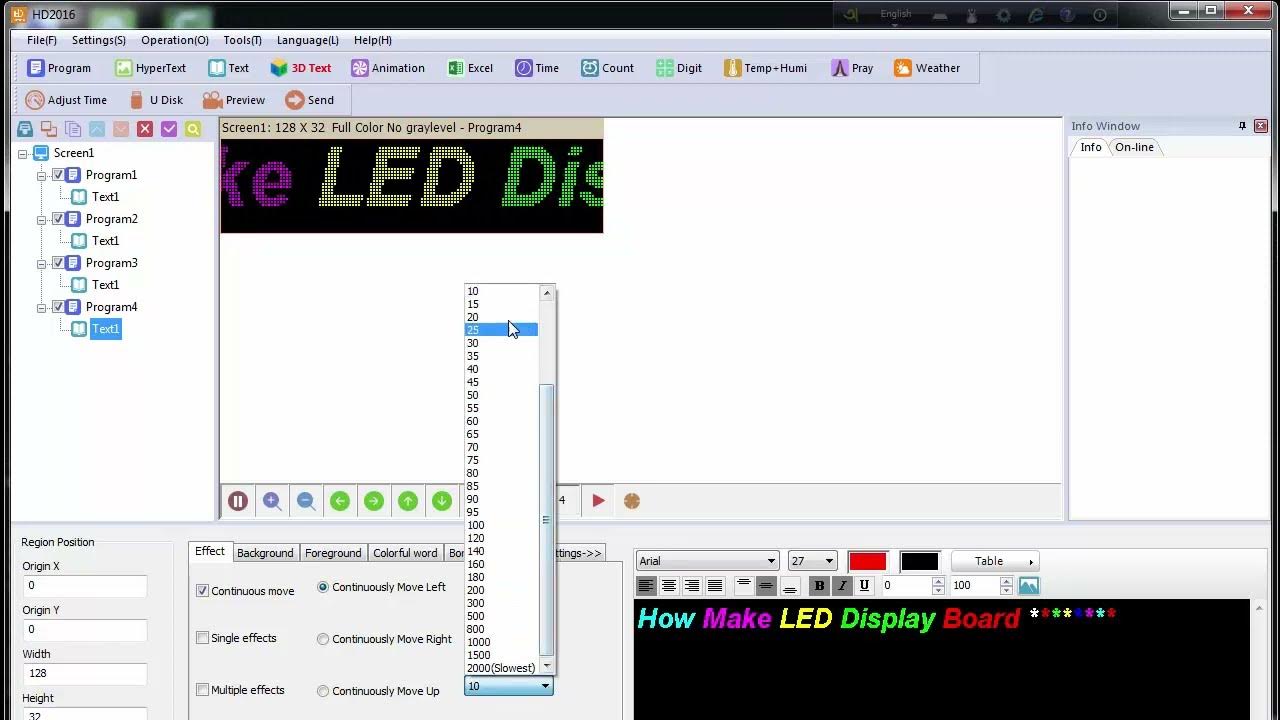
You can add simple animations—like a little bouncing dot that follows your words. Or, if you’re feeling spicy, hook up a temperature sensor to the sign. Now it scrolls “72°F – Perfect for a beer.” That’s not just programming; that’s personal broadcasting.
The “Aha” Moment
When you upload your code and see that glowing red text slide across the strip for the first time, you’ll laugh out loud. It feels like you’ve whispered a secret to a plastic box and it actually listened.
And here’s the chillest part: if you mess up, nothing explodes. You just tweak the code and try again. That’s the beauty of this hobby—mistakes are just experiments wearing a lab coat. So grab a cheap kit, pour a coffee, and give your wall something to say. You’ve got this.