Does Norton Antivirus Remove Viruses
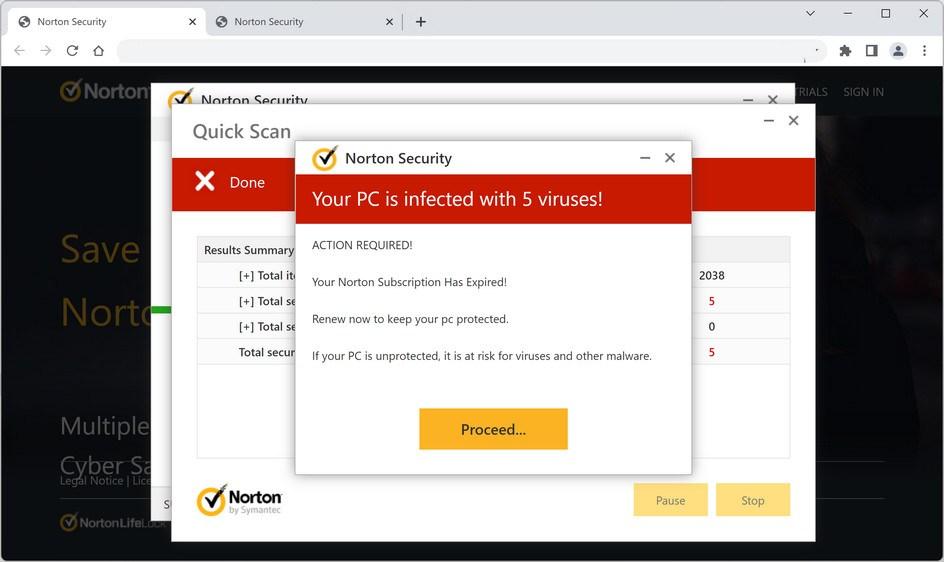
Okay, let’s be real for a second. You’ve just seen a sketchy pop-up, your computer is acting like it’s had three espressos too many, and you’re staring at that little shield icon thinking, “Alright, buddy, do your thing.” So, does Norton Antivirus actually remove viruses? The short answer is a resounding yes, but let’s dig into the fun, messy details, because nothing in tech is ever just a yes or no.
The “Exterminator” Role
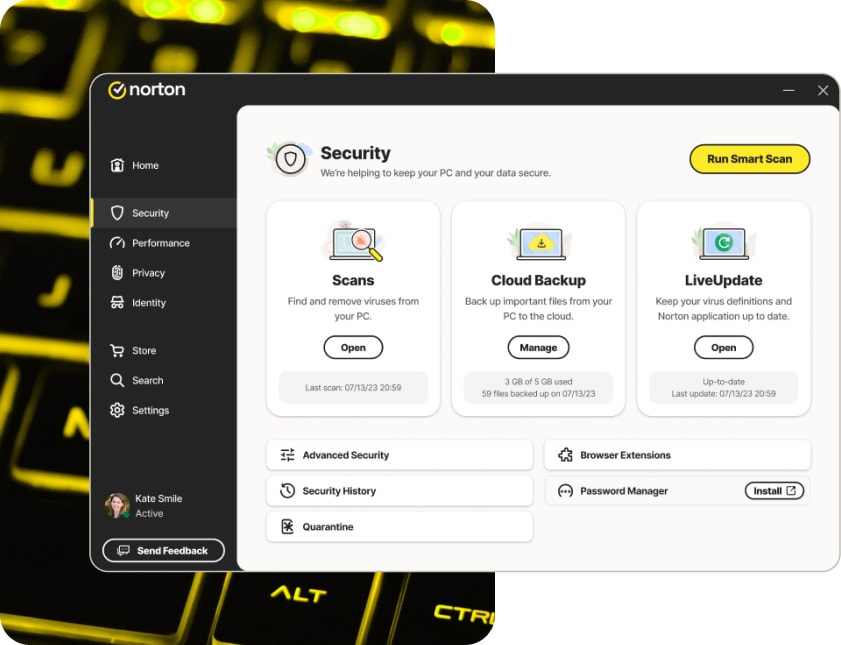
Think of Norton not as a gentle nanny, but as the exterminator with a very loud, very thorough vacuum. It doesn’t just wave a magic wand; it scans your whole system, hunts down nasty files, and then quarantines them faster than you can say “oops.” Quarantine is basically digital jail—the virus is locked up, can’t cause trouble, and you get the choice to delete it for good or try to resurrect it (please don’t).
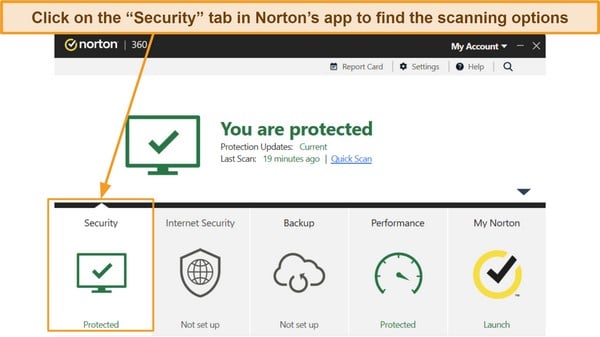
So, when you run a full system scan—not the quick one, the big one that takes an awkwardly long coffee break—Norton will find the little buggers and remove them. It’s pretty darn good at its job, we have to give it that.
Must Read
But Wait, There’s a Catch (Isn’t There Always?)
Here’s where the plot thickens, my friend. Norton is fantastic at removing known viruses, the ones on its “Most Wanted” list. But what if you’ve got a brand-new, never-before-seen virus that was just hatched in some dark basement? That’s where “heuristic” detection kicks in—basically, Norton sniffs around for suspicious behavior rather than a specific fingerprint.
Now, here’s the kicker: Norton might detect something, but it can’t always “remove” it if the virus has deeply embedded itself into your operating system. Think of it like a splinter that’s gone so deep you need a doctor—sometimes Norton can’t pull it out alone. In those super rare cases, it might ask you to restart in Safe Mode or use its bootable recovery tool. But hey, that’s still removal, just with extra steps and a few dramatic pauses.
The “I’m Already Infected” Dilemma
Here’s a little secret: Norton works best as a bodyguard, not a surgeon. If you install it after your computer is already vomiting pop-ups and crawling at a snail’s pace, it’s going to have a rough day. It CAN clean up the mess, but it’s like hiring a cleaner after a wild house party that’s been going on for a week—there’s residual stink, and some things might be permanently stained.
Also, for the love of all that is digital, don’t have two antivirus programs running at the same time. They will fight each other like grumpy cats, and your computer will just freeze in confusion. Pick Norton, let it do its thing, and give it a solo spotlight. It doesn’t like sharing the stage, and honestly, it’s a diva about it.
So, Does It Actually Remove Them? The Honest Truth
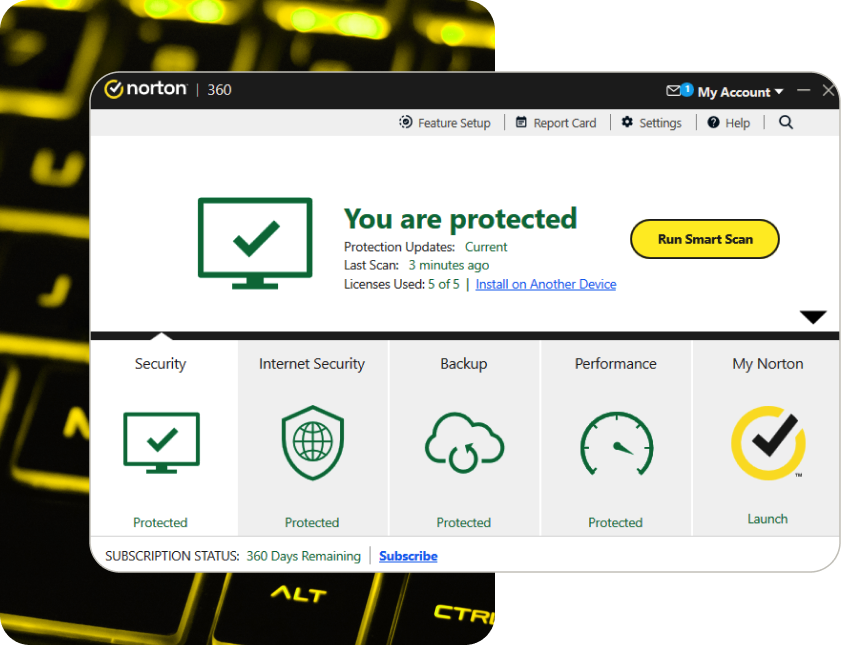
Yes, for the most part. Your standard Trojan, worm, adware, or spyware? Gone. Gone like your motivation on a Monday morning. Norton will squash them, delete their little files, and even scrub the registry to make sure they don’t come back like a bad sequel. It also actively blocks new downloads from infected sites, so you’re basically walking around with a digital forcefield.
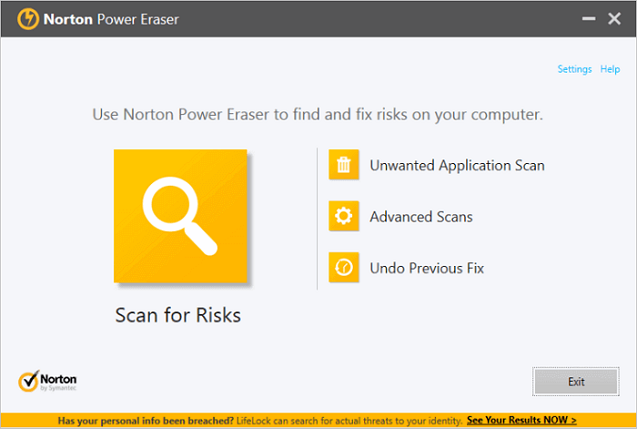
But—and this is a big “but”—if you’ve got a rootkit (a sneaky virus that hides deep in the system), Norton might need a special tool to dig it out. The good news? It’s got one. The bad news? It’s not always a one-click fix. It might require a bit of patience, a few reboots, and maybe a whispered apology to your computer for letting things get this bad.
The Final Verdict (With a Cherry on Top)
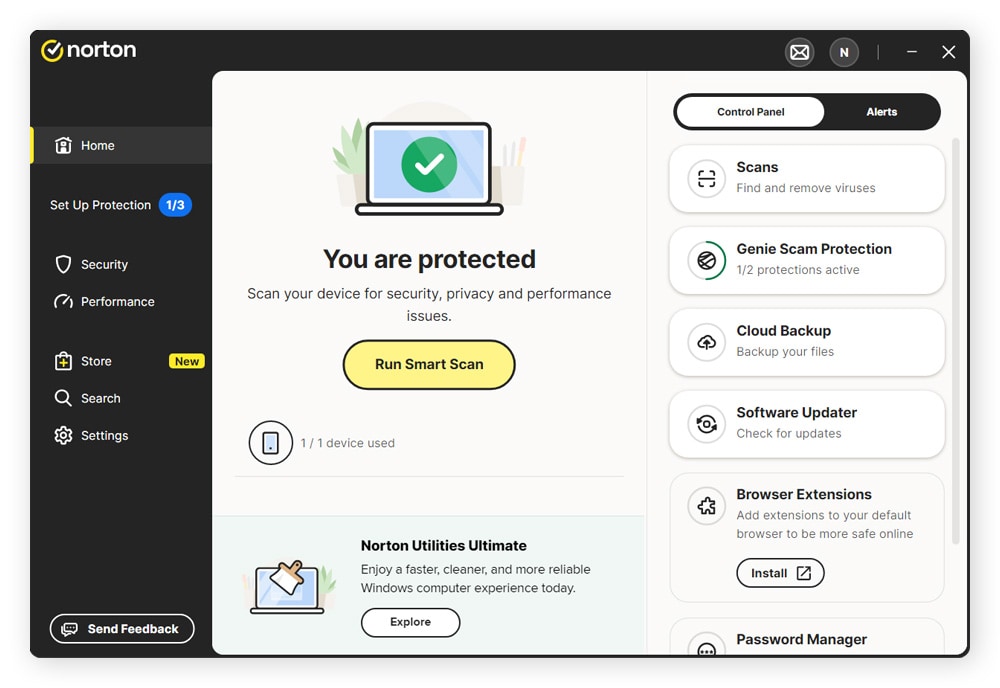
So, to answer the burning question: Yes, Norton Antivirus removes viruses. It’s not perfect, and it won’t fix a system that’s already been to hell and back with seven different ransomware attacks, but for 99% of the everyday junk, it’s a champ. It’s like having a very enthusiastic friend who insists on checking every nook and cranny for monsters—except the monsters are real, and they’re in your Downloads folder.
Here’s the uplifting part, my friend: you don’t need to be a tech wizard to be safe. You just need to run regular scans, keep your definitions updated (that’s Norton’s “flu shot” for new bugs), and maybe, just maybe, stop clicking on those “You’ve Won a Free iPad!” ads. Norton will have your back, and honestly, that’s a pretty comforting thought.
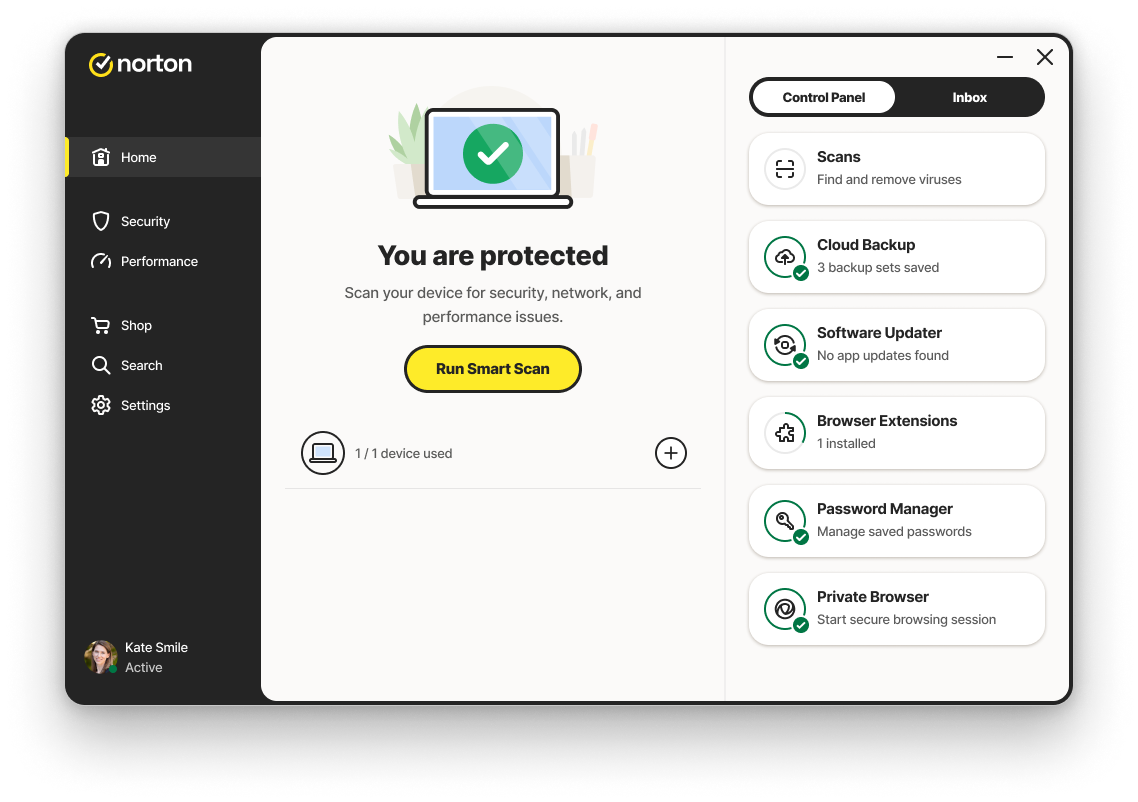
So go ahead, install it, run that scan, and watch it obliterate the digital gremlins. Then pour yourself a coffee, give your computer a gentle pat, and enjoy the beautiful, virus-free silence. You’ve got this. And Norton’s got you. Now, go do something fun online—you’ve earned it!