How To Make My Internet Go Faster

Imagine this: you’re one click away from winning a virtual race, but your screen freezes on a spinning wheel of doom. Or you’re mid-sentence in a video call, and your face just glitches into a terrifying Picasso painting. Slow internet is the ultimate buzzkill, a modern-day villain that steals our joy, our time, and our sanity.
The good news? You don’t need to be a tech wizard or spend a fortune to fight back. This guide is your treasure map to a snappier, smoother online life, with simple tricks you can use today. By the end, you’ll be zooming past buffering icons and into a world of instant loads and seamless streams.
Reboot Your Digital World
Yes, the oldest trick in the book still works wonders. Your router is basically a tiny computer, and like any computer, it gets tired and confused. Unplugging it for 30 seconds lets it clear its head and renegotiate a faster, cleaner connection with your internet provider.
Must Read
Think of it as giving your Wi-Fi a power nap. When you plug it back in, it often reconnects to less crowded channels, instantly boosting your speed. Make this your first move any time things feel sluggish.
Find Your Prime Location
Your router is not a decorative ornament; it’s a broadcasting tower. Stuffing it inside a cabinet or behind your TV is a surefire way to kill your signal. Instead, place it in a central, open location, high up on a shelf or desk, away from walls and metal objects.

Microwaves, cordless phones, and even baby monitors can interfere with your Wi-Fi’s radio waves. Give your router some breathing room, and you’ll be surprised at how far its signal can travel.
Slay the Wi-Fi Vampires
Every device in your home is a tiny vampire, sucking the life out of your speed—even when you’re not using them! Smart TVs, game consoles, and security cameras are notorious for eating bandwidth in the background. You don’t have to unplug them all, but you should know who the big eaters are.
Log into your router’s settings (usually via an app or a web address like 192.168.1.1) and see what’s connected. If you spot a device hogging all the data, pause its access or schedule a time for it to go to sleep.
The 5GHz Secret Weapon
Your Wi-Fi likely broadcasts on two frequencies: 2.4GHz and the newer, faster 5GHz band. The 2.4GHz band travels further, but it’s like a crowded highway at rush hour. The 5GHz band is an express lane, much faster but with a shorter range.
If you’re close to your router, switch your phone or laptop to the 5GHz network. You’ll often see it listed as “YourNetwork_5G” in your Wi-Fi settings. Just remember to stay within a few rooms of the router to get the best effect.

Update the Engine
Outdated router firmware is a silent speed-killer. Manufacturers constantly push updates to fix bugs and improve performance, but your router won’t install them on its own. Check your router’s app or admin page for a “Update Firmware” button and hit it.
Think of it as upgrading your car’s engine—you get better mileage and fewer breakdowns. This one step can often squeeze out a noticeable performance boost in under five minutes.
When All Else Fails, Go Wired
Wi-Fi is magical, but the mighty Ethernet cable is still the undisputed king of speed. If you’re doing serious gaming, streaming 4K movies, or uploading huge files, plugging your computer directly into the router is a game-changer.

It’s like trading in your bicycle for a Ferrari. You’ll enjoy lower latency, zero interference, and a rock-solid connection that no other device can steal. It’s the ultimate secret weapon for a speed enthusiast.
“A faster internet isn’t about magic; it’s about making smart choices with the gear you already own.”
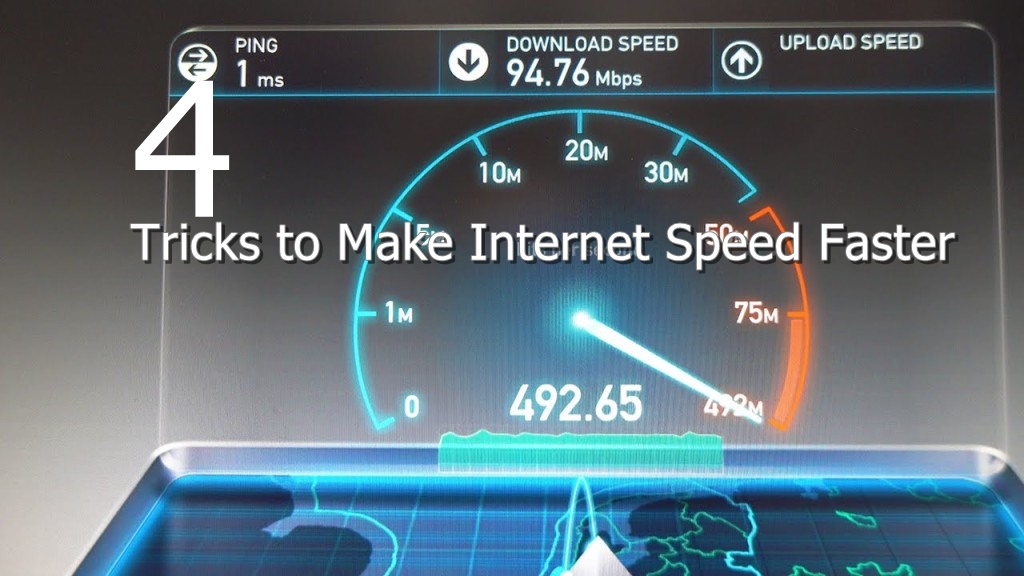
Remember that the internet speed you pay for is the maximum, not the guarantee. A quick speed test (just Google “speed test”) will reveal your true numbers. If you’ve tried everything here and you’re still stuck in slow motion, it might be time to call your provider and ask for an upgrade.
Good luck, and may your downloads be instant and your pings be low!