How To Connect To A Verizon Jetpack
Okay, let’s be real for a second. You’ve just unboxed your shiny new Verizon Jetpack, and you’re staring at it like it’s a tiny, mysterious spaceship. Don’t panic! This little gadget is actually your golden ticket to internet freedom—no hotel Wi-Fi drama, no coffee shop moochers, just pure, portable connection.
Think of your Jetpack as a personal Wi-Fi bubble that follows you around like an adorable, tech-savvy puppy. Your only job is to pop that bubble open, and I’m here to walk you through it. Let’s turn this confusing little brick into your favorite travel buddy.
Step One: Charge It Like It’s Hot
First things first—plug that bad boy into a wall outlet using the included cable. Seriously, give it a solid hour to juice up, because a dead Jetpack is about as useful as a screen door on a submarine.
Must Read
While it’s charging, peel off the plastic stickers on the screen (yes, that’s the best part) and admire your new gadget. Trust me, this is the easiest step, so enjoy it.
Step Two: The Power-Up Dance
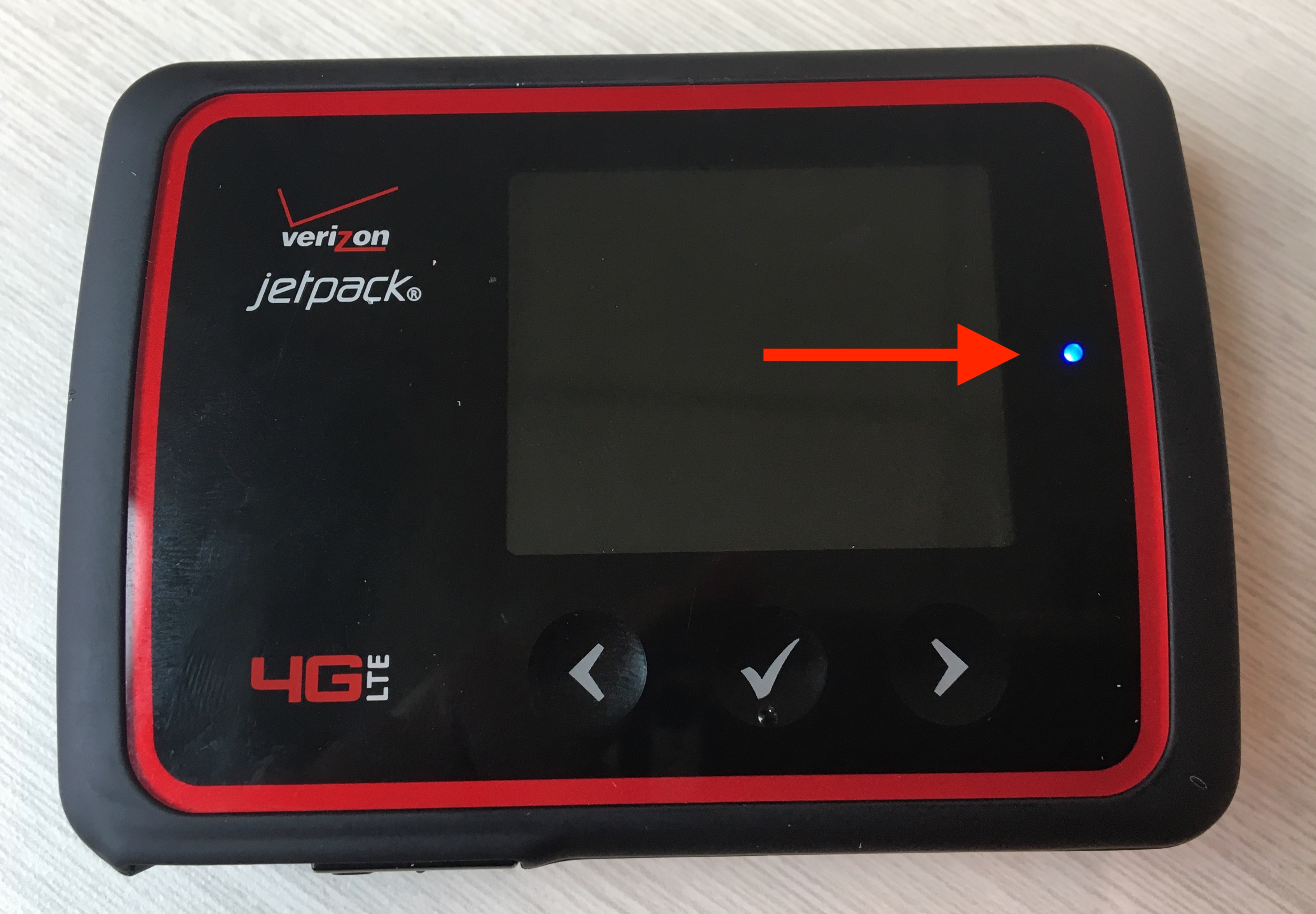
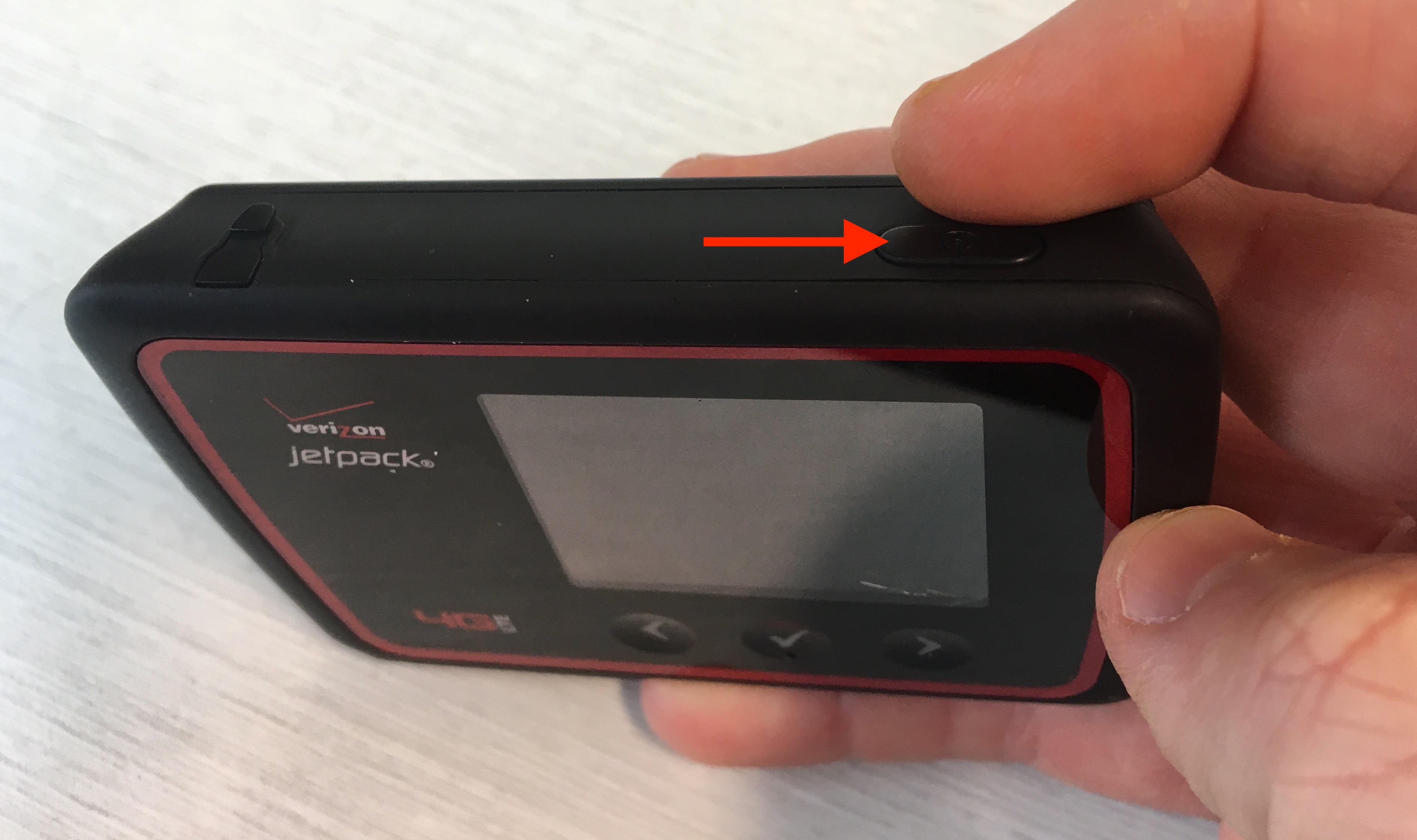
Press and hold the power button for a few seconds until the little screen lights up. You’ll see the Verizon logo flash, and then—voilà—you’re in business.
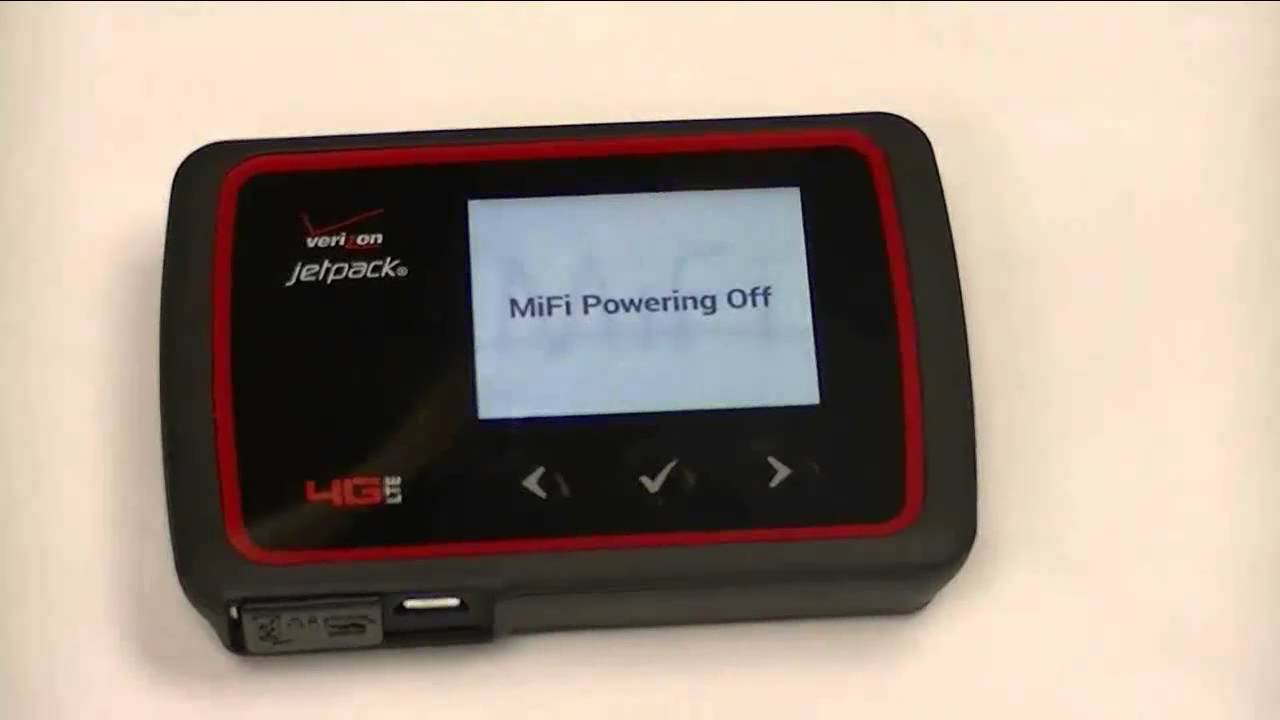
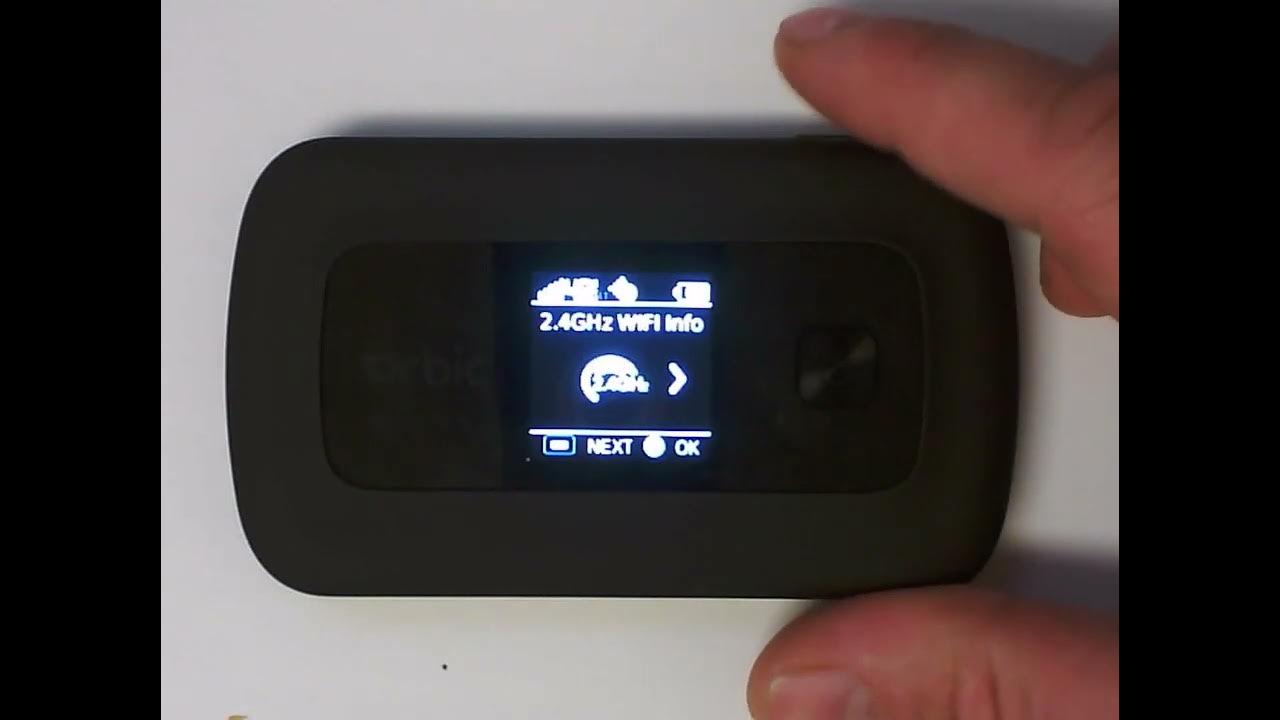
This is the moment of truth, folks. If your screen shows a signal bar and a Wi-Fi name (called an SSID), you’ve officially passed the “tech noob” test. Give yourself a high-five.
Step Three: Find Your Secret Code
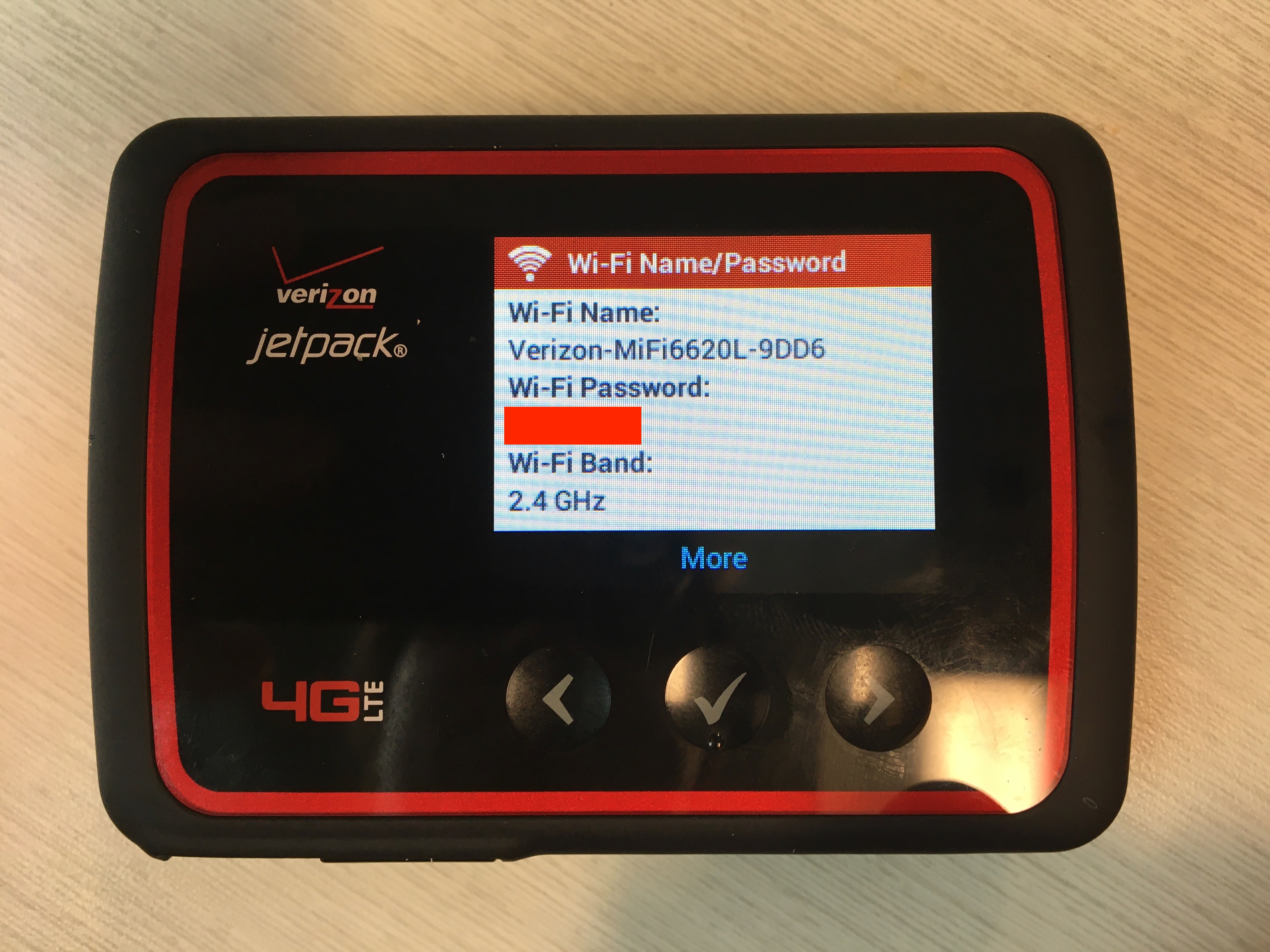
Flip the device over or check the little pull-out tab underneath—you’ll find the default network name and password. This is like the key to your new digital kingdom, so don’t lose it.
Here’s a pro tip: write that password down on your phone’s notes app right now. Future you, staring at the screen with blurry eyes, will be eternally grateful.
Step Four: Connect Everything (And We Mean Everything)
Grab your laptop, phone, or tablet and open your Wi-Fi settings. Look for the Jetpack’s name, click it, and type in that password. Boom—you’re online.

The best part? Your Jetpack can handle up to 15 devices at once. That means your laptop, your friend’s phone, and even that smart TV in your camper can all stream and scroll at the same time. It’s a tiny miracle worker.
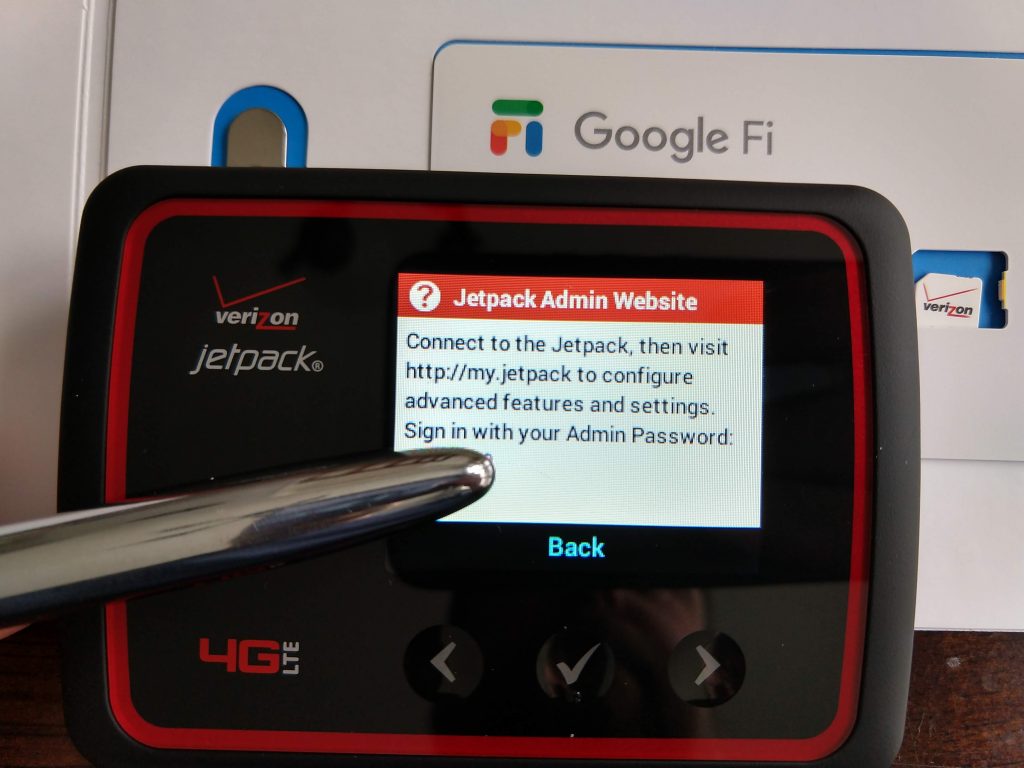
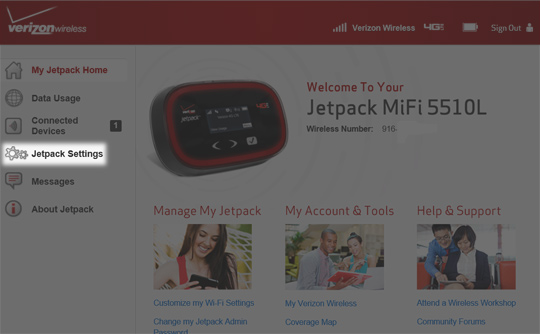
And hey, if you’re really feeling fancy, you can download the Verizon app to change your password and manage data from your phone. But for now, just enjoy the win.
Why This Changes Everything
Now that you’re connected, you’re not just tethered to a wall—you’re free. Picture this: a park bench, the sun setting, and you streaming a movie while your buddy plays online games. No cord, no limit, no stress.
This little box is perfect for road trips, emergency work-from-home days, or that rainy vacation where the lodge’s Wi-Fi is a sad joke. You’ve just unlocked a world of “anytime, anywhere” internet, and honestly, that’s a superpower.
So go ahead, unplug, wander, and see where your new connection takes you. You’ve got the tools, the know-how, and a shiny Jetpack ready to roll. The internet is your oyster—now, go shuck it like a legend.