How To Make A Bubble Map On Google Docs
Have you ever wanted to create a visual representation of your ideas, but didn't know where to start? Look no further than Google Docs, where you can make a bubble map to organize your thoughts and bring your ideas to life! With just a few clicks, you can create a colorful and interactive diagram that's perfect for brainstorming, note-taking, or even presentations.
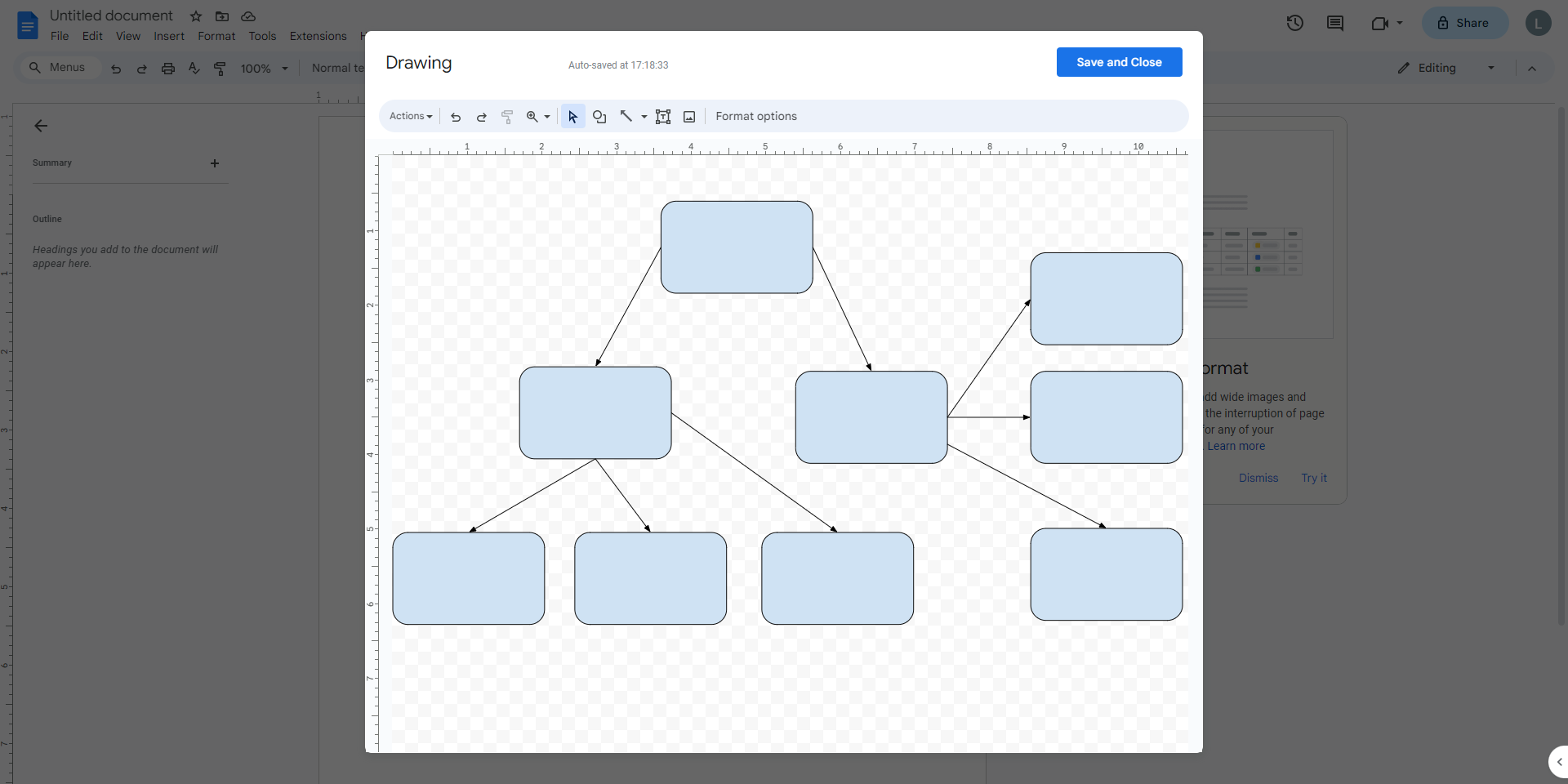
To get started, simply open a new document in Google Docs and click on the Insert menu, then select Drawing. This will open a new window where you can create your bubble map using a variety of shapes, colors, and fonts. You can also add images and icons to make your diagram more engaging and fun.
Adding Bubbles and Connections
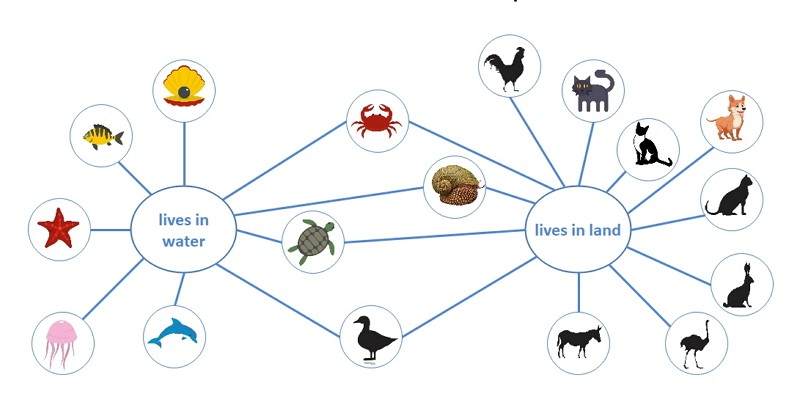
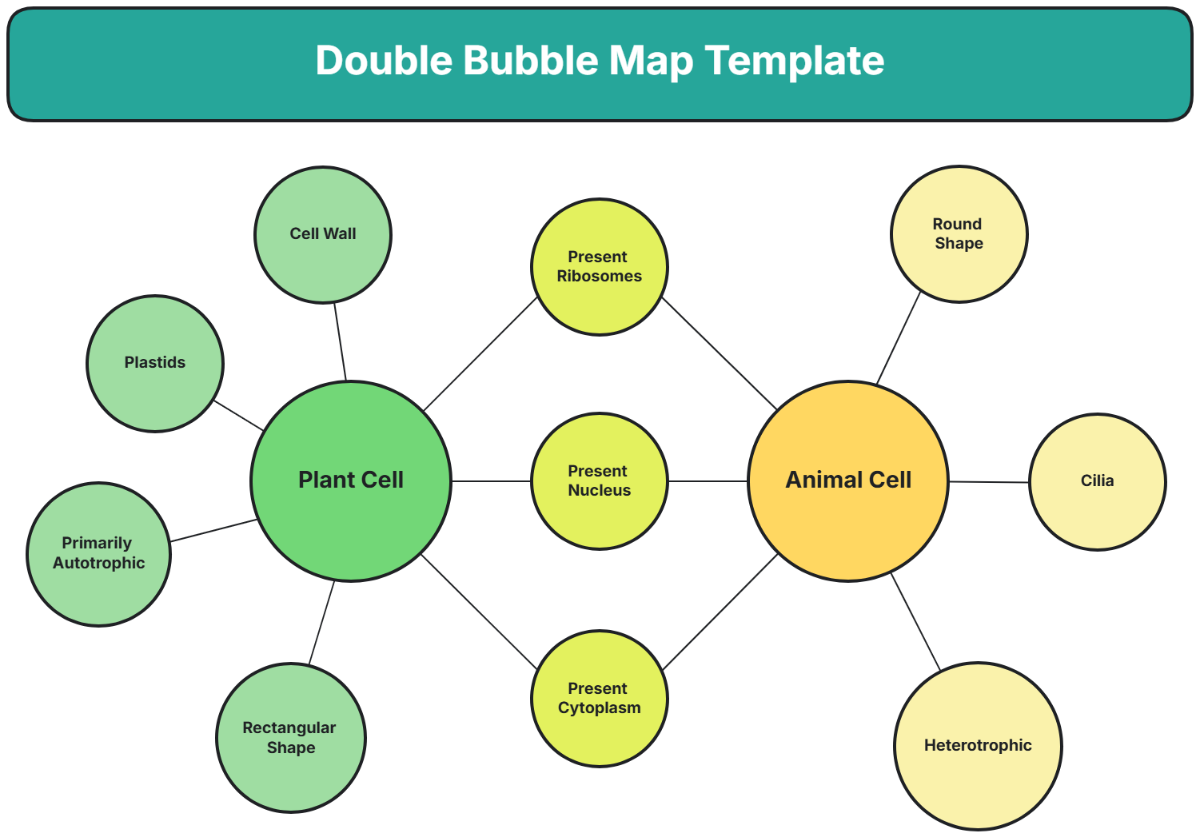
Once you have your drawing window open, you can start adding bubbles to represent different ideas or concepts. You can use the oval or circle shape to create your bubbles, and then add text to describe each one. To connect your bubbles, you can use the line or arrow tool, which allows you to create a visual flow between each idea.
Must Read
As you add more bubbles and connections, your bubble map will start to take shape. You can use different colors to categorize your ideas or to highlight important connections. You can also use images and icons to add a touch of personality to your diagram, making it more engaging and fun to look at.
Creating a bubble map is a great way to visualize your ideas and make them more tangible. By using a combination of shapes, colors, and images, you can create a unique and interactive diagram that reflects your personality and style. Whether you're a student, teacher, or professional, a bubble map can be a powerful tool for brainstorming, note-taking, and presentations.

Customizing Your Bubble Map
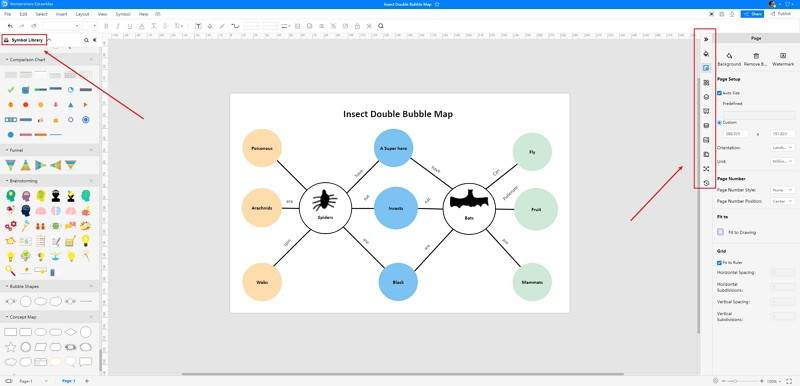
One of the best things about creating a bubble map in Google Docs is that you can customize it to fit your needs. You can use the formatting options to change the font, size, and color of your text, as well as the background color and borders of your bubbles. You can also use the arrange and align tools to adjust the layout of your diagram.
To make your bubble map even more interactive, you can add links to other Google Docs or websites. You can also use the comment feature to collaborate with others in real-time, making it easy to share and edit your diagram. With these features, you can create a bubble map that's not only visually appealing but also highly functional.
Bubble maps are a great way to think outside the box and approach problems from a new angle. By using Google Docs to create your bubble map, you can tap into your creativity and make your ideas more engaging and interactive. So why not give it a try and see what kind of amazing things you can create?
As you experiment with different shapes, colors, and layouts, you'll find that creating a bubble map is not only fun but also rewarding. You'll be able to see your ideas come to life in a way that's both visually appealing and easy to understand. And with the ability to share and collaborate with others, you can make your bubble map a powerful tool for teamwork and communication.
Getting Creative with Bubble Maps
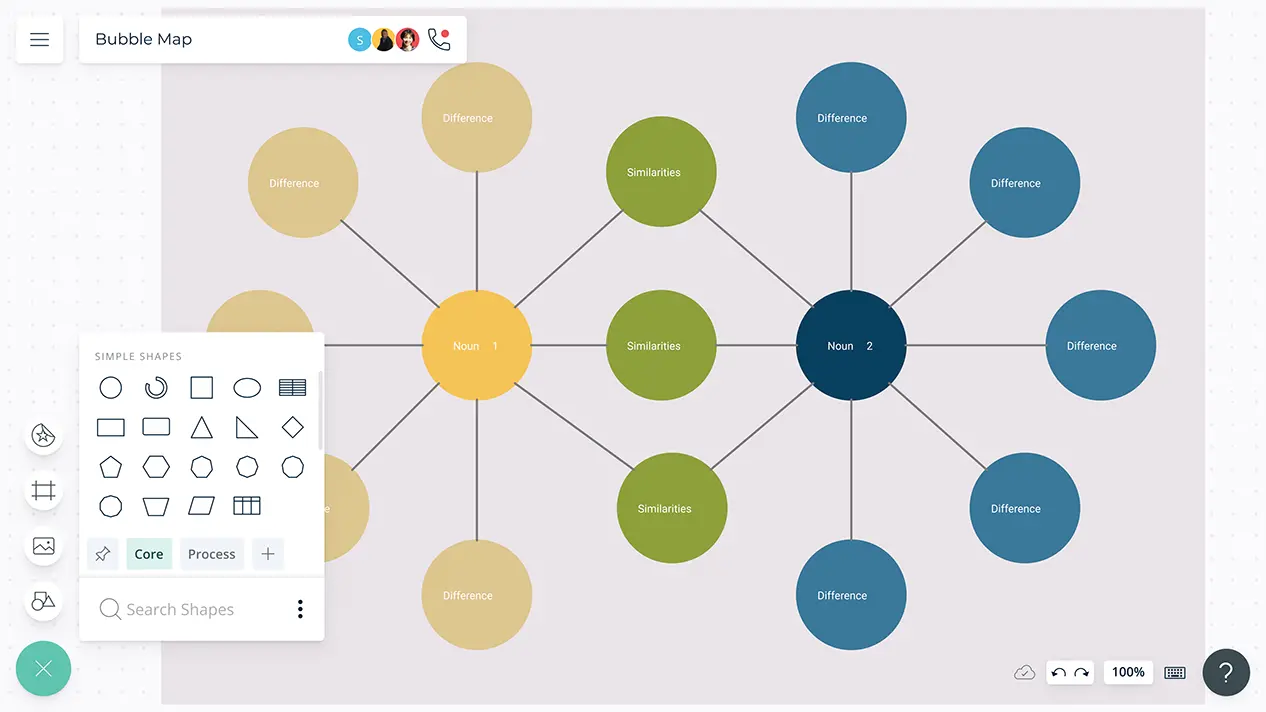
The possibilities for creating bubble maps are endless, and the more you experiment, the more you'll discover. You can use images and icons to add a touch of whimsy to your diagram, or use different fonts and colors to create a unique and personalized look. You can also use the drawing tools to create custom shapes and designs, making your bubble map truly one-of-a-kind.
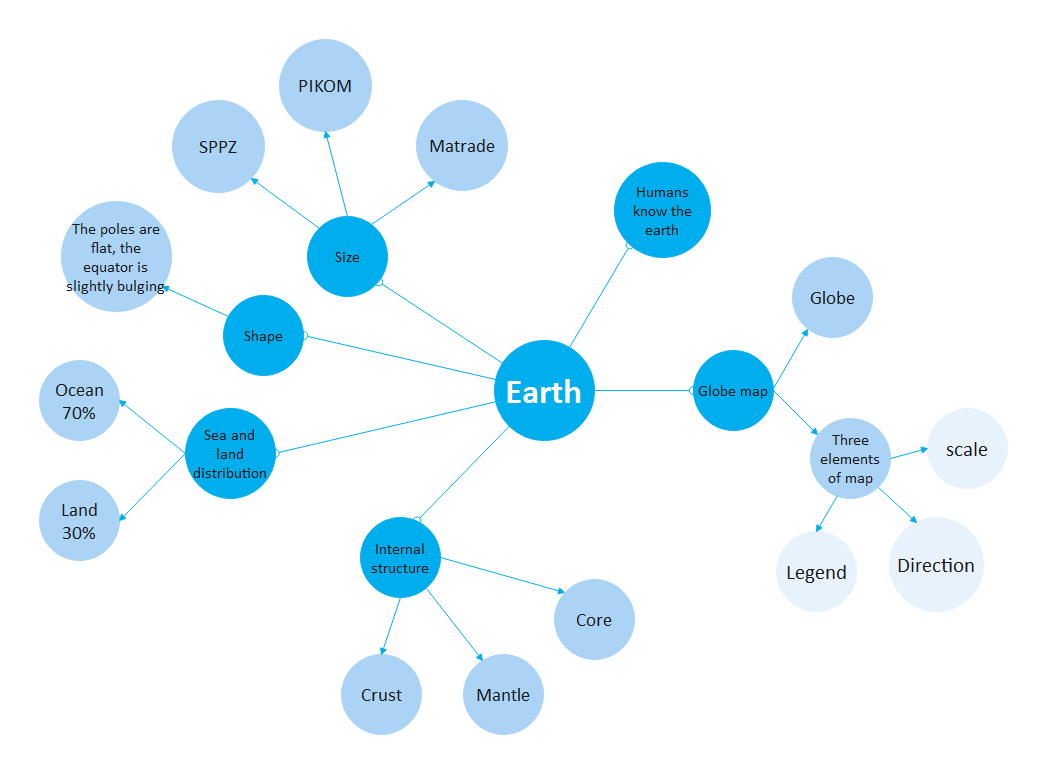
As you get more comfortable with creating bubble maps, you'll start to see the world in a new light. You'll begin to notice the connections between different ideas and concepts, and you'll be able to visualize your thoughts and ideas in a way that's both clear and concise. And with the ability to share and collaborate with others, you can use your bubble map to communicate your ideas and inspire others.
So don't be afraid to get creative and have fun with your bubble map! With Google Docs, you have the power to create a unique and interactive diagram that reflects your personality and style. Whether you're a student, teacher, or professional, a bubble map can be a powerful tool for brainstorming, note-taking, and presentations.
In conclusion, creating a bubble map in Google Docs is a fun and easy way to visualize your ideas and make them more tangible. With its user-friendly interface and customization options, you can create a unique and interactive diagram that reflects your personality and style. So why not give it a try and see what kind of amazing things you can create?
With a bubble map, you can organize your thoughts, identify patterns, and make connections between different ideas and concepts. You can also use it to brainstorm new ideas, plan projects, and present information in a clear and concise way. And with the ability to share and collaborate with others, you can use your bubble map to communicate your ideas and inspire others.
So don't wait any longer to start creating your own bubble map! With Google Docs, you have the power to create a unique and interactive diagram that reflects your personality and style. Whether you're a student, teacher, or professional, a bubble map can be a powerful tool for brainstorming, note-taking, and presentations. So why not give it a try and see what kind of amazing things you can create?