How To Change The Pixels Of An Image

So, you’ve got a photo of your cat looking majestic, but there’s a rogue dust bunny photobombing in the corner. Or maybe your ex is in a group shot, and you’d rather they become a blurry abstract smudge. You, my friend, need to change some pixels.
First, let’s get one thing straight: a pixel is not a tiny, rectangular gnome that paints your screen. It’s the single smallest unit of your digital image—a minuscule square of solid color. A typical photo has millions of these little guys, and changing them is basically playing God with a microscopic mosaic.
The Big Three: Paint, Filter, and Clone
Your mission, should you choose to accept it, starts with software. You can use a behemoth like Photoshop, a free savage like GIMP, or even the glorified crayon app on your phone. The principle is the same: you’re going to lie to the pixels about what they should look like.
Must Read
The most direct method is the Brush Tool. Think of it as a digital spray paint can, but instead of fumes, it emits pure color. Select a color, pick a brush size, and start scribbling over the pixels you hate. It’s mindless, cathartic, and the digital equivalent of putting a sticker over a scratch on your car.
But wait—do it wrong and you’ll look like you painted a mustache on the Mona Lisa. The trick is to sample the surrounding colors first. Use the Eyedropper Tool to pick a pixel from the “good” area, then paint over the “bad” area. It’s like a skin graft, but for your photo.
Clone Stamps and the Art of Lying
Now, let’s get fancy. The Clone Stamp Tool is the Photoshop equivalent of a time-traveling copy machine. You hold down a key to “copy” a patch of pixels from one area, then paint over another area with those exact pixels. It’s brilliant, but also dangerous—it’s how you accidentally give your dog six legs if you’re not careful.
For the truly lazy (and I mean that as a compliment), there’s Content-Aware Fill. This is sorcery. You select the offending pixels, press a button, and the software invents new pixels to fill the hole. It’s like asking a psychic to finish your sentences, except this psychic has seen a million sunsets and knows exactly what grass should look like.

The Philosophy of the Pixel
Here’s a mind-bending fact: your screen displays only three colors—red, green, and blue—in varying intensities. Every single pixel is just a tiny mix of those three. That stunning sunset photo? Just a bunch of orange-ish lies your brain is too busy to question.
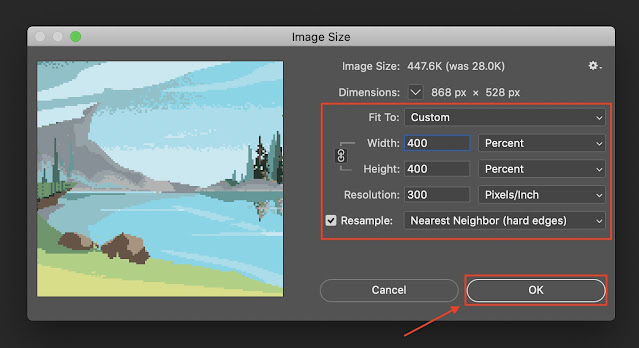
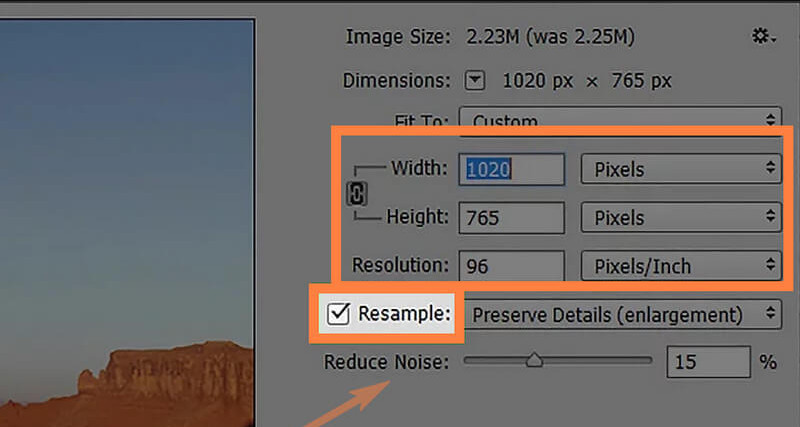
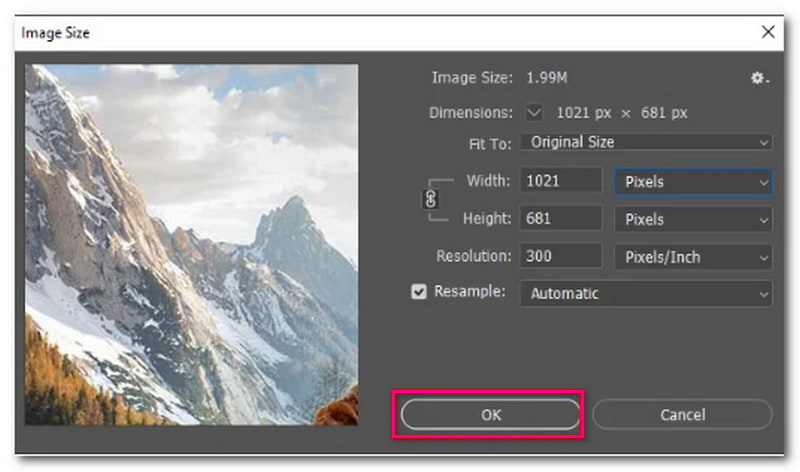
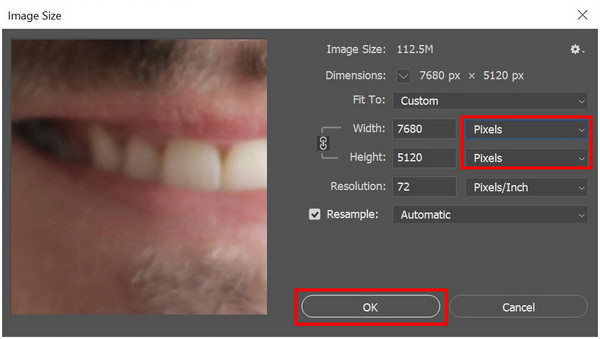
Changing pixels is, therefore, an act of coordinated deception. When you adjust brightness, you’re not “fixing” the photo; you’re torturing each pixel’s RGB value until it confesses to looking better. And when you resize an image, you’re either inventing new pixels (upscaling) or murdering them (downscaling). I prefer to call it “curation.”
Finally, a word of caution: pixel editing is a slippery slope. You start by removing a zit from your selfie. Next thing you know, you’ve given yourself cheekbones that could cut glass and removed your entire nose because it “didn’t fit the vibe.” Before you know it, you’re not in the photo at all—just a floating wig and a smile.
So go forth and edit. Remember: every pixel you change is a tiny, silent soldier in your crusade for visual perfection. Just don’t blame me when your cat starts looking suspiciously like a loaf of sourdough bread.