How To Get Unlimited Hotspot Data
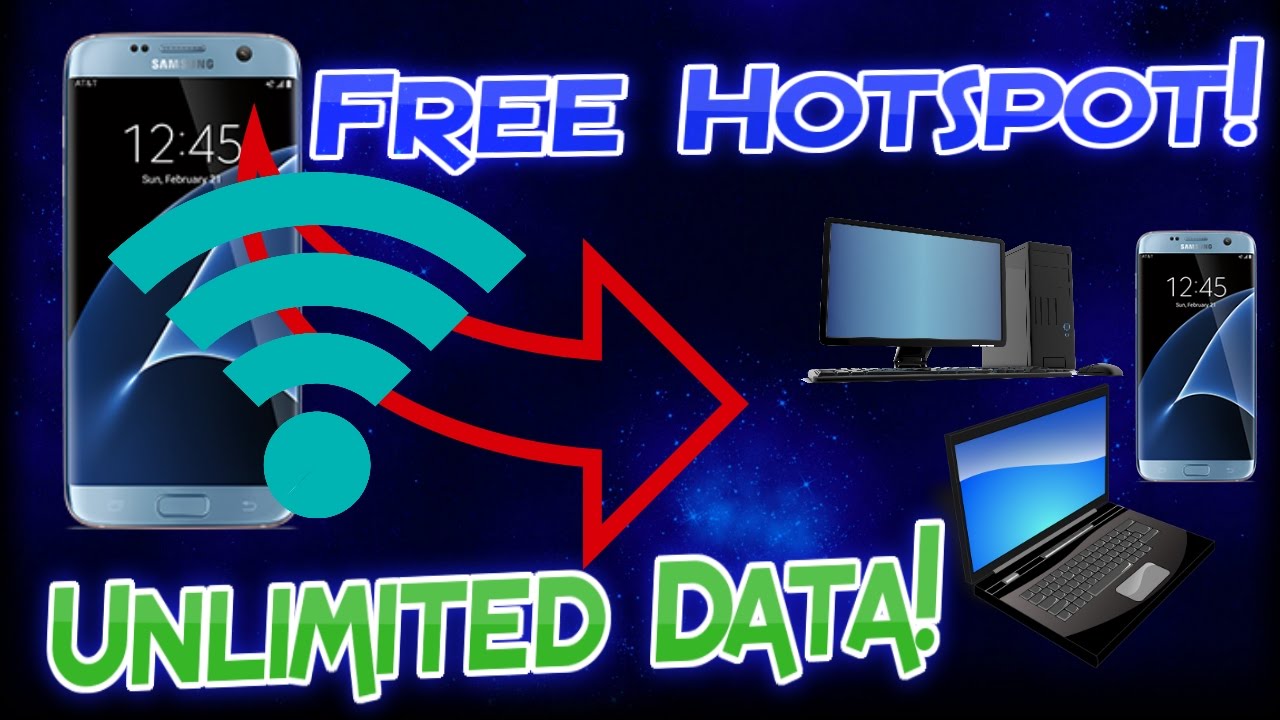
Let’s be honest—running out of hotspot data is like realizing you forgot your coffee at home on a Monday morning. It’s a small tragedy that can throw your entire day into chaos. You’re stuck staring at a spinning wheel, your Netflix buffers, and suddenly your boss’s “quick call” becomes a static-filled nightmare from 2010.
But here’s the secret that your phone carrier really, really hopes you don’t know: you don’t have to live like that. Getting unlimited hotspot data isn't about hacking the matrix or borrowing your neighbor's Wi-Fi. It’s about being clever with the tools you already own, and I’m here to show you the friendly way out.
First, Check Your Plan For Hidden Gems
Most people never look past the “50GB” label on their bill. But dig into your carrier’s app or website—it’s like cleaning out your junk drawer and finding a $20 bill. Many plans include bonus hotspot data just for being a loyal customer, or during “off-peak” hours when traffic is low.
Must Read
Call your provider and say, “Hey, I’m thinking of leaving.” Just kidding—don’t bluff unless you mean it. But do ask if there’s a trial for premium features or a family bundle you can join. A five-minute chat can unlock a few extra gigabytes that feel like pure gold on a road trip.
The DIY “Unlimited” Trick We All Love
Here’s where the magic happens: use your phone’s USB tethering instead of the Wi-Fi hotspot. Yes, the cable looks boring, but it changes the rules. Carriers often treat USB tethering like regular phone data, which means your hotspot cap might not even apply.

So, plug your phone into your laptop, enable tethering, and watch that download speed stay steady. It’s like using a back road to avoid the highway toll—same destination, but nobody’s charging you for the view. Try it next time you’re at a coffee shop and the barista’s Wi-Fi is slower than a snail on a treadmill.
Your Old Phone Is A Secret Weapon
Do you have an old smartphone sitting in a drawer? Wake it up! You can put your SIM card into that old phone and use it only as a hotspot. Then, keep your main phone for calls and texts. Carriers rarely cap a device they think is “just a backup.”

Plus, your old phone’s battery will die fast—so keep it plugged in. But hey, feeling like a two-phone tech wizard is way cooler than paying for another 20GB. And if you’re really bold, use that old phone with a cheap prepaid data-only SIM. Many prepaid carriers offer truly unlimited for a flat monthly rate, no fine print about hotspot throttling.
Change One Setting, Save Your Sanity
Set your phone to “Mobile data always active” in developer options. This stops the hotspot from dropping every time you lock your screen. It’s a tiny toggle, but it feels like installing training wheels on a bike—suddenly everything is smoother.

Also, lower the video quality in your streaming apps. Nobody needs 4K on a 5-inch screen. Pick “standard” or “data saver” mode, and you’ll stretch that data like a piece of gum at a carnival. You’ll watch your shows, your battery lasts longer, and your hotspot keeps chugging along.
At the end of the day, unlimited hotspot data is less about magic and more about working smarter, not harder. You’re already paying for the internet—why let a silly cap ruin your picnic? Next time you’re on a trip, or stuck in a meeting, take a deep breath and try one of these tricks. Your future, buffer-free self will thank you with a smile.